 capture0x/xctr-hacking-tools
XCTR Hacking Tools

All in one tools for Information Gathering.
Instagram: Capture the Root

Click on the image...
Thank you Jolanda de Koff.
You can visit https://hackingpassion.com for a lot of amazing articles.
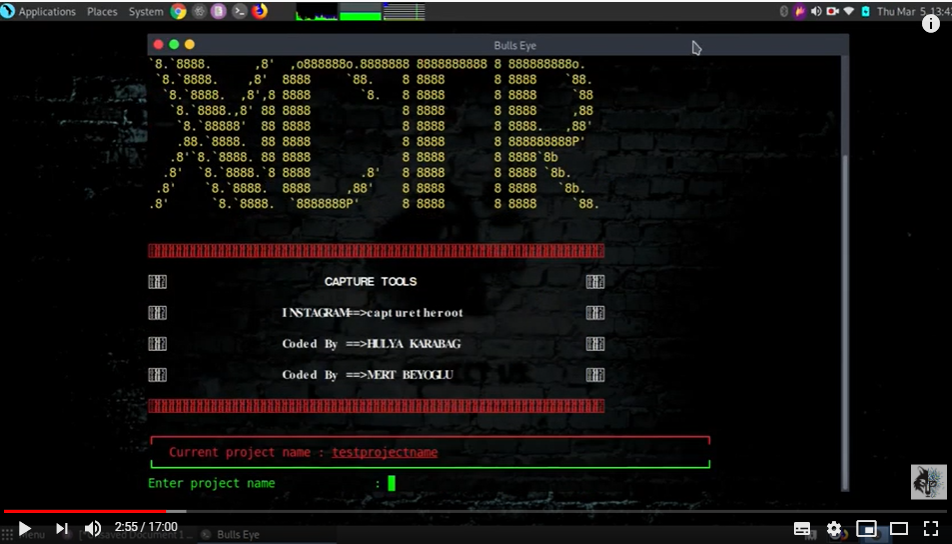
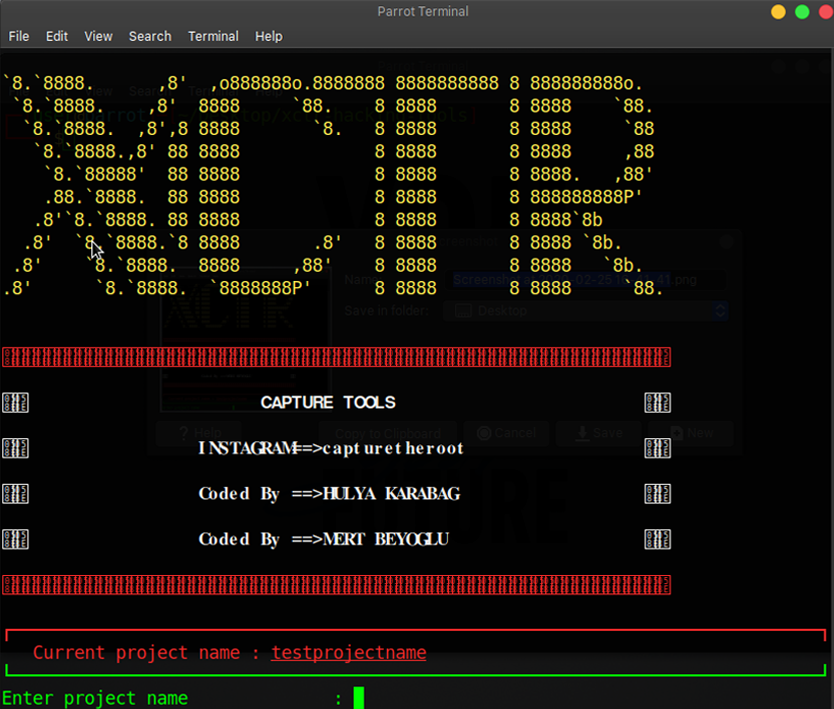
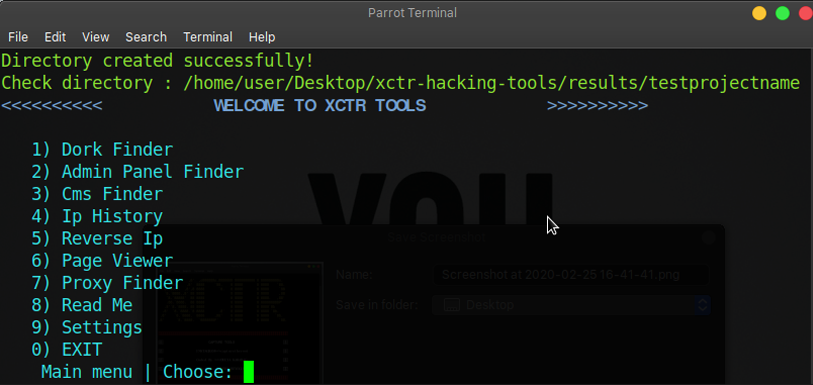
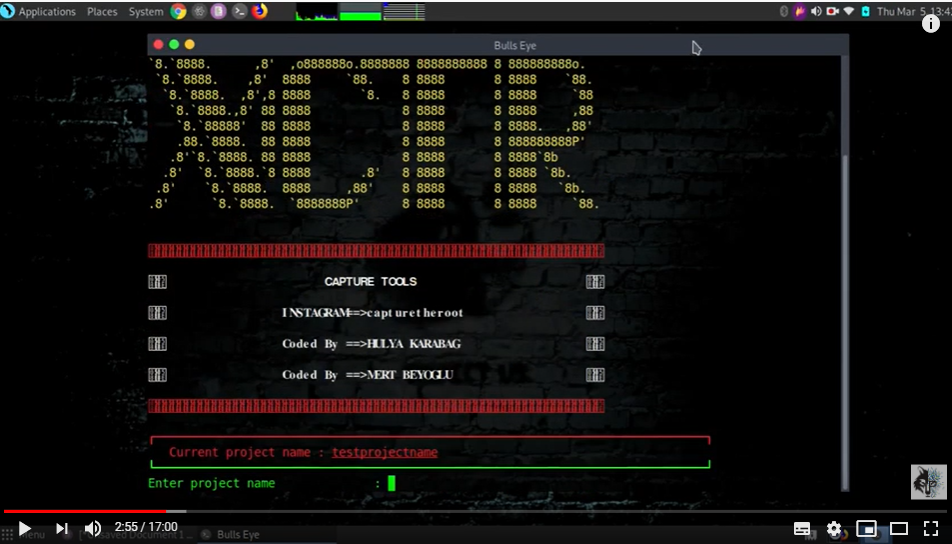
Initially, you need to create a project where you will save everything.
All of the collected information is saved as "project-name" in results directory.
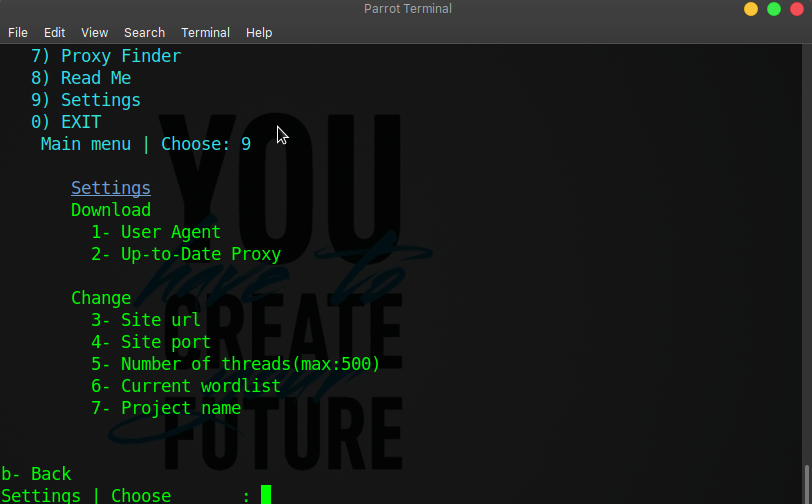
⚙️ You can update user agent and proxy information in the settings section and also update url, proxy, project name, wordlist, thread numbers.
This tool include:
git clone https://github.com/capture0x/XCTR-Hacking-Tools/
cd xctr-hacking-tools
pip3 install -r requirements.txt
python3 xctr.py
Update proxies from settings menu (9 than 3)
All results save in results/project-name.
The dork finder have 2 section. Bing and yandex.
e.g:
*.php?id=
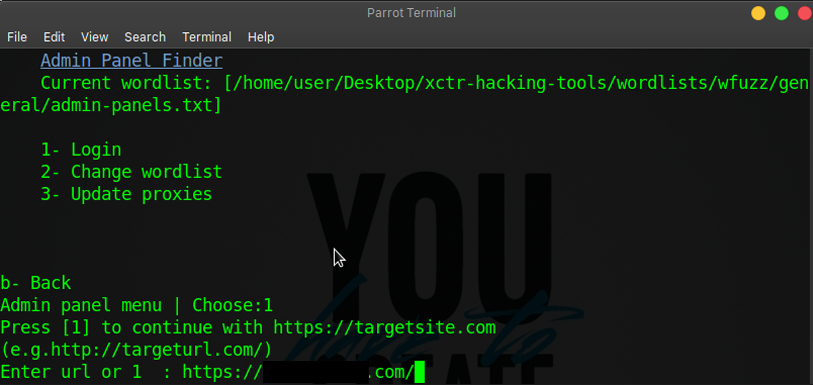
In this section, firstly need choose a wordlist for scanning.
Press 2 to change wordlist and login.
Url should be https://targetsite.com/ (http or s and / symbol at the end of the url.)
If scanning is slow you will update the proxies.(Press 3 to update)
You'll find cms version from meta name.
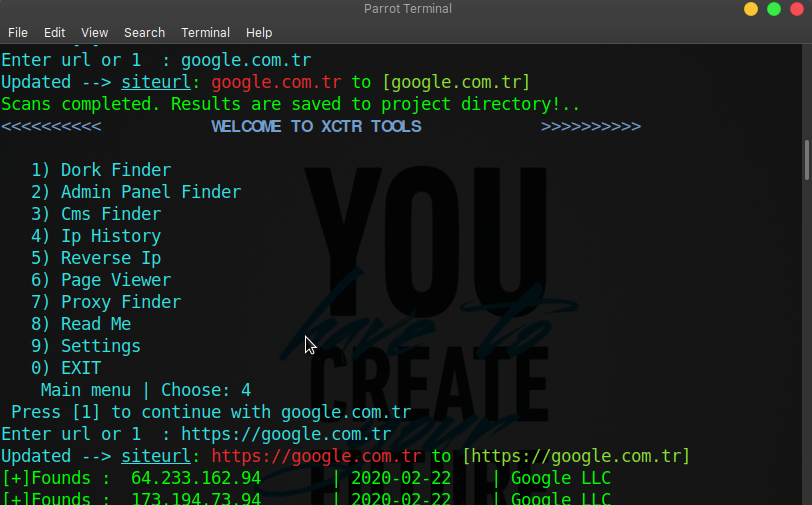
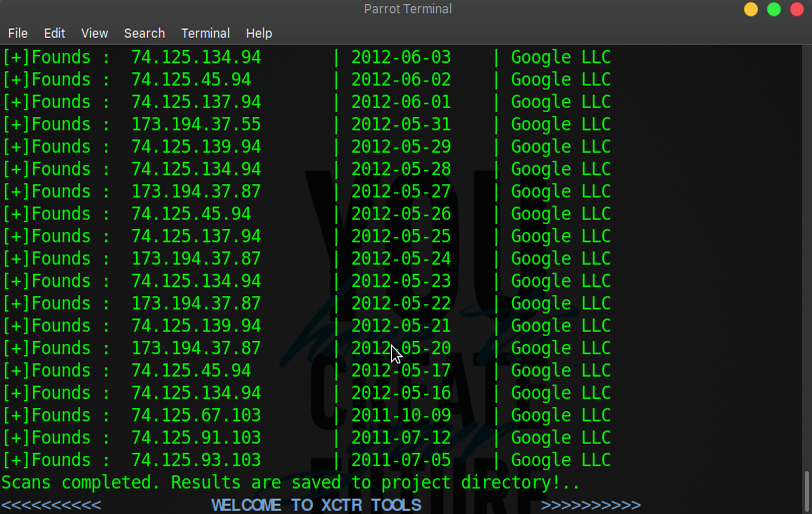
This tool displays and save the ip history of the domain.
e.g usage:
targetsite.com
With this tool, you can find domains on server.
e.g usage:
212.57.147.54
You can increase the number of page views of the target site.
e.g usage:
https://targetsite.com
This tool, find proxies on free-proxy-list.net and updates proxy.txt on main directory.
--
For bug reports or enhancements, please open an issue here.
Copyright 2020
