
screenpipe app-v2.5.150
YC (S26) | Record your screen 24/7 and plug into your agents. Local, private, secure. Connect to OpenClaw, Hermes agent and 100+ apps
DOWNLOAD SCREENPIPE


[ screenpipe | YC S26 ]
Screenpipe finds the work worth automating
Continuously record computer work locally, discover recurring workflows, and hand the result to any agent you already use.


https://github.com/user-attachments/assets/70fe94eb-6d2a-47ca-b7c3-c8ead13a5b7f
what is this?
screenpipe records computer work locally and turns it into workflows you can review and hand off.
┌──────────────────────────────────────────────┐
│  capture → discover → review → run anywhere  │
└──────────────────────────────────────────────┘
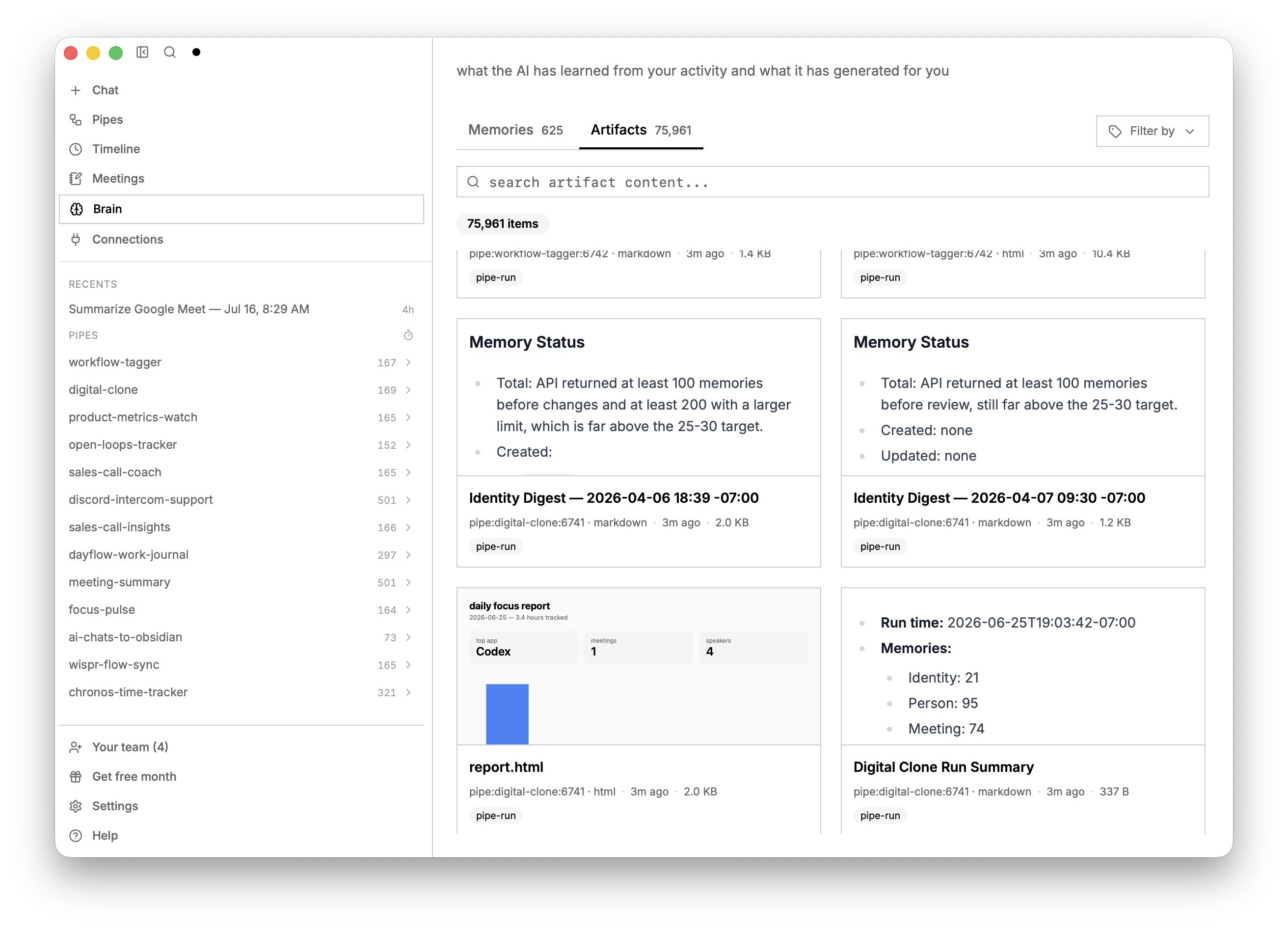
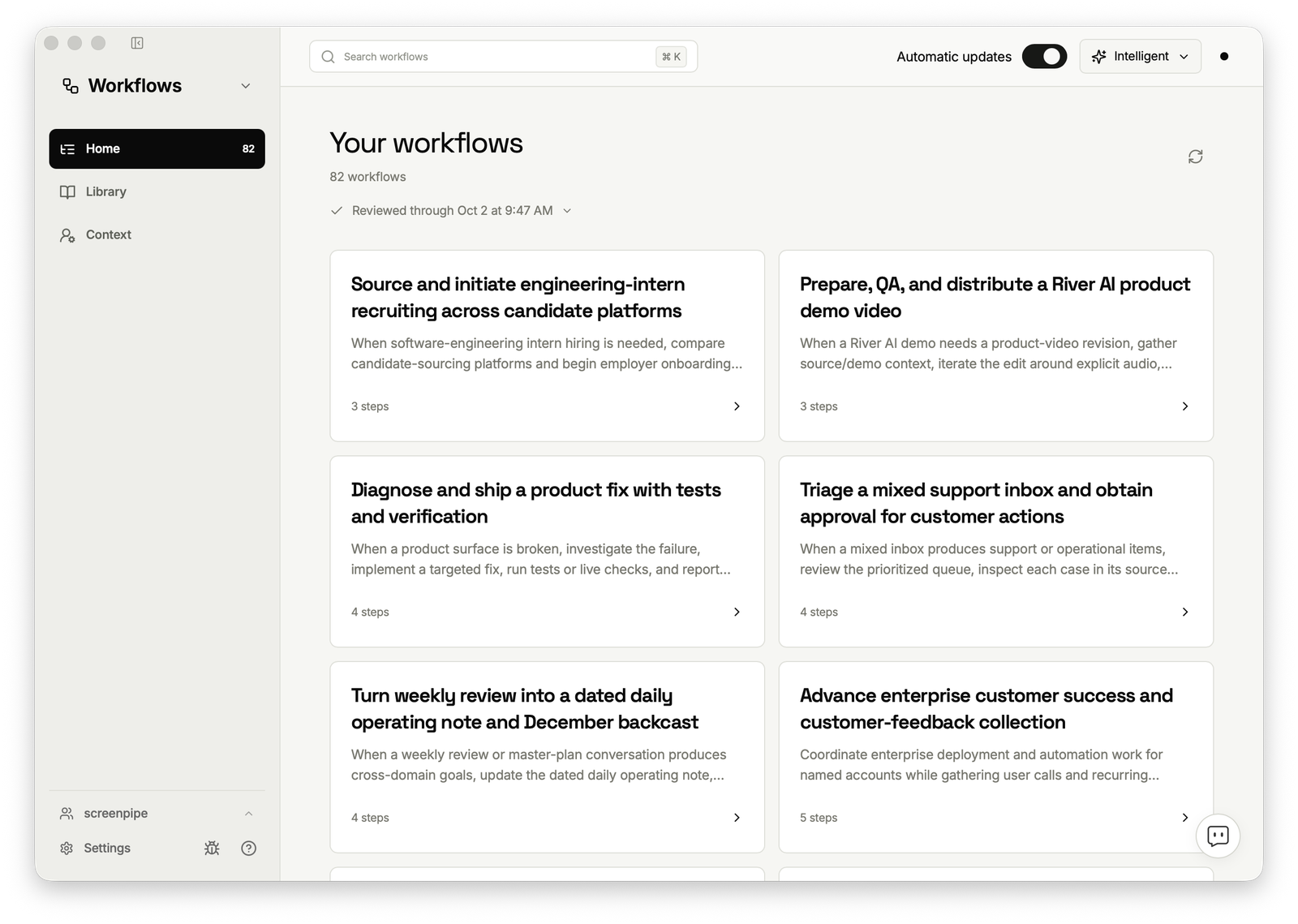
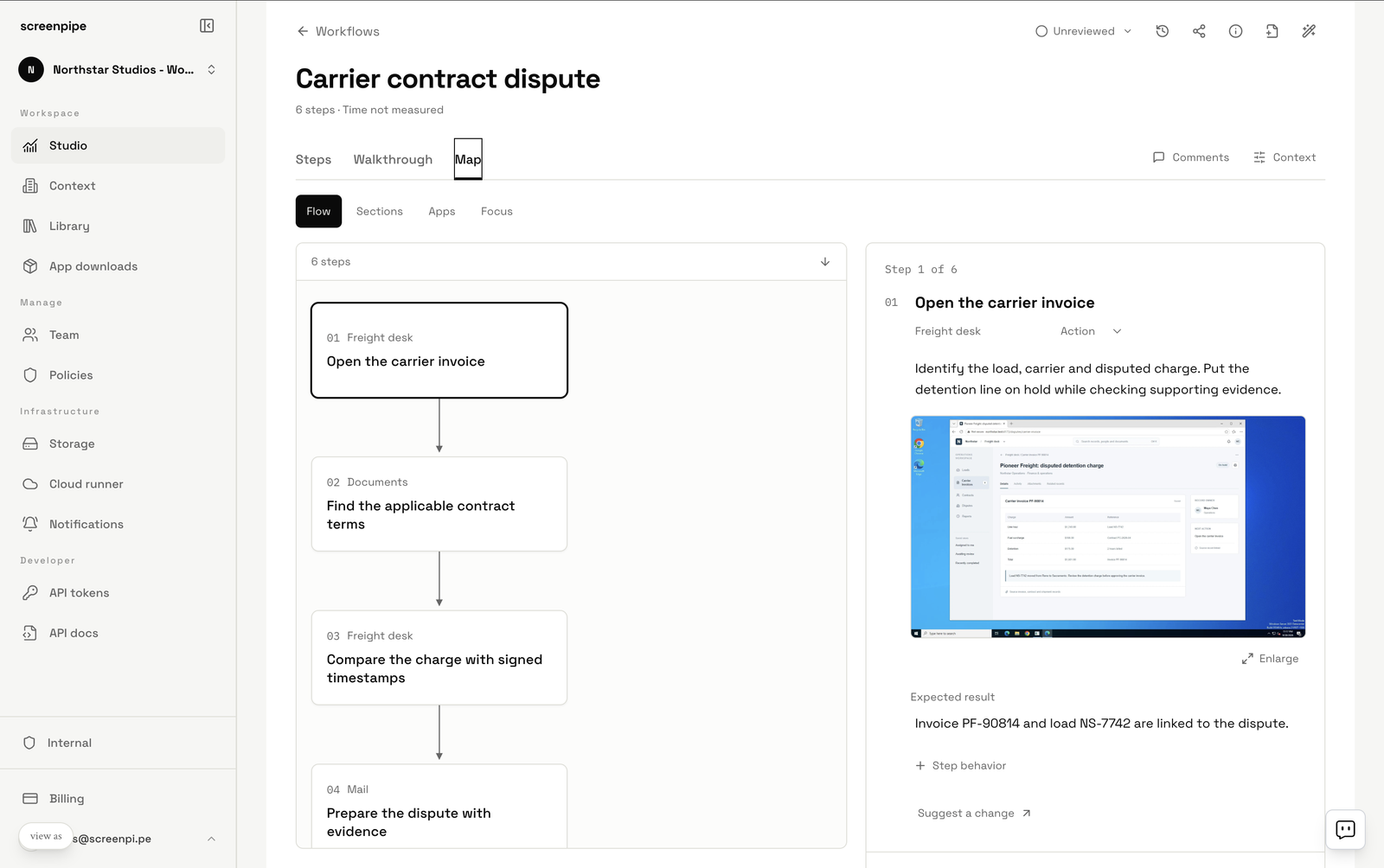
- discover workflows - find repeated work, its steps, decisions and exceptions, with links back to the source captures (instead of interviewing people or hiring consultants)
- validate - correct the workflow, agree the exceptions and acceptance checks, then decide what runs
- run it anywhere - hand a reviewed workflow to your existing agents and automation tools through MCP, the REST API, the SDK or a pipe
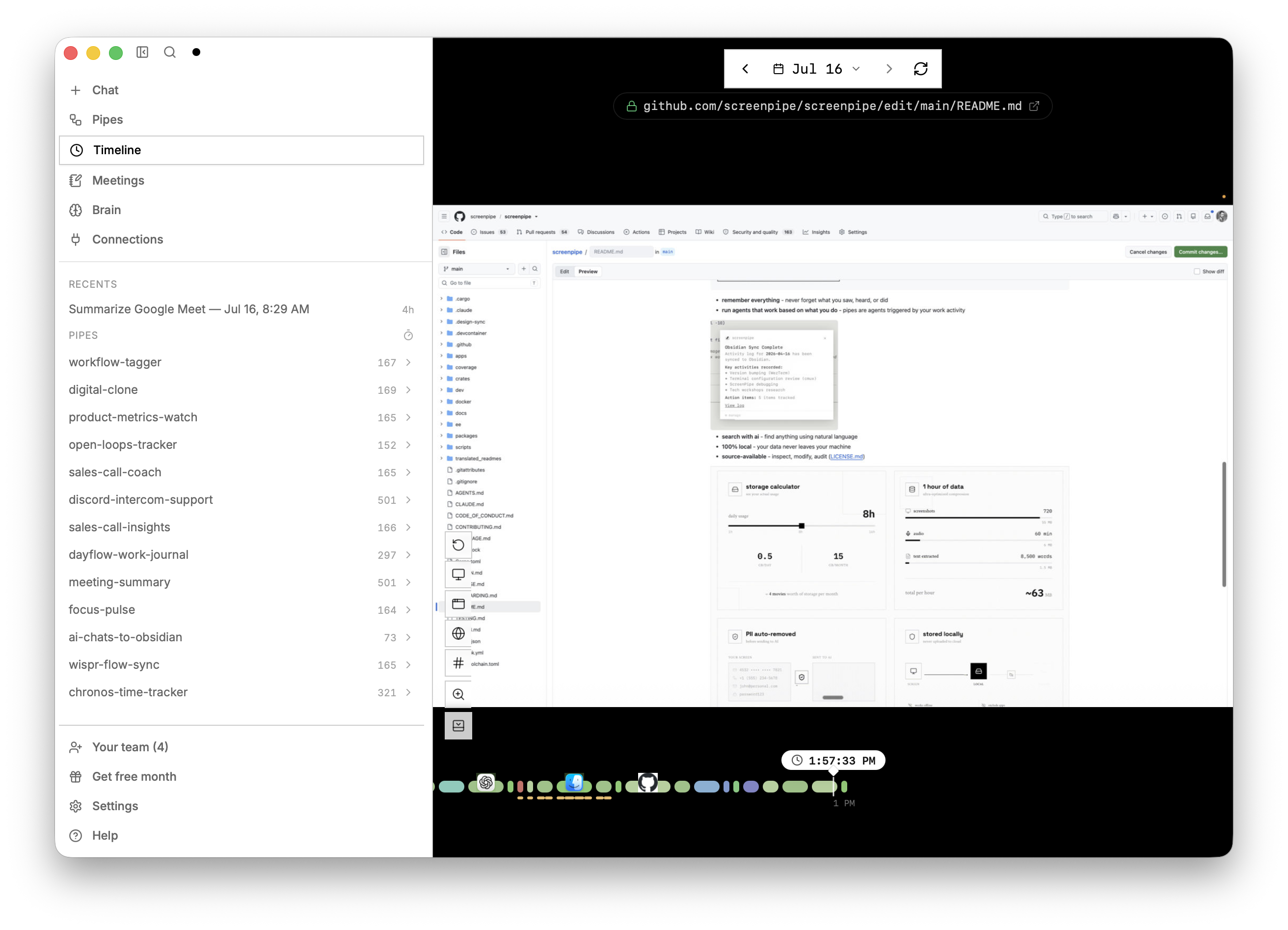
- remember everything - never forget what you did, saw, heard
- search with ai - find anything using natural language
- local-first - capture history stays on your device by default. Cloud AI, sync, integrations, and managed team storage have separate data paths; see Privacy and security.
- source-available - inspect, modify, audit (LICENSE.md)
workflow discovery
Find the work worth automating by observing a few real runs of it. A discovery report names the trigger, the systems and handoffs, repeated steps and decisions, frequency and active time, friction and exceptions, one candidate improvement with a human owner, and the evidence gaps that need another observation.
Use Automate My Work on Home, or create a manual discovery task under Scheduled tasks → My tasks → NEW. See workflow discovery, workflow handoff and automation prioritization.
off-platform automation
Screenpipe maps and documents the workflow. You choose where the automation runs.
- Any harness: Screenpipe Cloud, Zapier, n8n, Claude Code, Codex, or an agent you run yourself
- Any model: cloud or open source, including a local model through Ollama
- Any interface: the MCP server, the REST API on localhost:3030, the JavaScript SDK, or pipes (scheduled AI agents as markdown files)
You do not have to run the automation inside Screenpipe. Keep human review over consequential actions and keep source captures behind every derived instruction. See the enterprise page for how teams choose where a workflow runs.
install
Download the desktop app for macOS, Windows, or Linux. Available features depend on your plan.
or run the CLI:
npx screenpipe record
then
npx screenpipe setup
# or
claude mcp add screenpipe -- npx -y screenpipe-mcp@latest
then ask claude what did i see in the last 5 mins?, summarize today conversations, or create a pipe that updates linear every time i work on task X
For workflow discovery, ask for a bounded report instead: list the workflows i repeated this week, with steps, repetitions, exceptions and evidence. See workflow discovery and workflow handoff.
🤖 CLI-only setup for coding agents
If Claude Code, Codex, Gemini CLI, Cursor, or another coding agent is working from this repository, give it this instruction:
Read the screenpipe CLI skill before operating screenpipe. Set up always-on local capture, verify capture freshness and storage, then query my history without relying on the desktop app.
To install the screenpipe skills and MCP configuration into every supported agent detected on your computer, run:
npx screenpipe setup
The skill covers the recorder-first service default, explicit API-only server mode, human and JSON status, local search, safe read-only SQLite access, pipes, and connections.
specs
- captures full accessibility tree, OCR as fallback, transcription, speakers, keyboard inputs, app switches
- CPU: approximately 5-20%; varies with hardware, capture settings, transcription, and AI workloads
- RAM: approximately 0.5-3 GB for capture; local models and additional workloads can use more
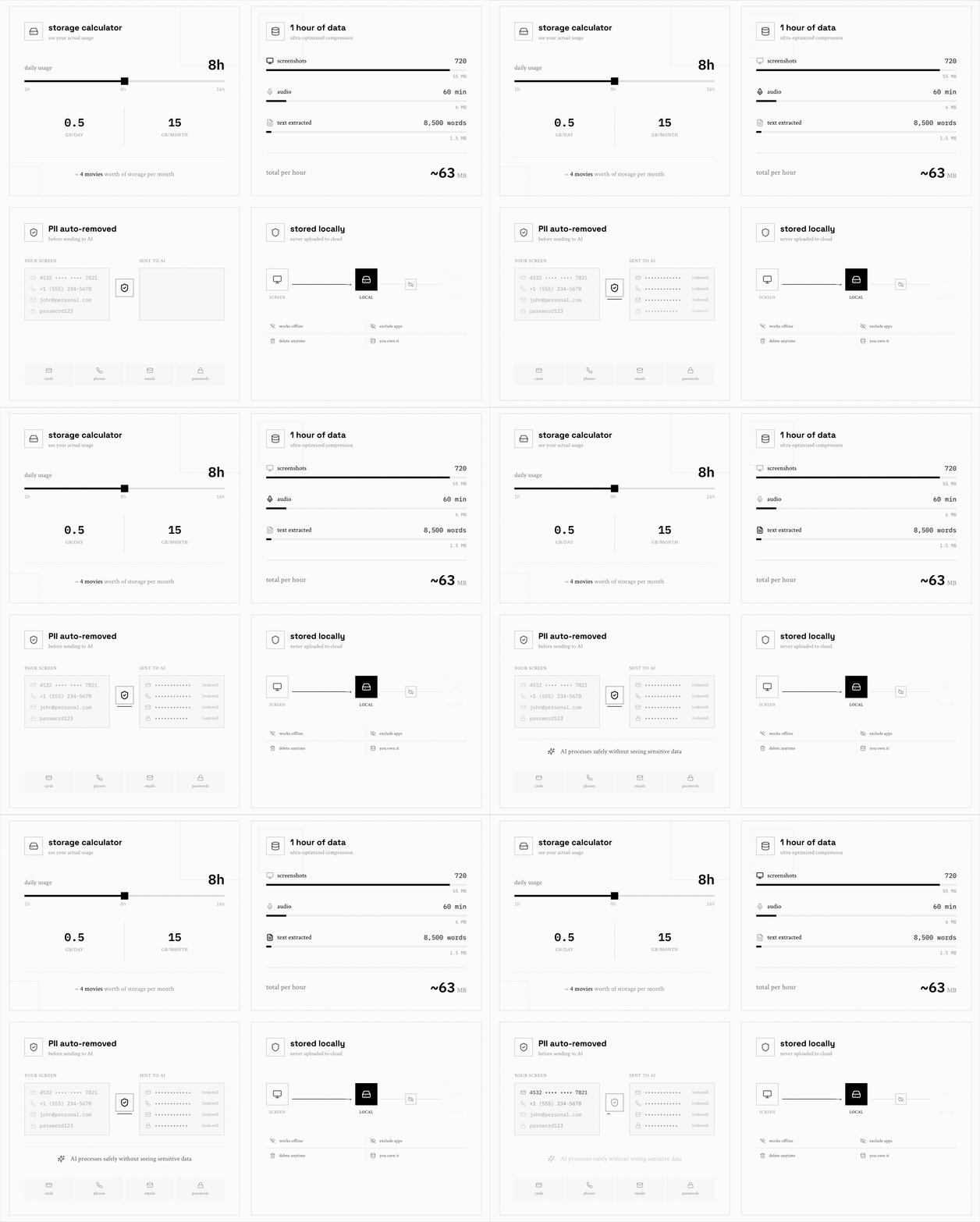
- Storage: varies with activity, displays, audio, capture settings, and retention. Measure a representative day on your device before sizing storage.
- filters (window, app, chrome extensions, passwords, proprietary AI PII model)
- optional encryption at rest
- Local capture and search work offline after setup. Cloud AI, sync, and connected services require network access.