
bramble v1.11.0-chromium
Local-first, encrypted password manager with private P2P mesh.
Bramble







A password manager that syncs between your devices. Your passwords are not saved on any server, so there's no account to make and no company to get breached and leak everything. You hold the vault, you hold the password, and that's it.
Bramble runs where you do:
- Browser extension for Firefox and Chromium browsers (Brave, Vivaldi, Chrome, Arc, and friends). Install it and you're up and running in a minute.
- Desktop app for macOS and Linux, with a global quick-access panel, an always-on sync hub, and scheduled backups.
- iOS app with system AutoFill, Face ID / Touch ID unlock, and passkeys.
- Android app with a native autofill service, biometric unlock, and passkeys.
The same encrypted vault and the same Rust crypto core sit behind all four, and your devices sync with each other peer-to-peer, end-to-end encrypted, without your vault ever being stored on a server.
Get Bramble:
- Chromium: Chrome Web Store
- Firefox: Firefox Add-ons Store
- Desktop (macOS, Linux): bramble.sh
- Android: Releases
- iOS: App Store
Screenshots
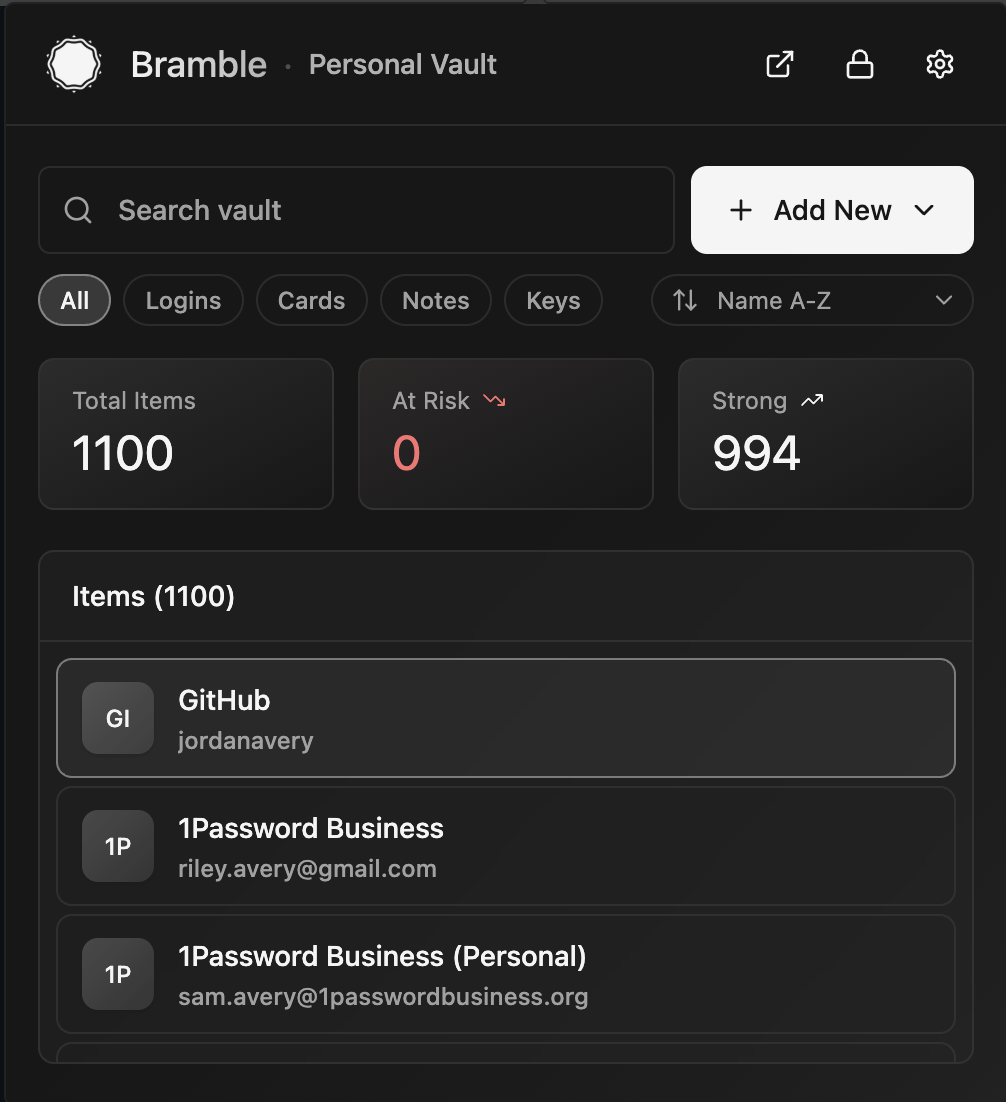
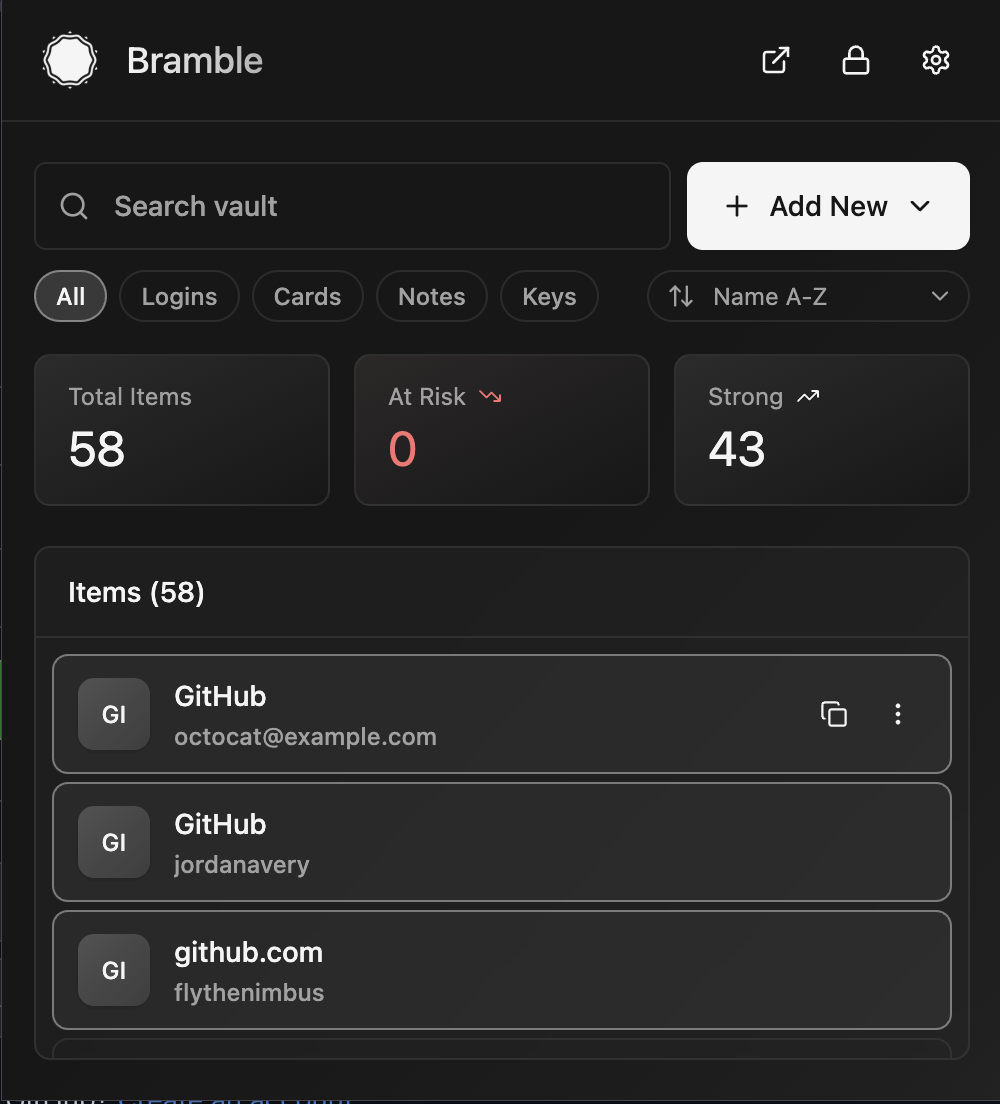 Your vault | 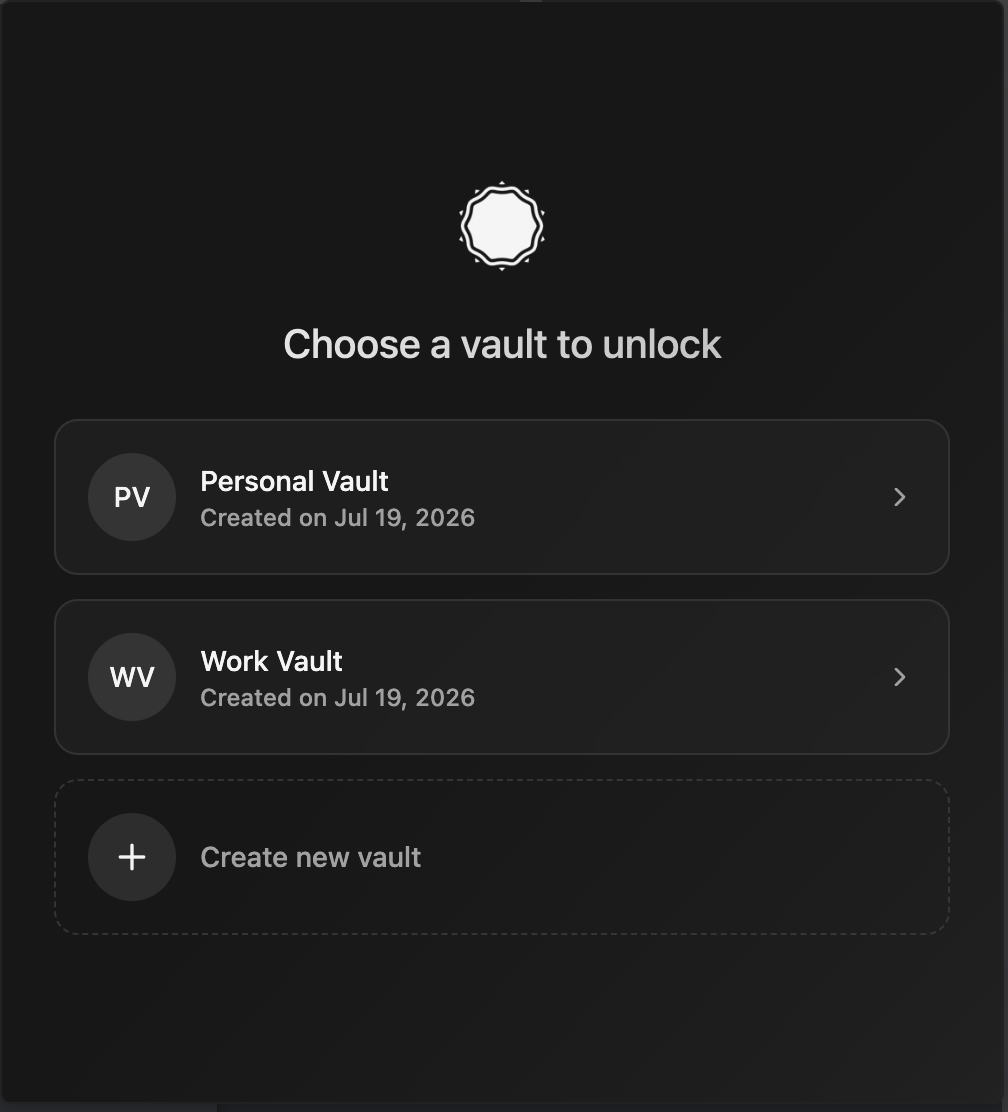 Pick a vault | 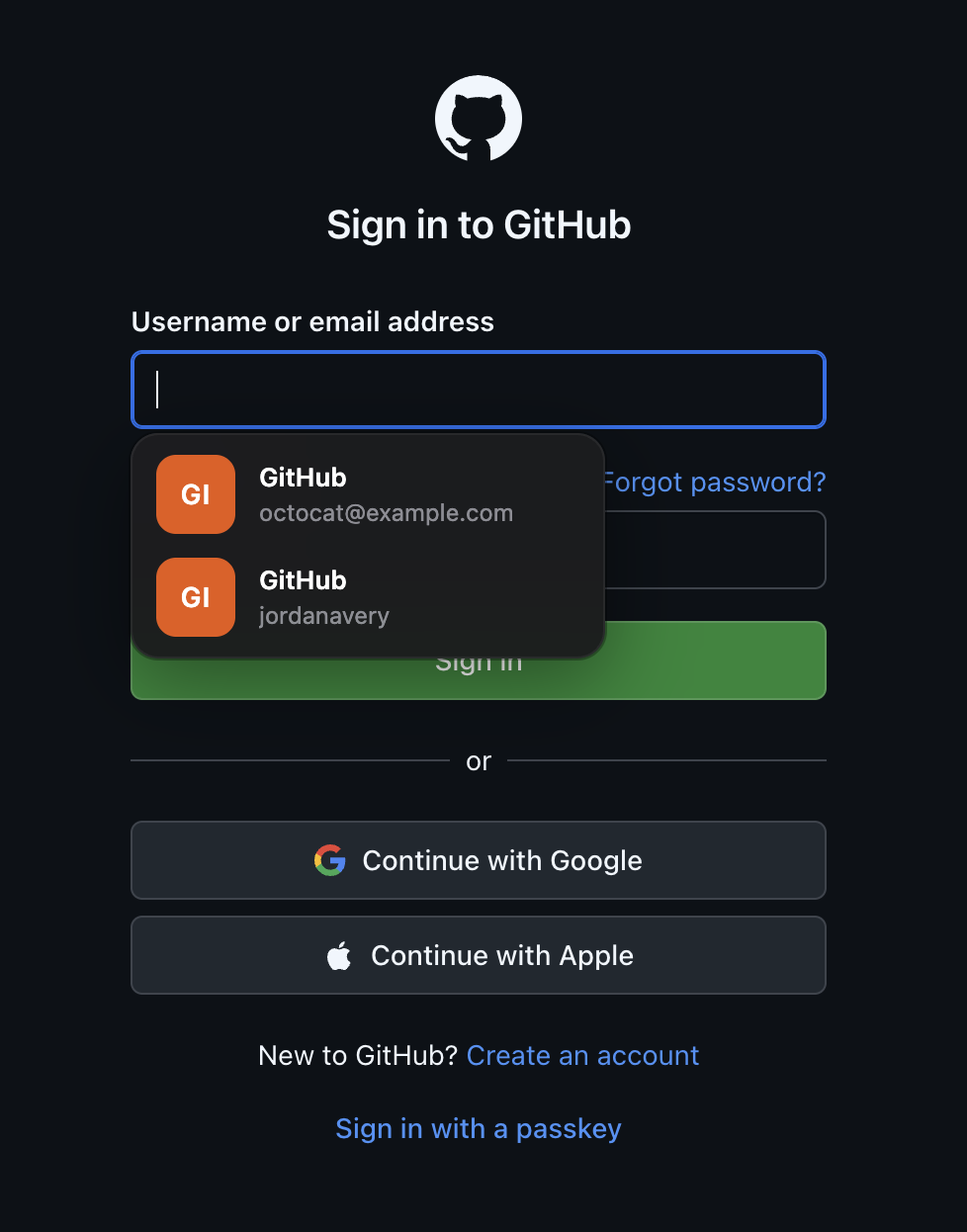 Autofill on a page |
|---|---|---|
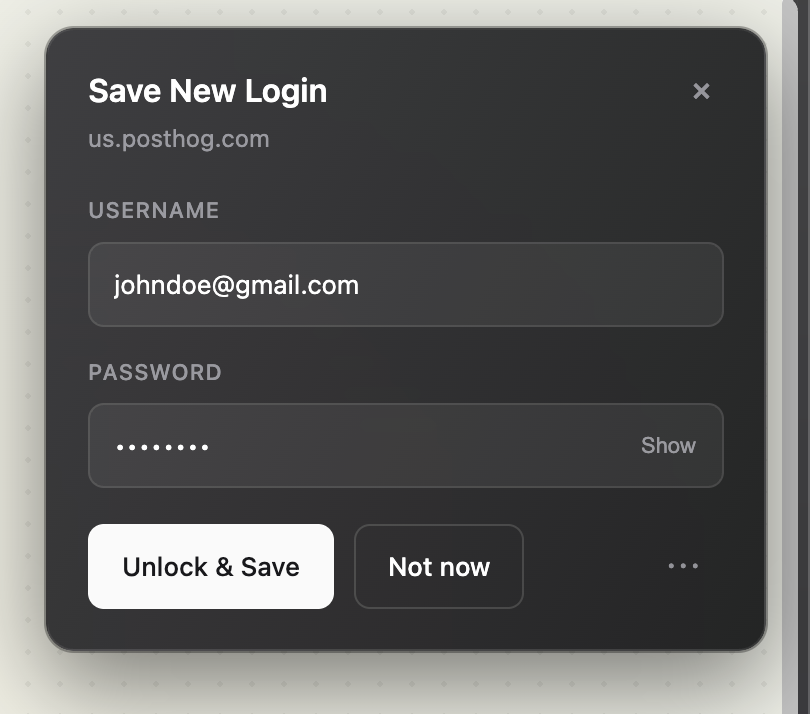 Save a new login | 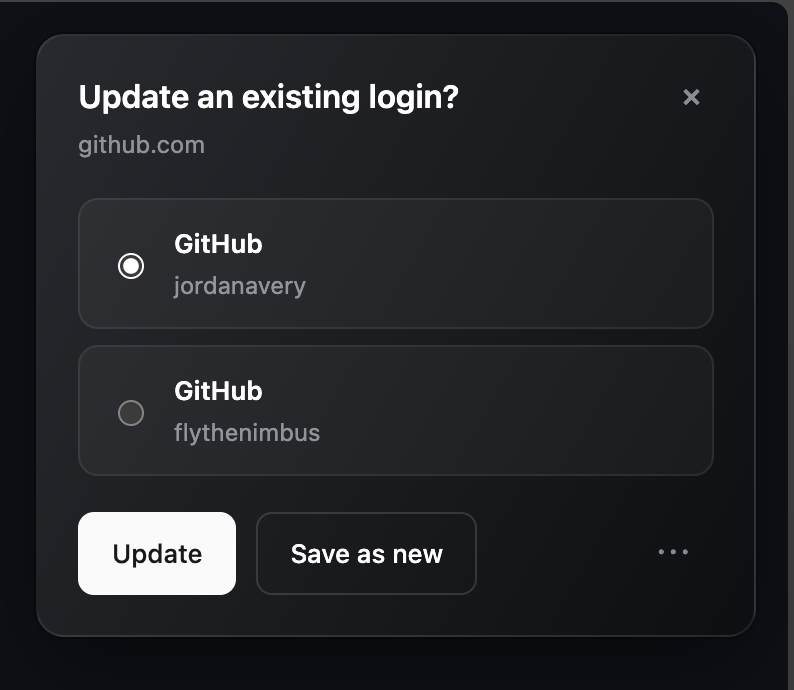 Update an existing login | 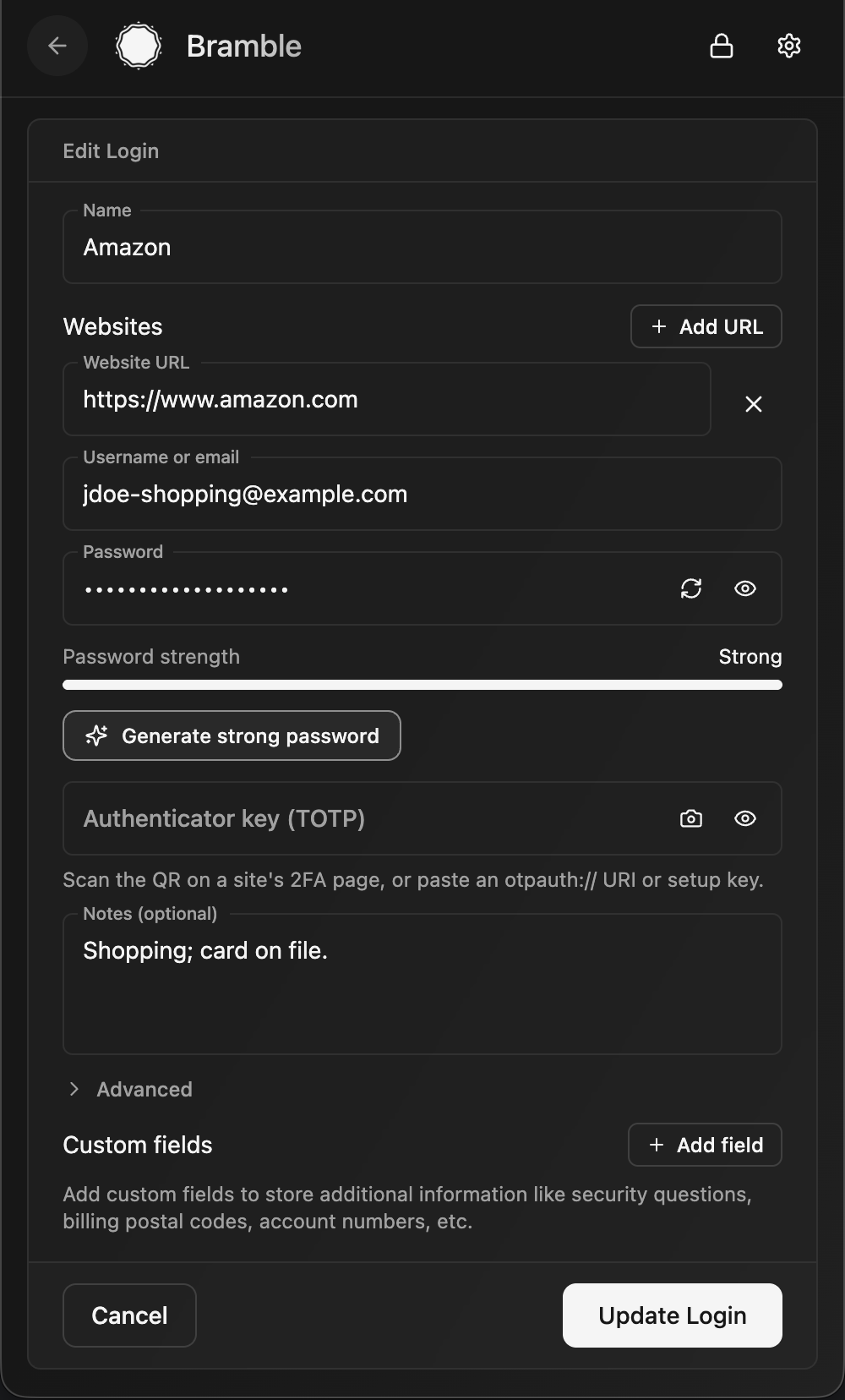 Editing an entry |
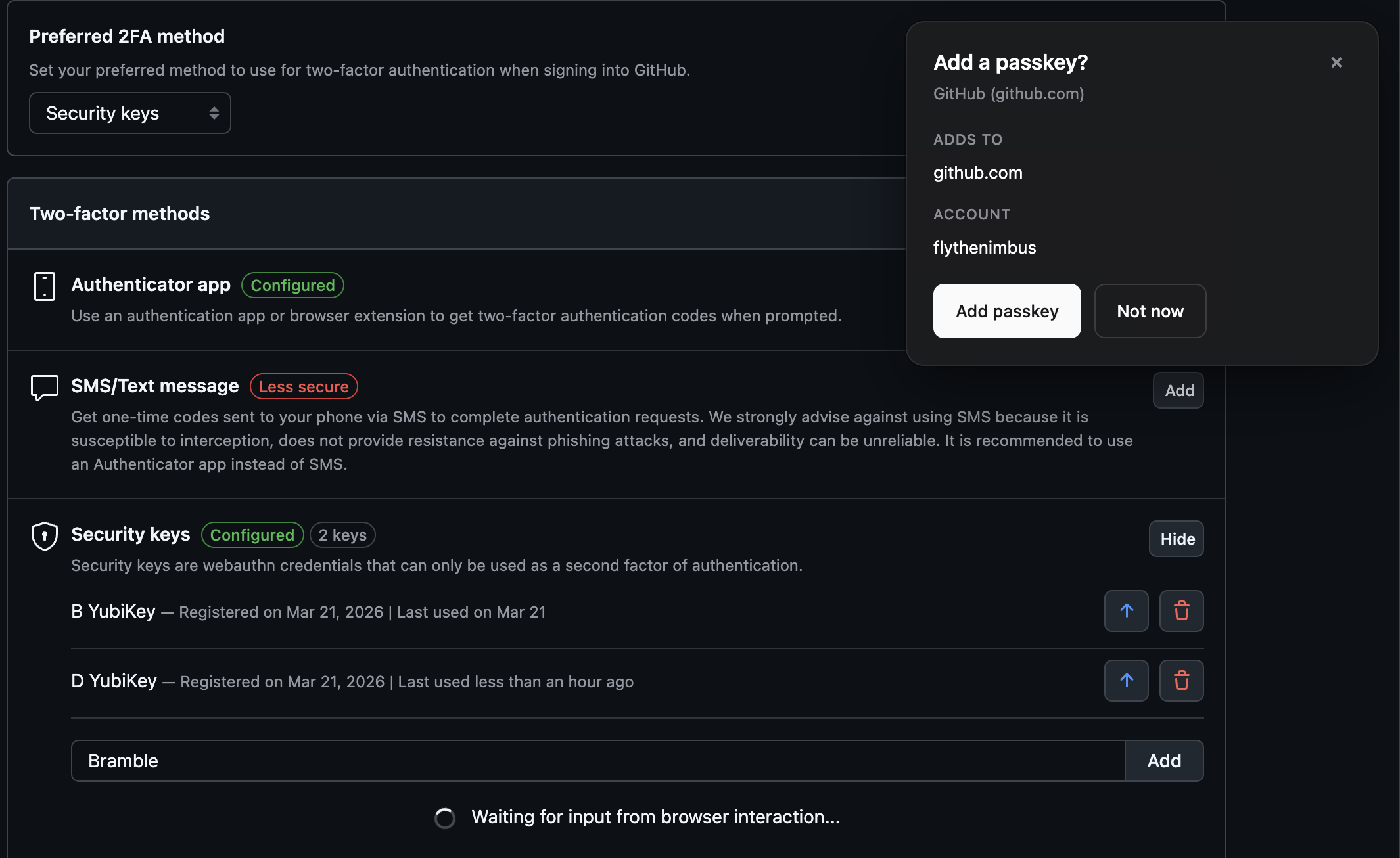 Create a passkey | 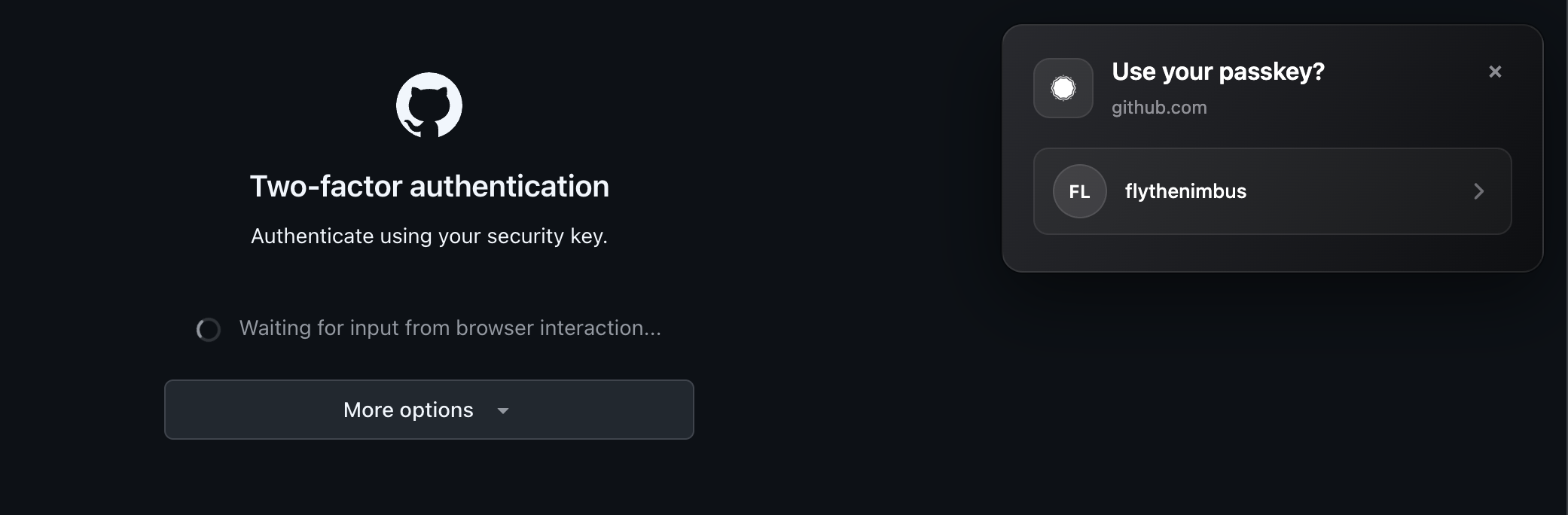 Sign in with a passkey | 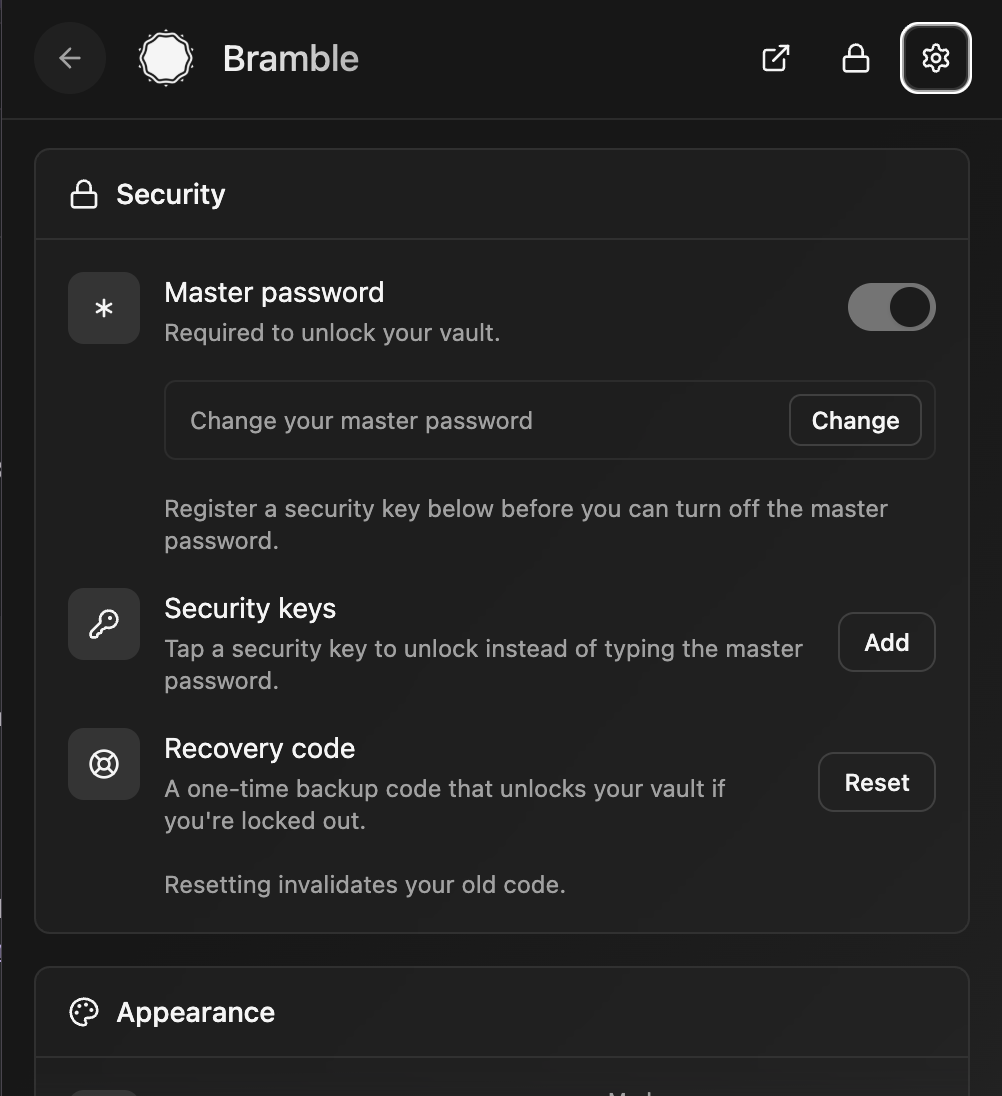 Settings |
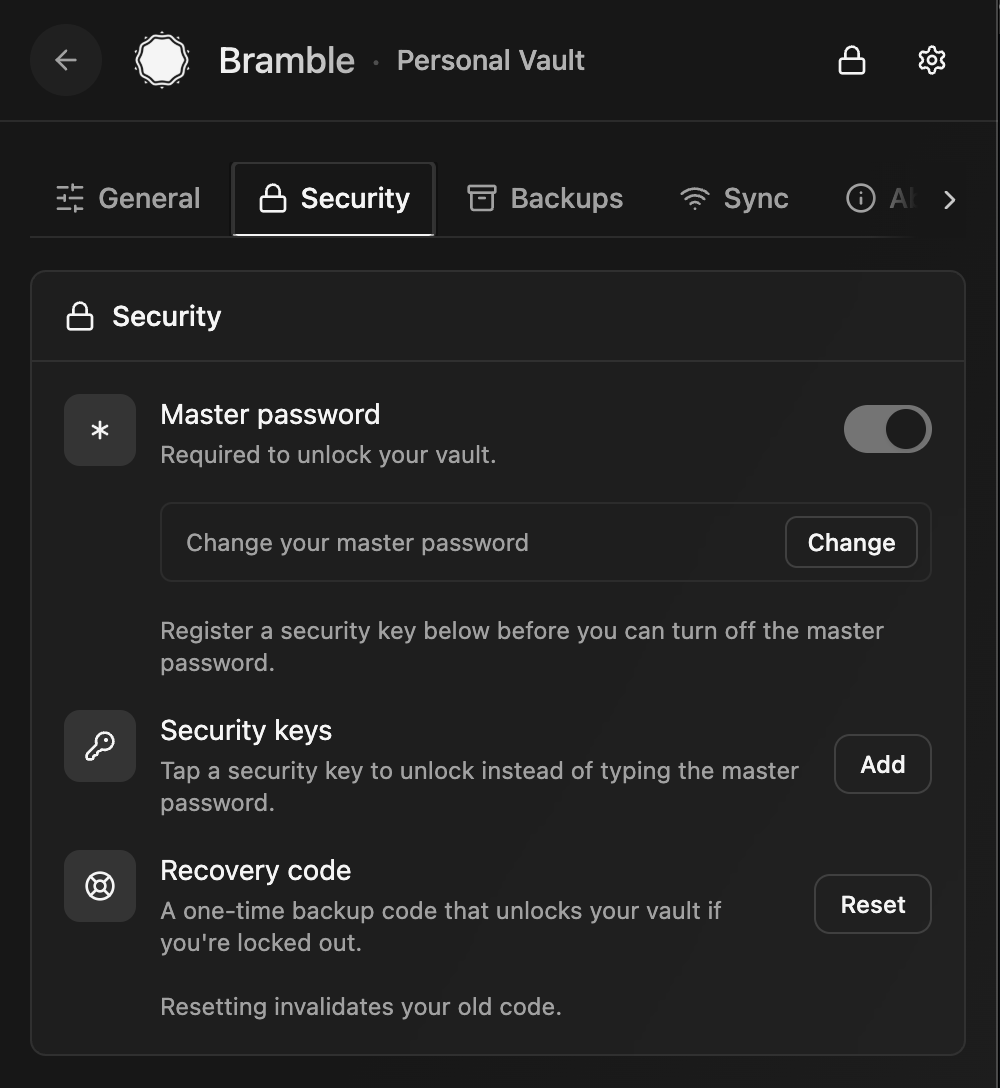 Unlock methods | 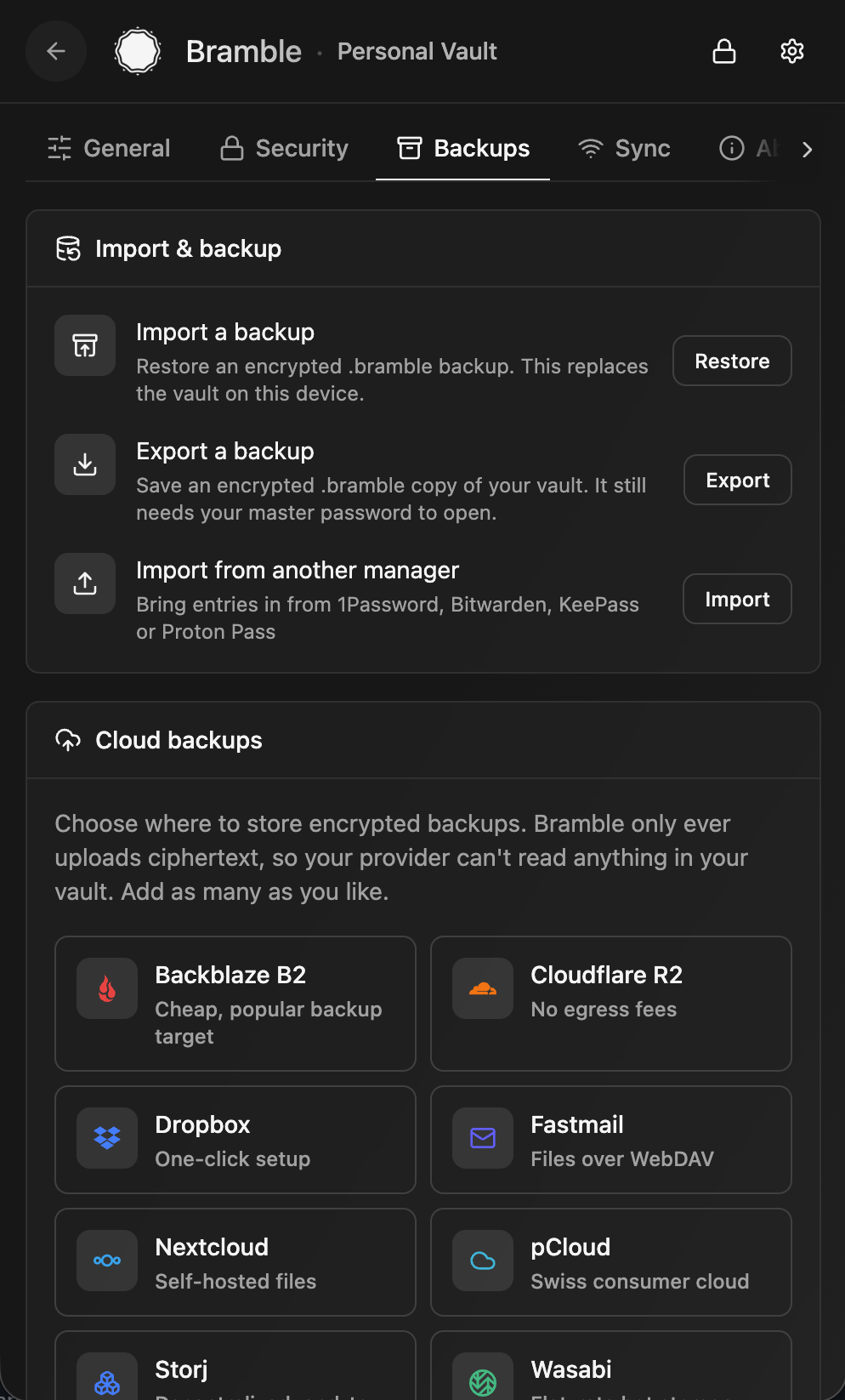 Backups and import | 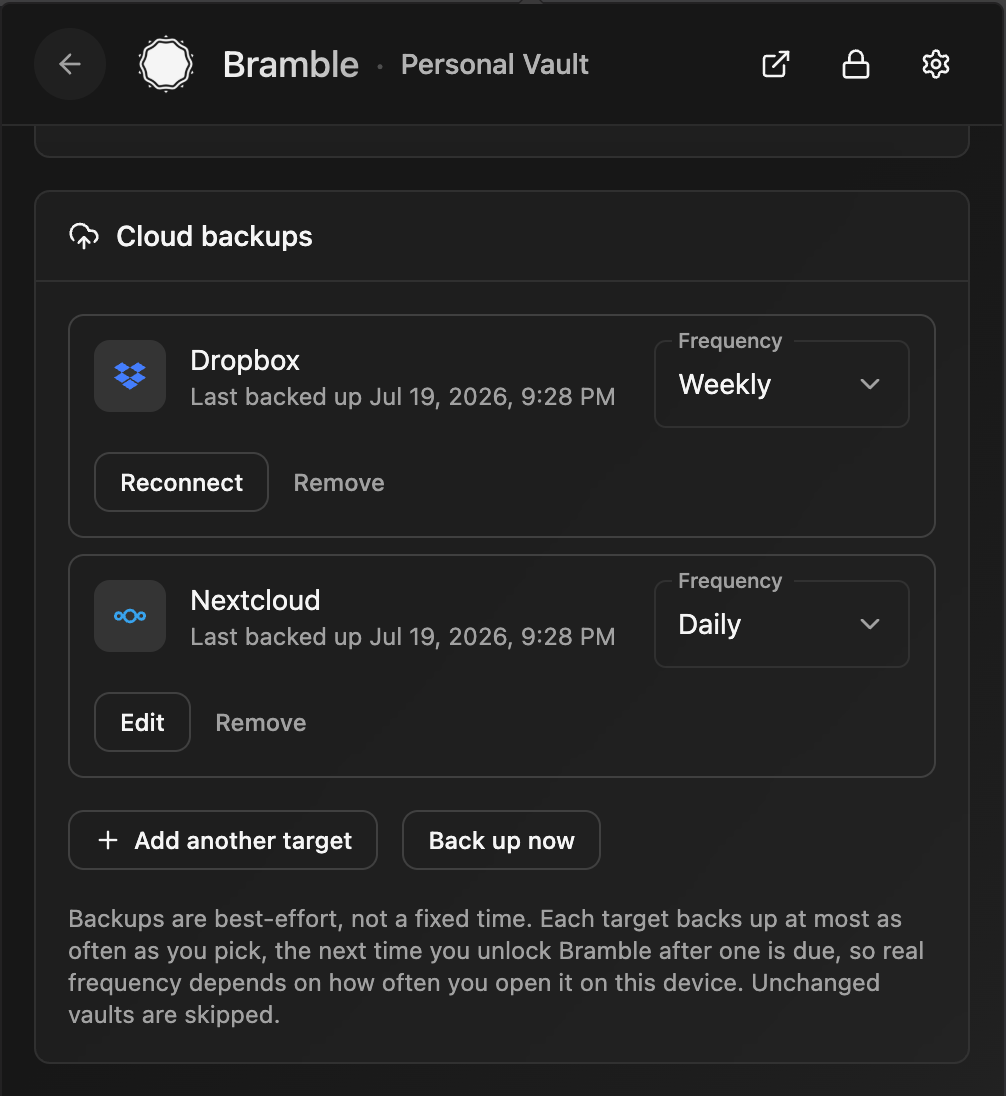 Scheduled cloud backups |
 Device sync |
What it does
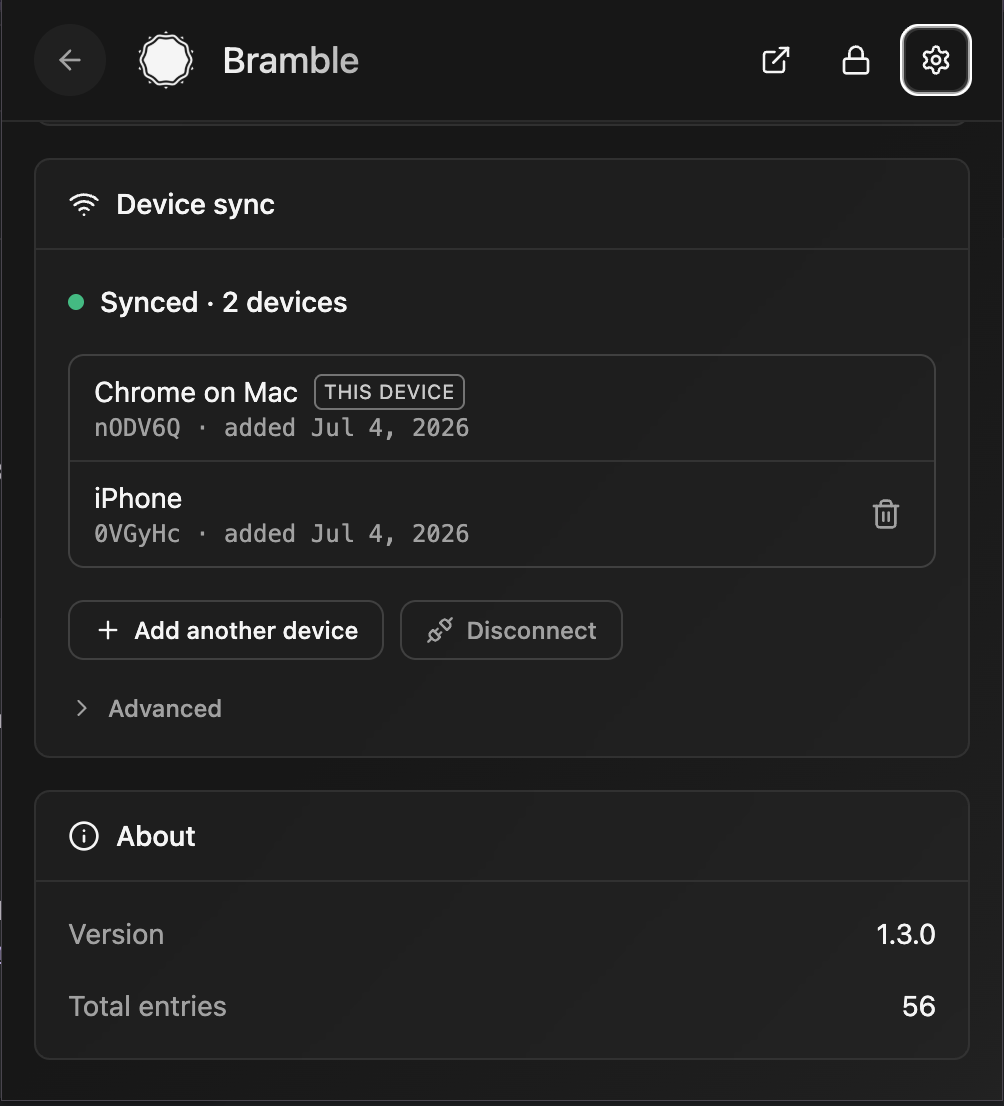
Your passwords are encrypted on your own device and stay there: in the browser's private extension storage, in ordinary files on your own disk in the desktop app, and in app-private encrypted storage on mobile. There's no server holding your vault and no account to sign up for. To use the same vault on more than one device, Bramble syncs it between your devices, peer-to-peer, end-to-end encrypted, and never stores it on a server along the way. Want a copy in your own hands? Export an encrypted backup file any time.
Everything cryptographic happens inside a single Rust core: compiled to WebAssembly in the browser, and to a native library on iOS and Android. Key derivation, encryption, and decryption all run in that core, and derived keys are wiped from memory after use.
Backups
Nobody else holds a copy of your vault, so keeping a backup is up to you. Bramble gives you two ways to do it:
- Explicit: export a backup file. From Settings in the browser extension or the desktop app, export your whole vault to an encrypted
.bramblefile and stash it somewhere safe: another drive, a USB stick, wherever you like. It stays ciphertext, so opening it still needs your master password and a stolen backup is useless on its own. Do this now and then, especially before any big change. - Implicit: peer-to-peer sync. Turn on sync and every device in your sync group is basically a live copy of the vault. Pair a second device and each one holds everything, so if you lose or wipe one, the others still have your data. It is the simplest safety net there is, with no files to remember to export.
- Automatic: scheduled cloud backups (browser extension and desktop app). Point Bramble at storage you already use and it drops an encrypted backup there on the schedule you pick. Sign in to Dropbox in one click (extension only, for now), use any S3-compatible bucket (Backblaze B2, Cloudflare R2, Storj, Wasabi, MinIO, and friends), or point it at your own self-hosted WebDAV server (Nextcloud, ownCloud, Fastmail, and the like). Add as many destinations as you want, each on its own cadence (daily, weekly, or monthly), or press Back up now whenever. Only ciphertext ever leaves your device, so the provider stores something it can't read and a stolen backup still needs your master password to open; Bramble keeps the most recent snapshots and prunes the rest. The desktop app is the one that can keep a schedule while the vault is locked, because it is already sitting in your tray. Restoring a backup onto a new or wiped device works from the extension, the desktop app, and the mobile apps.
A synced second device and the occasional export together mean you are never one lost or broken device away from losing your vault.
On your phone
The mobile apps reuse Bramble's Rust crypto core and vault format, with native OS autofill on top: