

ffuf v2.2.1
Fast web fuzzer written in Go

ffuf - Fuzz Faster U Fool
A fast web fuzzer written in Go.
Installation
-
Download a prebuilt binary from releases page, unpack and run!
or
-
If you are on Windows with Scoop, ffuf can be installed with:
scoop install ffufor
-
If you are on Windows with Winget, ffuf can be installed with:
winget install ffuf.ffufor
-
If you are on macOS with homebrew, ffuf can be installed with:
brew install ffufor
-
If you have recent go compiler installed:
go install github.com/ffuf/ffuf/v2@latest(the same command works for updating)or
-
git clone https://github.com/ffuf/ffuf ; cd ffuf ; go get ; go build
- Ffuf depends on Go 1.20 or greater.
- A go build from a checkout shows
git-<date>-<commit>rather than the tag. A local build isn't an official release even when you're sitting on a tag, and Go's embedded build info gives us the commit but not the tag name — so we surface the exact commit it was built from. The authoritative versioned binaries are the ones on the releases page.
Example usage
The usage examples below show just the simplest tasks you can accomplish using ffuf.
More elaborate documentation that goes through many features with a lot of examples is available in the ffuf wiki at https://github.com/ffuf/ffuf/wiki
For more extensive documentation, with real life usage examples and tips, be sure to check out the awesome guide: "Everything you need to know about FFUF" by Michael Skelton (@codingo).
You can also practise your ffuf scans against a live host with different lessons and use cases either locally by using the docker container https://github.com/adamtlangley/ffufme or against the live hosted version at http://ffuf.me created by Adam Langley @adamtlangley.
Typical directory discovery
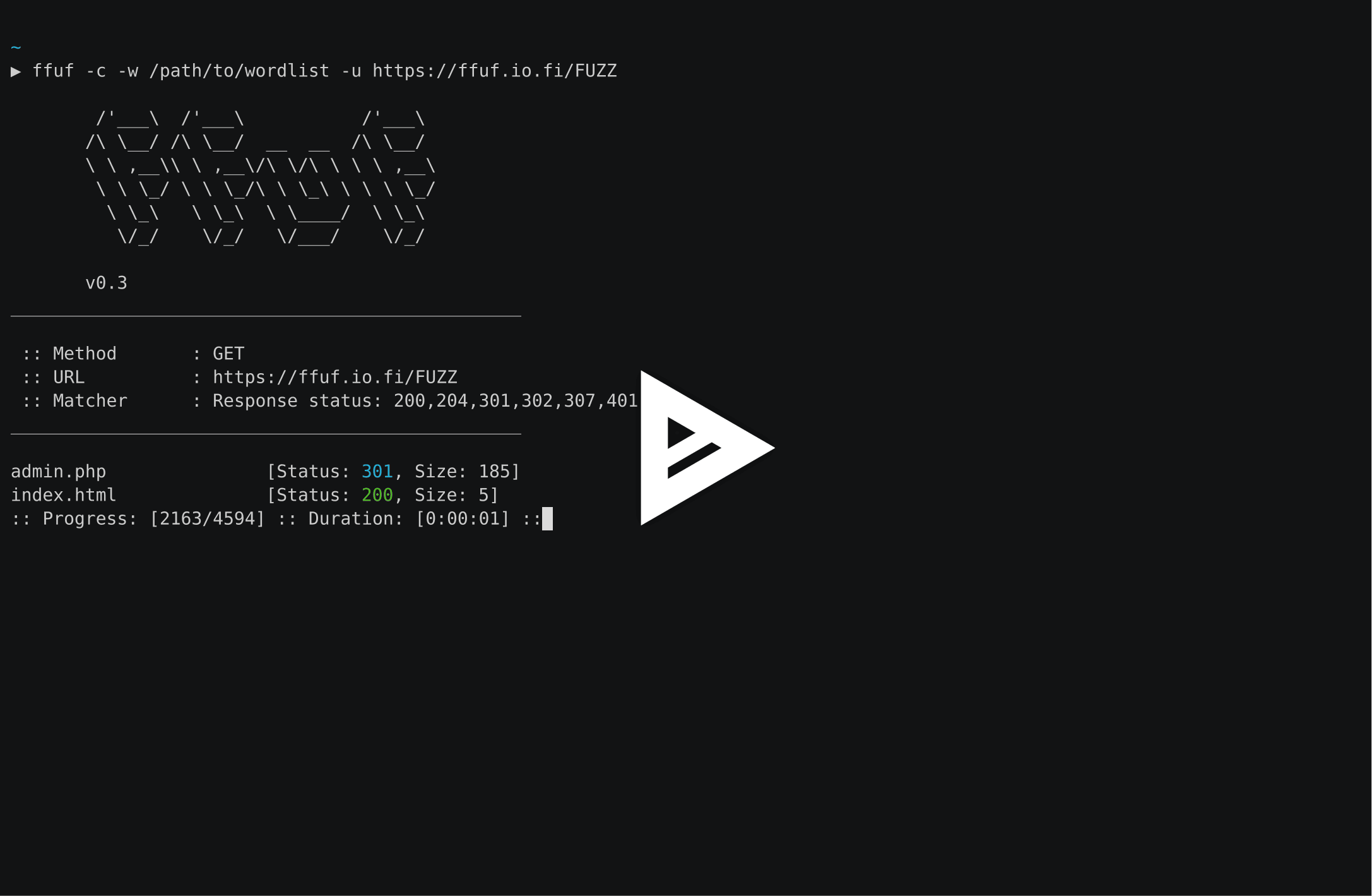
By using the FUZZ keyword at the end of URL (-u):
ffuf -w /path/to/wordlist -u https://target/FUZZ
Virtual host discovery (without DNS records)
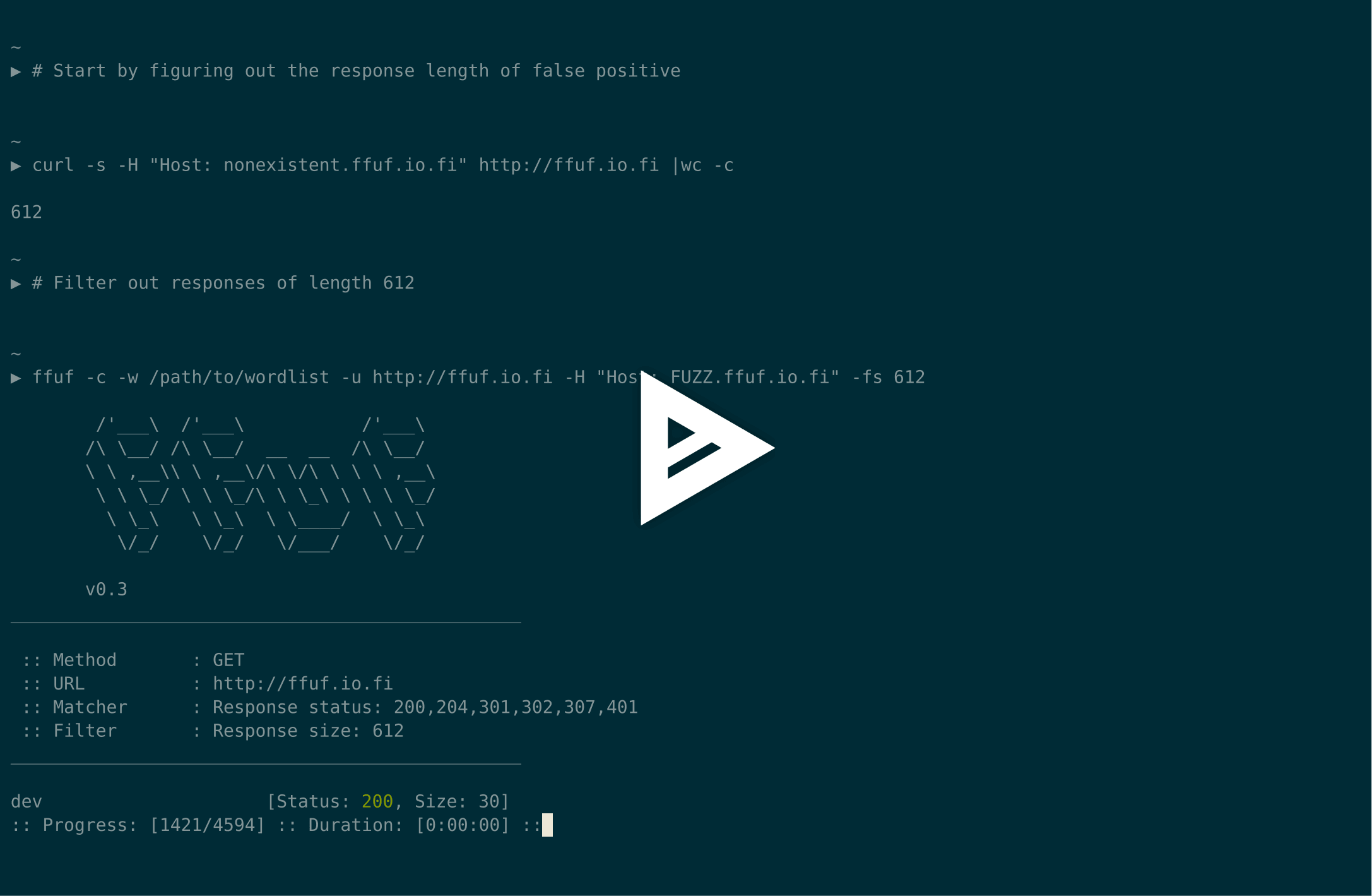
Assuming that the default virtualhost response size is 4242 bytes, we can filter out all the responses of that size (-fs 4242)while fuzzing the Host - header:
ffuf -w /path/to/vhost/wordlist -u https://target -H "Host: FUZZ" -fs 4242
GET parameter fuzzing
GET parameter name fuzzing is very similar to directory discovery, and works by defining the FUZZ keyword as a part of the URL. This also assumes a response size of 4242 bytes for invalid GET parameter name.
ffuf -w /path/to/paramnames.txt -u https://target/script.php?FUZZ=test_value -fs 4242
If the parameter name is known, the values can be fuzzed the same way. This example assumes a wrong parameter value returning HTTP response code 401.
ffuf -w /path/to/values.txt -u https://target/script.php?valid_name=FUZZ -fc 401
POST data fuzzing
This is a very straightforward operation, again by using the FUZZ keyword. This example is fuzzing only part of the POST request. We're again filtering out the 401 responses.
ffuf -w /path/to/postdata.txt -X POST -d "username=admin\&password=FUZZ" -u https://target/login.php -fc 401
Maximum execution time
If you don't want ffuf to run indefinitely, you can use the -maxtime. This stops the entire process after a given time (in seconds).
ffuf -w /path/to/wordlist -u https://target/FUZZ -maxtime 60
When working with recursion, you can control the maxtime per job using -maxtime-job. This will stop the current job after a given time (in seconds) and continue with the next one. New jobs are created when the recursion functionality detects a subdirectory.
ffuf -w /path/to/wordlist -u https://target/FUZZ -maxtime-job 60 -recursion -recursion-depth 2
It is also possible to combine both flags limiting the per job maximum execution time as well as the overall execution time. If you do not use recursion then both flags behave equally.
Using external mutator to produce test cases
For this example, we'll fuzz JSON data that's sent over POST. Radamsa is used as the mutator.
When --input-cmd is used, ffuf will display matches as their position. This same position value will be available for the callee as an environment variable $FFUF_NUM. We'll use this position value as the seed for the mutator. Files example1.txt and example2.txt contain valid JSON payloads. We are matching all the responses, but filtering out response code 400 - Bad request:
ffuf --input-cmd 'radamsa --seed $FFUF_NUM example1.txt example2.txt' -H "Content-Type: application/json" -X POST -u https://ffuf.io.fi/FUZZ -mc all -fc 400
It of course isn't very efficient to call the mutator for each payload, so we can also pre-generate the payloads, still using Radamsa as an example:
# Generate 1000 example payloads
radamsa -n 1000 -o %n.txt example1.txt example2.txt

# This results into files 1.txt ... 1000.txt
# Now we can just read the payload data in a loop from file for ffuf

ffuf --input-cmd 'cat $FFUF_NUM.txt' -H "Content-Type: application/json" -X POST -u https://ffuf.io.fi/ -mc all -fc 400
Configuration files
When running ffuf, it first checks if a default configuration file exists. Default path for a ffufrc file is
$XDG_CONFIG_HOME/ffuf/ffufrc. You can configure one or multiple options in this file, and they will be applied on
every subsequent ffuf job. An example of ffufrc file can be found
here.
A more detailed description about configuration file locations can be found in the wiki: https://github.com/ffuf/ffuf/wiki/Configuration
The configuration options provided on the command line override the ones loaded from the default ffufrc file.
Note: this does not apply for CLI flags that can be provided more than once. One of such examples is -H (header) flag.
In this case, the -H values provided on the command line will be appended to the ones from the config file instead.
Additionally, in case you wish to use bunch of configuration files for different use cases, you can do this by defining
the configuration file path using -config command line flag that takes the file path to the configuration file as its
parameter.