

Optiva-Framework 🔎 Webanwendungs-Scanner🕵️






Sie können dieses Framework auf Ihrer Website verwenden, um die Sicherheit Ihrer Website zu überprüfen, indem Sie Schwachstellen in Ihrer Website finden. Oder Sie können dieses Tool verwenden, um Admin-Panels zu finden, SQL-Injection per Dork zu suchen, sowie Informationen zu sammeln und Hashes zu verschlüsseln.
Informationsmodule :
Port-Scanner
Whois-Abfrage
Reverse IP-Domain-Abfrage
HTTP-Header-Domain-Abfrage
Iplocator – IP-Geolokalisierungsinformationen abrufen
Hash-Module :
Md5-Text kodieren
Sha1-Text kodieren
SHA256-Text kodieren
SHA384-Text kodieren
SHA512-Text kodieren
Scanner-Module :
Cross-Site-Scripting (XSS)
SQL-Injection-Scanner (SQL)
Dork-Suche nach SQL-Injection-Schwachstellen
Remote Code Execution Scanner (RCE)
Admin-Panel-Scanner für Websites
$ git clone https://github.com/joker25000/Optiva-Framework
$ cd Optiva-Framework
$ chmod +x installer.sh
$ ./installer.sh
$ Tippen Sie im Terminal ein
$ optiva
$ cd Optiva-Framework
$ pip install termcolor
$ pip install requests
$ pip install mechanize
$ optiva ausführen :
$ python optiva.py
$ apt install git
$ git clone https://github.com/joker25000/Optiva-Framework
$ cd Optiva-Framework
$ chmod +x installer.sh
$ bash installer.sh
$ Wählen Sie die 3. Option für Termux aus und drücken Sie die Eingabetaste
$ optiva ausführen :
$ python2 optiva.py
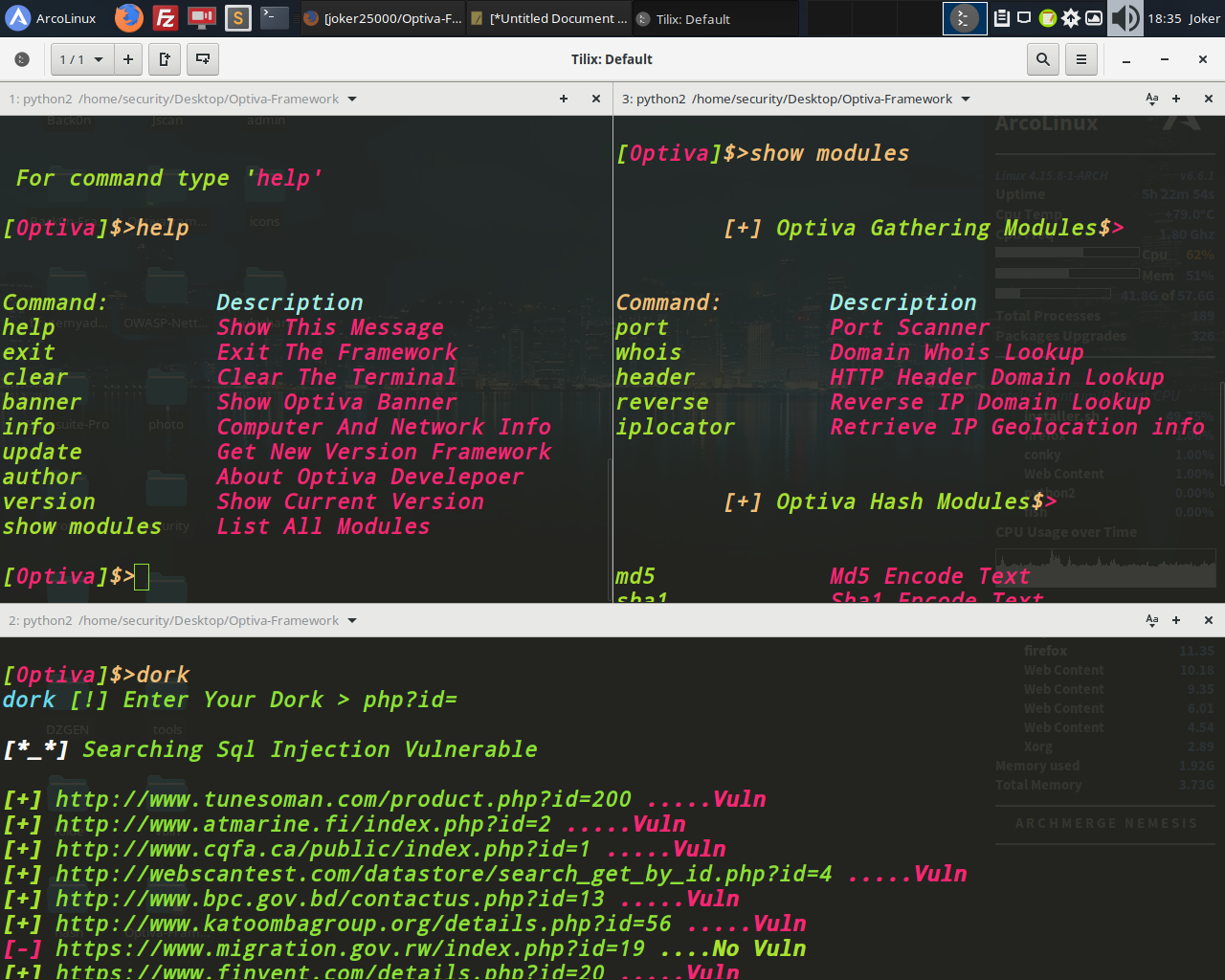
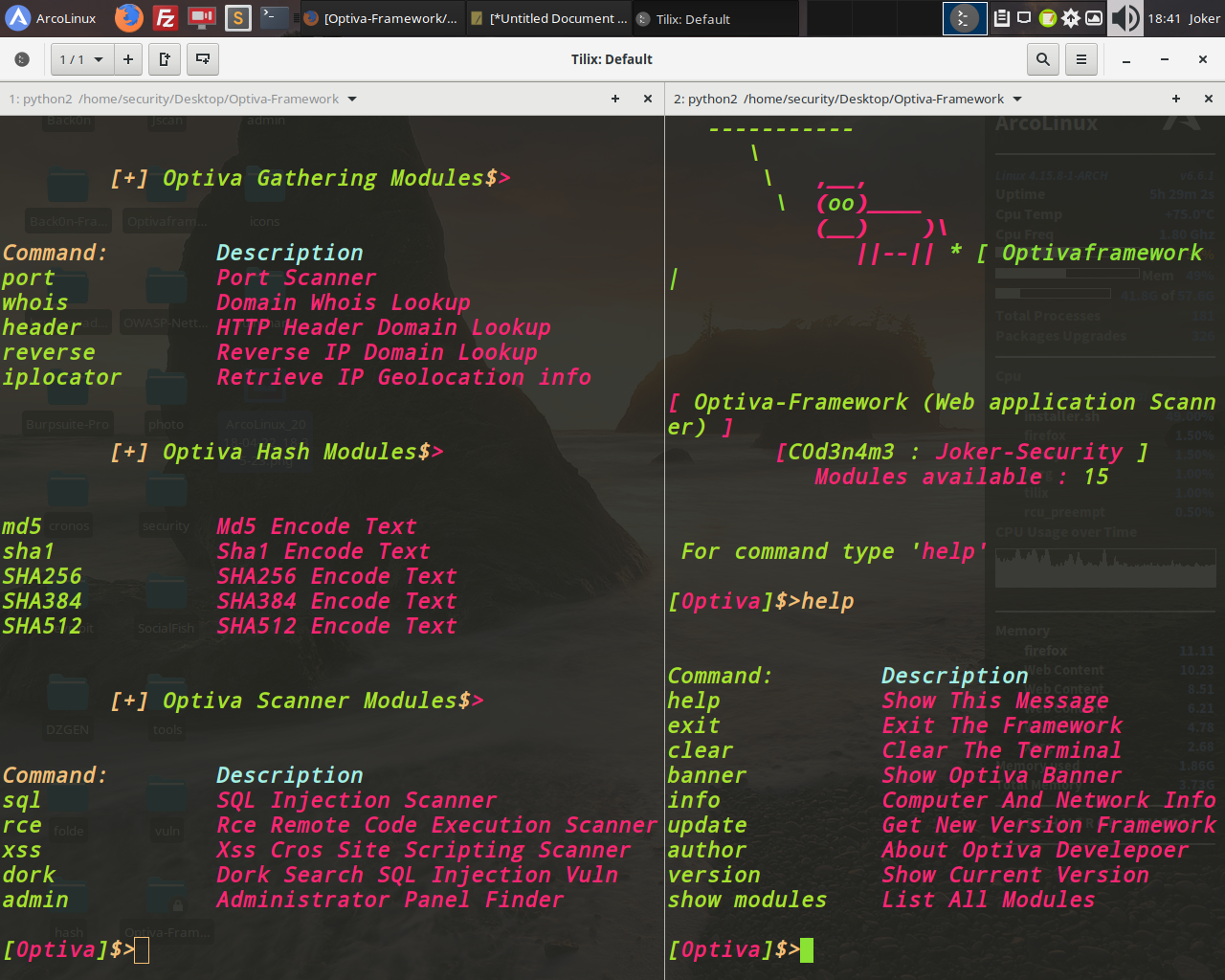
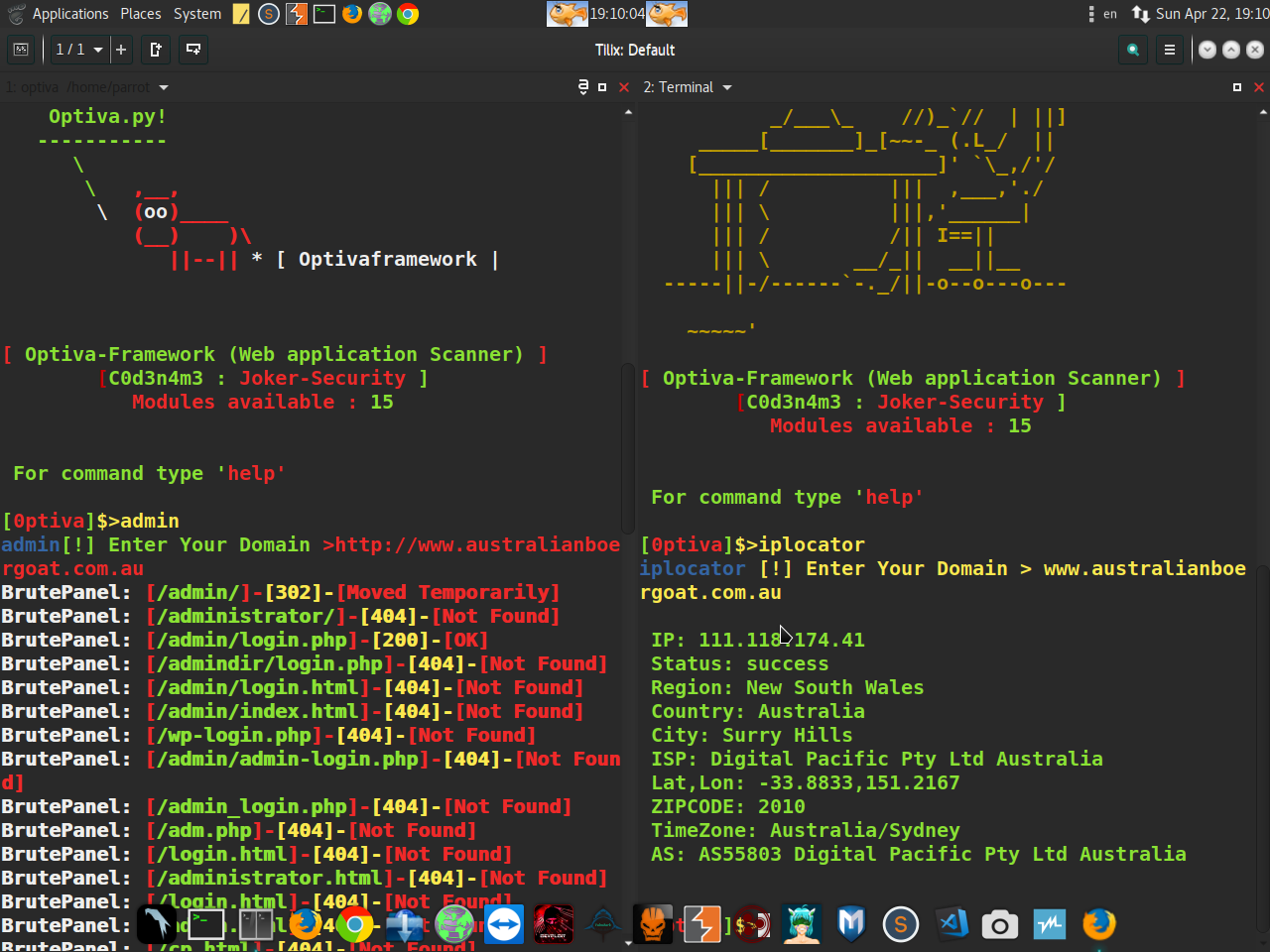
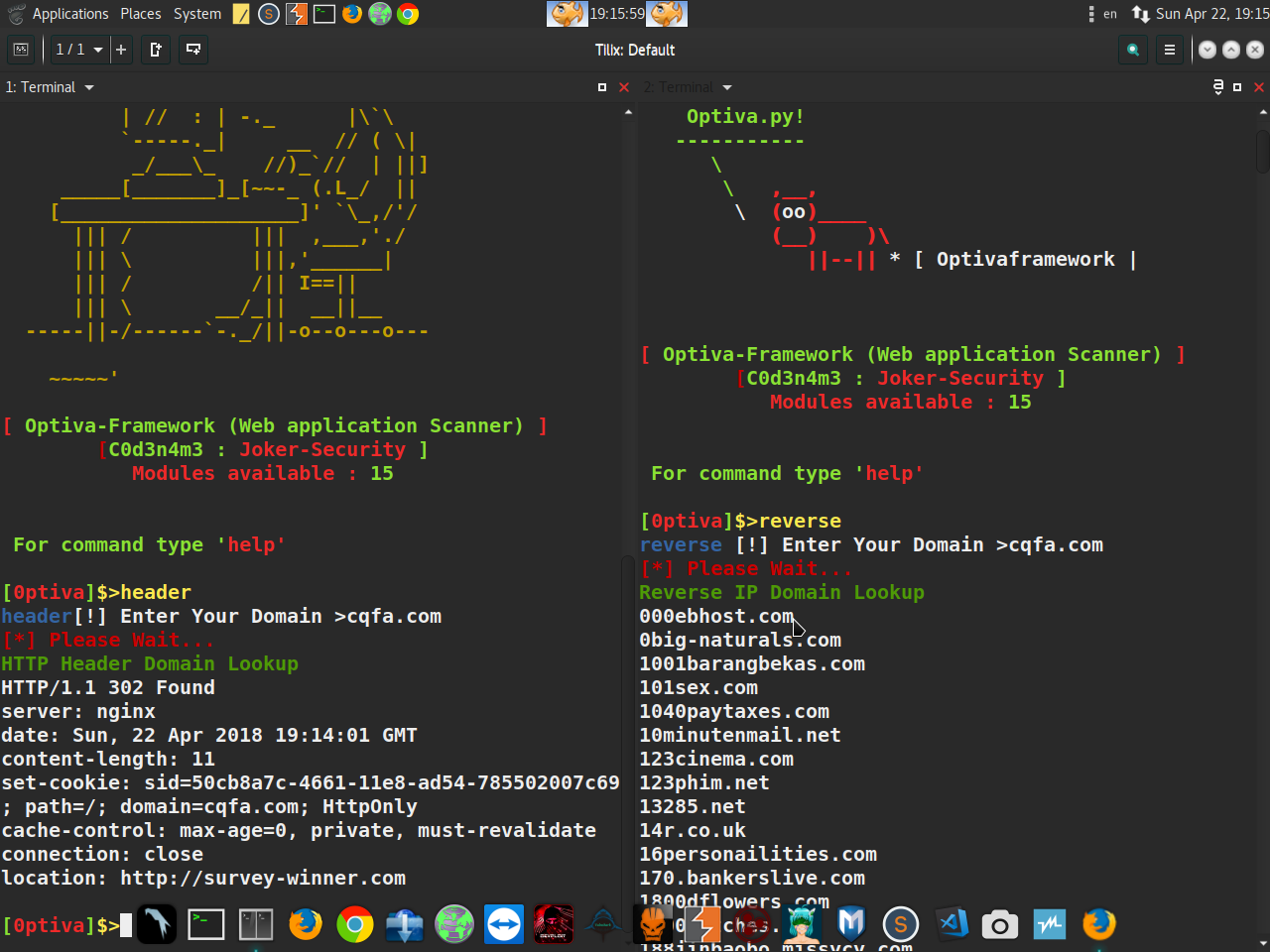
Optiva-Framework - Web Application Scanner
Optiva-Framework - Web Application Scanner
$ Twitter : https://twitter.com/SecurityJoker
$ YOUTUBE : https://www.youtube.com/c/Professionalhacker25
$ FACEBOOK: https://facebook.com/kali.linux.pentesting.tutorials
$ Getestet auf : Windows / Kali Linux / Parrot OS / Ubuntu / Archman / ArcoLinux / Termux (Android)

