 andreiverse/vaf
Mehrfädiger Web-Fuzzer für URL-Pfad-, HTTP-Header- und POST-Daten-Brute-Force-Angriffe mit Proxy-Unterstützung, Statuscode-Filterung und reflexiver Inhaltserkennung.




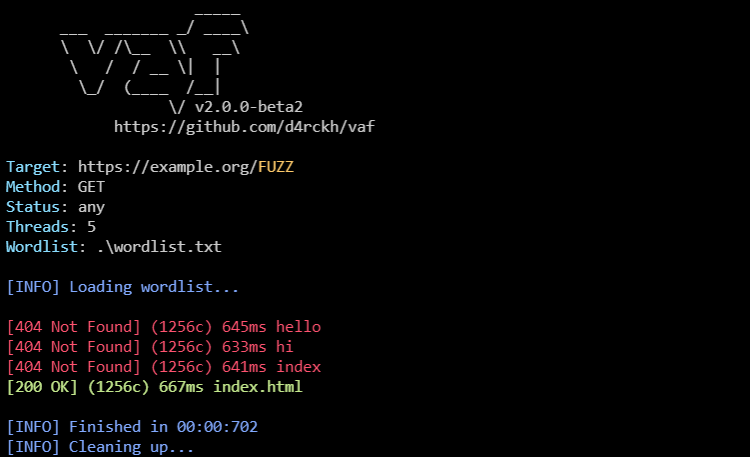
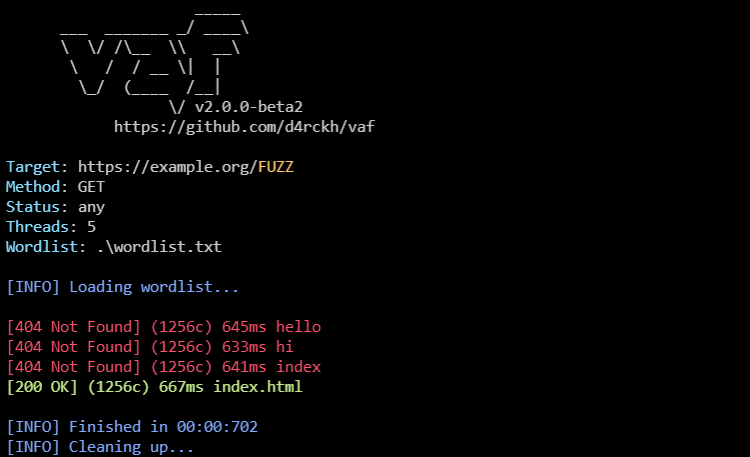
vaf ist ein plattformübergreifender Web-Fuzzer mit vielen Funktionen. Einige seiner Funktionen umfassen:
Du kannst vaf mit diesem Einzeiler installieren:
curl https://raw.githubusercontent.com/d4rckh/vaf/main/install.sh | sudo bash
Options:
  -h, --help
  -u, --url=URL              Target URL. Replace fuzz area with FUZZ
  -w, --wordlist=WORDLIST    The path to the wordlist.
  -m, --method=METHOD        Request method. Supported: POST, GET (default: GET)
  -H, --header=HEADER        Specify HTTP headers; can be used multiple times. Example: -H 'header1: val1' -H 'header1: val1'
  -pf, --prefix=PREFIX       The prefixes to append to the word (default: )
  -sf, --suffix=SUFFIX       The suffixes to append to the word (default: )
  -t, --threads=THREADS      Number of threads (default: 5)
  -sc, --status=STATUS       The status to filter; to 'any' to print on any status (default: 200)
  -g, --grep=GREP            Only log if the response body contains the string (default: )
  -ng, --notgrep=NOTGREP     Only log if the response body does no contain a string (default: )
  -pd, --postdata=POSTDATA   Specify POST data; used only if '-m post' is set (default: {})
  -x, --proxy=PROXY          Specify a proxy (default: )
  -ca, --cafile=CAFILE       Specify a CA root certificate; useful if you are using Burp/ZAP proxy (default: )
  -o, --output=OUTPUT        Output the results in a file (default: )
  -mr, --maxredirects=MAXREDIRECTS
                             How many redirects should vaf follow; 0 means none (default: 0)
  -v, --version              Print version information
  -pif, --printifreflexive   Print only if the fuzzed word is reflected in the page
  -i, --ignoressl            Do not verify SSL certificates; useful if you are using Burp/ZAP proxy
  -ue, --urlencode           URL encode the fuzzed words
  -pu, --printurl            Print the requested URL
  -ph, --printheaders        Print response headers
  -dbg, --debug              Prints debug information
vaf -u https://example.org/FUZZ -w path/to/wordlist.txt -sc OK
vaf -u https://example.org/ -w path/to/wordlist.txt -sc OK -H "User-Agent: FUZZ"
vaf -u https://example.org/ -w path/to/wordlist.txt -sc OK -m POST -H "Content-Type: application/json" -pd '{"username": "FUZZ"}'
Danke an alle, die zu diesem Projekt beigetragen haben!
