 ahmed-alnassif/androsh
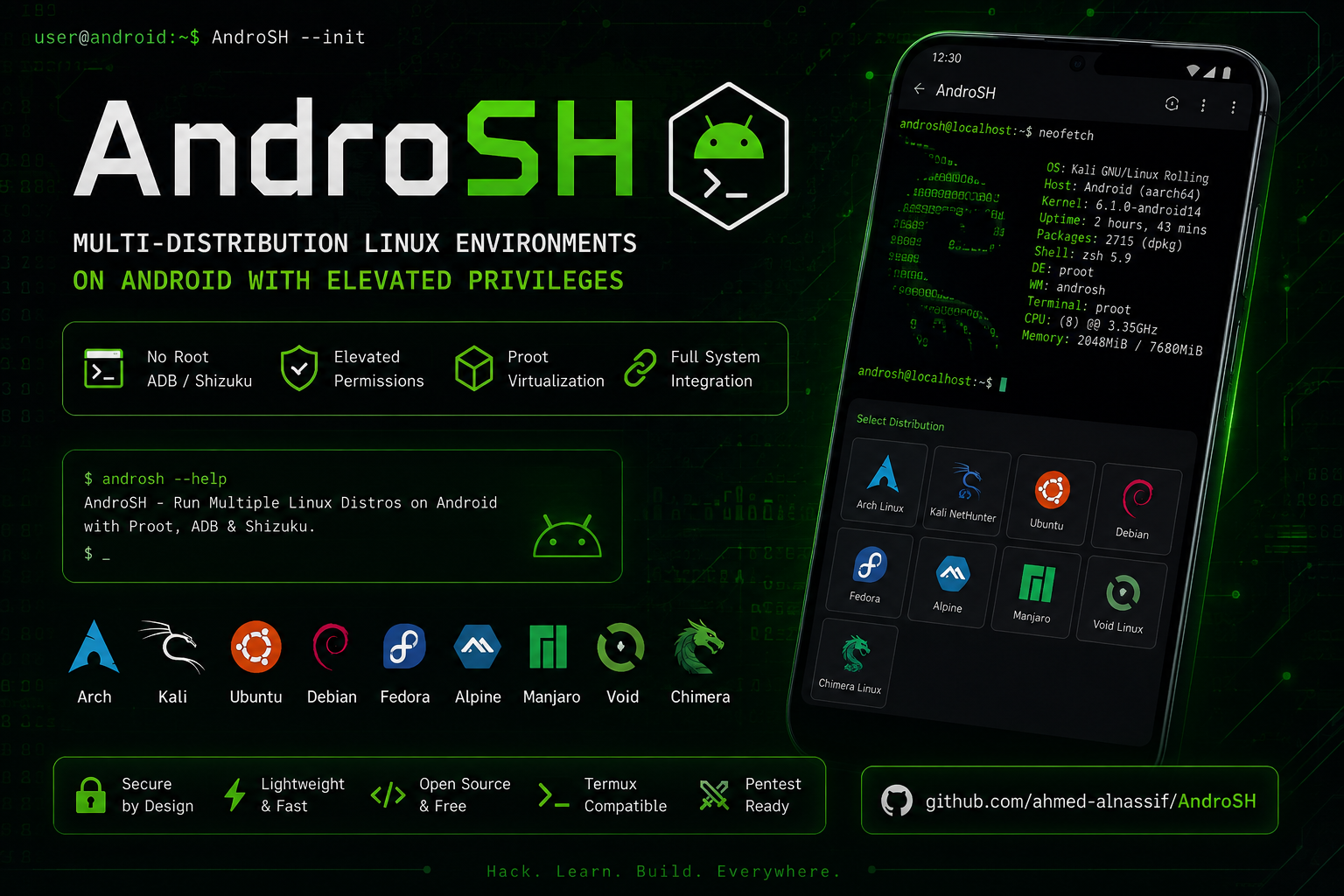
AndroSH No-Root Multi-Distro Linux auf Android über Shizuku/ADB - Betreiben Sie Arch, Fedora, Alpine, Debian, Ubuntu, Kali, Void, Manjaro, OpenSUSE & Chimera mit vollständiger Systemintegration, proot-Isolation & Termux:X11 GUI.

Vollständige Linux-Distributionen auf Ihrem Android-Gerät ausführen und verwalten – ohne Root.





[!Important] Bevor Sie beginnen: Installieren und starten Sie zuerst Shizuku. Wenn Sie neu bei AndroSH sind, lesen Sie den vollständigen Abschnitt Installation unten – er behandelt die Shizuku-Einrichtung und Fehlerbehebung.
# In Termux
apt update && apt install -y python git
git clone --depth 1 https://github.com/ahmed-alnassif/AndroSH.git
cd AndroSH
pip install -r requirements.txt
python main.py install

androsh setup demo --distro debian --type stable
androsh launch demo









Jede der oben genannten Distributionen stammt aus einer verifizierten Rootfs-Quelle und läuft in einer isolierten proot-Umgebung – ohne Root.
AndroSH ermöglicht es Ihnen, mehrere vollständige Linux-Distributionen auf Android bereitzustellen und zu verwalten, indem PRoot über die ADB/Shizuku-Ausführungsebene ausgeführt wird. Dies bietet eine erhöhte Ausführung auf der Android-Seite ohne Root, während die direkte Android-Systemintegration aus den Linux-Umgebungen heraus erhalten bleibt.
| Fähigkeit | AndroSH | Typische Alternativen |
|---|---|---|
| Mehrere Distributionen gleichzeitig | Ja | Meist nur eine Distribution |
| Umgebungsverwaltung | SQLite + CLI | Manuelle Dateiverwaltung |
| Android-Systemintegration | ADB/Shizuku-Ausführung | Variiert je nach Lösung |
| Mehrere isolierte Instanzen | Ja | Einzelne Instanz |
| Root erforderlich | Nein (ADB/Shizuku) | Erfordert oft Bootloader-Entsperrung |
| Befehl | Vorschau | Was es zeigt |
|---|---|---|
androsh launch kali | Ansehen | Starten der Kali-NetHunter-Umgebung |
androsh list | Ansehen | Alle verfügbaren Distributionen |
androsh lsd | Ansehen | Bereits installierte Umgebungen |
Android-Gerät → ADB/Shizuku-Ausführungskontext → Proot-Virtualisierung → Linux-Umgebung(en)
graph TD
    A[Android-Gerät] --> B[ADB / Shizuku]
    B --> C[Android-Shell-Ausführungskontext]
    C --> D[PRoot]

    D --> E[Alpine]
    D --> F[Debian]
    D --> G[Ubuntu]
    D --> H[Kali NetHunter]

    E --> I[Android-Systemintegration]
    F --> I
    G --> I
    H --> I

    I --> K[Android-Befehlsausführung]
    I --> L[Android-Dateisystemzugriff]
    I --> M[Android-Netzwerkzugriff]

    style D fill:#FF6B00,color:white
    style I fill:#4CAF50,color:white
Von jeder Distribution aus können Sie direkt auf das Android-System zugreifen:
# Installierte Android-Pakete auflisten
pm list packages -f

# Kernel-Informationen
cat /proc/version

# Android-Systemeigenschaften
getprop | grep version

# Netzwerk-Routen
ip route show
# Voraussetzungen in Termux installieren
apt update && apt install -y python git

# AndroSH herunterladen
git clone --depth 1 https://github.com/ahmed-alnassif/AndroSH.git
cd AndroSH

# Abhängigkeiten installieren
pip install -r requirements.txt

# Den Befehl `androsh` global verfügbar machen
python main.py install
[!Tip] Wenn Sie
androsh setupausführen, prüft AndroSH automatisch, ob Shizuku korrekt konfiguriert ist, und führt Sie durch die Behebung, falls dies nicht der Fall ist.
cd AndroSH
git pull
pip install -r requirements.txt
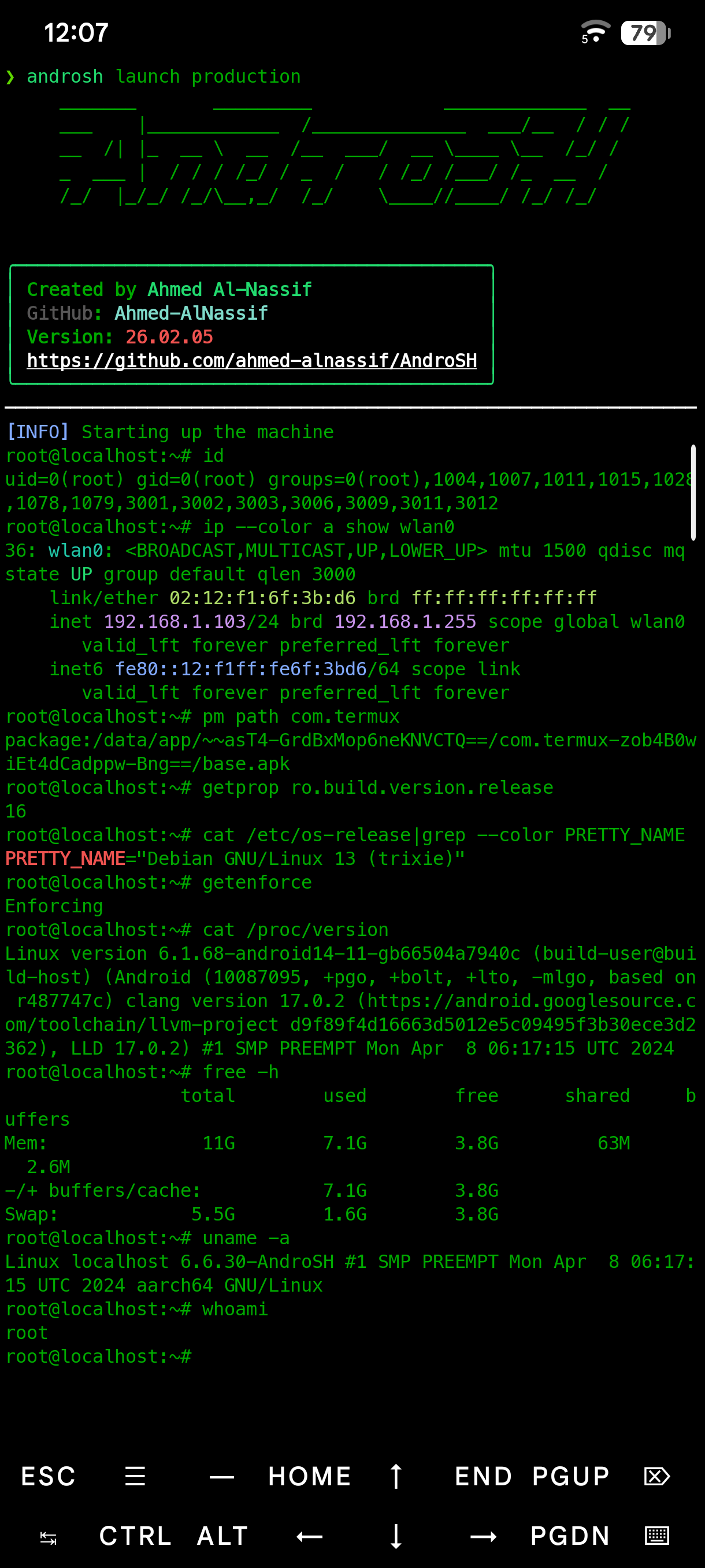
androsh setup production --distro debian --type stable
androsh launch production
# Sie sind jetzt root innerhalb der Debian-Umgebung
root@localhost:~# apt update && apt install python3 git


