
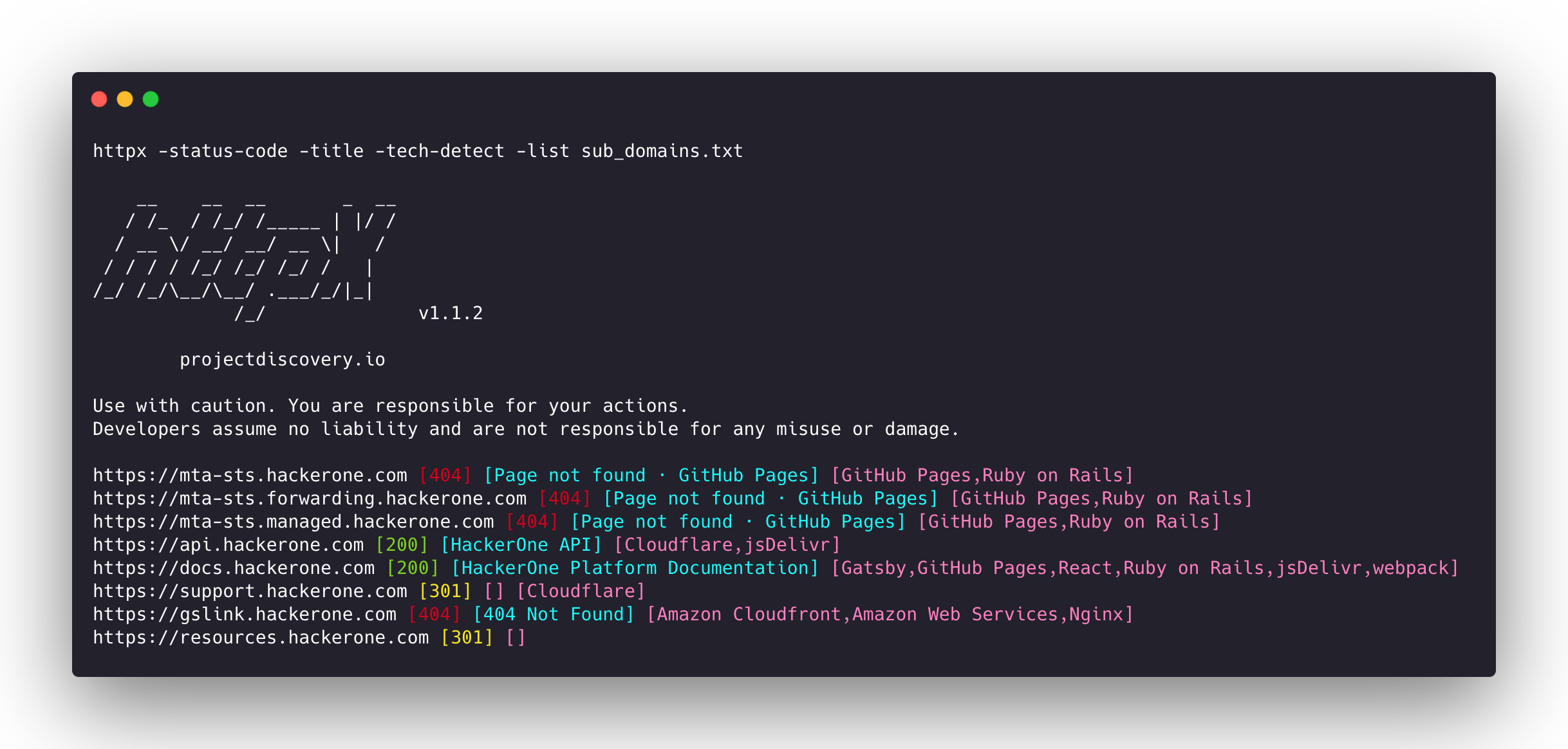
httpx v1.10.0
Schnelles, Multi-Probe-HTTP-Toolkit für Aufklärung und Informationssammlung. Prüft TLS, CSP, Header, Technologie-Stack und CDN. Unterstützt Matcher, Filter und JSON-Ausgabe für automatisierte Sicherheitstests.






Funktionen • Installation • Verwendung • Dokumentation • Hinweise • Discord beitreten
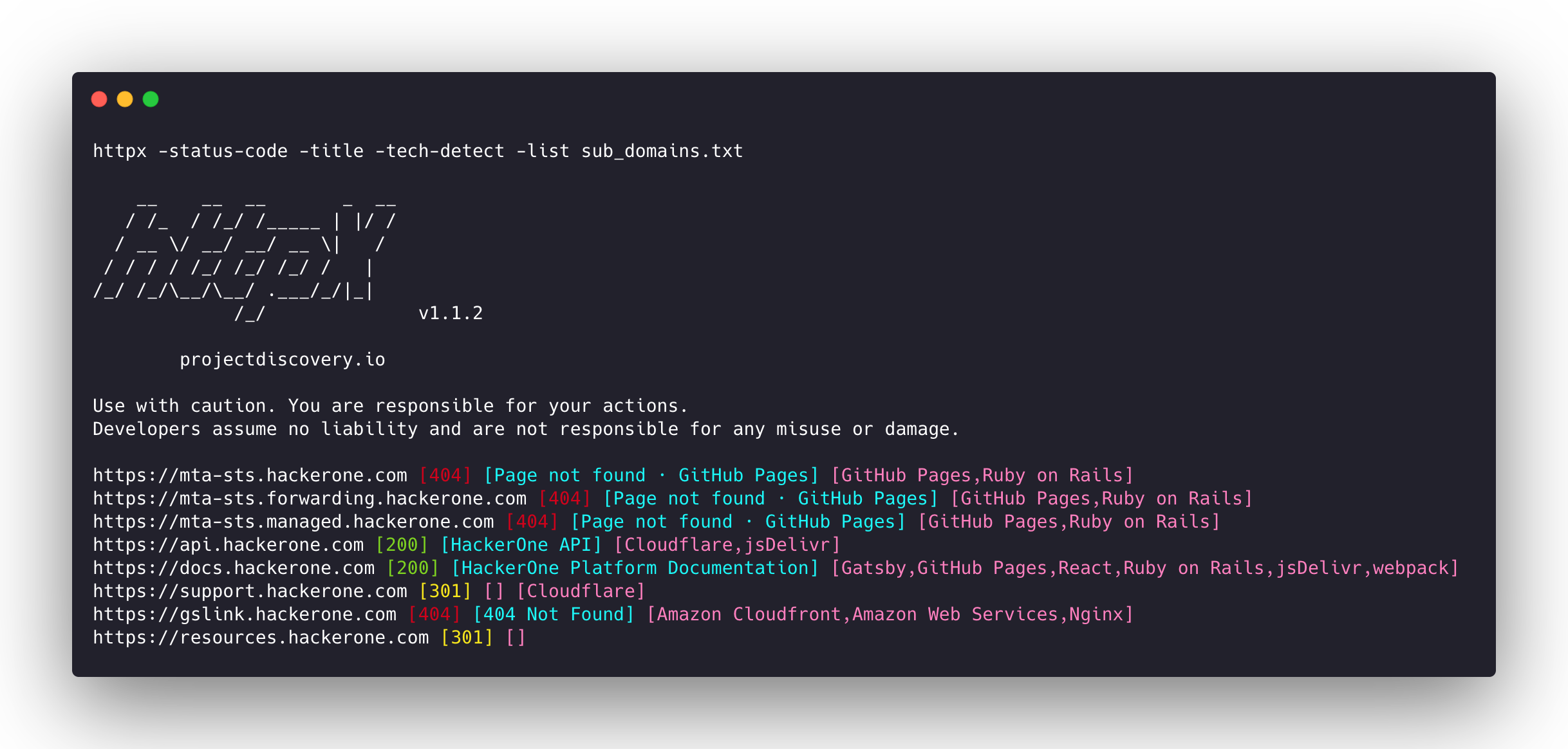
httpx ist ein schnelles und vielseitiges HTTP-Toolkit, das das Ausführen mehrerer Sondierungen mit der retryablehttp-Bibliothek ermöglicht. Es wurde entwickelt, um die Zuverlässigkeit der Ergebnisse bei einer erhöhten Anzahl von Threads zu wahren.
Funktionen
- Einfache und modulare Codebasis, die die Mitarbeit erleichtert.
- Schnelle und vollständig konfigurierbare Flags zur Sondierung mehrerer Elemente.
- Unterstützt mehrere HTTP-basierte Sondierungen.
- Intelligenter automatischer Fallback von HTTPS zu HTTP standardmäßig.
- Unterstützt Hosts, URLs und CIDR als Eingabe.
- Behandelt Randfälle mit Wiederholungen, Backoffs usw. zur Handhabung von WAFs.
Unterstützte Sonden
| Sonden | Standardprüfung | Sonden | Standardprüfung |
|---|---|---|---|
| URL | true | IP | true |
| Titel | true | CNAME | true |
| Statuscode | true | Rohes HTTP | false |
| Inhaltslänge | true | HTTP2 | false |
| TLS-Zertifikat | true | HTTP Pipeline | false |
| CSP-Header | true | Virtueller Host | false |
| Zeilenzahl | true | Wortanzahl | true |
| Standort-Header | true | CDN | false |
| Webserver | true | Pfade | false |
| WebSocket | true | Ports | false |
| Antwortzeit | true | Anfragemethode | true |
| Favicon-Hash | false | Sondenstatus | false |
| Body-Hash | true | Header-Hash | true |
| Umleitungskette | false | URL-Schema | true |
| JARM-Hash | false | ASN | false |
Installationsanleitung
httpx erfordert go >=1.25.0 zur erfolgreichen Installation. Führen Sie den folgenden Befehl aus, um das Repository zu erhalten:
go install -v github.com/projectdiscovery/httpx/cmd/httpx@latest
Weitere Informationen zur Installation von httpx finden Sie unter https://docs.projectdiscovery.io/tools/httpx/install.
| ❗ Haftungsausschluss |
|---|
| Dieses Projekt befindet sich in aktiver Entwicklung. Erwarten Sie bahnbrechende Änderungen mit Veröffentlichungen. Überprüfen Sie das Changelog vor dem Update. |
| Dieses Projekt wurde hauptsächlich als eigenständiges CLI-Tool entwickelt. Die Ausführung als Dienst kann Sicherheitsrisiken bergen. Es wird empfohlen, es mit Vorsicht und zusätzlichen Sicherheitsmaßnahmen zu verwenden. |
Verwendung
httpx -h
Dies zeigt die Hilfe für das Tool an. Hier sind alle unterstützten Schalter.
httpx is a fast and multi-purpose HTTP toolkit that allows running multiple probes using the retryablehttp library.

Usage:
  ./httpx [flags]

Flags:
INPUT:
   -l, -list string              input file containing list of hosts to process
   -rr, -request string          file containing raw request
   -u, -target string[]          input target host(s) to probe
   -im, -input-mode string       mode of input file (burp)

PROBES:
   -sc, -status-code                      display response status-code
   -cl, -content-length                   display response content-length
   -ct, -content-type                     display response content-type
   -location                              display response redirect location
   -favicon                               display mmh3 hash for '/favicon.ico' file
   -hash string                           display response body hash (supported: md5,mmh3,simhash,sha1,sha256,sha512)
   -jarm                                  display jarm fingerprint hash
   -rt, -response-time                    display response time
   -lc, -line-count                       display response body line count
   -wc, -word-count                       display response body word count
   -title                                 display page title
   -bp, -body-preview                     display first N characters of response body (default 100)
   -server, -web-server                   display server name
   -td, -tech-detect                      display technology in use based on wappalyzer dataset
   -cff, -custom-fingerprint-file string  path to a custom fingerprint file for technology detection
   -method                                display http request method
   -ws, -websocket                        display server using websocket
   -ip                                    display host ip
   -cname                                 display host cname
   -extract-fqdn, -efqdn                  get domain and subdomains from response body and header in jsonl/csv output
   -asn                                   display host asn information
   -cdn                                   display cdn/waf in use (default true)
   -probe                                 display probe status

HEADLESS:
   -ss, -screenshot                 enable saving screenshot of the page using headless browser
   -system-chrome                   enable using local installed chrome for screenshot
   -ho, -headless-options string[]  start headless chrome with additional options
   -esb, -exclude-screenshot-bytes  enable excluding screenshot bytes from json output
   -ehb, -exclude-headless-body     enable excluding headless header from json output
   -no-screenshot-full-page         disable saving full page screenshot
   -st, -screenshot-timeout value   set timeout for screenshot in seconds (default 10s)
   -sid, -screenshot-idle value     set idle time before taking screenshot in seconds (default 1s)
   -jsc, -javascript-code string[]  execute JavaScript code after navigation