
New releaseSep 19, 2026
urx v0.11.0
استخراج عناوين URL من أرشيفات OSINT للحصول على رؤى أمنية

يستخرج عناوين URL من أرشيفات OSINT للحصول على رؤى أمنية.




يجمع Urx عناوين URL الخاصة بنطاق ما من أرشيفات OSINT مثل Wayback Machine وCommon Crawl. يستعلم من كل مصدر على حدة بالتوازي، ثم يصفّي النتائج ويختبرها ويُنسّقها لأغراض العمل الأمني.
الميزات
- مصادر بدون مفاتيح: Wayback Machine، Common Crawl، OTX، Arquivo.pt، URLScan (مجهول)
- مصادر تتطلب مفاتيح مع تدوير المفاتيح: VirusTotal، URLScan، ZoomEye، GitHub Code Search، BeVigil (عناوين URL من تطبيقات Android)
- أي خادم CDX آخر (pywb، OutbackCDX، الأرشيفات الوطنية) عبر
--cdx-endpoint - مرشّحات على جانب الأرشيف (
--from/--to،--archive-status،--archive-mime) تُنفَّذ داخل استعلام CDX - مرشّحات البيانات الوصفية على جانب العميل (
--meta-*) على تاريخ الالتقاط ونوع MIME والحالة، لكل مزوّد - أهداف محدّدة النطاق بالمسار (
urx example.com/shop) وملفات نطاق صيد الثغرات (--scope-file) - التصفية حسب الامتداد والسلسلة الفرعية والتعبير النمطي (
--match-regex،--filter-regex) والإعدادات المسبقة (no-images،only-js،only-secrets،only-backup،only-config،only-api) - التطبيع وإزالة التكرار:
--normalize-url،--merge-endpoint،--dedup-similar - الإخراج بصيغة نص عادي أو JSON أو JSON Lines أو CSV أو
wordlist؛ ويكتب--streamعناوين URL فور وصولها - عروض المعاملات:
--params،--params-by-endpoint،--fuzz-placeholder FUZZلـ ffuf أو dalfox - بيانات وصفية للالتقاط لكل عنوان URL:
first_seen،last_seen،mime،archive_status،digest - الإدخال من ملفات WARC وURLTeam والملفات النصية (
--files) أو من stdin - الاختبار المباشر:
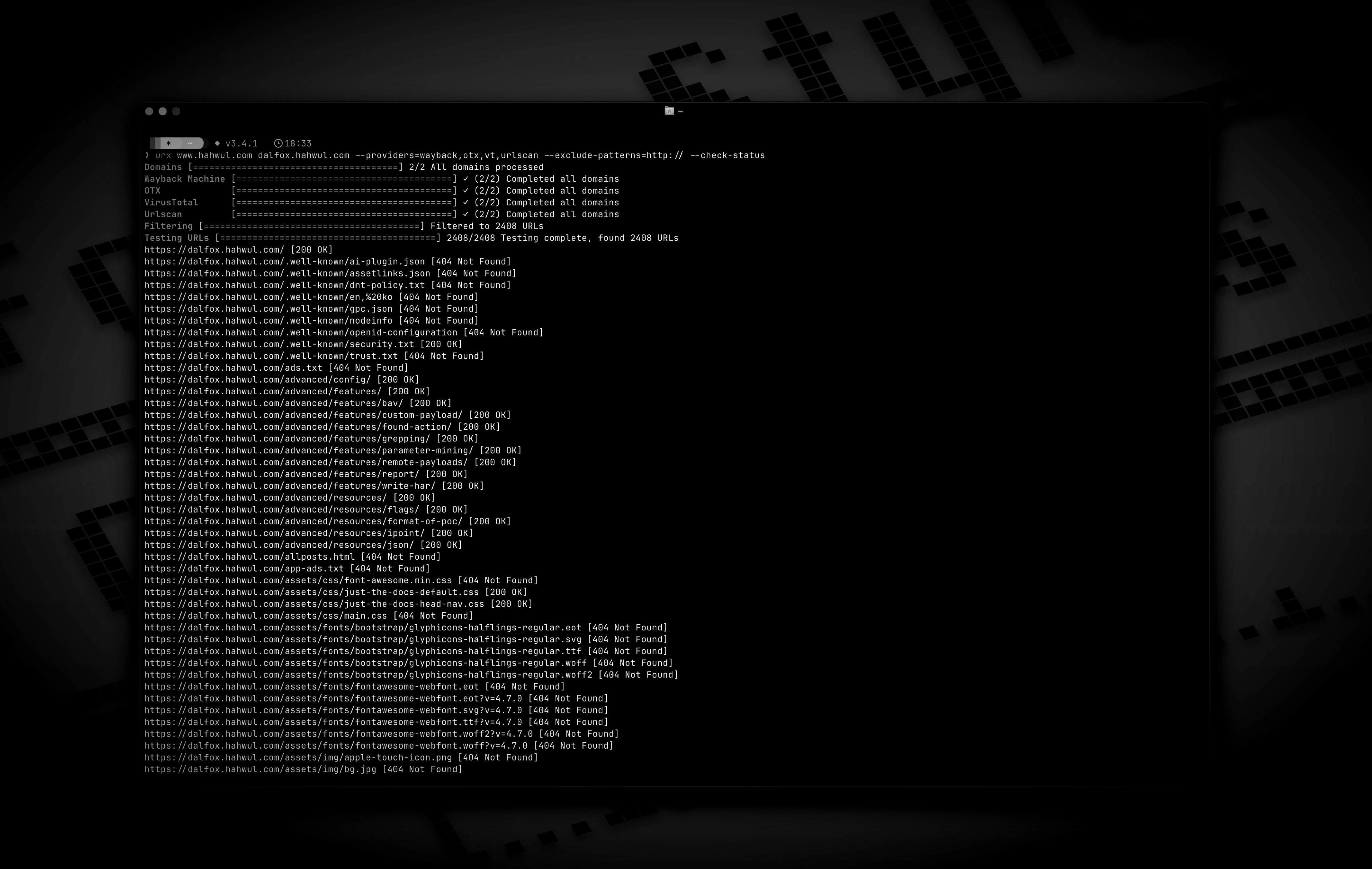
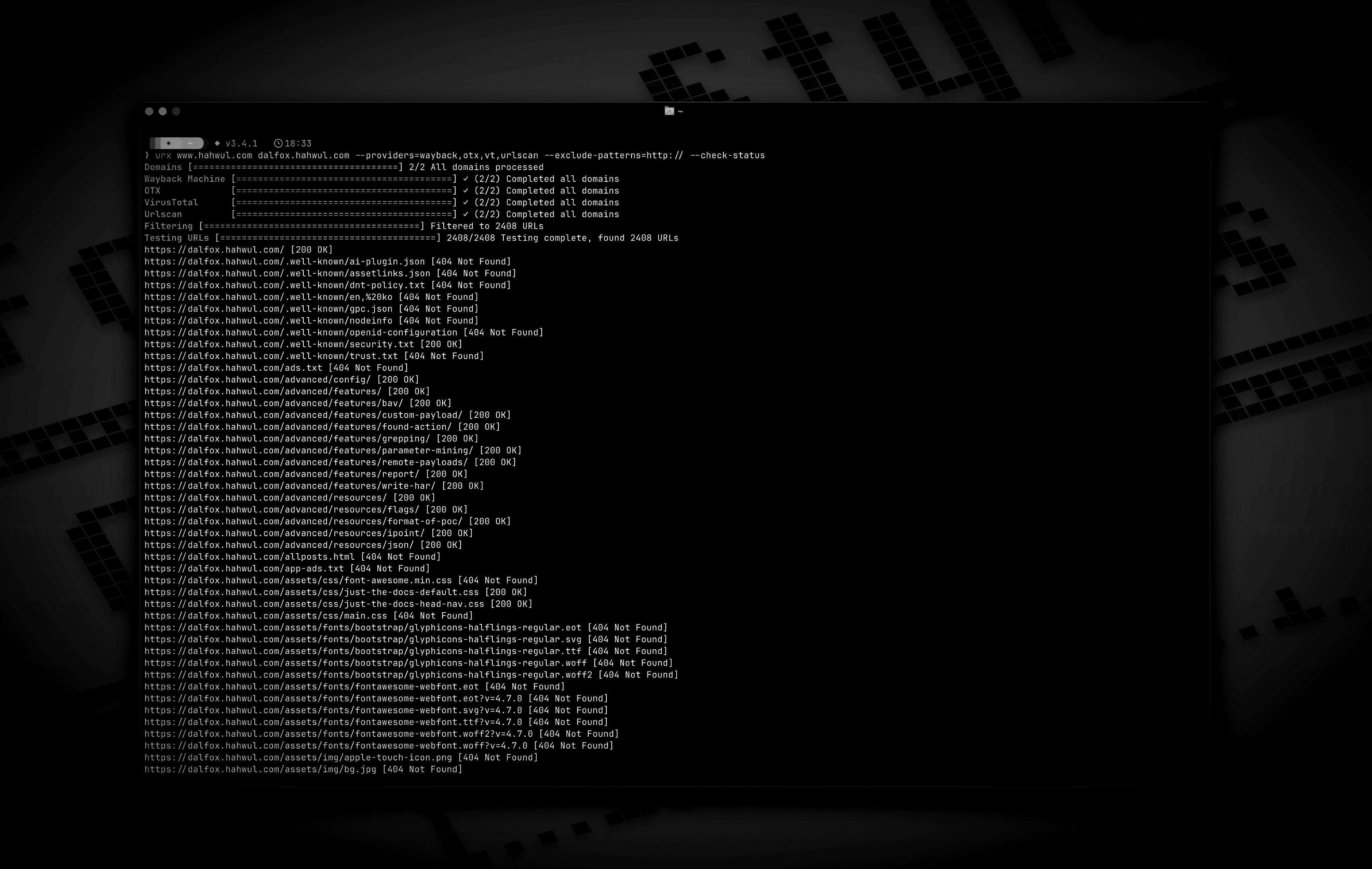
--check-status،--check-title،--extract-links،--extract-js-endpoints - المحتوى المؤرشف: يستخرج
--archive-bodyالروابط من صفحات لم تعد موجودة، بطلب واحد لكل محتوى مميّز؛ ويحتفظ--archive-body-dirبها - توسيع مواصفات API (
--expand-specs): OpenAPI 3.x، Swagger 2.0، استبطان GraphQL - نسخ robots.txt وsitemap.xml المؤرشفة (
--archived-discovery) - طلبات مصادَق عليها إلى الهدف (
-H،--cookie،--user-agent)، لا تُرسَل أبدًا إلى الأرشيفات - ذاكرة تخزين مؤقت SQLite أو Redis (يتطلب Redis بناءً بـ
--features redis-cache)، وفحوص--incremental، وصيانةurx cache، وخطافات ويب--notify
التثبيت
cargo install urx       # https://crates.io/crates/urx
brew install urx        # https://formulae.brew.sh/formula/urx
yay -S urx              # AUR
choco install urx       # Chocolatey (Windows)
من المصدر (الملف الثنائي في target/release/urx):
git clone https://github.com/hahwul/urx.git
cd urx
cargo build --release
Docker (ghcr.io/hahwul/urx). لا تحتوي الصورة على نقطة دخول، لذا ضع ./urx بعد اسم الصورة:
docker run --rm ghcr.io/hahwul/urx:latest ./urx example.com
توجد ملفات ثنائية مبنية مسبقًا لأنظمة Linux وmacOS وWindows، كل منها مرفق بملف .sha256، على صفحة الإصدارات.
إكمالات الصدفة (bash، zsh، fish، powershell، elvish) وصفحة الدليل:
urx --completions zsh > ~/.zfunc/_urx        # ~/.zfunc must be on $fpath
urx --completions bash > ~/.local/share/bash-completion/completions/urx
urx --completions fish > ~/.config/fish/completions/urx.fish
urx --manpage > ~/.local/share/man/man1/urx.1
الاستخدام
الاستخدام الأساسي
urx example.com                 # one domain
urx example.com example.org     # several domains
cat domains.txt | urx           # domains from stdin
الخيارات
Usage: urx [OPTIONS] [DOMAINS]... [COMMAND]

Commands:
  cache  Inspect and maintain the URL cache: stats, list, prune, drop <DOMAIN>..., clear

Arguments:
  [DOMAINS]...  Domains to fetch URLs for

Options:
  -c, --config <CONFIG>           Config file to load
      --provider-config <PATH>    Separate provider config file holding only API keys (default: ~/.config/urx/provider-config.toml; %APPDATA%\urx\ on Windows). CLI/env > provider-config > main config.
      --completions <SHELL>       Print a shell completion script (bash, zsh, fish, powershell, elvish) to stdout and exit
      --manpage                   Print the roff man page to stdout and exit
  -h, --help             Print help
  -V, --version          Print version

Input Options:
      --files <FILES>...        Read URLs directly from files (supports WARC, URLTeam compressed, and text files)
      --domain-list <PATH>      File of newline-separated domains to scan (repeatable; merged with positional DOMAINS; stdin is read only when they name no domains; `#` comments allowed) [alias: --dL]

Output Options:
  -o, --output <OUTPUT>          Output file to write results
      --output-dir <PATH>        Write one file per URL host into this directory (extension matches --format). Coexists with --output / stdout. [alias: --oD]
  -f, --format <FORMAT>          Output format: "plain", "json" (one array), "jsonl" (one JSON object per line), "csv", "wordlist" (path segments and parameter names, deduplicated and sorted); anything else is a usage error [default: plain]
      --stream           Write URLs as each provider reports them instead of once at the end (unsorted; bypasses cache; rejects options needing the full result set)
      --merge-endpoint   Merge endpoints with the same path and merge URL parameters
      --normalize-url    Normalize URLs for better deduplication (sorts query parameters, removes trailing slashes)
      --dedup-similar    Collapse URLs that differ only in variable data (numeric ids, UUIDs, hashes, dates, query values)
      --params           Replace the URL list with every query parameter name the run saw, once each
      --params-by-endpoint
                         One line per endpoint: the endpoint and the comma-separated union of the parameter names seen on it (id-looking path segments collapse to `{id}`)
      --fuzz-placeholder <VALUE>
                         Replace every query parameter value with VALUE, keeping one URL per parameter signature — output you can feed straight to ffuf or dalfox