 raithchr/stego-lab
Local steganography app for hiding text, images, or files inside carrier images with AES-256 encryption, EXIF editing, watermarking, and batch processing on iOS, iPadOS, and macOS.

Steganography. EXIF. Watermarks. Decode. Batch.
Professional image privacy workflows for iPhone, iPad, and macOS.
Website · GitLab · Project Page · Privacy Policy · Press Kit · Support · License





Stego-Lab brings together workflows that are usually scattered across multiple apps: invisible steganography, visible watermarking, EXIF editing, decoding, and batch processing.
Stego-Lab fuehrt Workflows zusammen, die sonst auf mehrere Apps verteilt sind: unsichtbare Steganographie, sichtbare Watermarks, EXIF-Bearbeitung, Dekodierung und Batch-Verarbeitung.
It is built for creators, photographers, forensic-minded users, and technical image workflows that need local processing and careful export control across iPhone, iPad, and Mac.
| Area | What it does | Best used for |
|---|---|---|
Encode | Embed hidden text, images, or files into a carrier image | invisible payload workflows |
Decode | Extract hidden text, images, or files again | verification and recovery |
EXIF | Read, inspect, edit, and re-save metadata | metadata cleanup or controlled edits |
Batch | Apply visible, invisible, or combined watermarks to many images | repeatable production workflows |
Info | App details, support, upgrade path, version summary | release and support visibility |
| Encode | Decode |
|---|---|
| Hide text, images, or files inside carrier images | Recover hidden content from encoded images |
| Optional password protection before embedding | Text stays free, advanced payloads are Pro |
| Capacity and formula feedback while preparing payloads | Supports text, image, and file recovery |
| EXIF | Batch |
|---|---|
| Inspect and edit EXIF, TIFF, and GPS metadata | Apply visible, invisible, or combined watermarks |
| Save under same or different export names | Use text or image-based watermark inputs |
| Useful for cleanup, relabeling, and metadata control | Designed for repeatable multi-image output |
App Store-ready screenshot sets are available for iPhone, iPad, and macOS in German, English, and French under generated/app_store_screenshots/.
Encode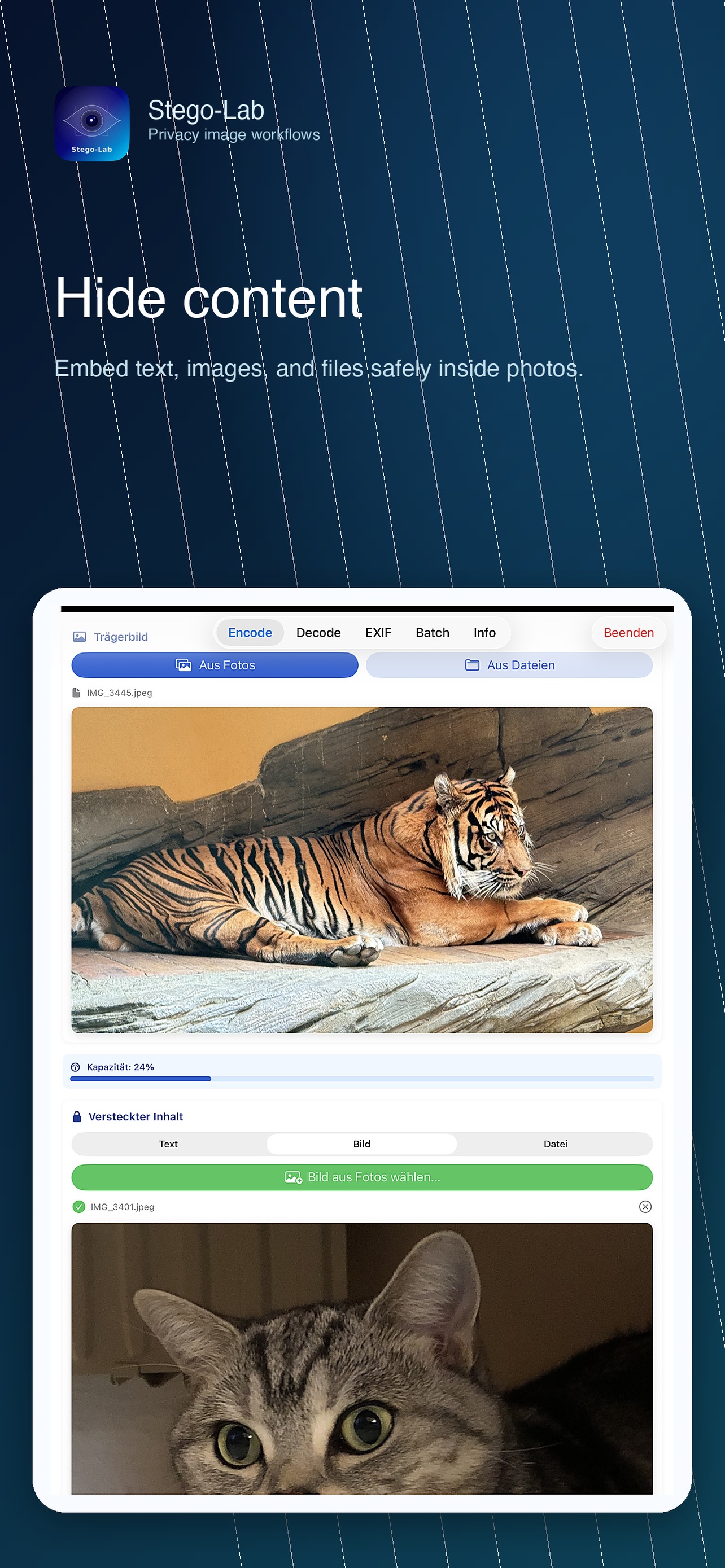 |
Decode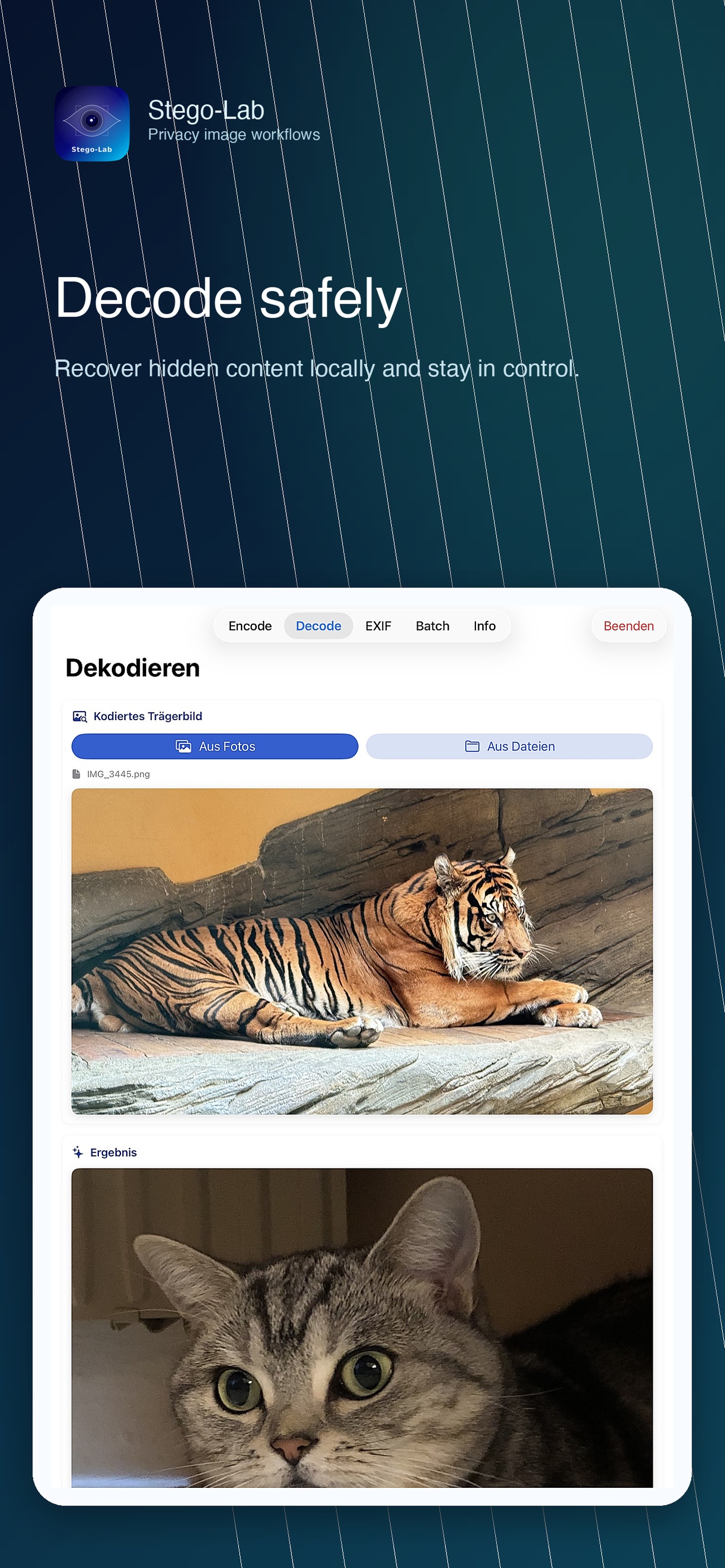 |
EXIF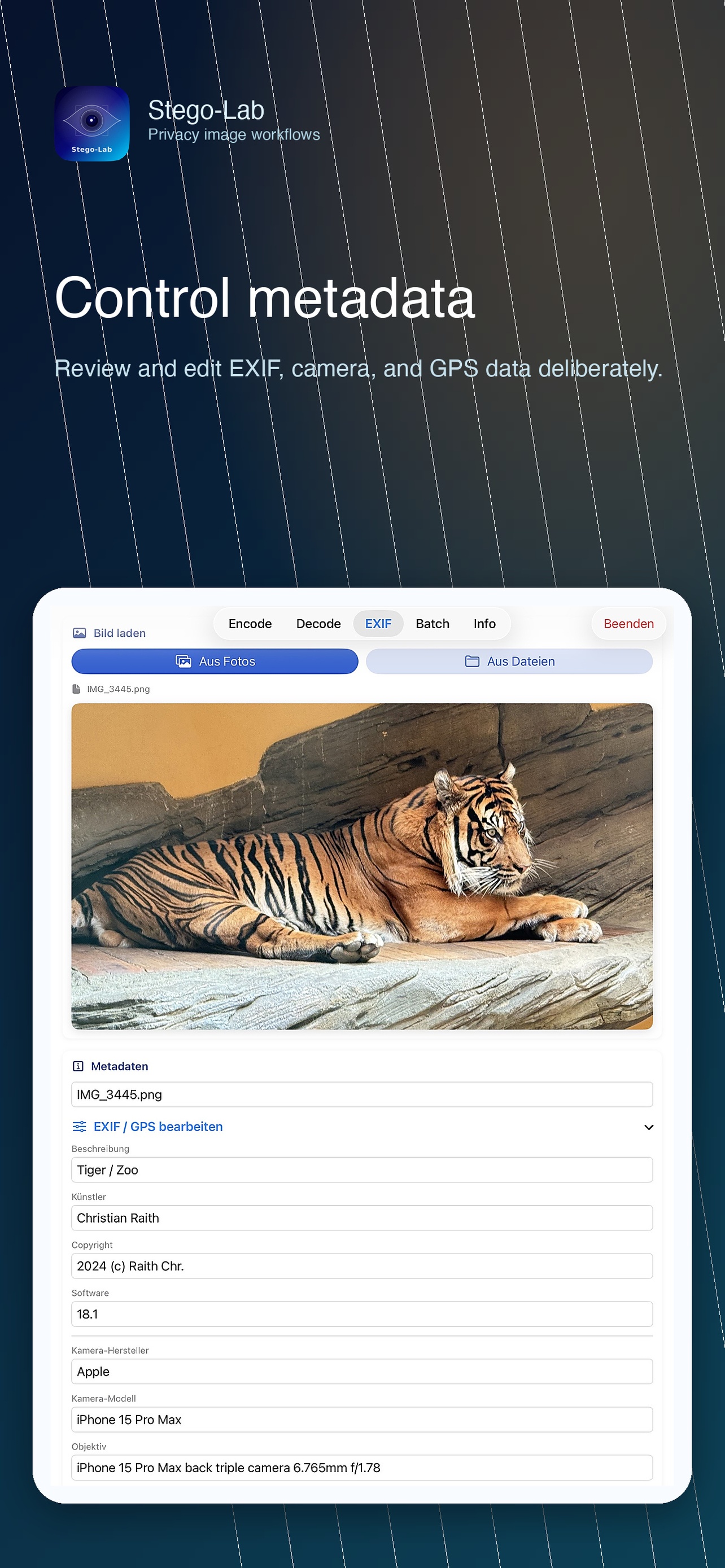 |
Batch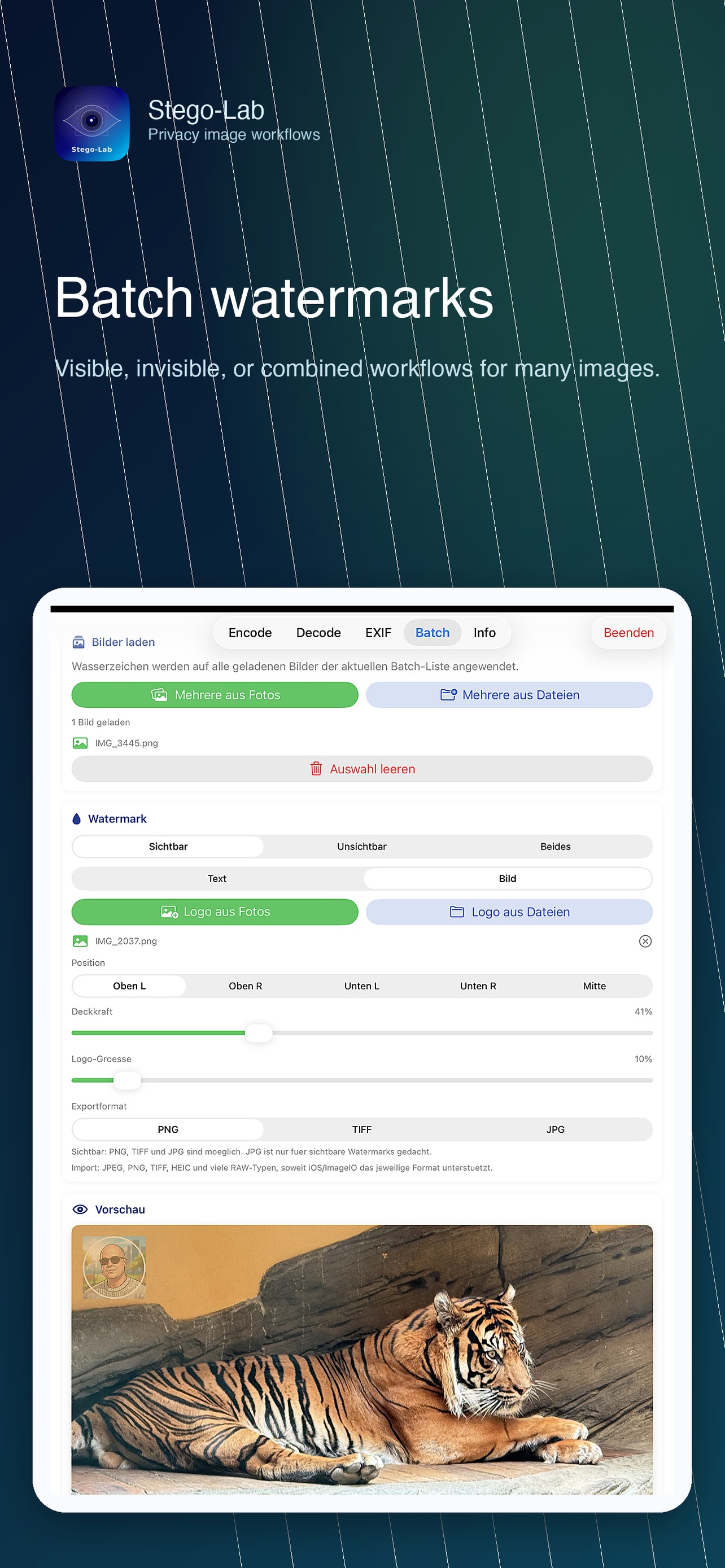 |
Stego-Lab Pro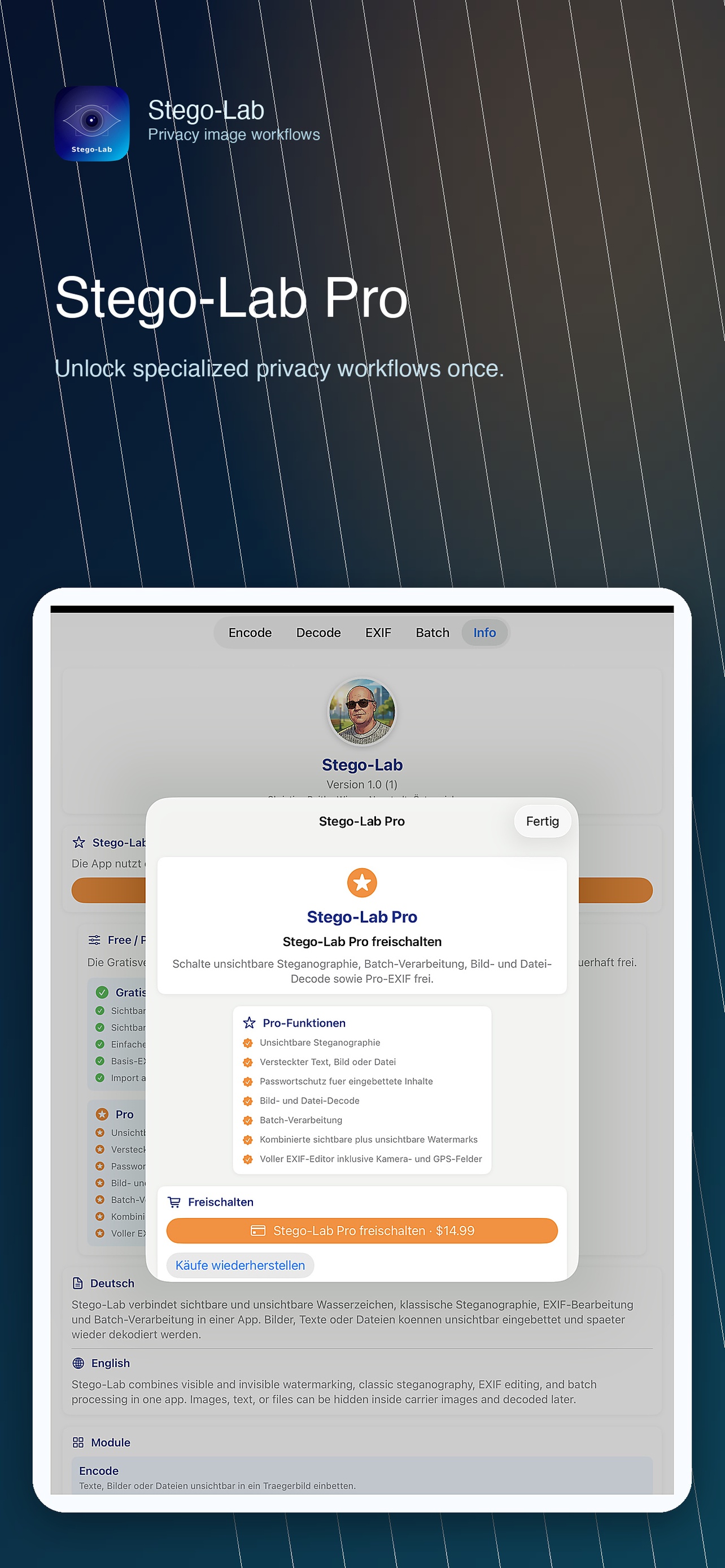 |
Info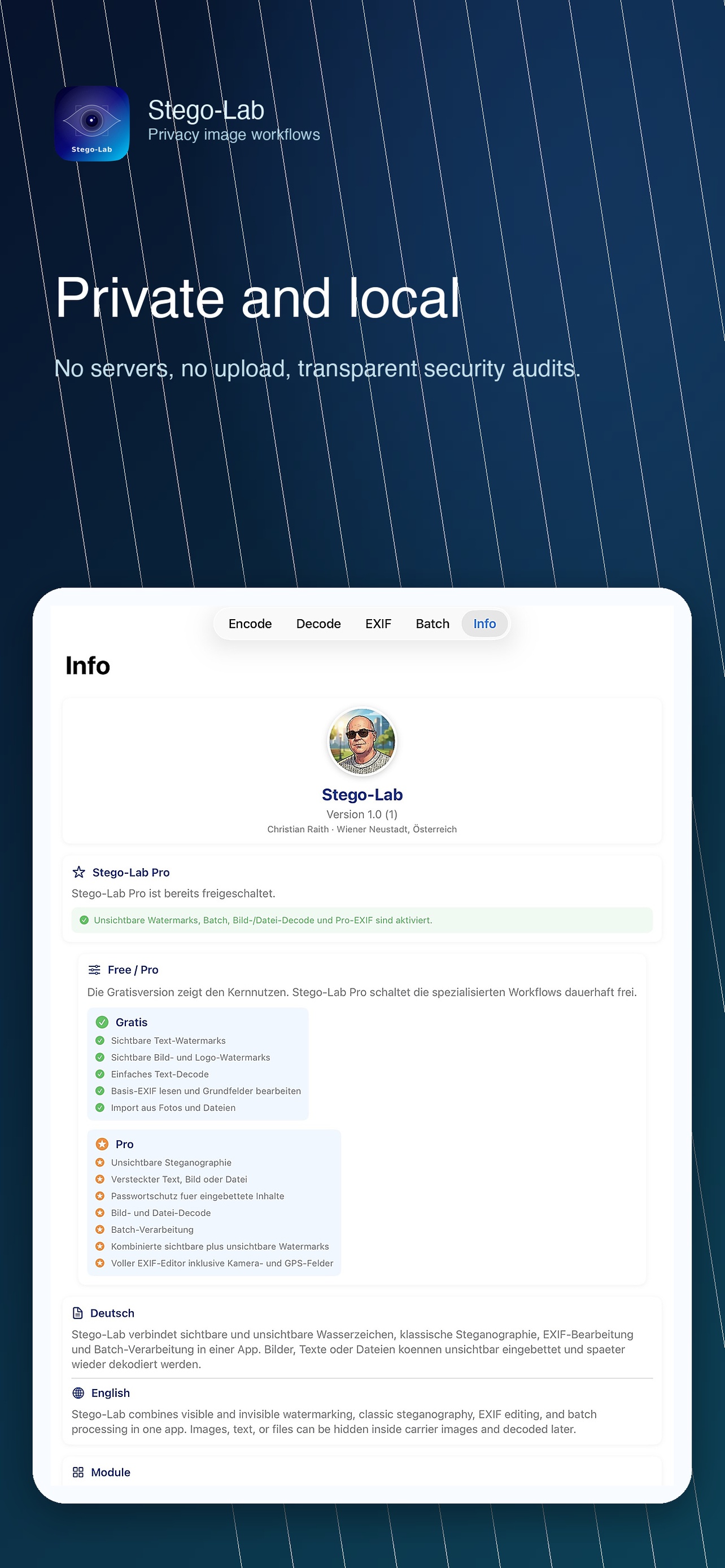 |
macOS Encode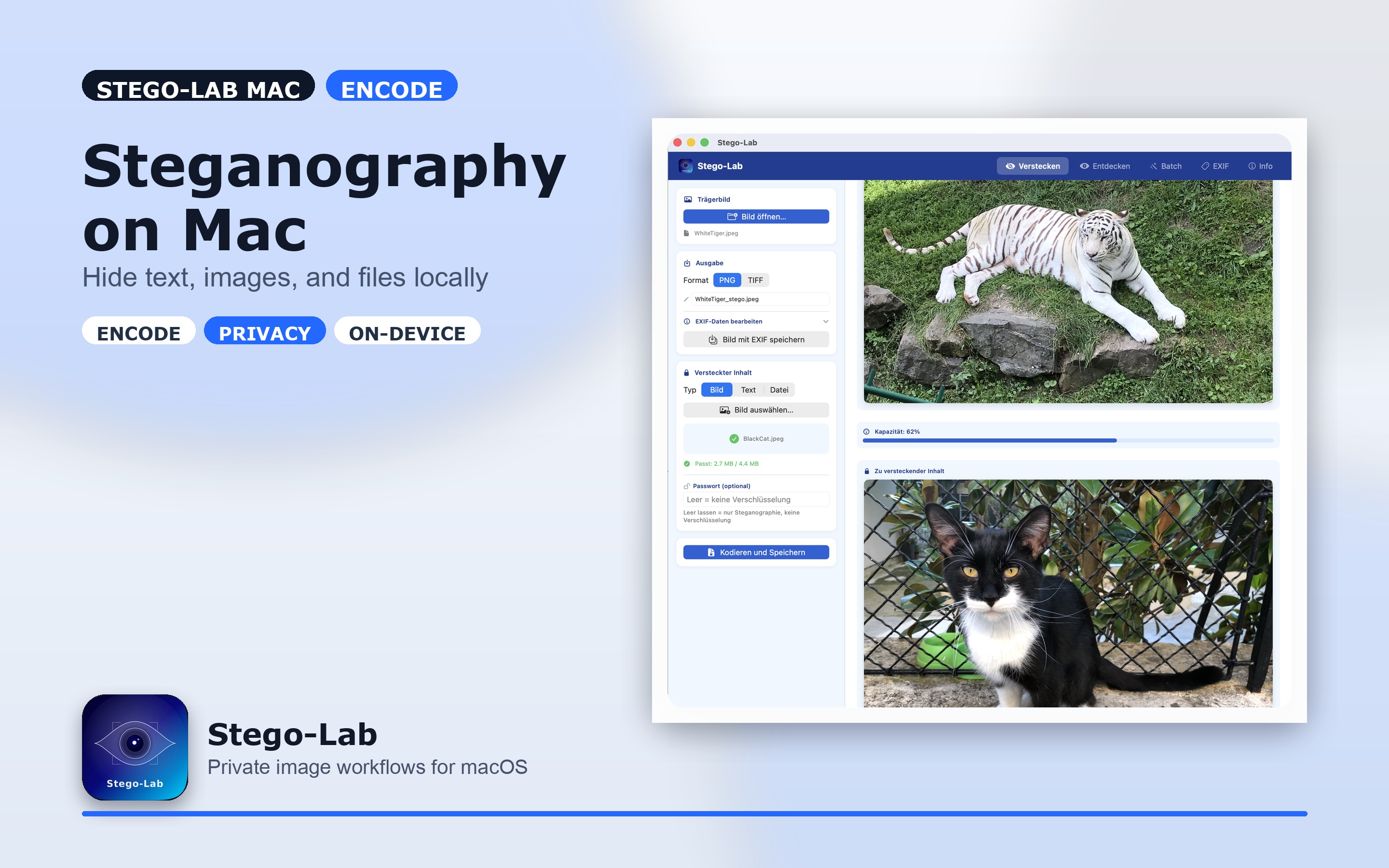 |
macOS Decode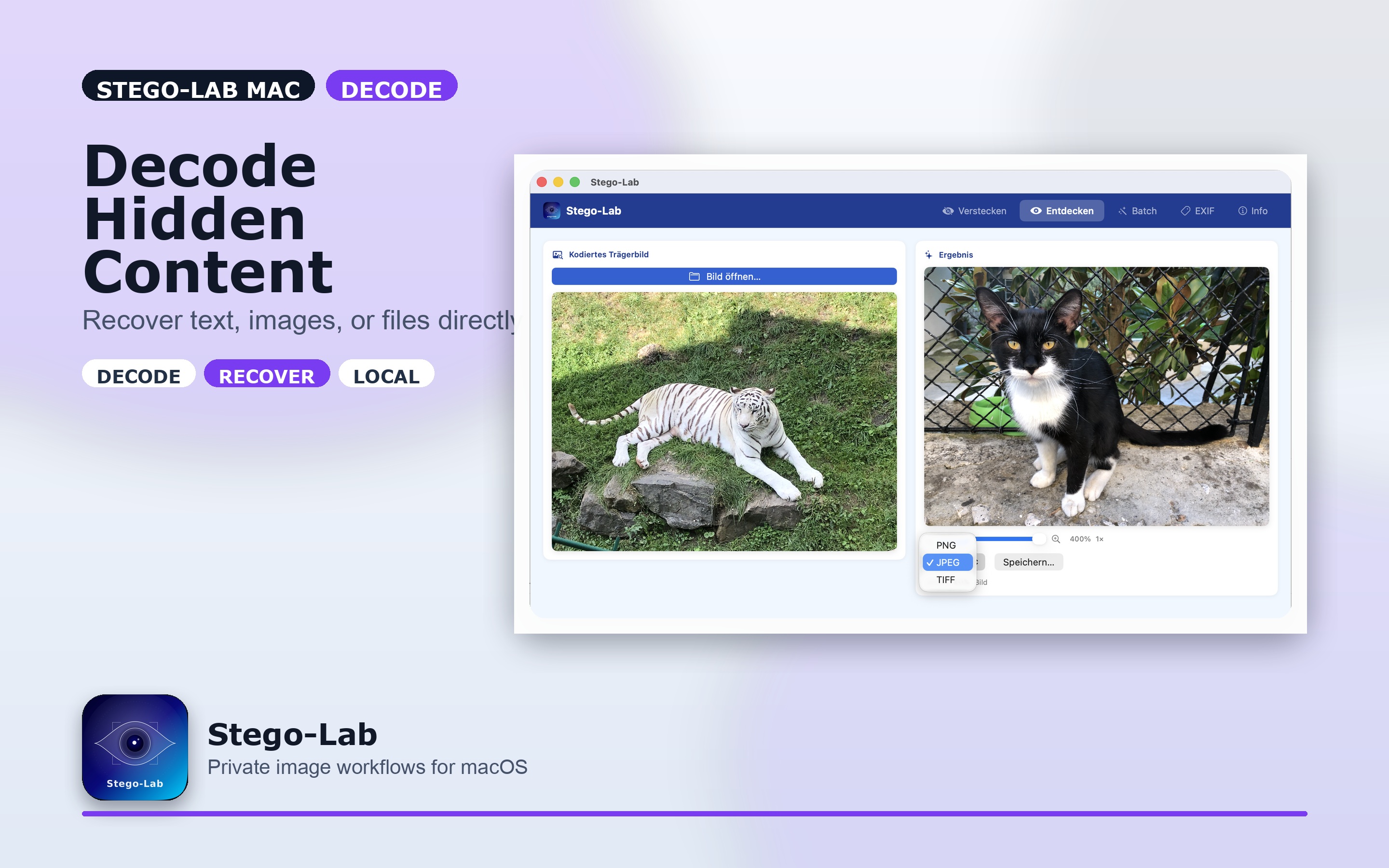 |
macOS Batch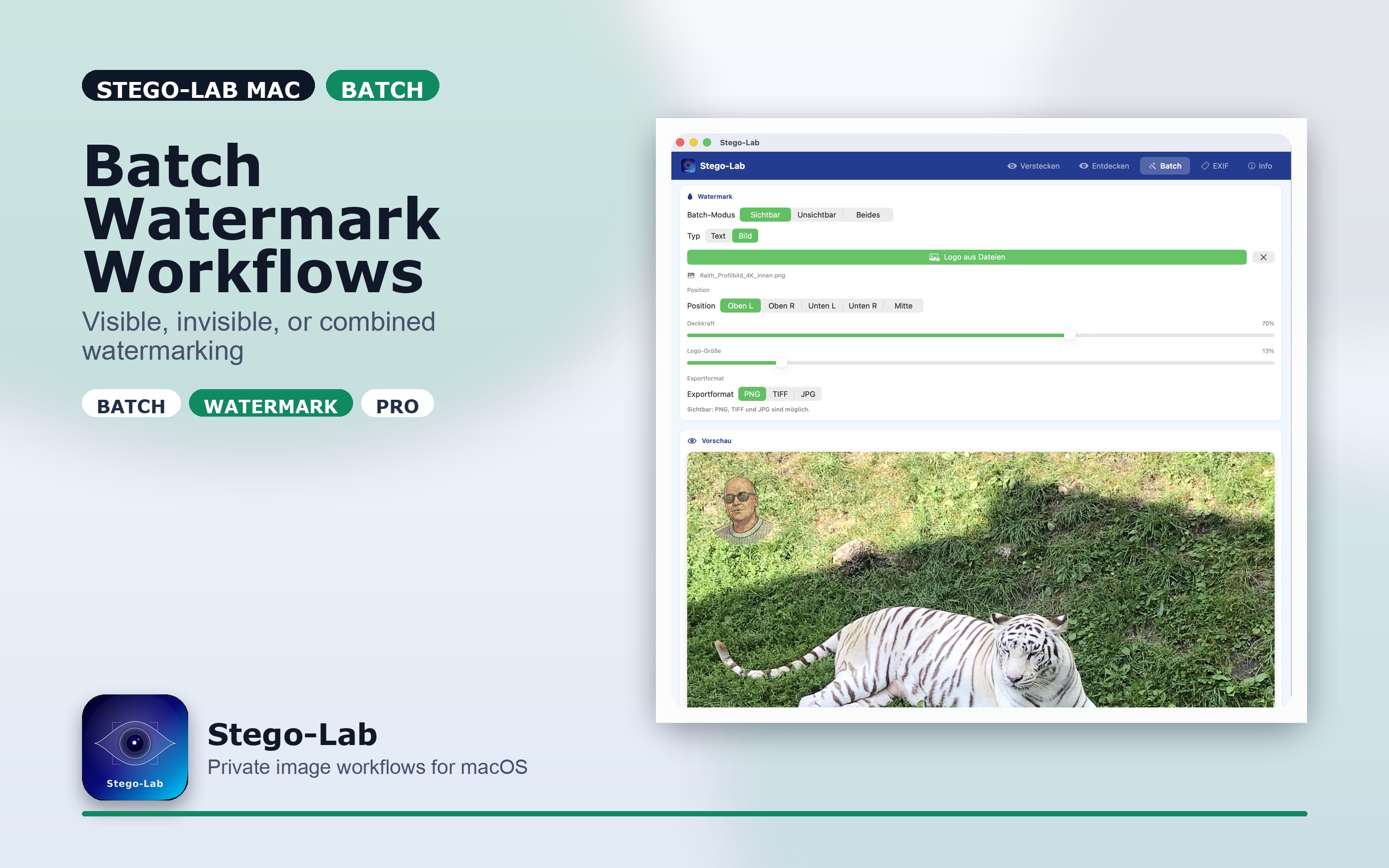 |
| Use case | Recommended formats | Notes |
|---|---|---|
| Invisible payloads | PNG, TIFF | lossless export keeps hidden data reliable |
| Visible-only workflows | PNG, TIFF, JPG | JPG is suitable when no hidden payload must survive |
| Import | JPG, PNG, TIFF, HEIC, many RAW variants | depends on iOS and ImageIO support |
An encoded sample image for manual decode checks is available under docs/demo/DemoPicture_WhiteTiger-BlackCat.PNG. Keep demo assets public-safe: no private payloads, secrets, or reusable real-world passwords.
| Free | Pro |
|---|---|
| visible text watermarks | invisible steganography |
| visible image/logo watermarks | hidden text, image, and file payloads |
| simple text decode | password-protected payload workflows |
| basic EXIF read and edit | image and file decode |
| import from Photos and Files | batch processing |
| visible export workflows | combined visible plus invisible workflows |
| full EXIF editor including GPS |
Planned Pro product identifier: com.raith.photovault.pro
Stego-Lab runs entirely on your device. Nothing leaves your Mac.
See Privacy Policy for the formal statement.
