注意!本仓库是 https://github.com/s-rah/onionscan 的修补版本,设计用于从 hunchly 的谷歌云 shell 运行,见 https://github.com/hunchly/funchly/tree/main/onionscan,该版本被用作基线并进行了修改,以便同时可以部署在本地实例上。

https://gitlab.com/n3ph0s/onionscan/-/raw/main/cloudshell_install_onionscan.sh
chmod +x cloudshell_install_onionscan.sh
./cloudshell_install_onionscan.sh
docker run -it -p 127.0.0.1:9050:9050 --name torproxy -d dperson/torproxy
docker inspect torproxy
每次进入云 shell 后,你都需要重新执行上述 tor 代理 / docker 命令。
onionscan -torproxyaddress <ip address of docker container>:9050 -verbose <onion address>
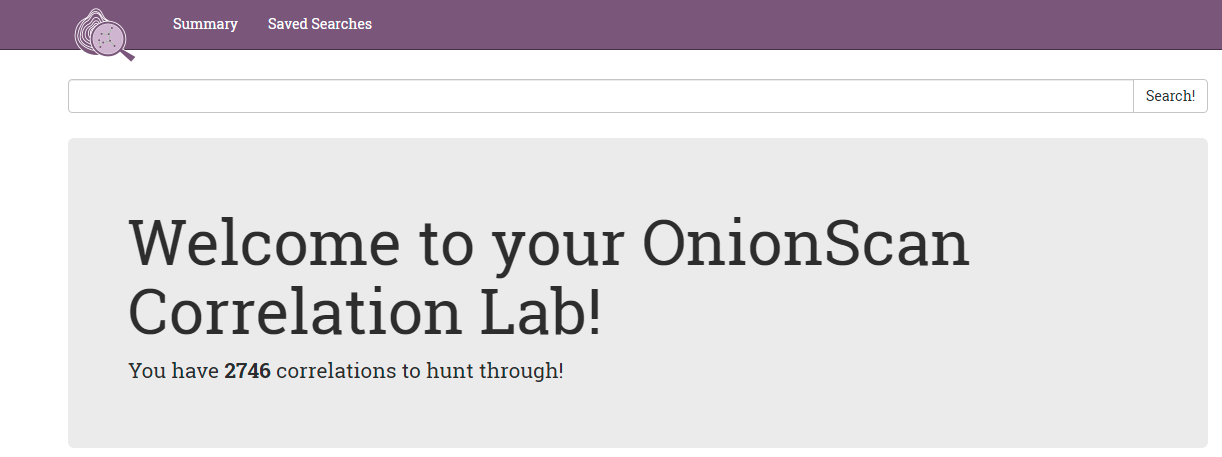
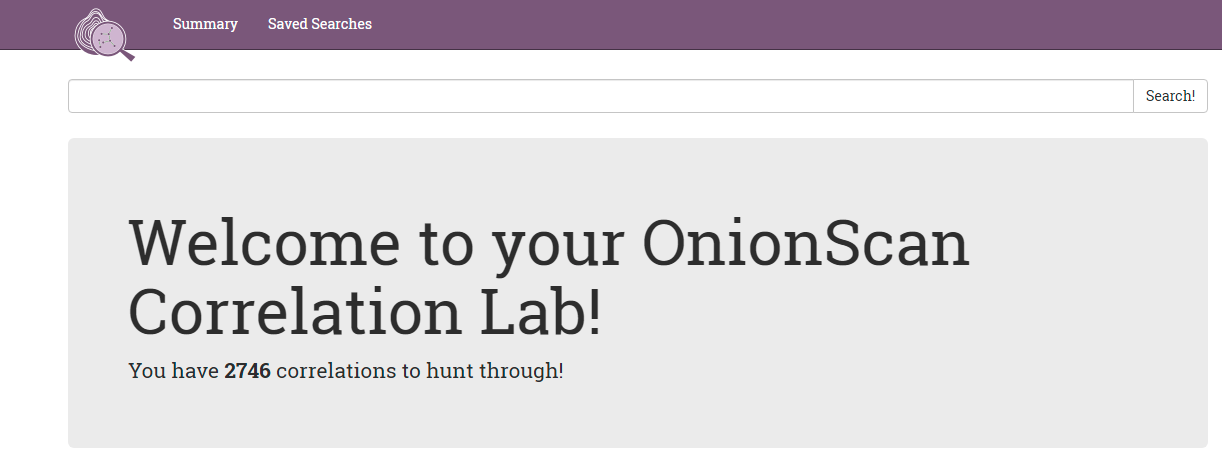
 你的浏览器应在新标签页中打开洋葱扫描关联实验室:
snapshot - 查找提取的所有类型的所有数据。
crawl - 查找所有成功的爬取。
ssh - 查找所有检索到的 ssh 横幅。
email-address - 搜索提取的电子邮件地址。
mod_status - 查找可能泄露“真实”IP 地址的隐藏服务。
或者你可以根据 hunchly 暗网报告搜索隐藏服务的标题。
注意!这基于 ubuntu 20.04 的全新安装,其他 Linux 版本可根据以下说明作为基础进行修改
wget https://gitlab.com/n3ph0s/onionscan/-/raw/main/local_install_onionscan.sh
chmod +x local_install_onionscan.sh
./local_install_onionscan.sh
docker run -it -p 127.0.0.1:9050:9050 --name torproxy -d dperson/torproxy
docker inspect torproxy
onionscan -torproxyaddress <ip address of docker container>:9050 -verbose <onion address>
snapshot - 查找提取的所有类型的所有数据。
crawl - 查找所有成功的爬取。
ssh - 查找所有检索到的 ssh 横幅。
email-address - 搜索提取的电子邮件地址。
mod_status - 查找可能泄露“真实”IP 地址的隐藏服务。
或者你可以根据 hunchly 暗网报告搜索隐藏服务的标题。