$\textcolor{red}{\text{此工具仅供道德使用!}}$
Mothership C2 是一个用 Python 编写的命令与控制服务器。
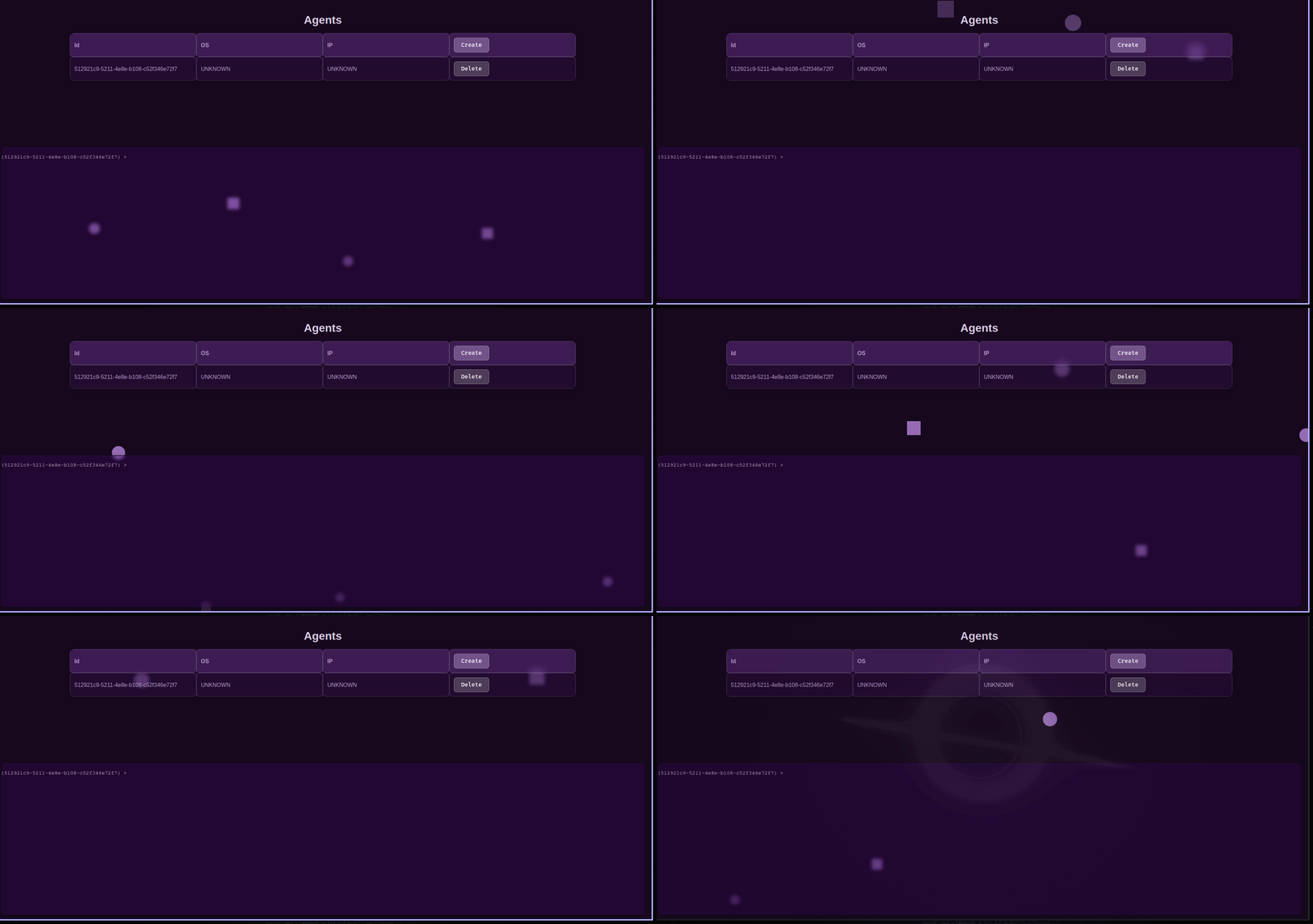
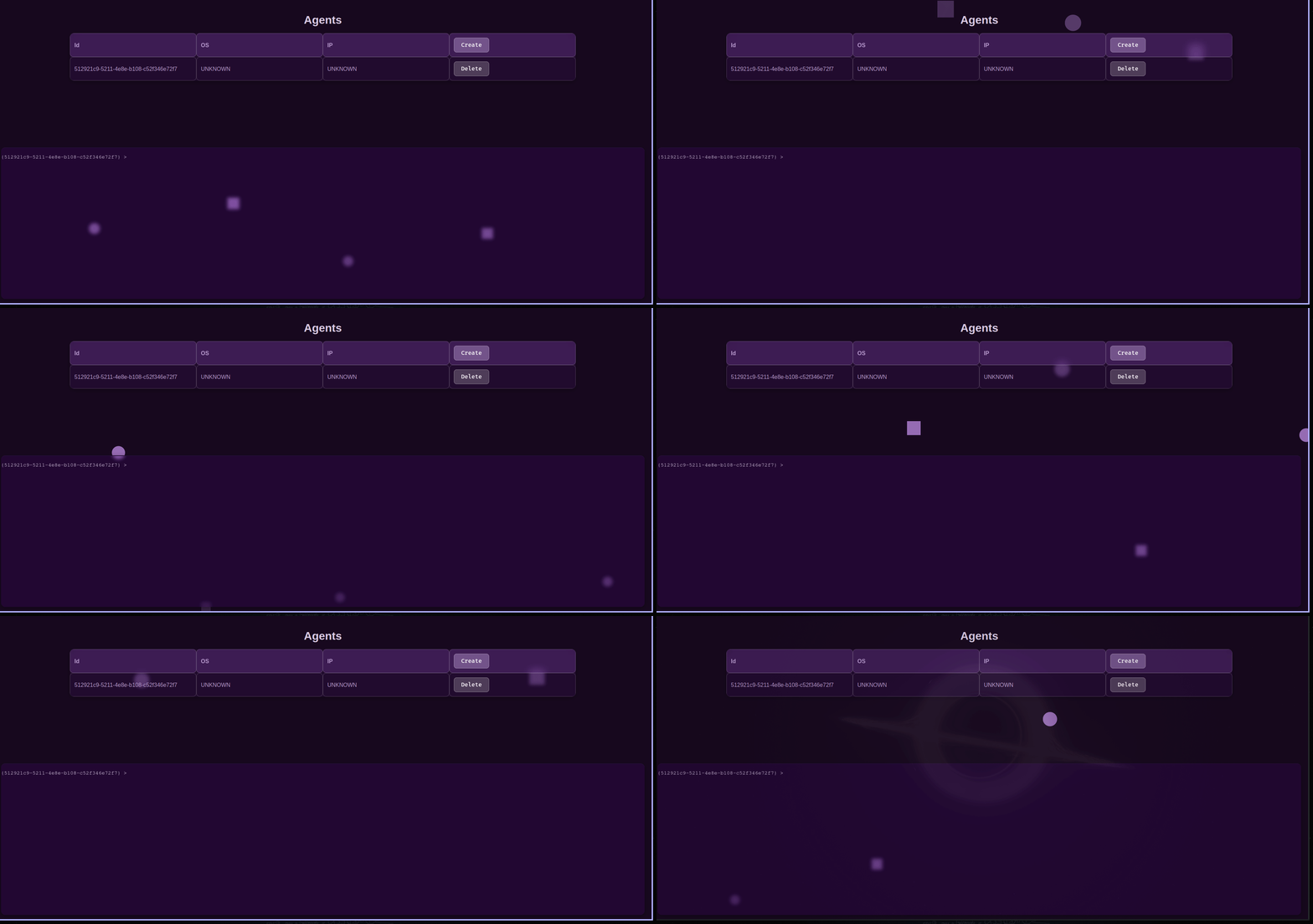
这里是前端的一个示例截图。内置终端以及创建和删除代理的方式!要运行前端,请进入 webapp 目录并运行 docker compose up。
API 的相关文档。
所有客户端的端点都需要 admin JWT。
/api/config如果数据库位于非默认主机上,请配置数据库。
{
  "host": "localhost",
  "port": "6379",
  "db": "0"
}
示例响应:
{"response": "config updated!"}
/api/db/priv_key获取数据库的私钥,以便解密命令响应。
示例响应:
{"response": "server private key"}
/api/connections/<agent_id>/command向代理发送命令。
{
  "command": "string",
  "directory": ""
}
示例输出:
200
/api/connections/list列出数据库中的所有连接。
示例响应:
{"response": ["agent1", "agent2"]}
/api/connections/<agent_id>/output获取命令的输出。
示例响应:
{"response": decrypted}
/api/connections/<agent_id>/close关闭与代理的连接。
示例响应:
{"response": "deleted agent123!"}
/api/connections/create创建一个新的代理ID,供新代理连接使用。
示例响应:
{"response": "a52a7cca-5ca9-46ed-98c0-3ee694a97e45"}
/api/connections/<agent_id>/info获取连接信息,例如操作系统、公钥、命令、命令输出、命令历史、服务器端公钥。
示例响应:
{"response":
    {
        "history": "",
        "OS": "linux",
        "pubKey": "0x000000",
        "serverKey": "0x00000"
    }
}
/api/connections/register注册一个代理。
{
  "hashedID": "string",
  "public_key": "string",
  "target_os": "string"
}
/api/connections/<hashed_agent_id>/command代理获取要执行的 shell 命令。代理获取的命令是加密的,有关代理如何解密命令,请参阅代理代码。
示例响应:
{"response": "command"}
/api/connections/<hashed_agent_id>/output发送命令输出,输出会被加密,并在客户端请求时由 API 解密。
{
  "command_output": "string"
}