随着 Project Discovery 在 HTTPX 中添加了 -ss 选项,现在可以使用 gf xss 和 qsreplace 配合 XSS payload(例如 <script>alert(hacked)</script>)来创建可能易受攻击的 URL 列表。然后 HTTPX 会访问所有 URL 并截取屏幕截图,这些截图存储在 output/screenshot/index_screenshot.txt 中。
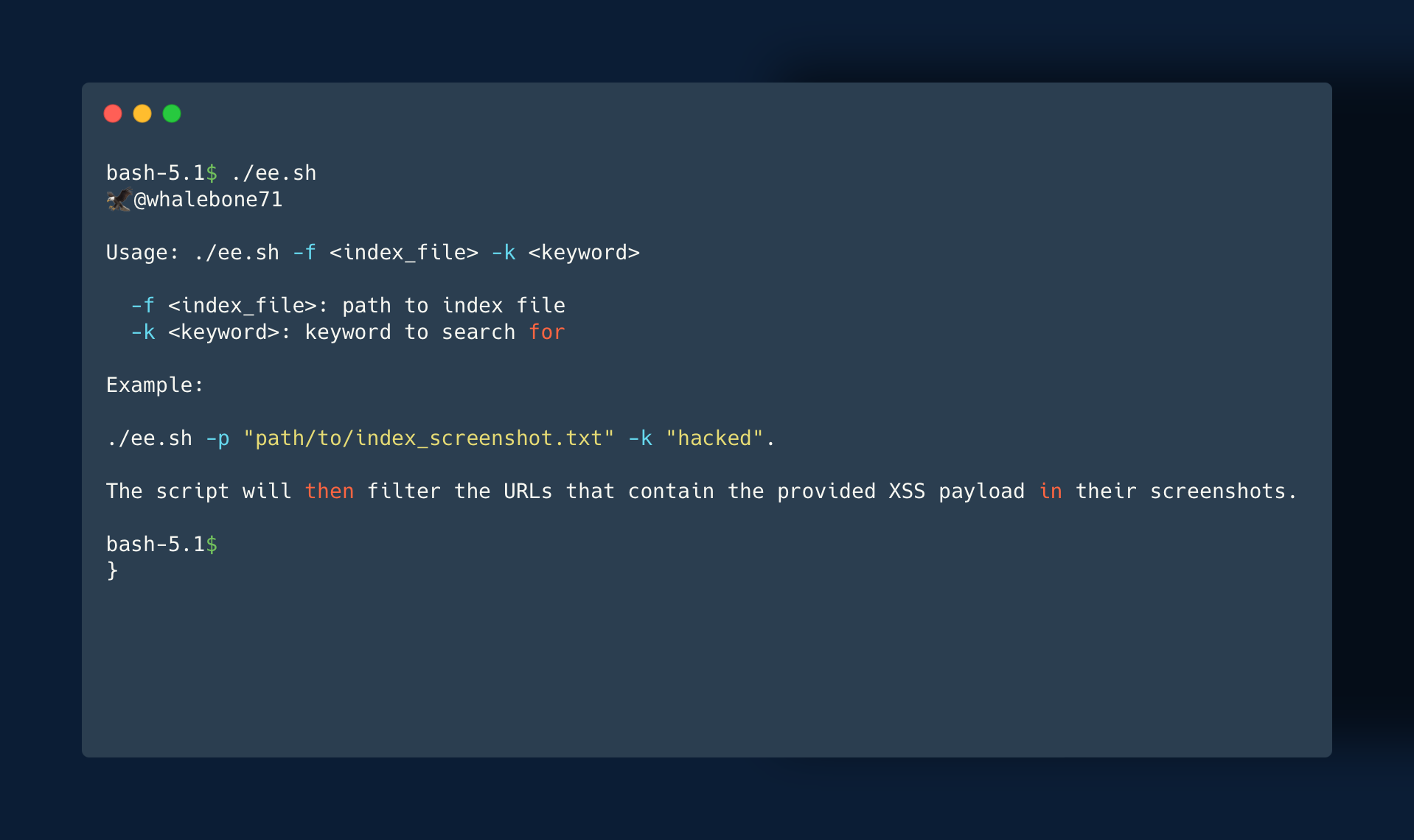
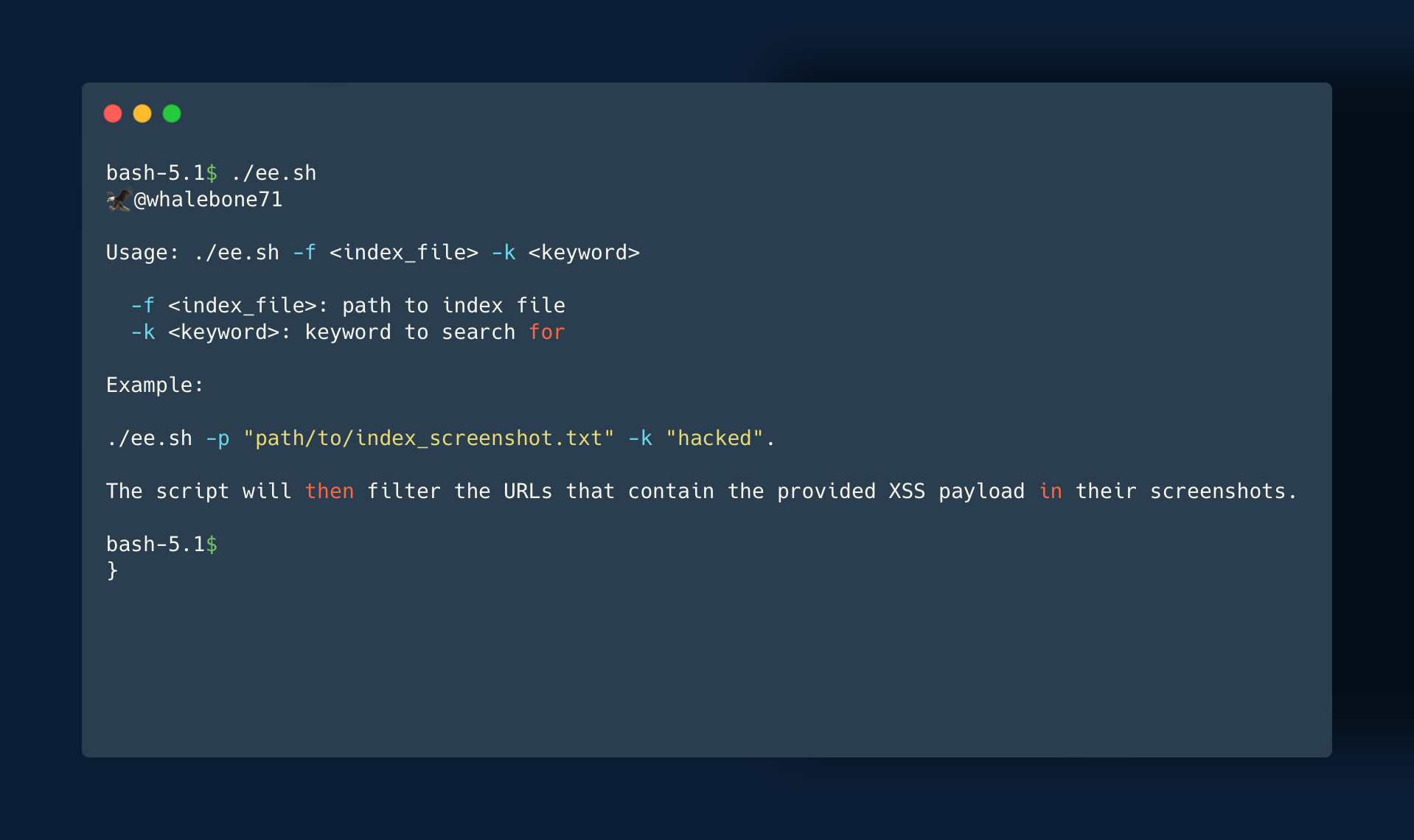
要从截图中过滤出真正存在漏洞的 URL,可以使用 ee.sh 脚本。只需运行 ./ee.sh -f "path/to/index_screenshot.txt" -k "hacked",脚本就会过滤出屏幕截图中包含指定 XSS payload 的 URL。
此过程使您能够快速识别可能易受攻击的 URL,并根据屏幕截图中是否存在 XSS payload 来过滤误报。它可以是识别和缓解 Web 应用程序中 XSS 漏洞的强大工具。
掌握上述工具和技术后,您可以应用它们来发现多种类型的漏洞。
需要注意的是,本工具面向在法律和行业最佳实践范围内进行漏洞测试的道德黑客和网络安全研究人员。不得用于任何非法或恶意活动。用户有责任确保自己正确使用此工具。
本工具需要安装 Tesseract OCR。可以在 Linux、macOS 和 Windows 上按照官方 Tesseract OCR GitHub 仓库的说明进行安装。此外,脚本需要安装 Bash shell(大多数基于 Unix 的系统已预装)。
1.Git Clone "This_Rep" && cd EagleEye
2.Chmod +x ee.sh
3../ee.sh