 ultrafunkamsterdam/undetected-chromedriver
定制 Selenium Chromedriver | 零配置 | 通过所有机器人缓解系统(如 Distil / Imperva / Datadome / CloudFlare IUAM)

https://github.com/ultrafunkamsterdam/undetected-chromedriver
优化过的 Selenium Chromedriver 补丁,不会触发 Distill Network / Imperva / DataDome / Botprotect.io 等反机器人服务。 自动下载驱动二进制文件并对其进行修补。
pip install undetected-chromedriver
或者 , 如果你喜欢冒险,直接通过 github 安装```
pip install git+https://www.github.com/ultrafunkamsterdam/undetected-chromedriver@master     # replace @master with @branchname for other branches
我将在问题跟踪器上设置限制。它已经被滥用太久了。
有什么好消息吗?
是的,我开通了 Undetected-Discussions,我认为从长远来看这会帮助我们更好地协作。
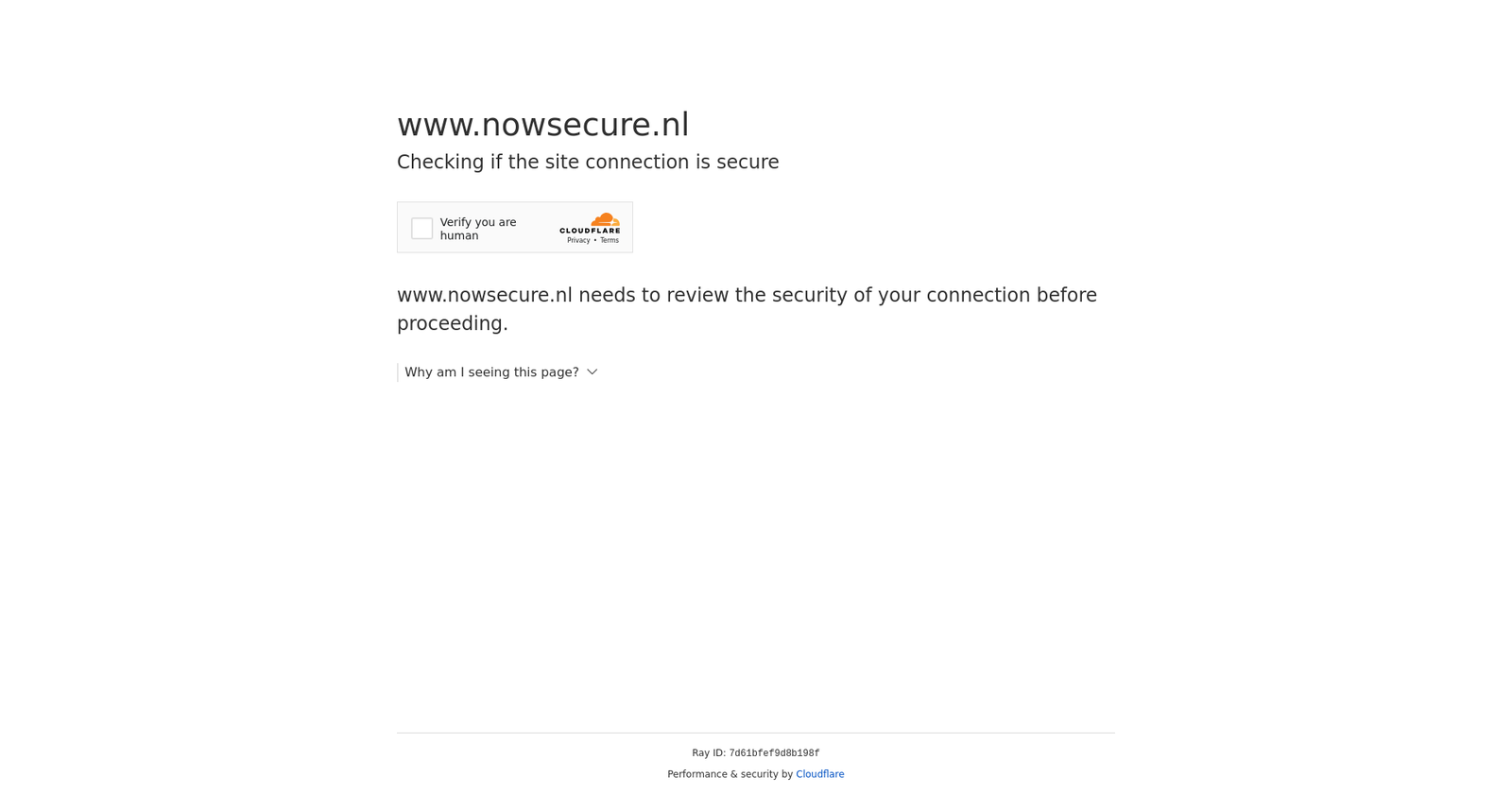
此包不会,我再说一遍,不会隐藏你的 IP 地址,所以当你从数据中心(即使是较小的数据中心)运行时,很有可能无法通过!另外,如果你家里的 IP 声誉很低,你也不会通过!
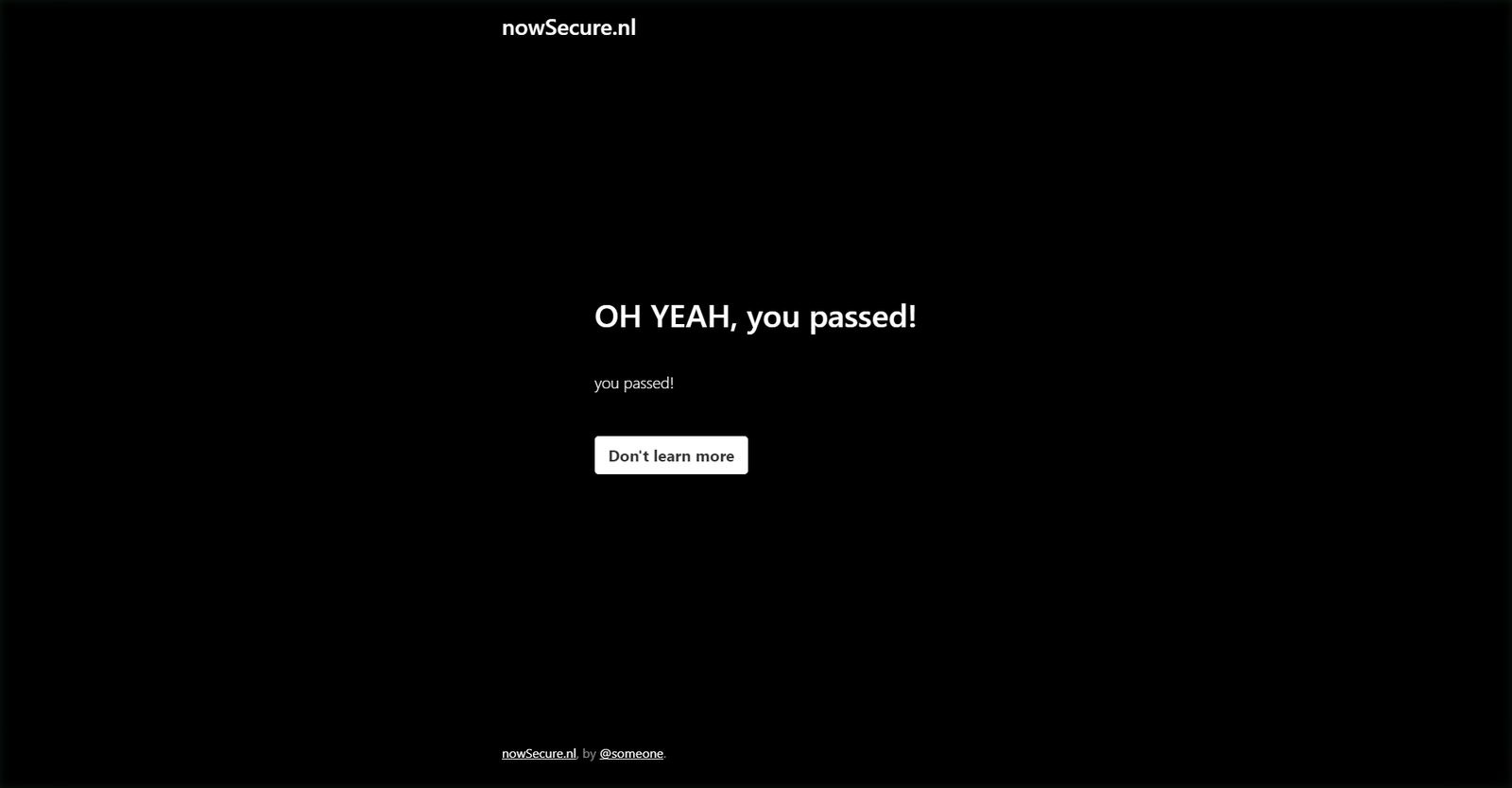
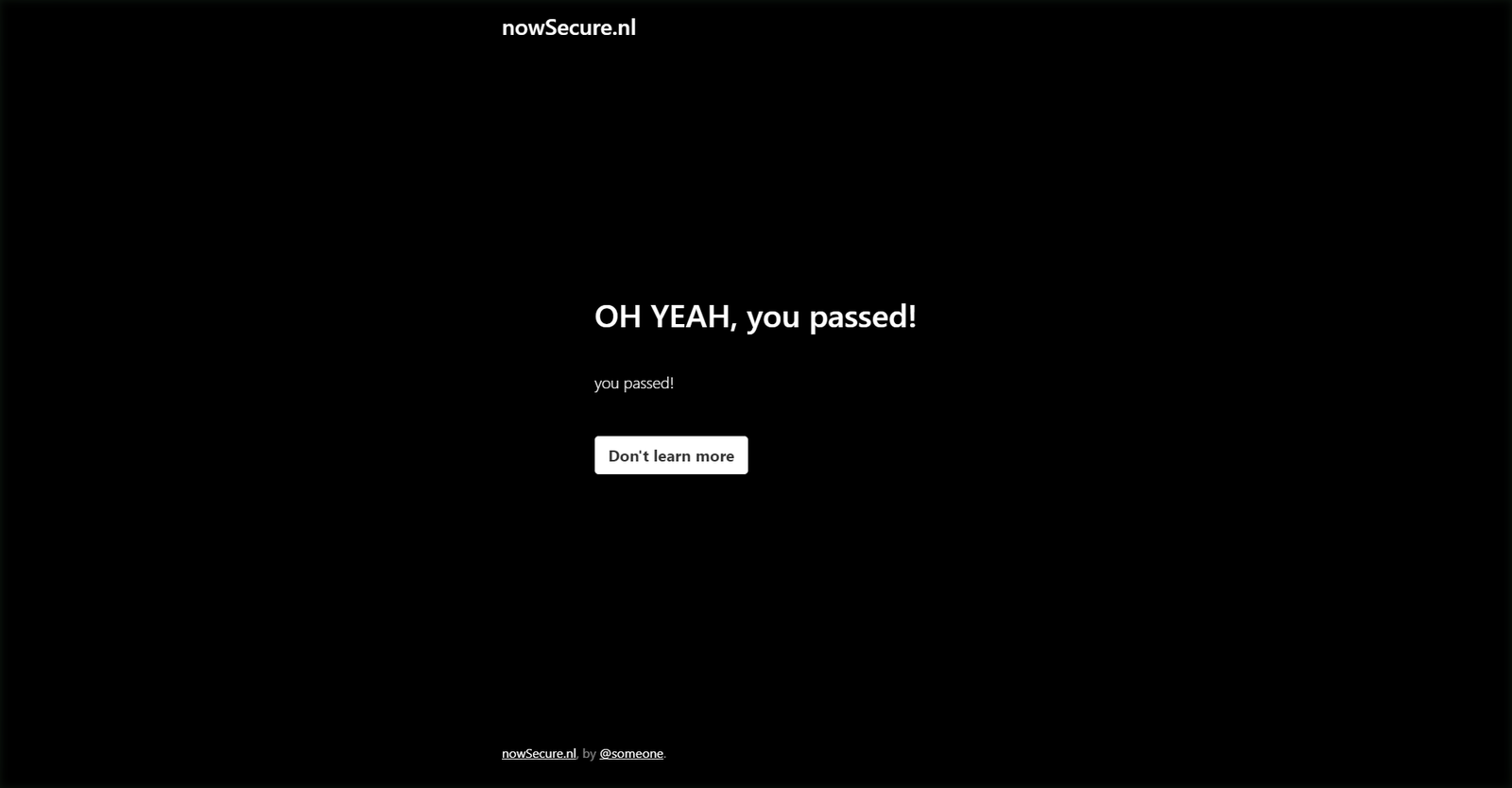
从家里和从数据中心运行以下代码。```python import undetected_chromedriver as uc driver = uc.Chrome(headless=True,use_subprocess=False) driver.get('https://nowsecure.nl') driver.save_screenshot('nowsecure.png')
<div style="display:flex;flex-direction:row">
<img src="https://assets.kitploit.com/production/public/readmes/50956/c1bde1e3621f106c2504cf4ecb9cc9015b23340c7a9bd5f20364c27016b2dd40/4f02747809c3b183c8af8238f6858540057402adfe0f26d4fa9d646091fa5781-display-v1.webp" width="720"/>
<img src="https://assets.kitploit.com/production/public/readmes/50956/ac44f4c3d408a07f4a0b96b2eb37ecc58f3a9711f32b31a642c27e96ad2ab767/c94f4da9c540b7890c9350605f085bddc730ed40073c886ff94a2475bdfe806a-display-v1.webp" width="720"/>
</div>
<!--  -->
<!--  -->
## 3.5.0 ##
- selenium 4.10 引发了一些问题。3.5.0 与之兼容,并将 selenium 固定为 4.9 或更高版本。我无法再支持 <4.9 版本。
- 从构造函数中移除了部分 kwargs:service_args、service_creationflags、service_log_path。
- 新增了 find_elements_recursive 生成器函数。这更多是一个便捷函数,因为很多网站似乎从不同的 frame 提供不同的内容,导致
find_elements 难以使用。
## 3.4.5 ##
- 真是难熬的一周。本以为 3.4.0 已经击败了最新的自动化检测算法(至少我是这么想的),但显然在某些操作系统上,这会在与元素交互时引发错误。不得不改用另一种方法回退、修复 bug,最终仍然坚持了最初的构想(并修复了 bug)。
- 更新到 chrome 110 带来了另一个意外,这次影响的是 HEADLESS 用户。
- 虽然 headless 官方不支持,但我还是打了补丁!
- 很高兴地宣布,它现在同样无法被检测(但仍然不受支持 ;))
- 特别感谢 [@mdmintz](https://github.com/mdmintz) 和 [@abdulzain6](https://github.com/abdulzain6)
- 还要特别感谢 [@sebdelsol](https://github.com/sebdelsol),他完全自愿地在 issues 板块中提供帮助,你一定是疯了 :)
### 3.4.0 ###
**重大更新!请小心,它——有可能——会破坏你的代码。**
* 重写了反检测机制。不再是移除和重命名变量,而是直接保留它们,但从一开始就阻止它们被注入。这至少能在近期让我们免于被检测。
* 重写了文件命名方式,避免最终出现 1000 个 {randomstring}_chromedriver.exe 文件,现在它直接叫 undetected_chromedriver.exe
* 清理:移除了 compat、v2 文件和 tests 文件夹
### 3.2.0 ###
* 新增了一个示例,包含一些典型的 webdriver 代码、常见问题的解答、易踩的坑,并展示了一些摆脱
多线程需求的技巧。
### [>>>> 示例代码在此 <<<<](https://github.com/ultrafunkamsterdam/undetected-chromedriver/blob/master/example/example.py)
* 新增 WebElement.click_safe() 方法,如果在点击链接后被检测到,可以尝试使用该方法。这并不保证一定有效。
* 新增 WebElement.children(self, tag=None, recursive=False)
用于轻松获取/查找子节点。示例:
```
body = driver.find_element('tag name', 'body')
# get the 6th child (any tag) of body, and grab all img's within (recursive).
images = body.children()[6].children('img', True)
srcs = list(map(lambda _:_.attrs.get('src'), images))
```
* 新增 example.py,当有人问一些傻问题时我可以直接指给他们看
(不,其实它相当酷,每个人都应该看看)
* 新增对 lambda 平台的支持
* 新增对 x86_32 的支持
* 新增对报告为 linux2 的系统的支持
* 进行了一些重构
### 3.1.6 ###
### 依然坚挺 ###
- use_subprocess 现在默认为 True。太多人不理解 multiprocessing 和 __name__ == '__main__',而且经过测试,
在 chrome 104+ 中似乎不再有什么差别了
- 新增 no_sandbox,默认为 True,而且不会出现烦人的 "you are using unsecure command line ..." 提示条。
- 更新了 [Docker 镜像](https://hub.docker.com/r/ultrafunk/undetected-chromedriver)。现在你可以通过 vnc 或 rdp 进入容器,查看
真实的浏览器窗口
[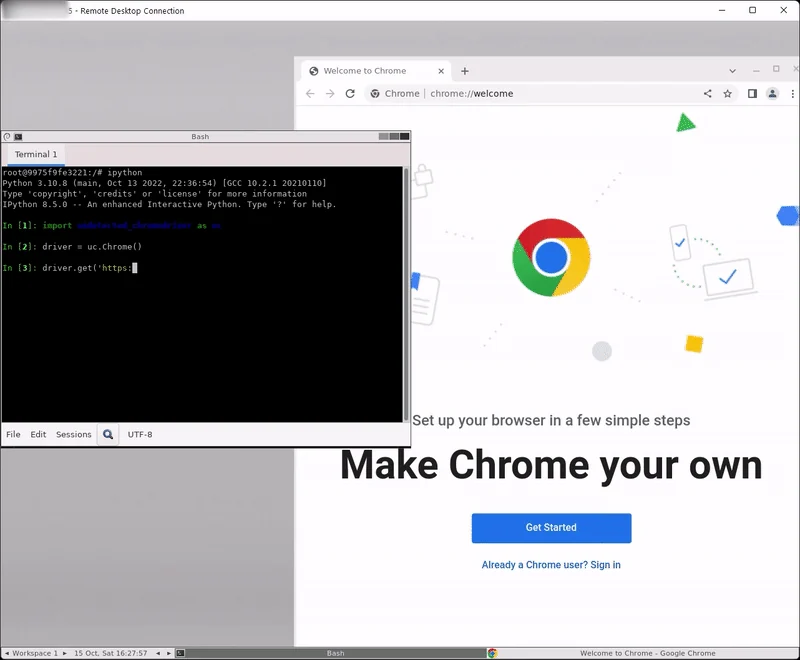](https://i.imgur.com/W7vriN9.mp4)
- 当然,"常规"模式同样适用
[](https://i.imgur.com/2qSNyuK.mp4)
### 3.1.0 ###
**此版本 `可能` 会破坏你的代码,更新前请先测试!**
- **新增了反检测逻辑!**
- v2 已成为主模块,因此不再需要引用 v2。这意味着你现在可以简单地使用: ```python
import undetected_chromedriver as uc
driver = uc.Chrome()
driver.get('https://nowsecure.nl')
for backwards compatibility, v2 is not removed, but aliassed to the main module.
Fixed "welcome screen" nagging on non-windows OS-es. For those nagfetishists who ❤ welcome screens and feeding google with even more data, use Chrome(suppress_welcome=False).
replaced executable_path in constructor in favor of browser_executable_path
which should not be used unless you are the edge case (yep, you are) who can't add your custom chrome installation folder to your PATH
environment variable, or have an army of different browsers/versions and automatic lookup returns the wrong browser
"v1" (?) moved to _compat for now.
fixed dependency versions
ChromeOptions custom handling removed, so it is compatible with webdriver.chromium.options.ChromiumOptions.
removed Chrome.get() fu and restored back to "almost" original:
with statements needed anymore, although it will still work for the sake of backward-compatibility.test success to date: 100%
just to mention it another time, since some people have hard time reading: headless is still WIP. Raising issues is needless
将进程创建行为改为完全分离
更改 .get(url) 方法,使其始终使用 contextmanager
更改 .get(url) 方法,使其在底层使用 cdp。
... with 语句不再必需了 ..
待办:迈向 asyncification 和 selenium 4
