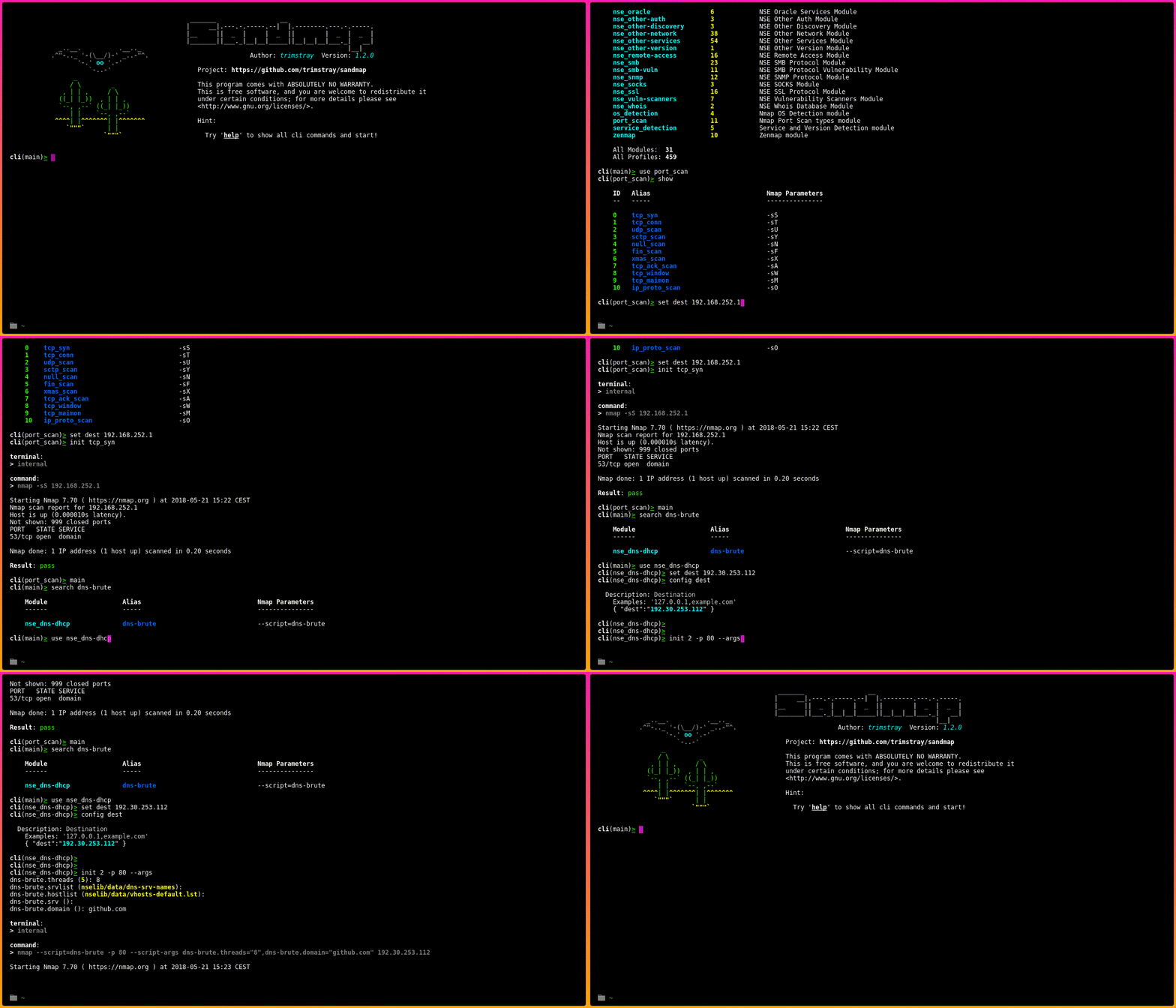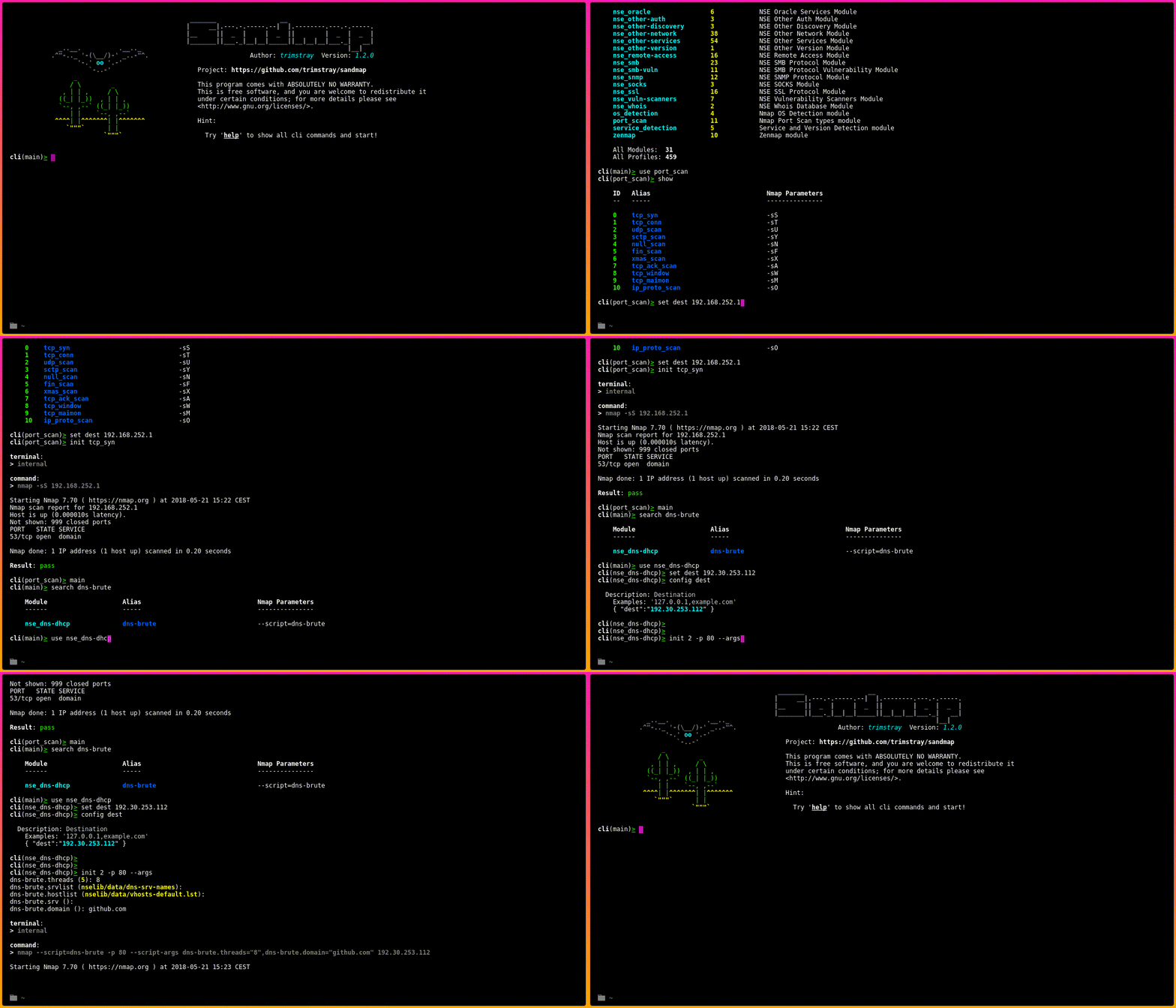
sandmap 是一款支持使用强大 Nmap 引擎进行网络和系统侦察的工具。它提供用户友好的界面,自动化并加速扫描过程,使您能够轻松使用多种高级扫描技术。
很简单:
# Clone this repository
git clone --recursive https://github.com/trimstray/sandmap

# Go into the repository
cd sandmap

# Install
./setup.sh install

# Run the app
sandmap
- symlink to
bin/sandmapis placed in/usr/local/bin- man page is placed in
/usr/local/man/man8
在使用 sandmap 之前,请阅读 命令行 介绍。
etc/main.cfg 配置文件具有以下结构:
# shellcheck shell=bash

# Specifies the default destination.
# Examples:
#   - dest="127.0.0.1,8.8.8.8"
dest="127.0.0.1"

# Specifies the extended Nmap parameters.
# Examples:
#   - params="--script ssl-ccs-injection -p 443"
params=""

# Specifies the default output type and path.
# Examples:
#   - report="xml"
report=""

# Specifies the TOR connection.
# Examples:
#   - tor="true"
tor=""

# Specifies the terminal type.
# Examples:
#   - terminal="internal"
terminal="internal"
运行 sandmap 前需安装以下外部工具:
本工具兼容:
同时你需要 root 权限。
可用模块:31 可用扫描配置文件:459
如果你想创建自己的模块,请查看 此处。
请查看 此处。
请查看 此处。
GPLv3 : http://www.gnu.org/licenses/
自由软件,耶!