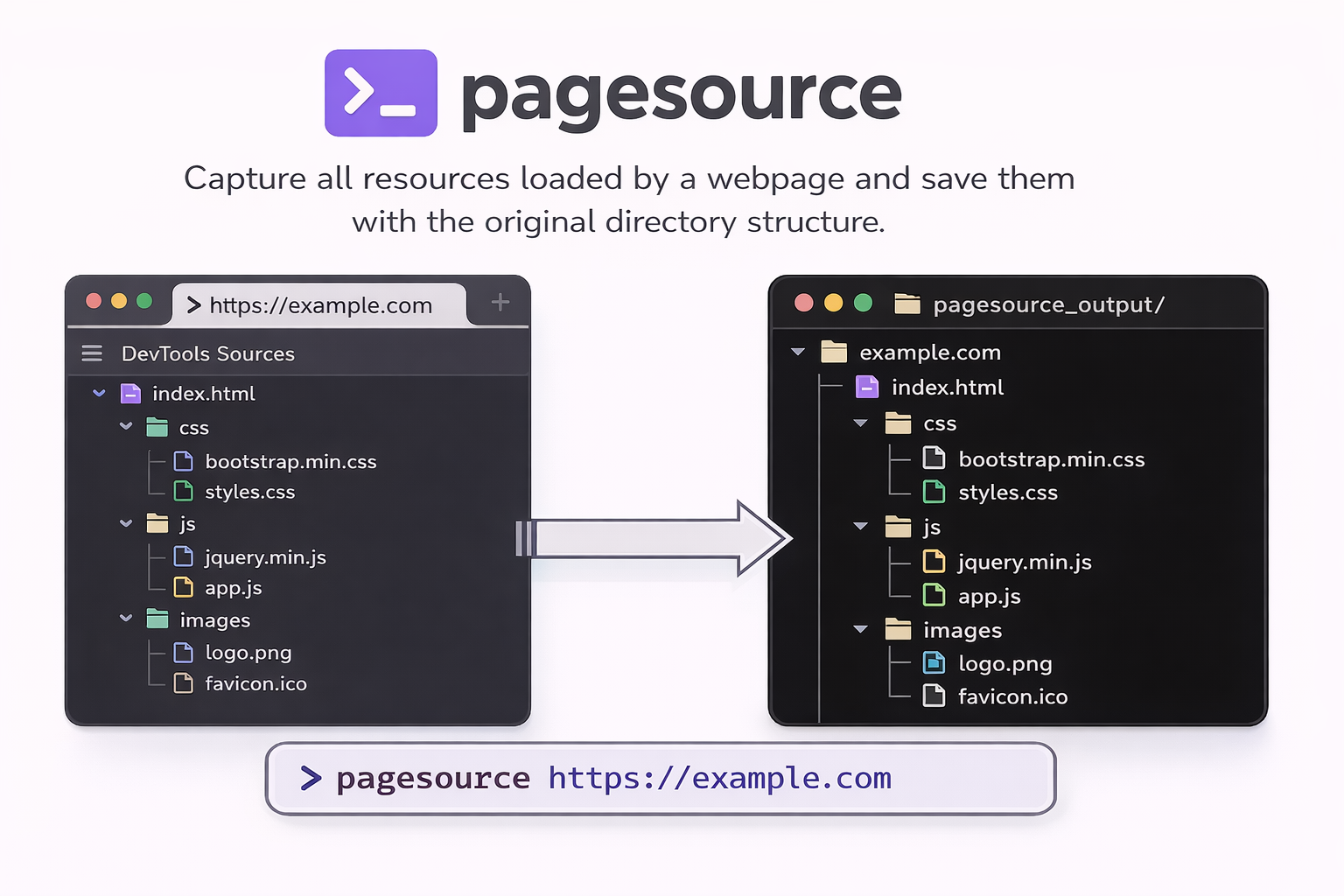
一个 Python CLI 工具,可捕获网页加载的所有资源(类似浏览器 DevTools 的 Sources 标签页),并按照原始目录结构保存。
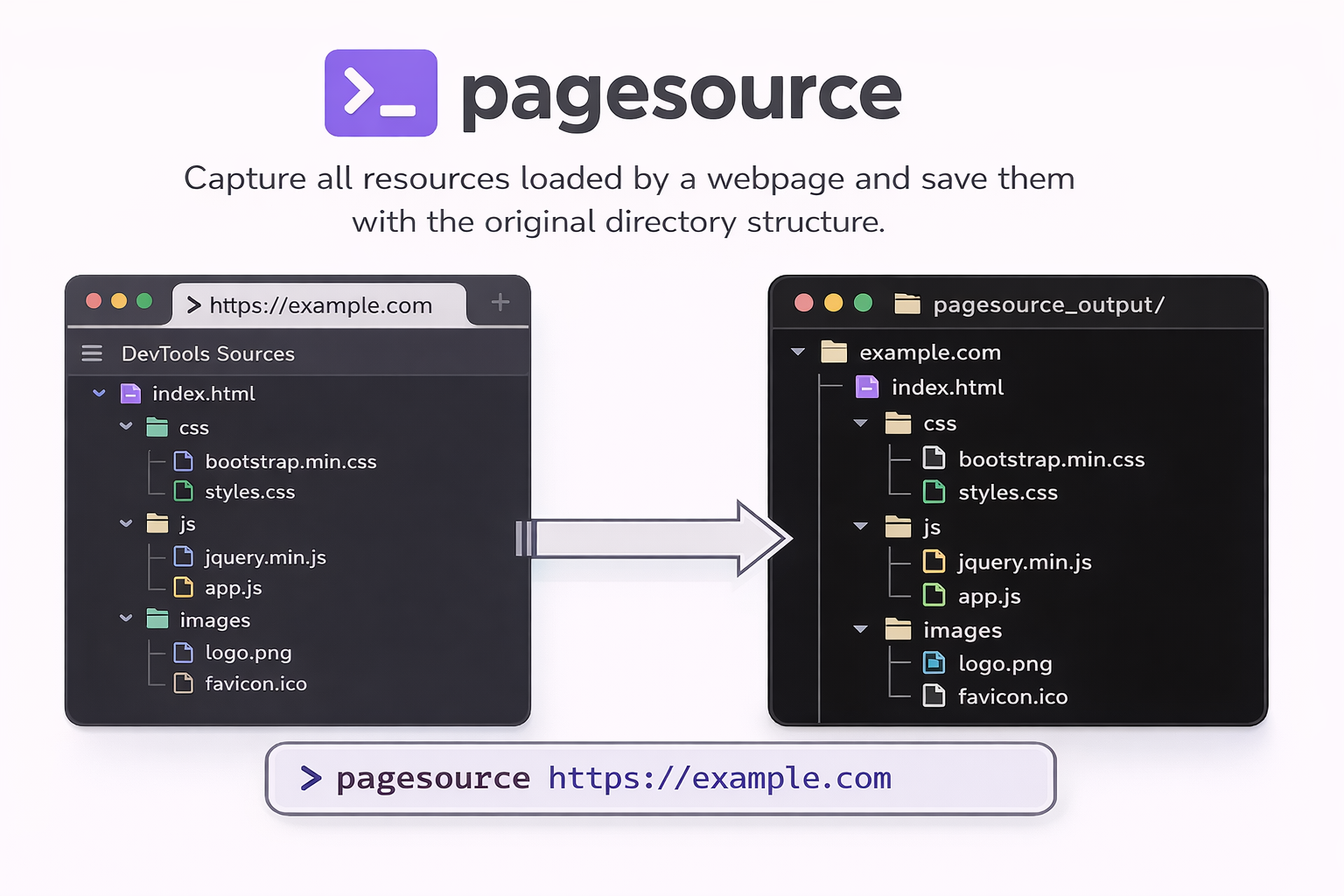
pip install pagesource

# IMPORTANT: Install Playwright browser after package installation
playwright install chromium
# Capture all resources from a webpage
pagesource https://example.com
这会将所有资源保存到 ./pagesource_output/,并保留目录结构。
# Specify custom output directory
pagesource https://example.com -o ./my-output

# Wait extra time for JavaScript content (useful for SPAs)
pagesource https://example.com --wait 5

# Include external resources (CDN assets, third-party scripts)
pagesource https://example.com --include-external

# Combine options
pagesource https://example.com -o ./output --wait 3 --include-external
pagesource <url> [OPTIONS]

Arguments:
  url                     URL of the webpage to capture resources from

Options:
  -o, --output PATH       Output directory (default: ./pagesource_output)
  -w, --wait INTEGER      Additional seconds to wait after page load
  -e, --include-external  Include external resources (CDN, third-party)
  -v, --version           Show version and exit
  --help                  Show help message
资源保存时保留 URL 路径结构:
pagesource_output/
└── example.com/
    ├── index.html
    ├── assets/
    │   ├── css/
    │   │   └── style.css
    │   └── js/
    │       └── app.js
    └── images/
        └── logo.png
如果使用了 --include-external,外部资源将保存到各自的主机目录中:
pagesource_output/
├── example.com/
│   └── ...
├── cdn.example.com/
│   └── libs/
│       └── library.js
└── fonts.googleapis.com/
    └── css/
        └── font.css
MIT