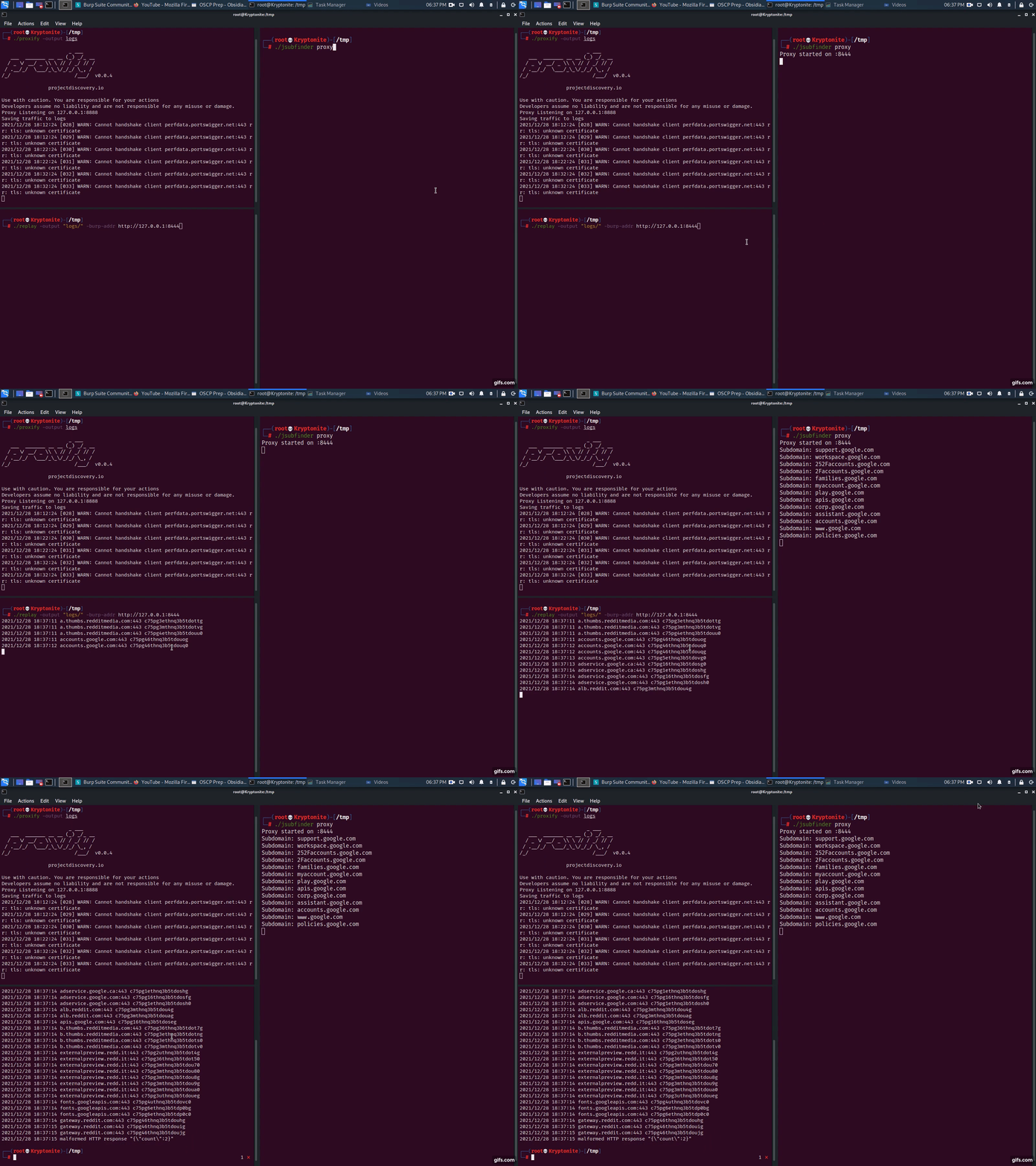
JSubFinder 是一款用 Go 语言编写的工具,用于在给定的 URL 中搜索网页和 JavaScript 中的隐藏子域名和秘密。该工具专为 BugBounty 研究人员设计,利用 Go 语言卓越的性能,能够处理大型数据集,并轻松与其他工具链结合使用。
安装应用程序并下载查找秘密所需的签名文件
使用 GO:
go install github.com/ThreatUnkown/jsubfinder@latest
wget https://raw.githubusercontent.com/ThreatUnkown/jsubfinder/master/.jsf_signatures.yaml && mv .jsf_signatures.yaml ~/.jsf_signatures.yaml
或
搜索指定 URL 中的子域名和秘密
$ jsubfinder search -h

执行指定的命令

用法:
  JSubFinder search [flags]

标志:
  -c, --crawl              启用爬取
  -g, --greedy             检查所有文件中的 URL,而不仅仅是 JavaScript 文件
  -h, --help               search 的帮助信息
  -f, --inputFile string   包含域名的文件
  -t, --threads int        使用的线程数(默认为 5)
  -u, --url strings        要检查的 URL

全局标志:
  -d, --debug               启用调试模式。日志存储在 log.info 中
  -K, --nossl               跳过 SSL 证书验证(默认为 true)
  -o, --outputFile string   保存文件的名称/路径
  -s, --secrets             检查结果中是否包含秘密(例如 API 密钥)
      --sig string          查找秘密的签名文件路径
  -S, --silent              禁止打印到控制台
示例(此处的结果相同):
$ jsubfinder search -u www.google.com
$ jsubfinder search -f file.txt
$ echo www.google.com | jsubfinder search
$ echo www.google.com | httpx --silent | jsubfinder search$

apis.google.com
ogs.google.com
store.google.com
mail.google.com
accounts.google.com
www.google.com
policies.google.com
support.google.com
adservice.google.com
play.google.com
注意 --secrets="" 会将秘密结果保存到 secrets.txt 文件中
$ echo www.youtube.com | jsubfinder search --secrets=""
www.youtube.com
youtubei.youtube.com
payments.youtube.com
2Fwww.youtube.com
252Fwww.youtube.com
m.youtube.com
tv.youtube.com
music.youtube.com
creatoracademy.youtube.com
artists.youtube.com

Google Cloud API Key <redacted> found in content of https://www.youtube.com
Google Cloud API Key <redacted> found in content of https://www.youtube.com
Google Cloud API Key <redacted> found in content of https://www.youtube.com
Google Cloud API Key <redacted> found in content of https://www.youtube.com
Google Cloud API Key <redacted> found in content of https://www.youtube.com
Google Cloud API Key <redacted> found in content of https://www.youtube.com
$ echo www.google.com | jsubfinder search -crawl -s "google_secrets.txt" -S -o jsf_google.txt -t 10 -g
-crawl 使用默认爬虫爬取页面,寻找其他要分析的 URL-s 启用 JSubFinder 搜索秘密-S 静默输出到控制台-o <file> 将输出保存到指定文件-t 10 使用 10 个线程-g 搜索每个 URL 中的 JS,即使我们怀疑其中没有 JS启用支持 TLS MITM 的上游 HTTP 代理。这允许您:
$ JSubFinder proxy -h

执行指定的命令

用法:
  JSubFinder proxy [flags]

标志:
  -h, --help                    proxy 的帮助信息
  -p, --port int                代理监听的端口(默认为 8444)
      --scope strings           范围内的 URL,以逗号分隔。例如 www.google.com,www.netflix.com
  -u, --upstream-proxy string   上游代理的地址,例如 http://127.0.0.1:8888(默认为 "http://127.0.0.1:8888")

全局标志:
  -d, --debug               启用调试模式。日志存储在 log.info 中
  -K, --nossl               跳过 SSL 证书验证(默认为 true)
  -o, --outputFile string   保存文件的名称/路径
  -s, --secrets             检查结果中是否包含秘密(例如 API 密钥)
      --sig string          查找秘密的签名文件路径
  -S, --silent              禁止打印到控制台
$ jsubfinder proxy
Proxy started on :8444
Subdomain: out.reddit.com
Subdomain: www.reddit.com
Subdomain: 2Fwww.reddit.com
Subdomain: alb.reddit.com
Subdomain: about.reddit.com
Burp Suite 现在将通过代理传递的所有流量转发给 JSubFinder。JSubFinder 将获取响应,将其返回给 Burp,并在另一个线程中搜索子域名和秘密。
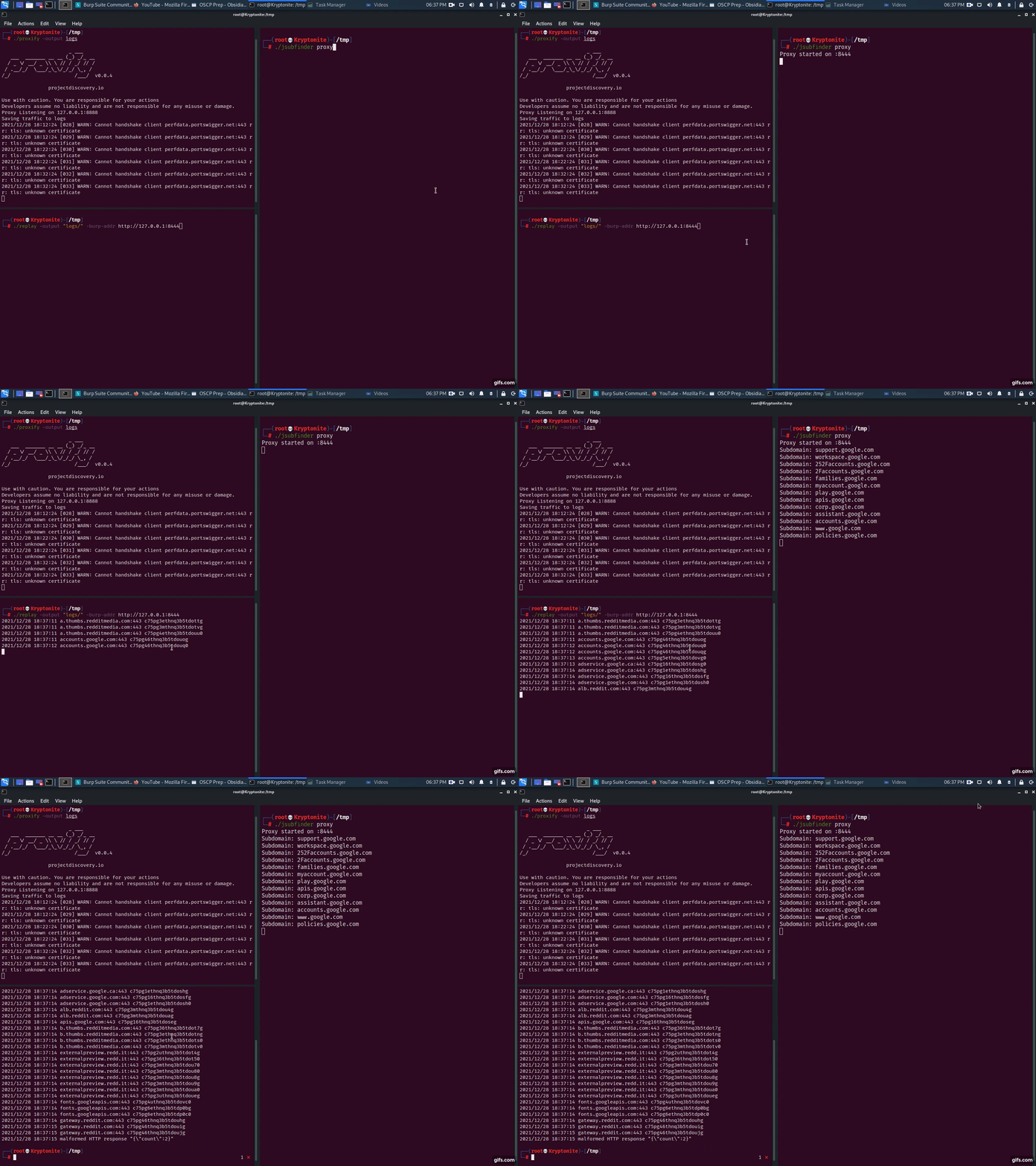
proxify -output logsjsubfinder proxy -u http://127.0.0.1:8443replay -output logs -burp-addr http://127.0.0.1:8444很简单,在另一台服务器(例如 192.168.1.2)上以代理模式运行 JSubFinder。按照上述代理步骤操作,但将应用程序的上游代理设置为 192.168.1.2:8443
$ jsubfinder proxy --scope www.reddit.com -p 8081 -S -o jsf_reddit.txt
--scope 限制 JSubFinder 仅分析来自 www.reddit.com 的响应-p JSubFinder 代理服务器运行的端口-S 静默输出到控制台/stdout-o <file> 将输出示例保存到此文件