由 Lohitya Pushkar (thewhiteh4t) 创建。
Twitter
-
Blog
| Available | in | |
|---|---|---|
| BlackArch Linux | SecBSD | Tsurugi Linux |
 |  |  |
pwnedOrNot 分两个阶段工作。在第一阶段,它使用 HaveIBeenPwned v3 API 测试给定的邮箱地址,以确定该账户是否曾经泄露;在第二阶段,它在可用的公共转储中搜索密码。
[!IMPORTANT]
使用该工具需要 API 密钥。您可以从下面的 HIBP 网站购买密钥
https://haveibeenpwned.com/API/v3
OSINT Collection Tools for Pastebin - Jake Creps
https://github.com/thewhiteh4t/pwnedOrNot/wiki/Changelog
haveibeenpwned 提供了大量关于泄露邮箱的信息,pwnedOrNot 会显示最有用的信息,例如:
找到密码的可能性取决于以下因素:
Windows 用户建议使用 Kali Linux WSL2 或虚拟机
Ubuntu / Kali Linux / Nethunter / Termux
git clone https://github.com/thewhiteh4t/pwnedOrNot.git
cd pwnedOrNot
chmod +x install.sh
./install.sh
BlackArch Linux
pacman -S pwnedornot
Docker
git clone https://github.com/thewhiteh4t/pwnedOrNot.git
docker build -t pon .
docker run -it pon
cd pwnedOrNot
git pull
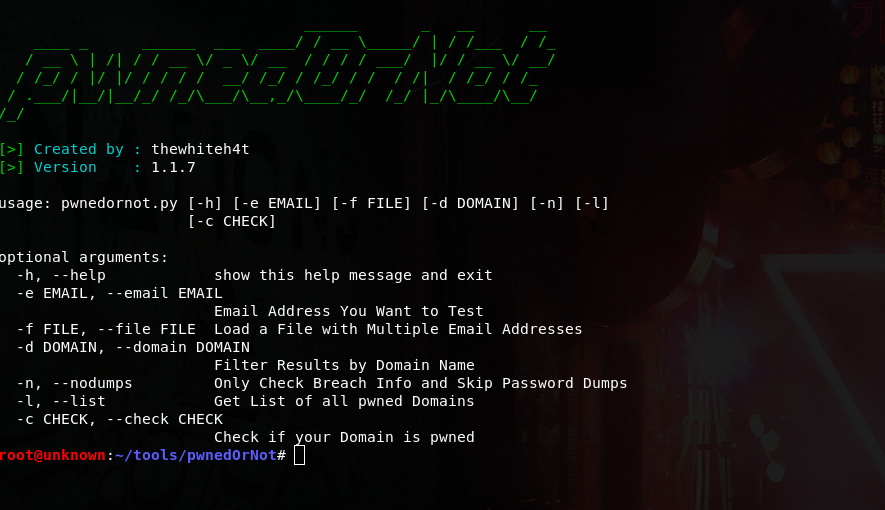
python3 pwnedornot.py -h
usage: pwnedornot.py [-h] [-e EMAIL] [-f FILE] [-s SAVE] [-d DOMAIN] [-b BREACH]
                     [-n] [-l] [-c CHECK] [-k KEY]

options:
  -h, --help           show this help message and exit
  -e, --email EMAIL    Email address
  -f, --file FILE      input file with multiple email addresses
  -s, --save SAVE      Output file for pwned email addresses
  -d, --domain DOMAIN  Filter results by domain name
  -b, --breach BREACH  Get info about a breach by breach name
  -n, --nodumps        Only Check Breach Info and Skip Password Dumps
  -l, --list           Get List of all pwned Domains
  -c, --check CHECK    Check if your Domain is pwned
  -k, --key KEY        API Key
# 使用环境变量:

export PWNED_API_KEY="<hibp-api-key>"

# 使用命令行参数:

python3 pwnedornot.py -e [email protected] -k <hibp-api-key>


# 使用配置文件:

nano ~/.config/pwnedornot/config.json
{
  "api_key": "<hibp-api-key>"
}
# 检查单个邮箱

python3 pwnedornot.py -e <email>
# 或
python3 pwnedornot.py --email <email>

# 从文件检查多个邮箱

python3 pwnedornot.py -f <file name>
# 或
python3 pwnedornot.py --file <file name>

# 按域名过滤结果 [例如:adobe.com]

python3 pwnedornot.py -e <email> -d <domain name>
# 或
python3 pwnedornot.py -f <file name> --domain <domain name>

# 仅获取泄露信息,跳过密码转储

python3 pwnedornot.py -e <email> -n
# 或
python3 pwnedornot.py -f <file name> --nodumps

# 获取所有已泄露域名列表

python3 pwnedornot.py -l
# 或
python3 pwnedornot.py --list

# 检查域名是否泄露

python3 pwnedornot.py -c <domain name>
# 或
python3 pwnedornot.py --check <domain name>