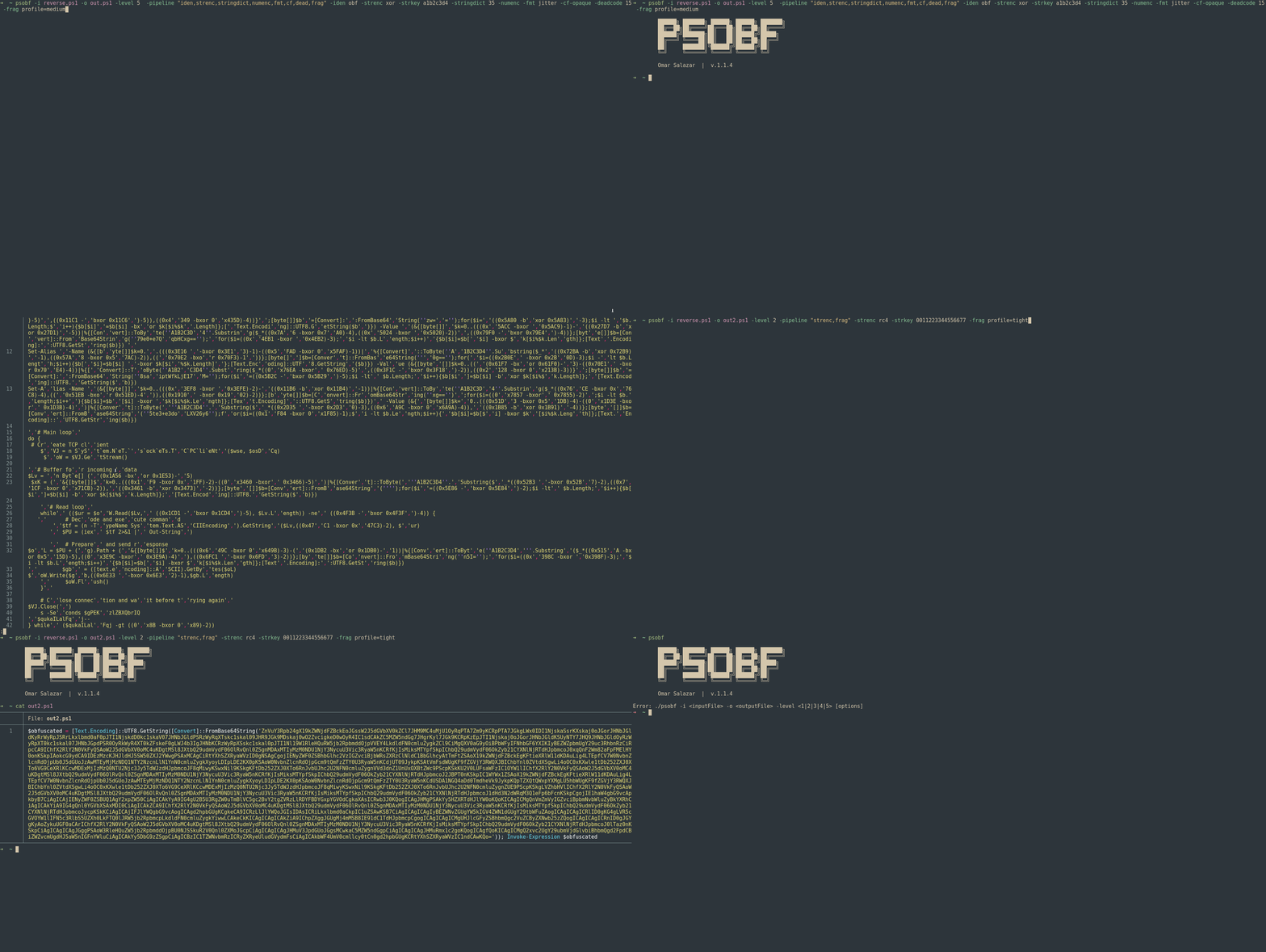
它的目标是转换代码以阻碍分析和静态签名,适用于实验环境和授权的红队/渗透测试。
支持6级混淆,外加一个转换/流水线架构,允许叠加多种技术,如字符串标记化、轻量级字面量加密、数字掩码、标识符变形、格式“抖动”、控制流修饰、死代码注入、碎片化配置文件和确定性配置文件。
⚠️ 负责任的使用:本工具仅用于研究和授权测试。 禁止用于恶意目的。```powershell
./psobf -h
██████╗ ███████╗ ██████╗ ██████╗ ███████╗
██╔══██╗██╔════╝██╔═══██╗██╔══██╗██╔════╝
██████╔╝███████╗██║   ██║██████╔╝█████╗
██╔═══╝ ╚════██║██║   ██║██╔══██╗██╔══╝
██║     ███████║╚██████╔╝██████╔╝██║
╚═╝     ╚══════╝ ╚═════╝ ╚═════╝ ╚═╝
Omar Salazar
v.2.0.0
Usage: psobf -i -o -level <1|2|3|4|5|6> [options]
Obfuscation Levels: 1 - Char join encoding 2 - Base64 encoding 3 - Base64 encoding (alternate) 4 - GZip + Base64 compression 5 - Script fragmentation 6 - AES-256 CTR encryption (NEW in 2.0.0)
Transform Pipeline Options (use with -pipeline): iden - Identifier morphing (use with -iden obf) strenc - String encryption (use with -strenc xor|rc4) stringdict - String tokenization (use with -stringdict N) numenc - Number encoding fmt - Format jitter (use with -fmt jitter) cf - Control flow obfuscation (use with -cf-opaque, -cf-shuffle) dead - Dead code injection (use with -deadcode N) hexenc - Hex string encoding (NEW) alias - Cmdlet alias substitution (NEW) unicode - Unicode character encoding (NEW) antidebug - Anti-debugging/VM detection (NEW) iexobf - Invoke-Expression obfuscation (NEW)
Examples:
psobf -i script.ps1 -o out.ps1 -level 2
psobf -i script.ps1 -o out.ps1 -level 6 -profile heavy
psobf -i script.ps1 -o out.ps1 -level 4 -pipeline "iden,alias,hexenc,antidebug,iexobf" -iden obf
psobf -i script.ps1 -o out.ps1 -level 4 -pipeline "strenc" -strenc rc4 -strkey 0011223344556677
## 功能特性

<h1 align="center">
  <img src="https://assets.kitploit.com/production/public/readmes/6598/11956ab9f65e8dc1b0460652042c601f70d28bb67e9fd6f0a89813ed5369997f.gif" alt="psobf" width="700px"></a>
  <br>
</h1>

<h1 align="center">
  <img src="https://raw.githubusercontent.com/taurusomar/psobf/HEAD/static/poc2.gif" alt="psobf" width="700px"></a>
  <br>
</h1>

---

## 安装```bash
go install github.com/TaurusOmar/psobf/v2/cmd/[email protected]
psobf -i input.ps1 -o out.ps1 -level 1..6 [options] psobf -h # full help
## 功能

<h1 align="center">
  <img src="https://assets.kitploit.com/production/public/readmes/6598/11956ab9f65e8dc1b0460652042c601f70d28bb67e9fd6f0a89813ed5369997f.gif" alt="psobf" width="700px"></a>
  <br>
</h1>

<h1 align="center">
  <img src="https://raw.githubusercontent.com/taurusomar/psobf/HEAD/static/poc2.gif" alt="psobf" width="700px"></a>
  <br>
</h1>

---

## 安装```bash
go install github.com/TaurusOmar/psobf/cmd/[email protected]
psobf -i input.ps1 -o out.ps1 -level 1..6 [options] psobf -h # full help
---

## 完整标志参考