
假装自己很忙,或者正在等待电脑完成工作,而实际上你本应去做真正的工作! 用你疯狂的多任务处理技能给人们留下深刻印象。只需打开几个 genact 实例,然后静静观看表演。genact 有多个场景,假装在做一些令人兴奋或有用的操作,但实际上什么都没有发生。
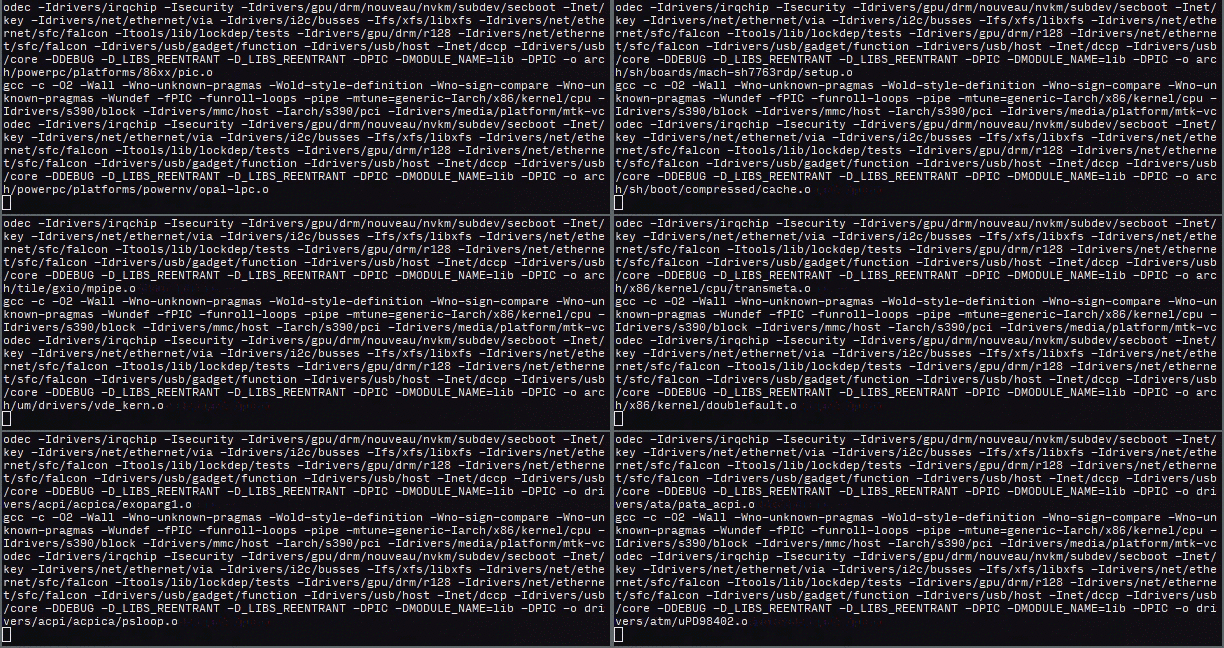
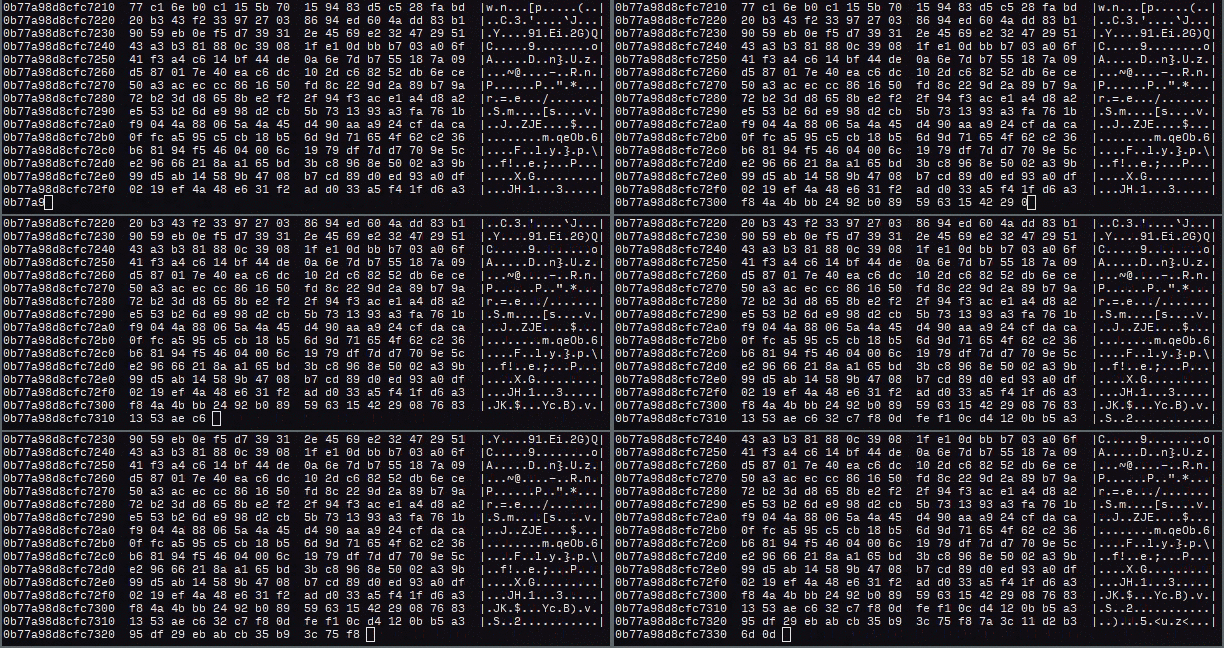
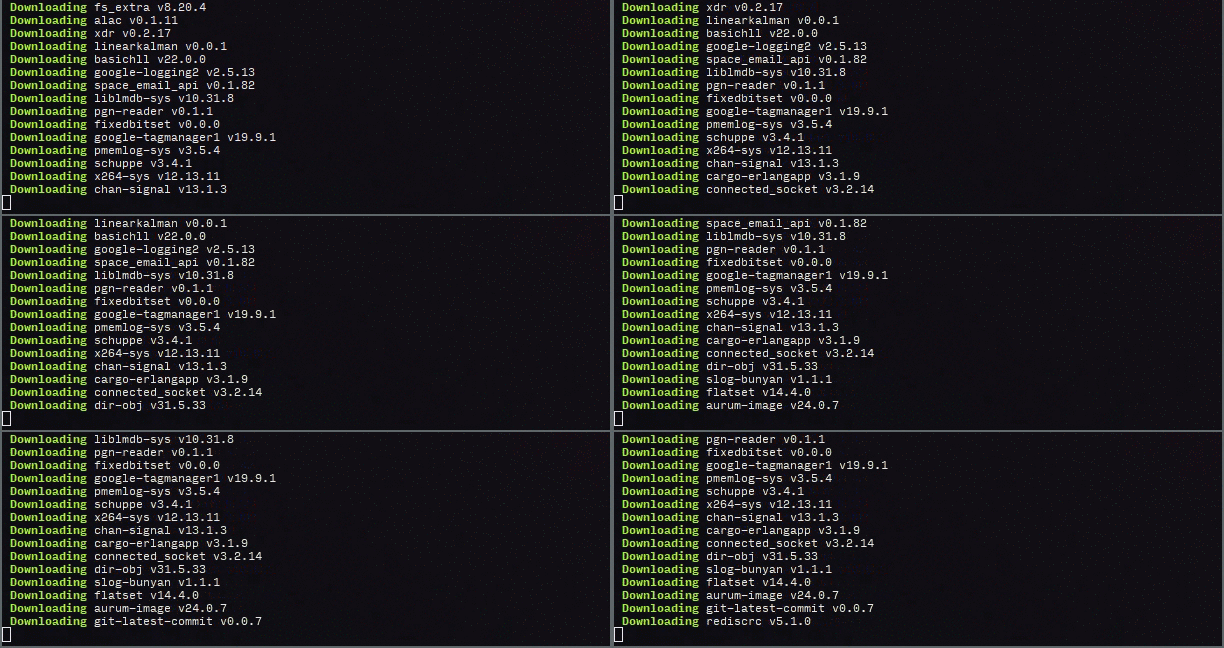

你不需要安装任何东西!为了方便,我们提供了适用于 Linux、OSX 和 Windows 的预编译二进制文件,在此处 下载即可直接运行,无需任何依赖。此外,还有一个网页版本:https://svenstaro.github.io/genact/
它兼容 FreeBSD、Linux、macOS、Windows 以及大多数支持 WebAssembly 的现代网页浏览器。
在 FreeBSD 上:这里无需特殊操作。只需运行:
pkg install genact
genact
在 Linux 上:从发布页面 下载 genact-linux,然后运行:
chmod +x genact-linux
./genact-linux
在 macOS 上:从发布页面 下载 genact-osx,然后运行:
chmod +x genact-osx
./genact-osx
也可以通过 Homebrew 安装。运行:
brew install genact
在 macOS 上,还可以通过 MacPorts 安装:
sudo port install genact
在 Windows 上:从发布页面 下载 genact-win.exe,然后双击运行。
也可以通过 Scoop 安装:
scoop install genact
使用 Cargo:如果你安装了较新版本的 Rust 和 Cargo,可以运行:
cargo install genact
genact
使用 gah:如果你在使用 gah,可以运行:
gah install genact
要查看所有可用选项,可以运行:
./genact -h
或:
cargo run -- -h
或(在 Docker 上):
docker run -it --rm svenstaro/genact -h
一个无意义的活动生成器

用法: genact [选项]

选项:
  -l, --list-modules                               列出可用模块
  -m, --modules <MODULES>                          仅运行这些模块 [可能的值: ansible, bootlog, botnet, bruteforce, cargo, cc, composer,
                                                   cryptomining, docker_build, docker_image_rm, download, julia, kernel_compile, memdump, mkinitcpio,
                                                   rkhunter, simcity, terraform, uv, weblog, wpt]
  -s, --speed-factor <SPEED_FACTOR>                全局速度因子 [默认值: 1]
  -i, --instant-print-lines <INSTANT_PRINT_LINES>  立即打印的行数 [默认值: 0]
      --exit-after-time <EXIT_AFTER_TIME>          运行指定时间后退出(格式示例:2h10min)
      --exit-after-modules <EXIT_AFTER_MODULES>    运行指定数量的模块后退出
      --print-completions <shell>                  为某个 shell 生成自动补全文件 [可能的值: bash, elvish, fish, powershell, zsh]
      --print-manpage                              生成手册页
  -h, --help                                       打印帮助信息
  -V, --version                                    打印版本信息
在网页版本中,你可以通过提供 ?module 参数来运行特定模块,例如:https://svenstaro.github.io/genact?module=cc&module=memdump
你也可以提供 ?speed-factor 参数,例如:https://svenstaro.github.io/genact?speed-factor=5
你需要安装较新版本的 rust 和 cargo。
然后,像往常一样克隆仓库并运行 cargo run 即可看到输出:
git clone https://github.com/svenstaro/genact.git
cd genact
cargo run --release
这主要是给我自己看的发布注意事项:
CHANGELOG.md 是最新的。cargo release <version>cargo release --execute <version>