

mXtract 是一款基于 Linux 的开源工具,用于分析和转储内存。它被开发为渗透测试工具,其主要目的是使用正则表达式扫描内存中的私钥、IP 地址和密码。请记住,结果的质量取决于你使用的正则表达式。

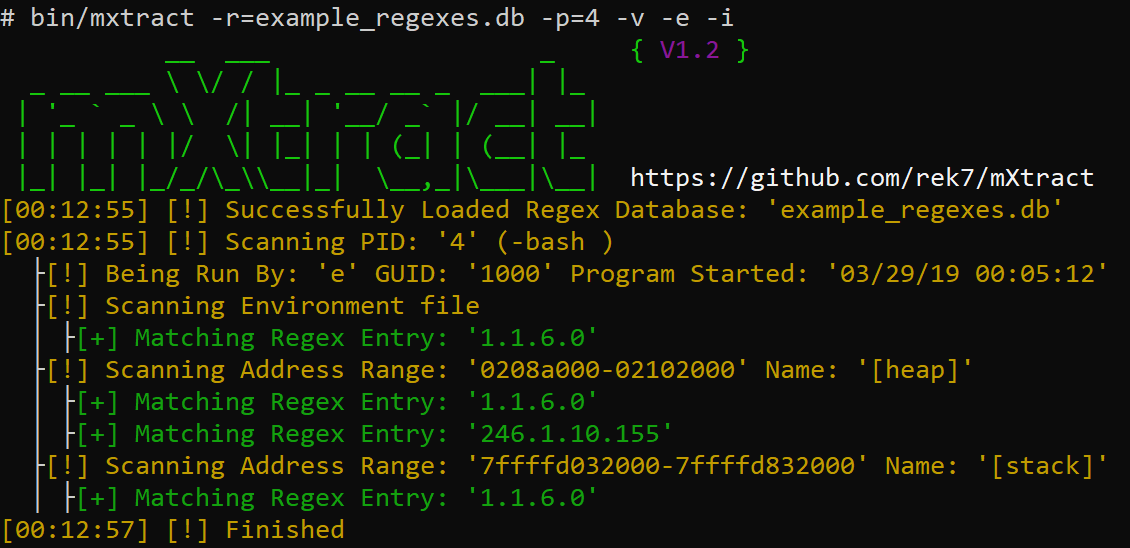
使用详细输出和简单的 IP 正则表达式扫描,扫描所有数据段,显示进程信息并扫描环境文件。
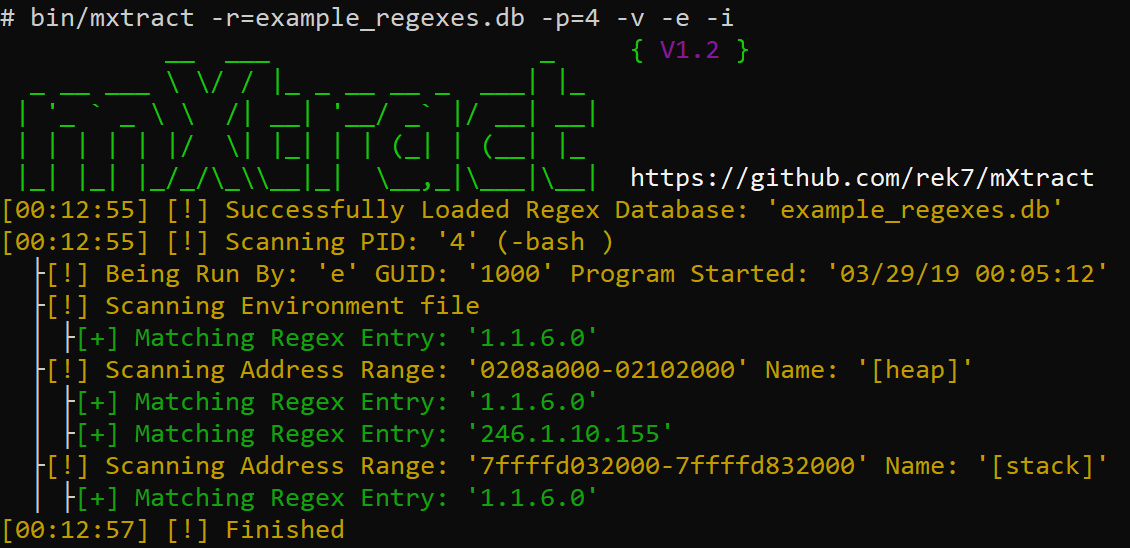
使用详细输出和简单的 IP 正则表达式扫描,仅扫描堆和栈,显示进程信息并扫描环境文件。
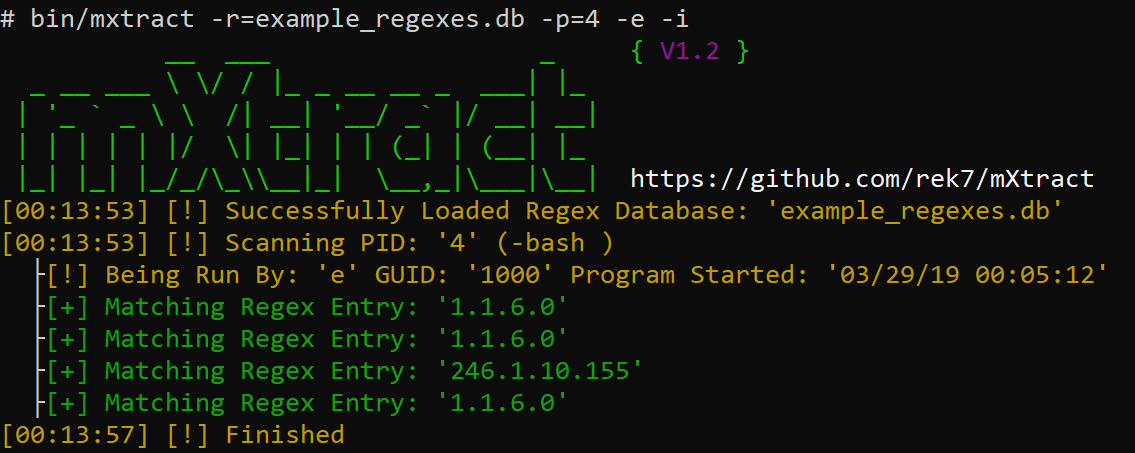
关闭详细输出,使用简单的 IP 正则表达式扫描,显示进程信息并扫描环境文件。
在大多数 Linux 环境中,用户可以访问进程的内存,这使攻击者能够获取凭据、私钥或任何本不应被看到但正在被程序以明文处理的敏感信息。
git clone https://github.com/rek7/mXtractcd mXtract && sh compile.sh这将创建 bin/ 目录,并将二进制文件编译为 mxtract。
$ ./mxtract -h
           __  ___                  _     { V1.2 }
  _ __ ___ \ \/ / |_ _ __ __ _  ___| |_
 | '_ ` _ \ \  /| __| '__/ _` |/ __| __|
 | | | | | |/  \| |_| | | (_| | (__| |_
 |_| |_| |_/_/\_\\__|_|  \__,_|\___|\__|  https://github.com/rek7/mXtract
Usage: ./mxtract [args]
General:
        -v      Enable Verbose Output
        -s      Suppress Banner
        -h      Help
        -c      Suppress Colored Output
Target and Regex:
        -i      Show Detailed Process/User Info
        -a      Scan all Memory Ranges not just Heap/Stack
        -e      Scan Process Environment Files
        -w      Check if Memory Range is Writable
        -r=     Regex Database to Use
        -p=     Specify Single PID to Scan
Output:
        -x      Format Regex Results to XML
        -r      Format Regex Results to an HTML Document
        -wm     Write Raw Memory to File Default Directory is: 'pid/'
        -wi     Write Process Info to Beginning of File (Used in Conjunction with -wm)
        -wr     Write Regex Output to File (Will Appear in the Output Directory)
        -f=     Regex Results Filename Default is: 'regex_results.txt'
        -d=     Custom Ouput Directory
Either -r= or -wm needed
$ ./mxtract -wm -wr -e -i -d=/tmp/output/ -r=example_regexes.db

