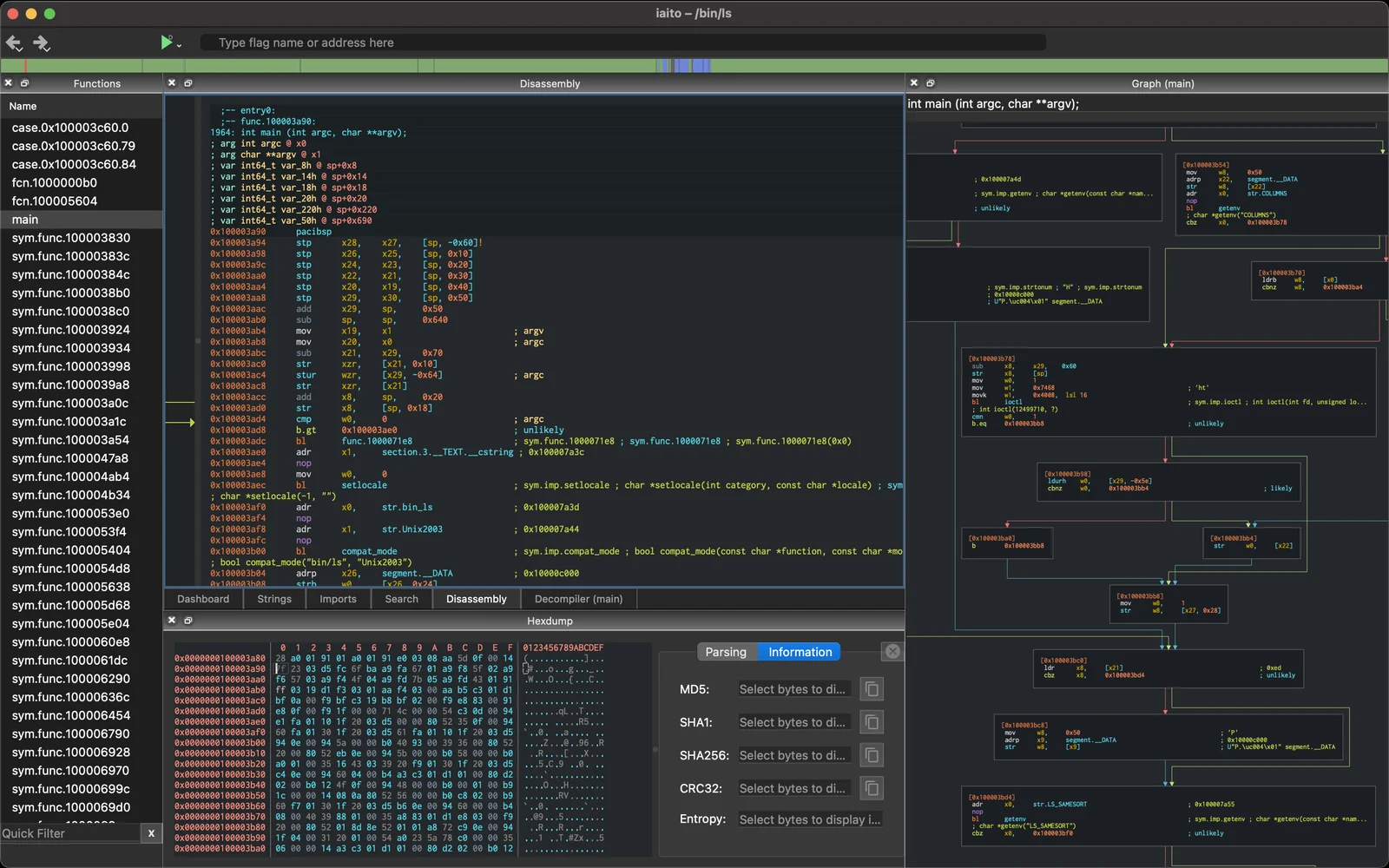
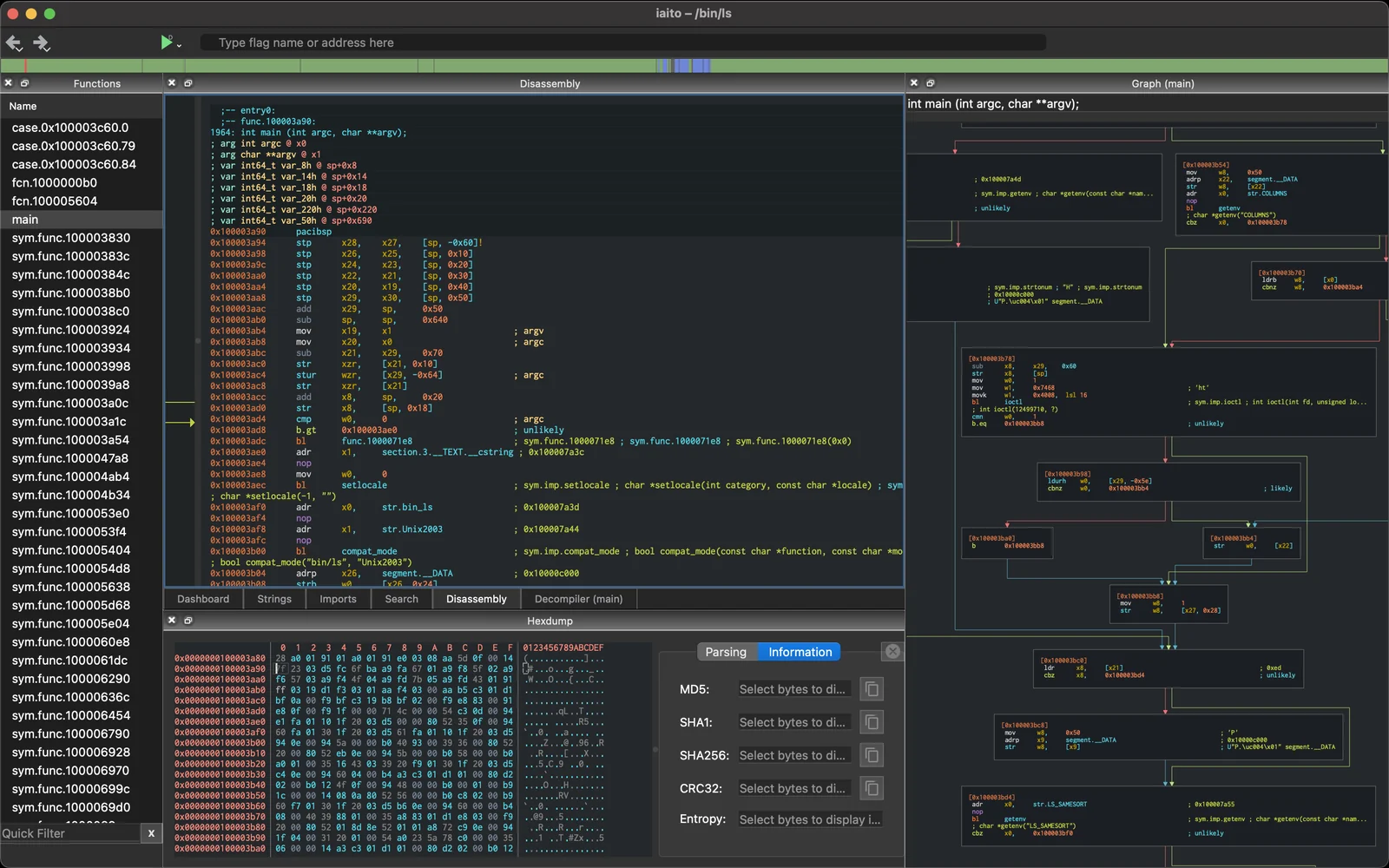
iaito 是 radare2 的官方图形界面,radare2 是一个自由的反向工程框架。


在这些渠道中获取帮助、更新、结识社区或讨论开发:
有面向 Linux、macOS 和 Windows 的 iaito 自动化 CI 构建和发布版本。
在 WSL 或 Linux 上,你可以使用以下步骤通过 Flatpak 安装它:
sudo flatpak remote-add flathub https://dl.flathub.org/repo/flathub.flatpakrepo
sudo flatpak install flathub org.radare.iaito
flatpak run org.radare.iaito
在 macOS 上,你可能需要修复签名
sudo xattr -c /Applications/iaito.app
sudo codesign --force --deep --sign - /Applications/iaito.app

iaito 需要 radare2 和 qt5(或 qt6):
$ git clone https://github.com/radareorg/radare2 && radare2/sys/install.sh
在 macOS 上这样安装 QT:
brew install qt@5
echo 'export PATH="/opt/homebrew/opt/qt@5/bin:$PATH"' >> ~/.profile
在 Ubuntu/Debian 上
sudo apt install qttools5-dev qttools5-dev-tools qtbase5-dev qtchooser qt5-qmake qtbase5-dev-tools libqt5svg5-dev make pkg-config build-essential
对于 QT6:
sudo apt install qt6-svg-dev
./configure
make
make run
在 macOS 上,make run 会从 build/iaito.app 启动应用,而无需安装它。
注册 iaito:// URI 处理器是可选的;请参阅深度链接。
要将应用安装到你的主目录:
make install
也可以从 r2 shell 启动 iaito,复用 Core 实例:
make plugin
上一条命令将构建 iaito 及其插件,并将其复制到你的主目录插件目录中。
$ r2 /bin/ls
> iaito
...
注意:flatpak/flathub 版本已作为可选扩展附带翻译。
要安装翻译,请从 iaito-translations 仓库下载最新版本。
要安装到你的主目录,请运行以下命令:
$ git clone https://github.com/radareorg/iaito-translations.git
$ cd iaito-translations
$ make user-install
或者,也可以使用该项目的 makefile 来安装它们:
$ make user-install-translations
OR
$ make install-translations # to install to system
大多数发行版可以查看 Releases 页面,下载适用于 Linux、macOS 或 Windows 的构建版本,并阅读说明以应对可能出现的问题!
如下所示,大多数发行版已经打包了 iaito,选择你最喜欢的构建版本即可!

Snap: