 pvharmo2/gha-lab-61c59f4acb
Security-research lab: controlled reproduction of CVE-2026-33075 (pwn request in labring/FastGPT preview-image workflow, pull_request_target + checkout-of-fork + privileged buildx push)

Automated research artifact — not the upstream project.
This repository is a disposable lab built by an automated harness for a master's thesis at Université Laval on reproducing published GitHub Actions workflow vulnerabilities. It is a verbatim snapshot of
labring/FastGPTat commitaaa7d17ef12d898d9e944eefd915cc6e2e44bcbd(2026-03-16), redistributed under that project's own licence, whose file is included unchanged in this snapshot.The upstream project is not involved, is never targeted, and the vulnerability studied here is already public. Every secret and variable in this repository is a randomly generated dummy value — no real credential is present. Action references and runner images are pinned to what they resolved to on 2026-03-16; see
pinning.mdin the harness output for every change made to the snapshot.Questions or objections: [email protected]

English | 简体中文 | Bahasa Indonesia | ไทย | Tiếng Việt | 日本語
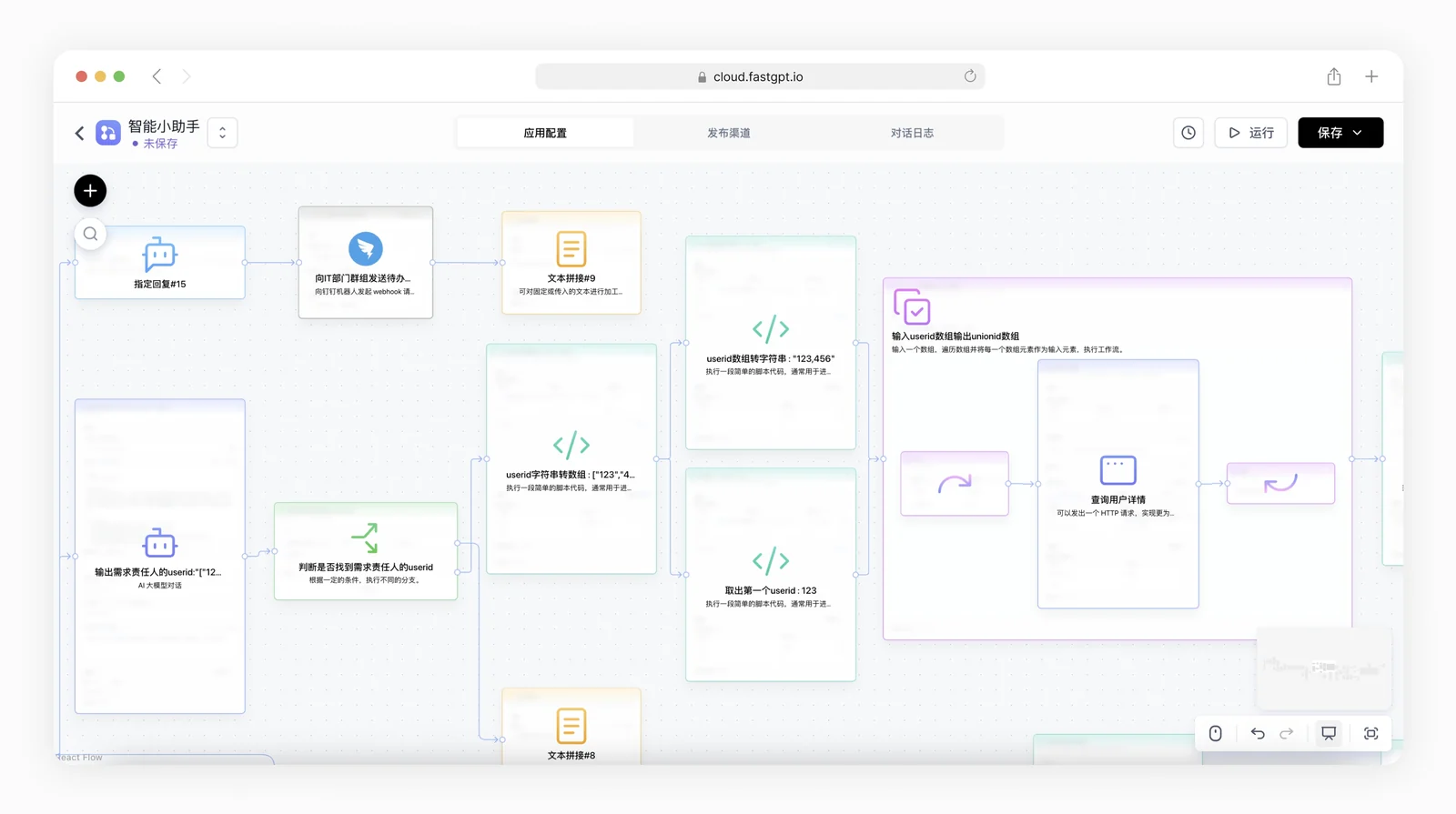
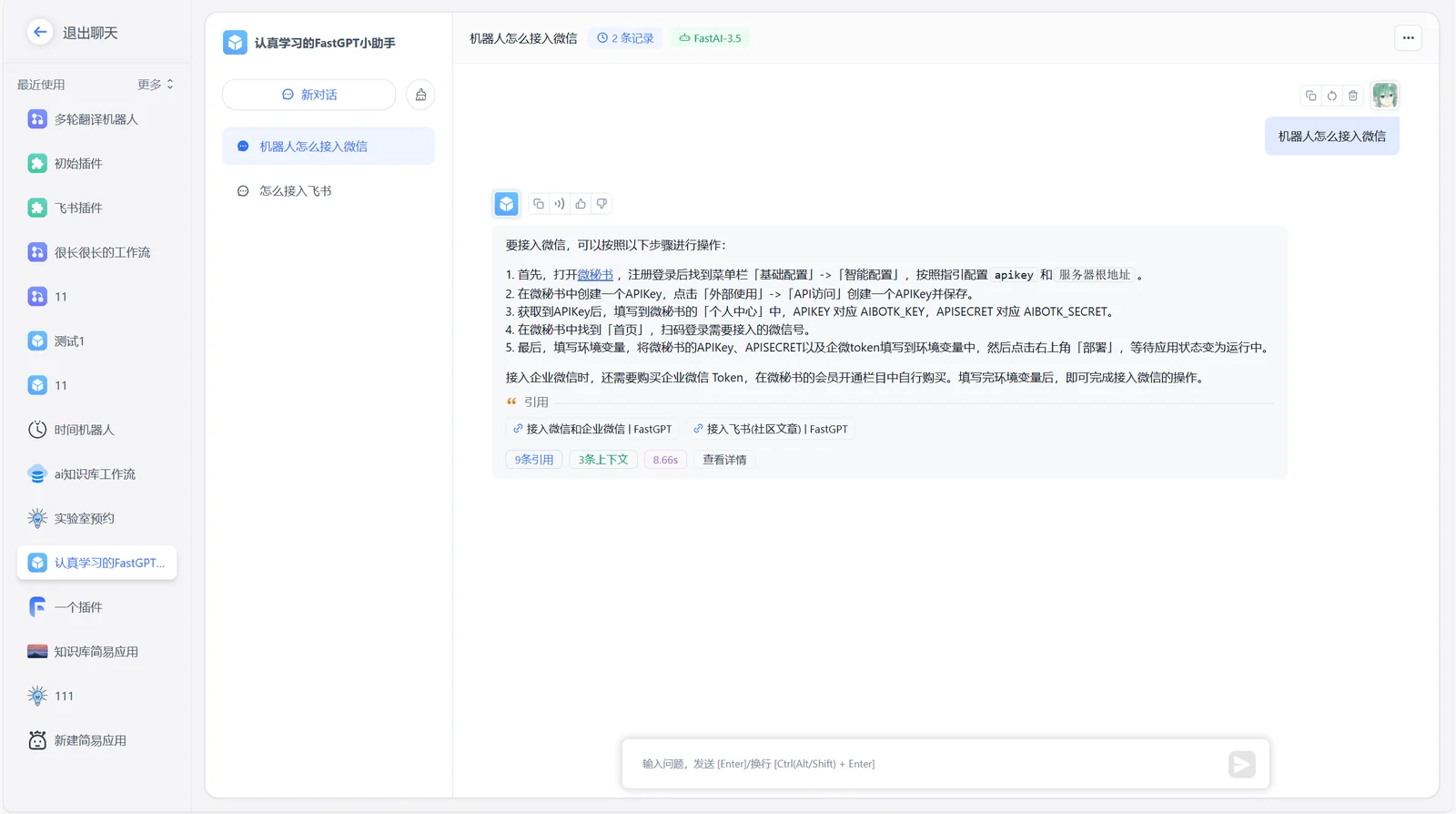
FastGPT 是一个 AI Agent 构建平台,提供开箱即用的数据处理、模型调用等能力,同时可以通过 Flow 可视化进行工作流编排,从而实现复杂的应用场景!


https://github.com/labring/FastGPT/assets/15308462/7d3a38df-eb0e-4388-9250-2409bd33f6d4
可以通过 Docker 快速启动 FastGPT,在终端输入以下命令,根据引导完成输入即可拉取配置。
# 输入命令拉取配置文件
bash <(curl -fsSL https://doc.fastgpt.cn/deploy/install.sh)
# 启动
docker compose up -d
完全启动后,可通过http://localhost:3000访问 FastGPT,默认账号为root,密码为1234。
如果你遇到问题,可以查看完整 Docker 部署教程
云服务版本
如果你不需要私有化部署,可以直接使用我们提供的云服务版本,地址为:fastgpt.io
社区自托管版本
可以使用Docker快速部署,也可以使用Sealos Cloud 来一键部署FastGPT。
商业版
如果你需要更完整的功能,或深度的服务支持,可以选择我们的商业版。我们除了提供完整的软件外,还提供相应的场景落地辅导,具体可提交商业咨询
 |  |
 |
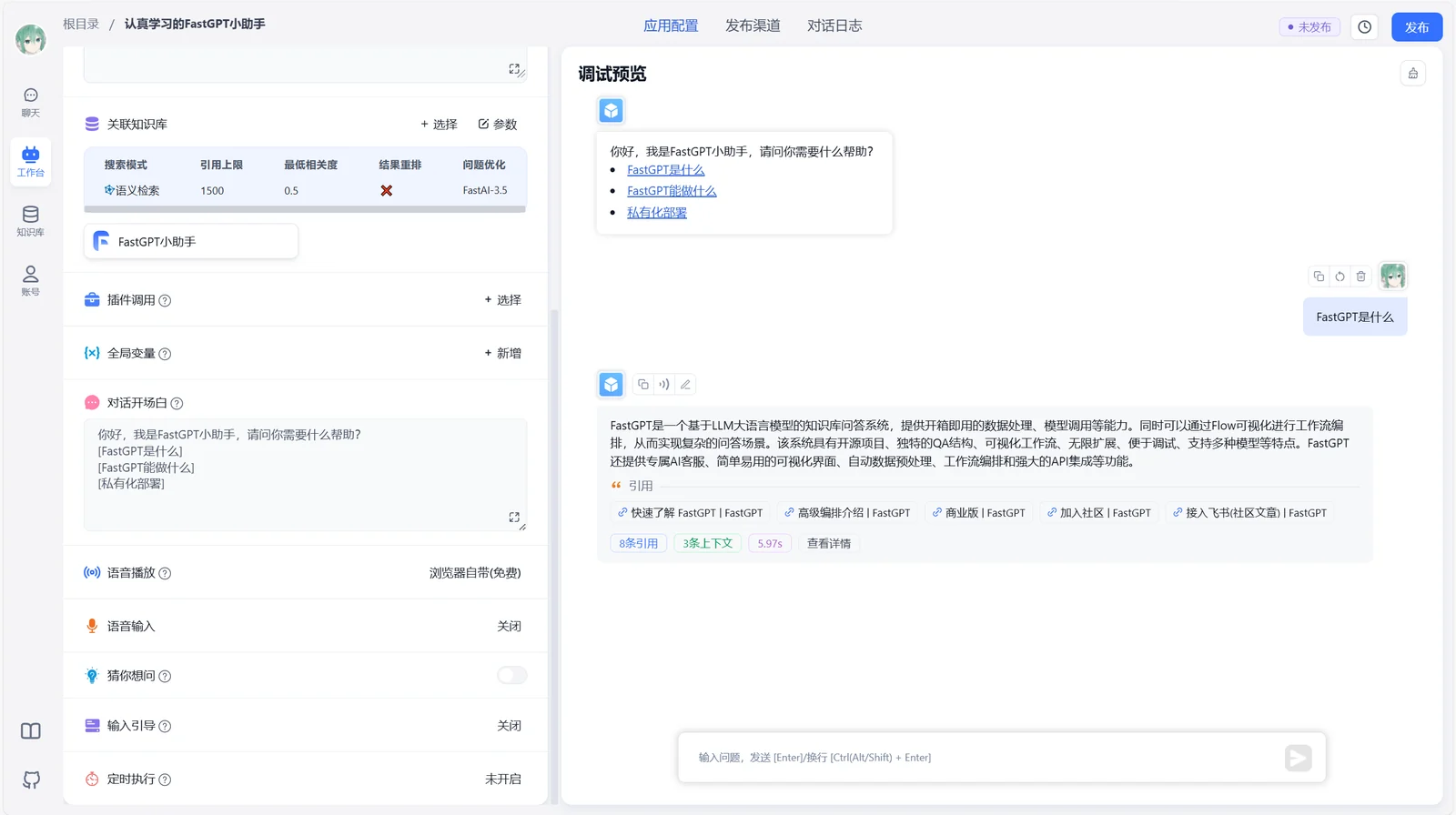
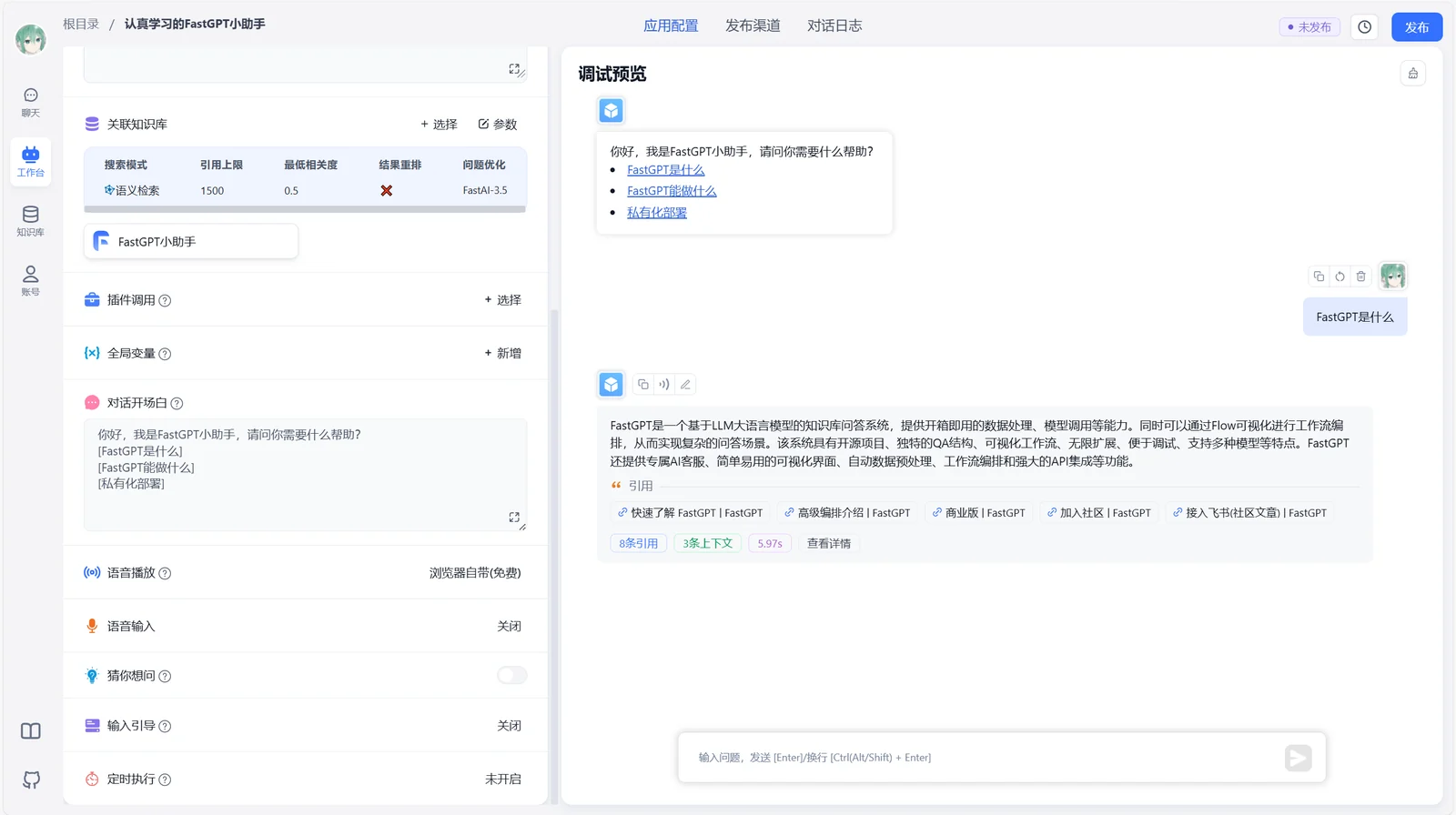
1 应用编排能力
2 应用调试能力
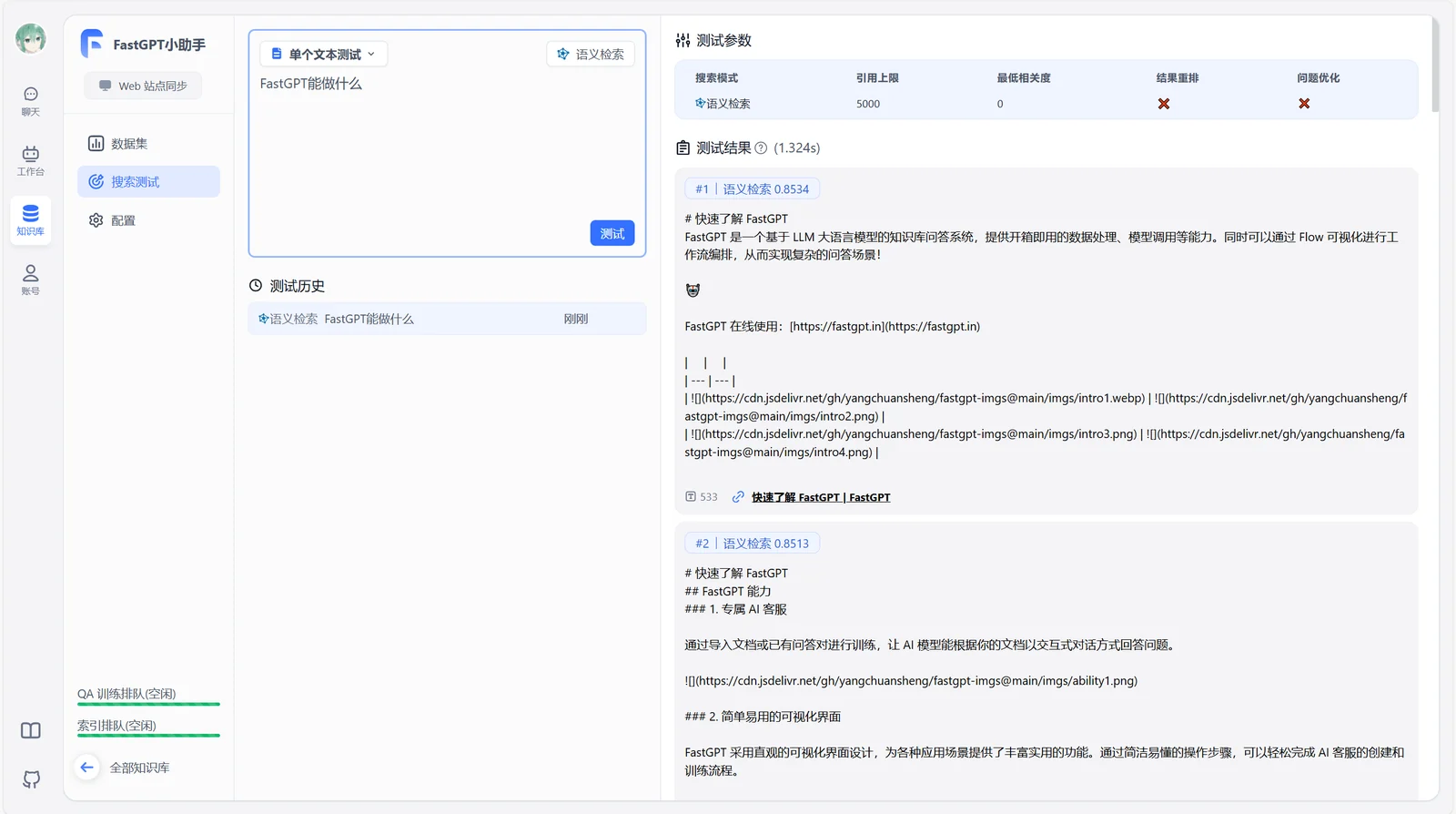
3 知识库能力
4 OpenAPI 接口
5 运营能力
6 其他

扫码加入飞书话题群:

我们非常欢迎各种形式的贡献。如果你对贡献代码感兴趣,可以查看我们的 GitHub Issues,大展身手,向我们展示你的奇思妙想。
本仓库遵循 FastGPT Open Source License 开源协议。
 |
|
| |
|---|---|
|
|

| |
