一款简单、原生的 Mac 数据包查看器。
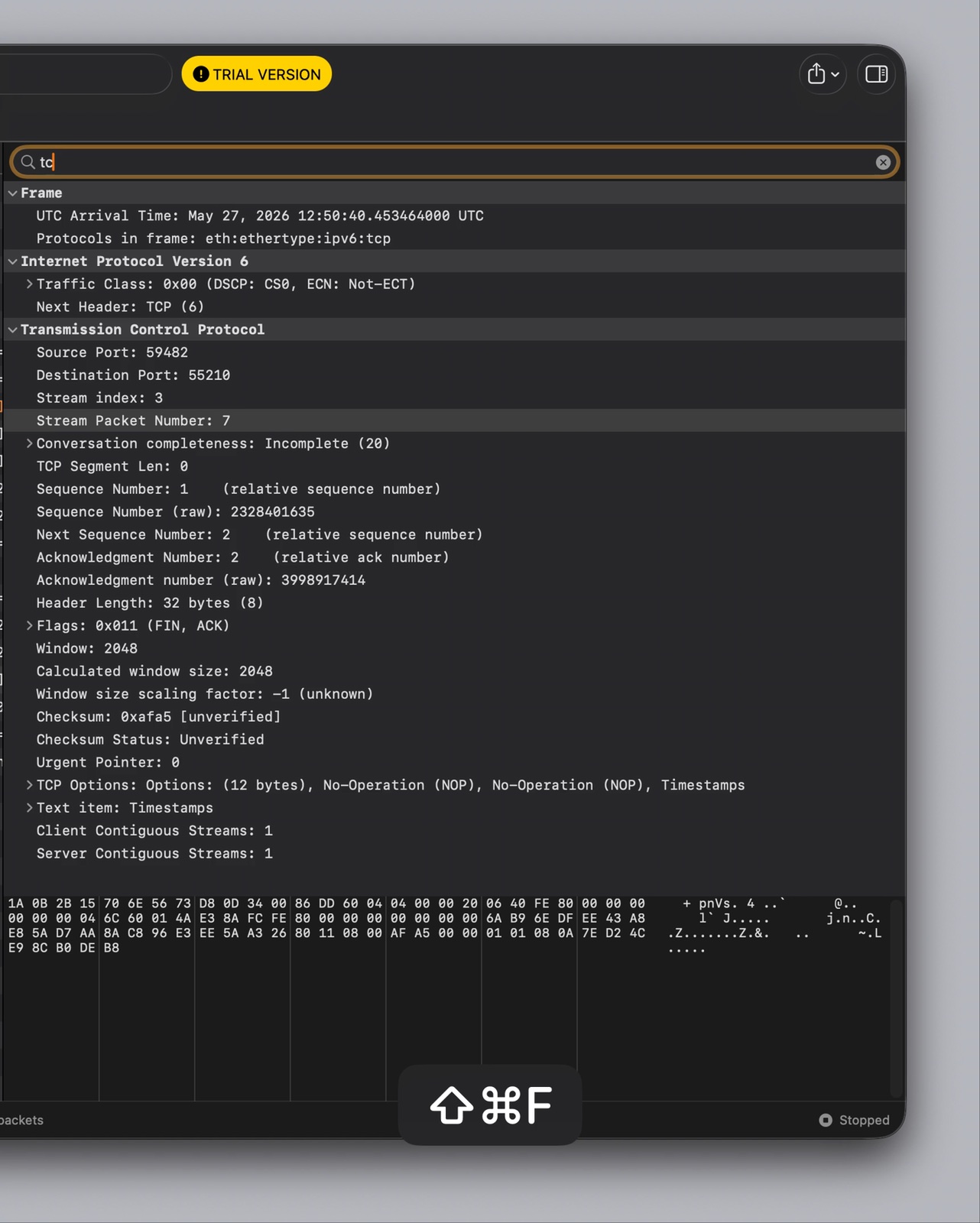
TCP Viewer 可在 macOS 上捕获并读取网络数据包。它使用系统 libpcap 进行捕获,并使用 Wireshark 库获取深度数据包详情。
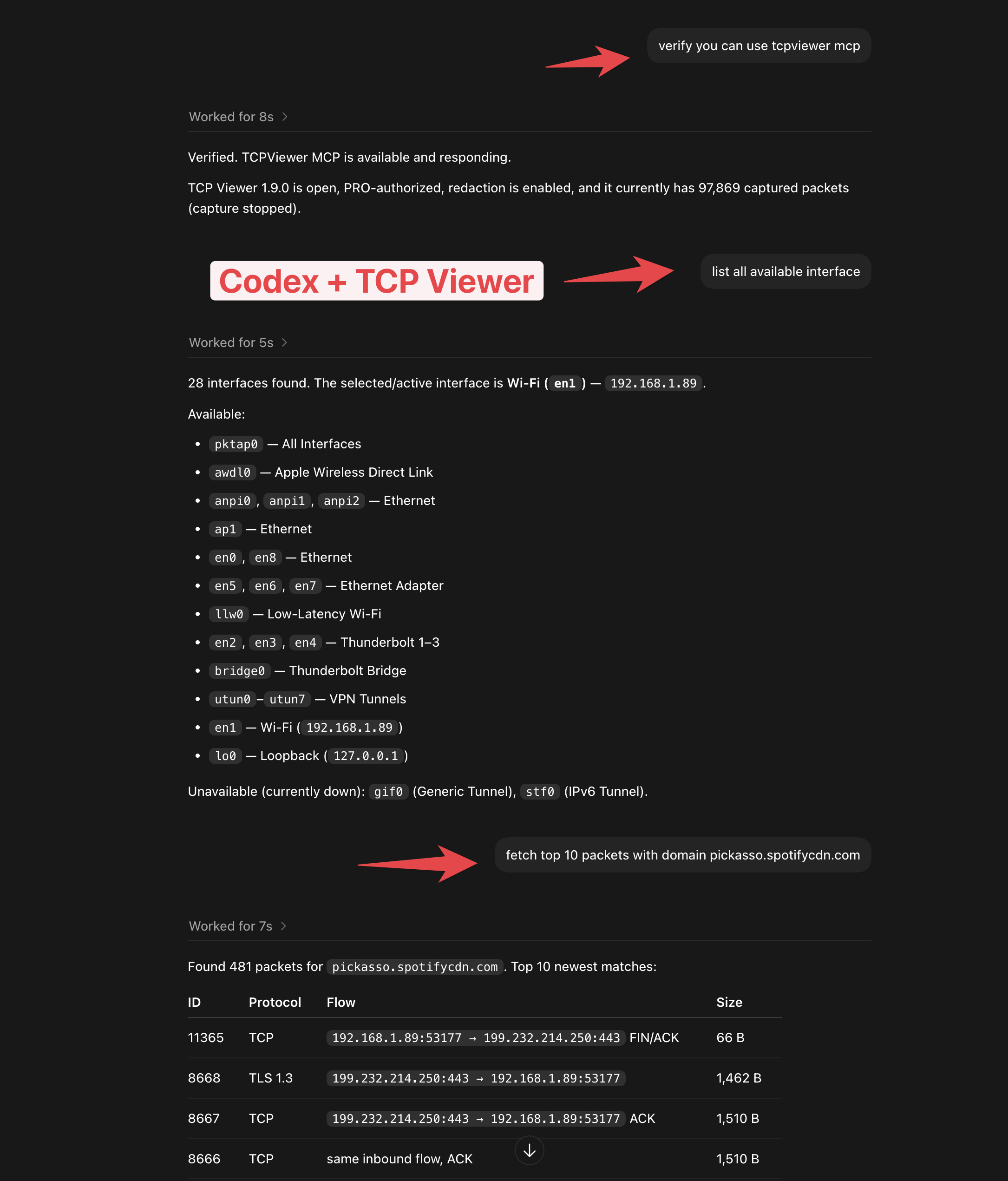
tcpviewer-cli 自动化捕获、数据包查询、文件、许可证和设置。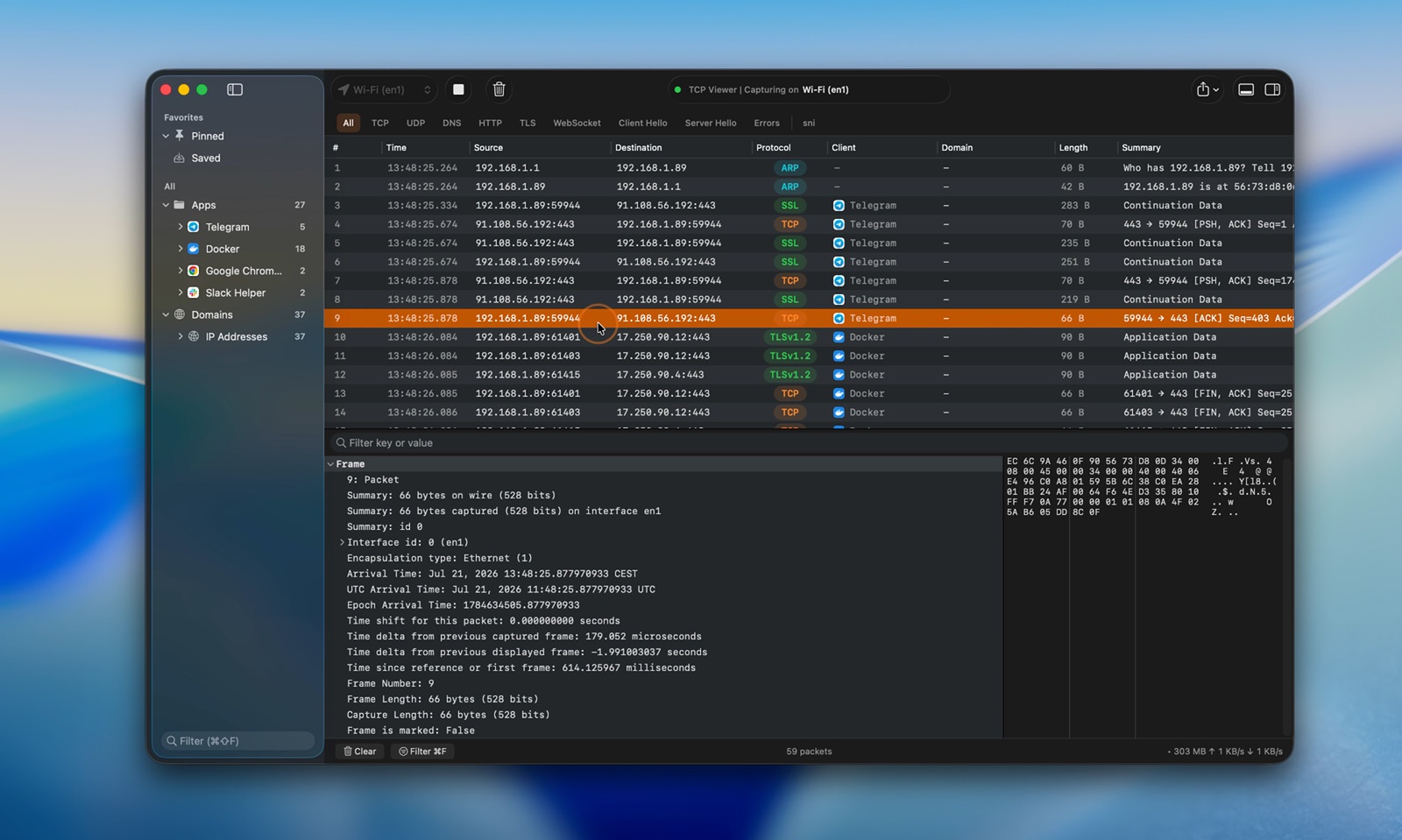
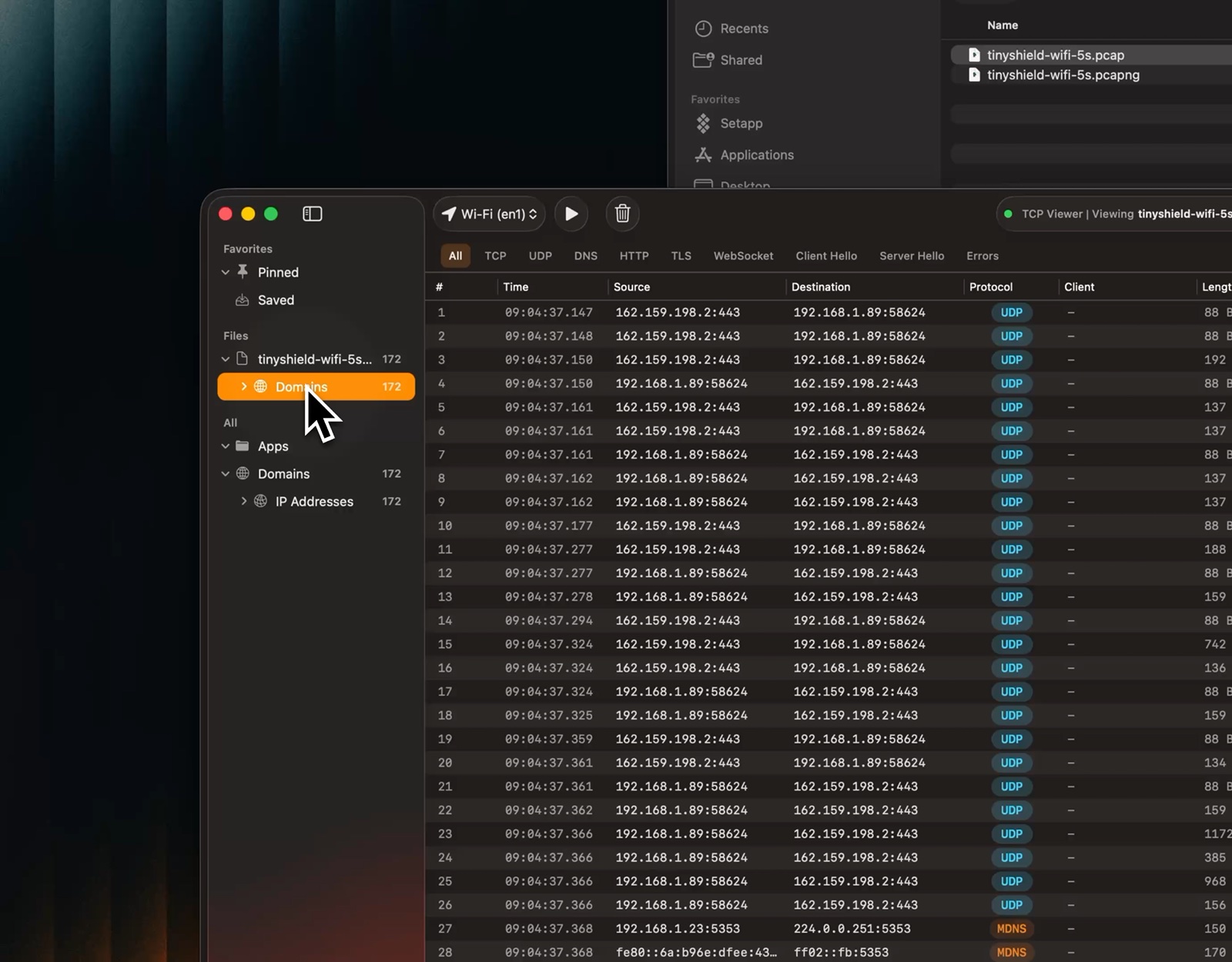
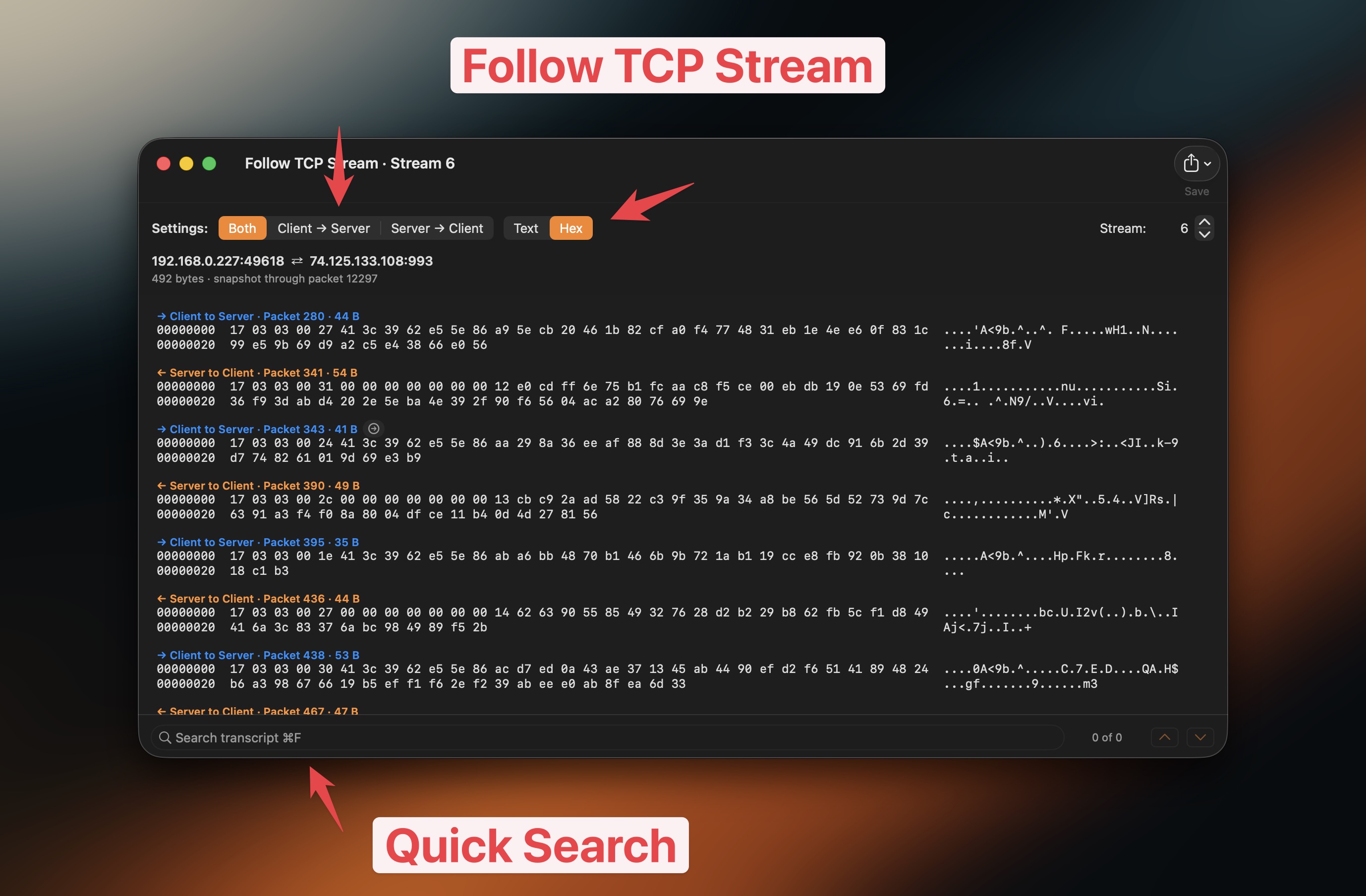
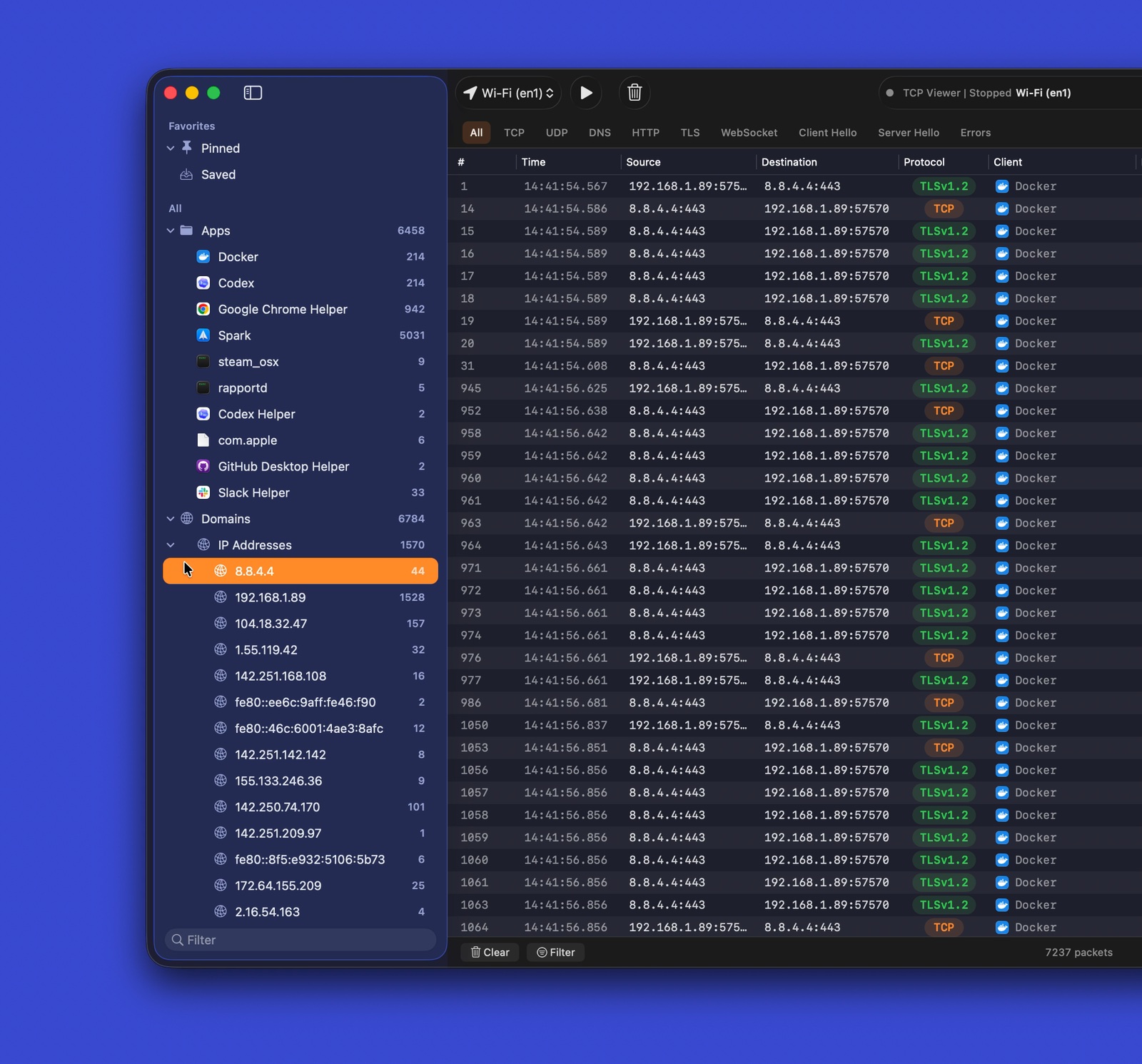
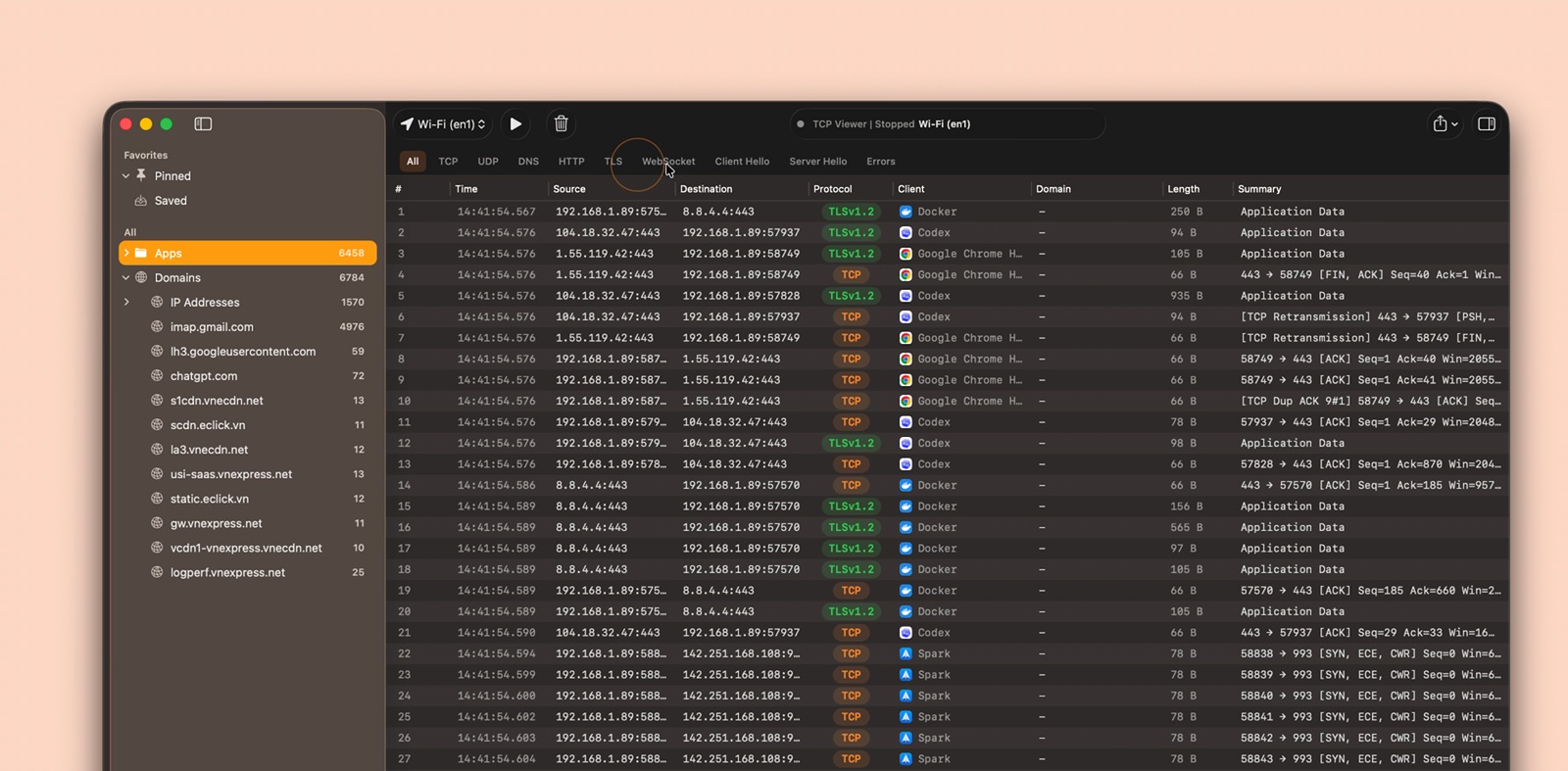
运行 TCP Viewer:
构建 TCP Viewer:
brew install cmake ninja meson pkg-config autoconf automake libtool
克隆时包含子模块。然后引导固定的 Wireshark 依赖项。
git clone --recurse-submodules <repo-url>
cd TCPViewer
cp Config/TCPViewer.local.xcconfig.example Config/TCPViewer.local.xcconfig
./scripts/bootstrap-wireshark.sh
已经克隆但没有子模块?
git submodule update --init --recursive
./scripts/bootstrap-wireshark.sh
引导脚本会:
scripts/bootstrap-wireshark-deps.sh。Vendor/.install/wireshark-deps。将本地签名、appcast、Sparkle、Sentry 和发布值排除在 Git 之外。使用 Config/TCPViewer.local.xcconfig、.env、环境变量或由 Keychain 支持的工具。
在 Xcode 中:
TCPViewer.xcodeproj。TCPViewer scheme。My Mac。命令行构建:
xcodebuild -project TCPViewer.xcodeproj -scheme TCPViewer build
如果 Xcode 要求签名,请为 TCPViewer 和 PcapPlusPlusCore 选择开发团队。
xcodebuild test \
  -project TCPViewer.xcodeproj \
  -scheme TCPViewer \
  -destination 'platform=macOS'
发布脚本可以:
首次设置:
npm install
bundle install
gh auth login
从 .env.example 创建本地 .env。添加所需的发布值。绝不要提交真实密钥。
在 .env 中使用 # 作为注释。sentry-cli 不接受 // 注释。
对于生产发布,向 ReleaseNote.json 添加匹配条目。然后运行:
npm run release
在询问时选择 beta 或 production。
生产发布还会:
v<version> 标签。若要仅为最新的公开生产发布创建 Homebrew Cask 拉取请求,请运行 make build 并选择 Homebrew Cask PR from latest release。
你也可以直接运行以下命令:
npm run release:homebrew
这会根据 GitHub release 资产验证公开 DMG,将分支推送到
ProxymanApp/homebrew-cask,并在
Homebrew/homebrew-cask 中打开贡献拉取请求。
产物写入到:
~/Desktop/tcpviewer-production/
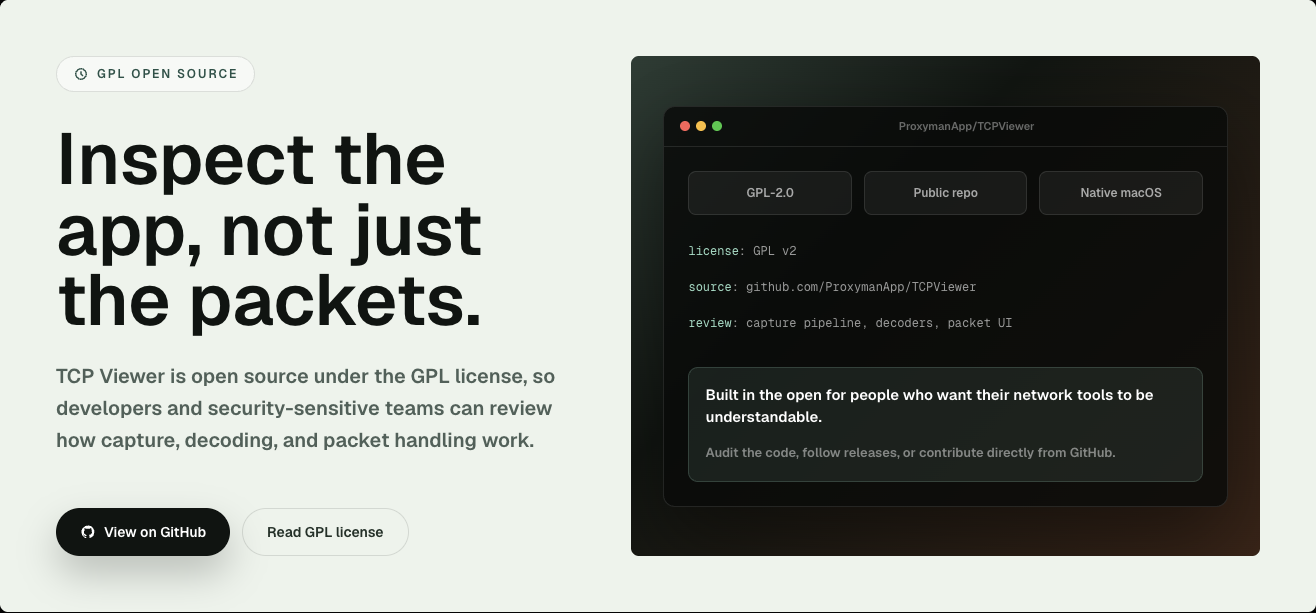
TCP Viewer 采用 GPL-2.0-or-later 许可。这与其对 Wireshark 库的使用相匹配。
COPYING。THIRD_PARTY_NOTICES.md。SOURCE_CODE_OFFER.md。Wireshark 是 Wireshark Foundation 的商标。TCP Viewer 与 Wireshark Foundation 无关联,也未获得其认可。