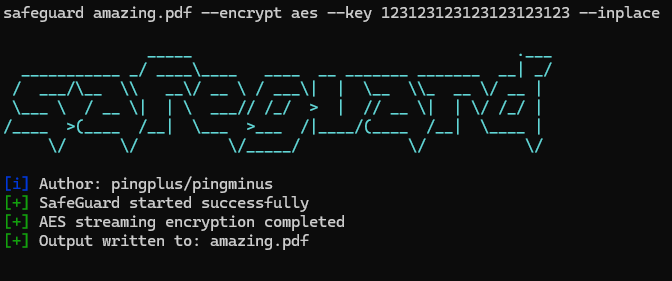
./safeguard --version
1.0
本项目是一个面向学习的文件加密工具。
虽然它使用了 Go 标准库中的标准密码学原语 (例如用于认证加密的 AES-GCM),但它并未使用现代、 内存硬密码密钥派生函数,如 Argon2 或 scrypt。
相反,密钥是使用一种轻量级、仅依赖标准库的方法派生的。 这意味着:
git clone https://github.com/pingplus/SafeGuard.git
cd SafeGuard
go build
通用语法:
./safeguard <file> <action> <cipher> [options]
操作:
--encrypt 或 e 加密文件--decrypt 或 d 解密文件--decrypt-directory 或 de 解密整个目录(抱歉,目录解密功能尚不可用 :( )选项:
--inplace 就地解密/加密文件(实验性)--key 添加密钥--output 指定输出名称支持的加密算法:
./safeguard --list-ciphers
[i] Available ciphers:
  xor
  caesar
  aes
加密文件:
./safeguard secret.txt e aes --key "your-strong-password"
# or
./safeguard secret.txt --encrypt aes --key "your-strong-password" --output secret.txt.aes
解密文件:
./safeguard secret.txt d aes --key "your-strong-password"
# or
./safeguard secret.txt --decrypt aes --key "your-strong-password" --output secret.txt.dec
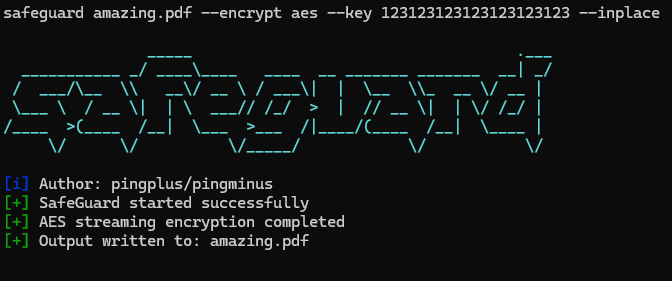
./safeguard secrets.txt e aes --key "123123123123123123123123" --inplace
# -> creates secrets.txt but encrypted
./safeguard secrets.txt.aes d aes --key "123123123123123123123123" --output secrets_decrypted.txt