


监控和枚举 Slack 中暴露的机密信息
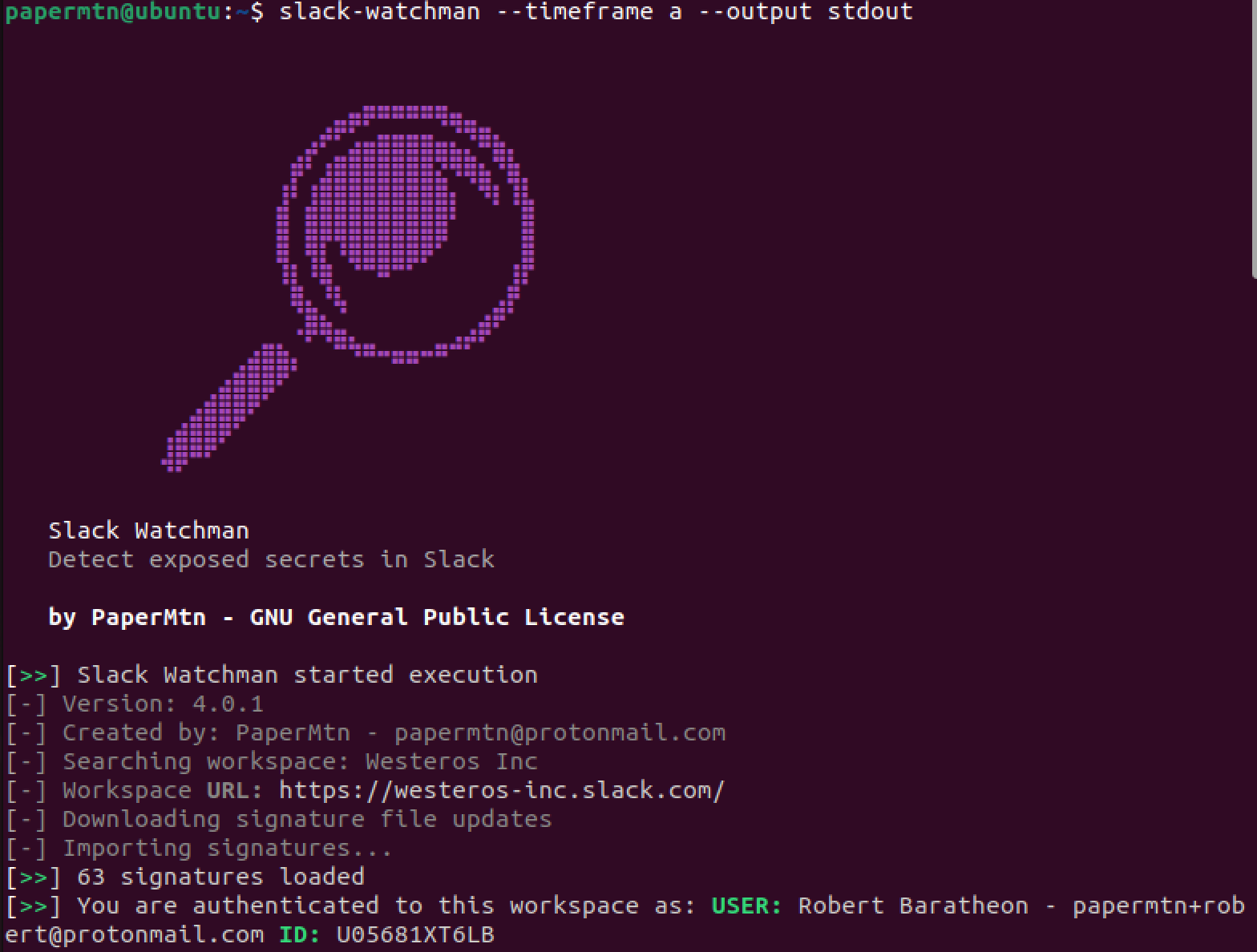
Slack Watchman 是一款使用 Slack API 来查找 Slack 工作区中可能暴露的敏感数据,并为红队、蓝队和紫队枚举其他有用信息的应用程序。
关于 Slack Watchman 的更多信息可以在我的博客上找到。
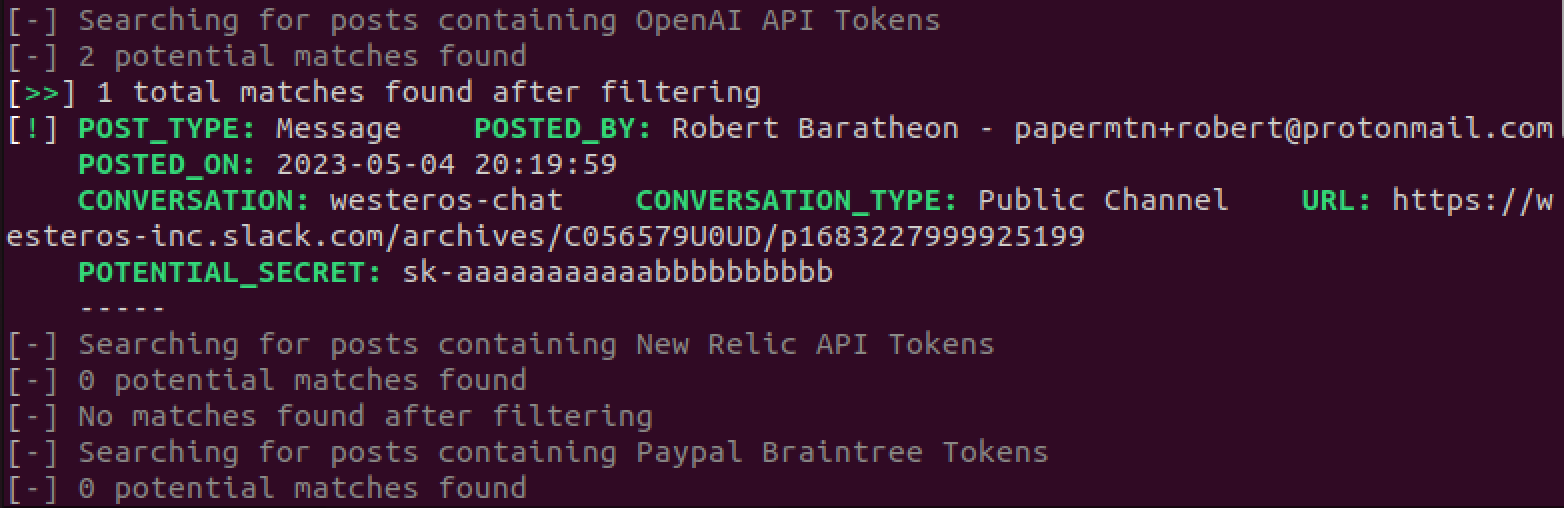
Slack Watchman 查找:
你可以运行 Slack Watchman 来查找追溯至以下时间范围的结果:
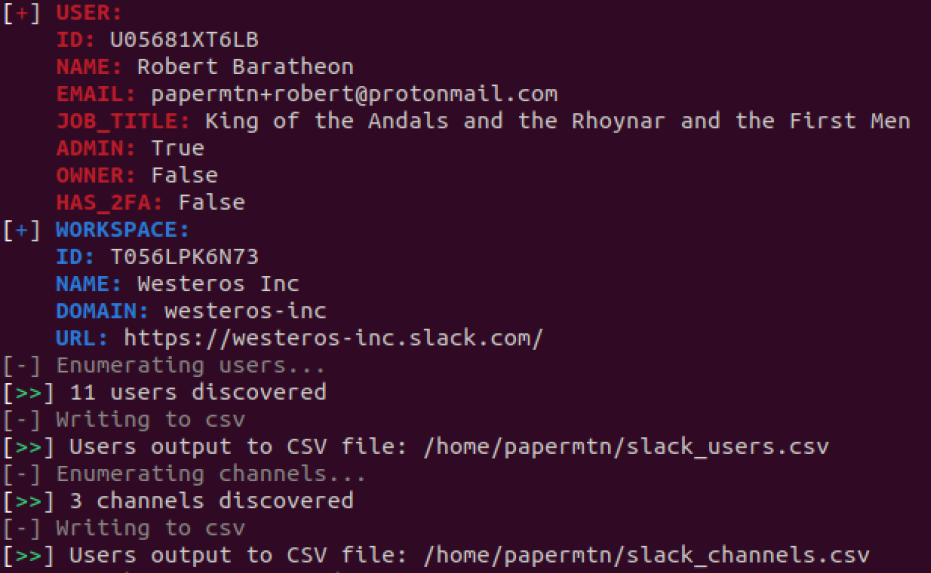
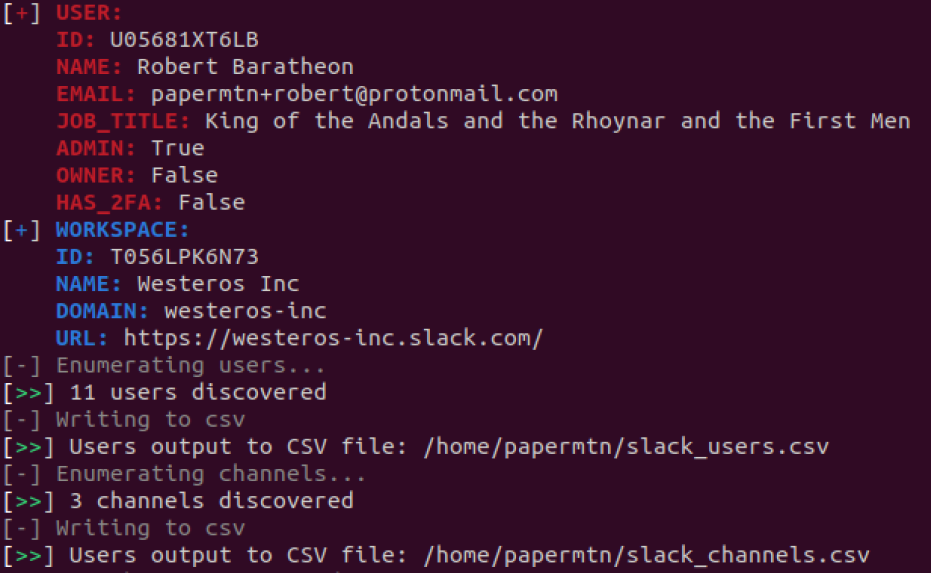
它还会枚举以下内容:
这意味着在一次深度扫描之后,你可以安排 Slack Watchman 定期运行,并且只返回你所选择的时间范围内的结果。
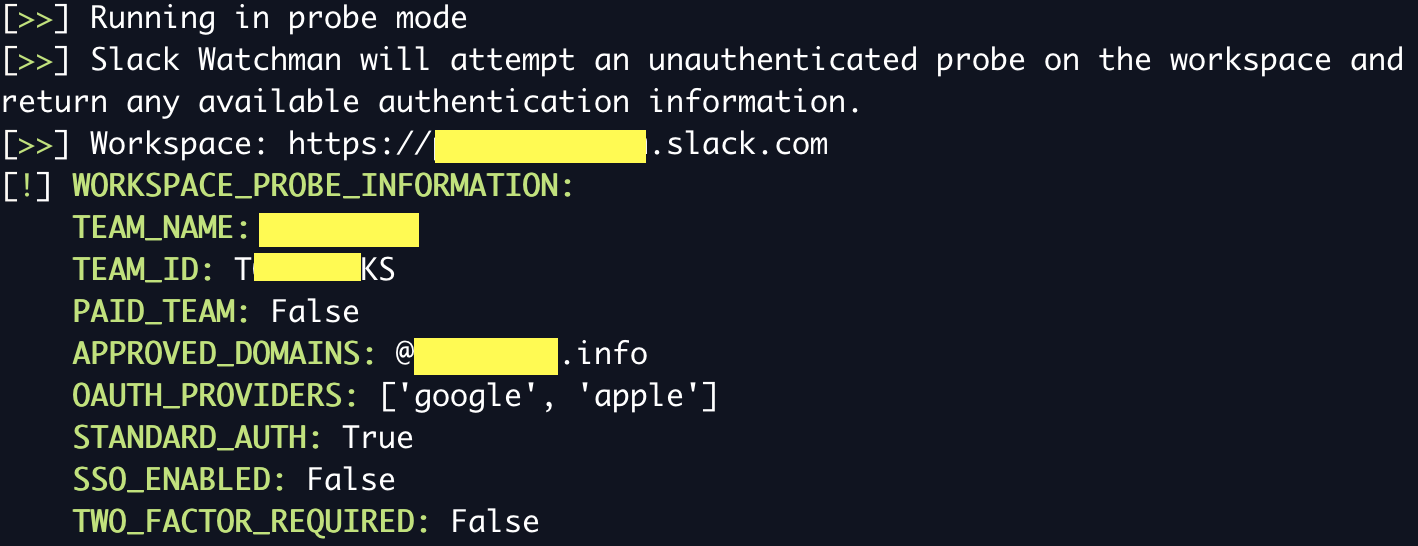
你可以使用 Slack Watchman 的未认证探测模式来枚举工作区的身份验证选项和其他信息。这不需要令牌,并返回:
要运行此模式,请使用带 --probe 标志的 Slack Watchman 并提供要探测的工作区域名:
slack-watchman --probe https://domain.slack.com
Slack Watchman 使用自定义的 YAML 签名来检测 Slack 中的匹配项。这些签名从中心化的 Watchman Signatures 仓库 拉取。Slack Watchman 在运行时自动更新其签名库,以确保使用最新的签名来检测机密信息。
你可以通过将签名 ID 添加到 watchman.conf 文件的 disabled_signatures 部分,来定义在运行 Slack Watchman 时想要禁用的签名。例如:
slack_watchman:
  token: ...
  cookie: ...
  url: ...
  disabled_signatures:
    - tokens_generic_bearer_tokens
    - tokens_generic_access_tokens
你可以在 Watchman Signatures 仓库 中的各个 YAML 文件中找到签名的 ID。
Slack Watchman 提供以下日志记录选项:
如果未提供任何选项,Slack Watchman 默认使用终端友好的标准输出日志记录。这是为了便于人类阅读。
同时还提供 JSON 日志记录,非常适合导入 SIEM 或其他日志分析平台。
JSON 格式的日志可以很容易地重定向到文件中,如下所示:
slack-watchman --timeframe a --all --output json >> slack_watchman_log.json
要运行 Slack Watchman,你需要一个 Slack API OAuth 访问令牌。你可以通过创建一个简单的 Slack 应用 来获得。
该应用需要添加以下 用户令牌作用域(User Token Scopes):
channels:read
files:read
groups:read
im:read
links:read
mpim:read
remote_files:read
search:read
team:read
users:read
users:read.email
注意:用户令牌代表授权用户执行操作,因此我建议你创建一个应用并使用服务账号进行授权,否则该应用将能够访问你的私人会话和聊天。
Slack 应用可以通过 JSON 清单创建,该清单定义了应用的详细信息以及需要批准的权限范围。Slack Watchman 的应用清单可以在 docs/app_manifest.json 中找到,你可以使用它来加快 Slack 应用的创建。
另外,Slack Watchman 也可以使用用户的 d cookie 来认证 Slack,该 cookie 存储在每个登录工作区的用户的浏览器中。
要使用 cookie 认证,你需要提供 d cookie 以及目标工作区的 URL。然后,在运行 Slack Watchman 时需要加上 --cookie 标志。
关于 cookie 认证的更多信息可以在我的博客上找到。
Slack Watchman 将首先尝试从环境变量中获取 Slack 令牌(以及 cookie 令牌和 URL,如果选择了的话):
SLACK_WATCHMAN_TOKENSLACK_WATCHMAN_COOKIESLACK_WATCHMAN_URL如果失败,它将尝试从 .conf 文件中加载令牌(见下文)。
配置选项可以通过一个名为 watchman.conf 的文件传入,该文件必须存放在你的主目录中。该文件应遵循 YAML 格式,并且应如下所示:
slack_watchman:
  token: xoxp-xxxxxxxx
  cookie: xoxd-%2xxxxx
  url: https://xxxxx.slack.com
  disabled_signatures:
    - tokens_generic_bearer_tokens
    - tokens_generic_access_tokens
Slack Watchman 将在运行时查找此文件,并使用其中的配置选项。如果你不使用 cookie 认证,请将 cookie 和 url 留空。
如果你的 .conf 文件出现问题,请用 YAML 校验工具检查一遍。
示例文件位于 docs/example.conf
注意:Cookie 和 URL 值是可选的,如果不使用 cookie 认证则不需要。
安装 Slack Watchman 的推荐方式是通过 pipx,它会在隔离环境中安装应用,并使其在你的系统 PATH 中可用:
pipx install slack-watchman
替代方法:通过 pip 安装
你也可以使用 pip 安装 Slack Watchman:
python3 -m pip install slack-watchman
替代方法:从源码构建
下载发布版源码文件,然后从仓库的顶层目录运行:
python3 -m pip build
python3 -m pip install --force-reinstall dist/*.whl
Slack Watchman 也可以作为 Docker 镜像从 Docker Hub 获取:
docker pull papermountain/slack-watchman:latest
然后你可以在容器中运行 Slack Watchman,确保传入所需的环境变量:
// 帮助
docker run --rm papermountain/slack-watchman -h

// 全面扫描
docker run --rm -e SLACK_WATCHMAN_TOKEN=xoxp... papermountain/slack-watchman --timeframe a --all --output json
docker run --rm --env-file .env papermountain/slack-watchman --timeframe a --all --output stdout
Slack Watchman 将作为全局命令安装,使用方式如下:
usage: slack-watchman [-h] [--timeframe {d,w,m,a}] [--output {json,stdout}] [--version] [--all] [--users] [--channels] [--pii] [--secrets] [--debug] [--verbose] [--cookie] [--probe PROBE_DOMAIN]

Monitoring and enumerating Slack for exposed secrets

options:
  -h, --help            show this help message and exit
  --timeframe {d,w,m,a}, -t {d,w,m,a}
                        How far back to search: d = 24 hours w = 7 days, m = 30 days, a = all time
  --output {json,stdout}, -o {json,stdout}
                        Where to send results
  --version, -v         show program's version number and exit
  --all, -a             Find secrets and PII
  --users, -u           Enumerate users and output them to .csv in the current working directory
  --channels, -c        Enumerate channels and output them to .csv in the current working directory
  --pii, -p             Find personal data: DOB, passport details, drivers licence, ITIN, SSN etc.
  --secrets, -s         Find exposed secrets: credentials, tokens etc.
  --debug, -d           Turn on debug level logging
  --verbose, -V         Turn on more verbose output for JSON logging. This includes more fields, but is larger
  --cookie              Use cookie auth using Slack d cookie. REQUIRES either SLACK_WATCHMAN_COOKIE and SLACK_WATCHMAN_URL environment variables set, or both values set in watchman.conf
  --probe PROBE_DOMAIN  Perform an un-authenticated probe on a workspace for available authentication options and other information. Enter workspace domain to probe
你可以运行 Slack Watchman 来查找所有内容,并输出到默认的标准输出:
slack-watchman --timeframe a --all
你可能还会对 Watchman 系列中的其他应用感兴趣:
此项目的源代码根据 GNU General Public Licence 发布。此项目与 Slack Technologies 或 Salesforce 无关。