一个用于自动从域中提取 BitLocker 恢复密钥的系统管理或后渗透脚本。



[!WARNING] 请勿将此备份存储在该域的在线 SMB 共享中。建议打印并物理存放在保险柜中。
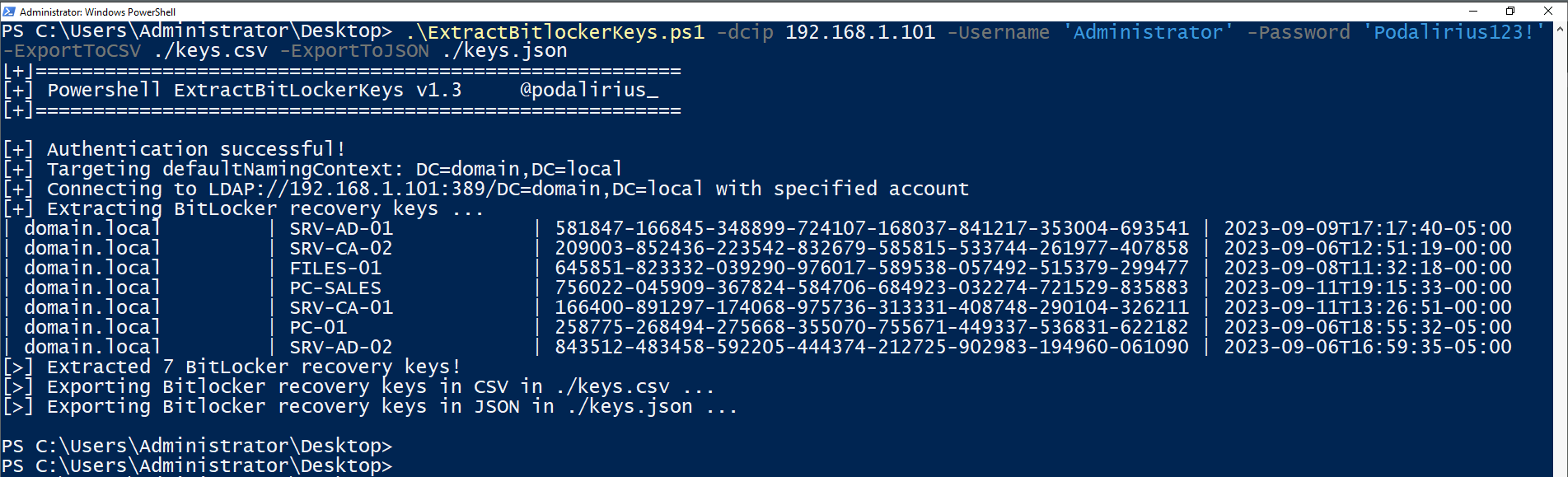
要从域 domain.local 的所有计算机中提取 BitLocker 恢复密钥,可以使用以下命令:
./ExtractBitlockerKeys.py -d 'domain.local' -u 'Administrator' -p 'Podalirius123!' --dc-ip 192.168.1.101
您将获得如下输出:
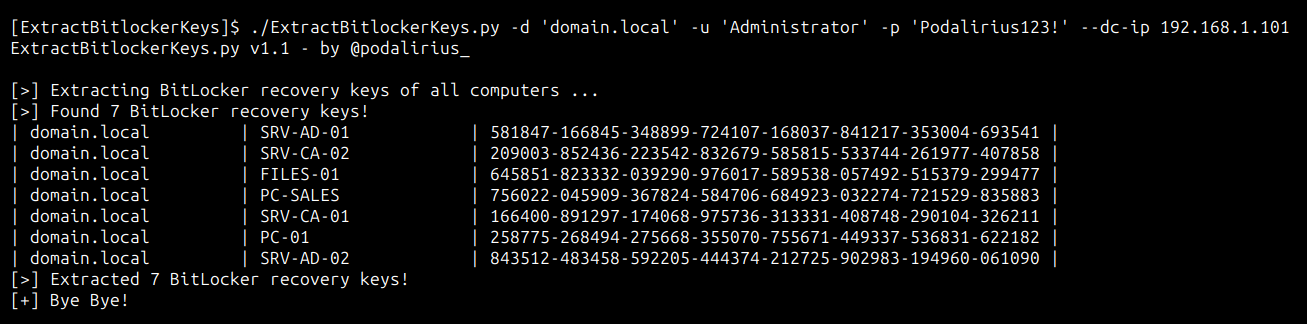
要从域 domain.local 的所有计算机中提取 BitLocker 恢复密钥,可以使用以下命令:
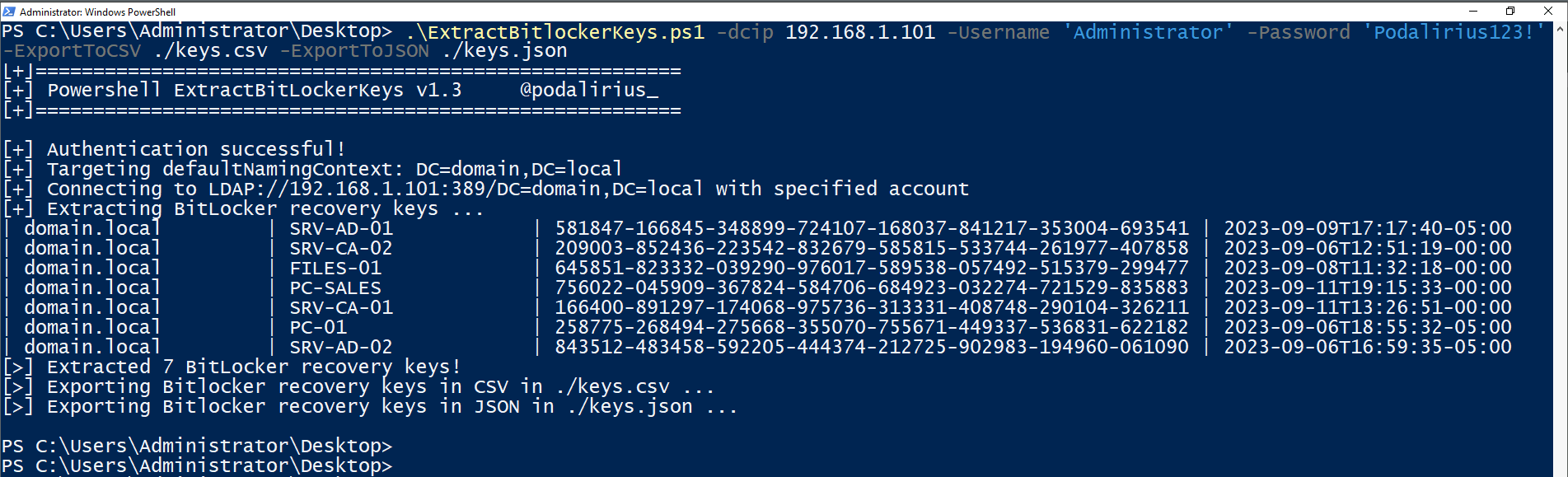
.\ExtractBitlockerKeys.ps1 -dcip 192.168.1.101 -ExportToCSV ./keys.csv -ExportToJSON ./keys.json
您将获得如下输出:
$ ./ExtractBitlockerKeys.py -h
ExtractBitlockerKeys.py v1.1 - by Remi GASCOU (Podalirius)

usage: ExtractBitlockerKeys.py [-h] [-v] [-q] [-t THREADS] [--export-xlsx EXPORT_XLSX] [--export-json EXPORT_JSON] [--export-sqlite EXPORT_SQLITE] --dc-ip ip address [-d DOMAIN] [-u USER]
                               [--no-pass | -p PASSWORD | -H [LMHASH:]NTHASH | --aes-key hex key] [-k]

options:
  -h, --help            show this help message and exit
  -v, --verbose         Verbose mode. (default: False)
  -q, --quiet           Show no information at all.
  -t THREADS, --threads THREADS
                        Number of threads (default: 4).

Output files:
  --export-xlsx EXPORT_XLSX
                        Output XLSX file to store the results in.
  --export-json EXPORT_JSON
                        Output JSON file to store the results in.
  --export-sqlite EXPORT_SQLITE
                        Output SQLITE3 file to store the results in.

Authentication & connection:
  --dc-ip ip address    IP Address of the domain controller or KDC (Key Distribution Center) for Kerberos. If omitted it will use the domain part (FQDN) specified in the identity parameter
  -d DOMAIN, --domain DOMAIN
                        (FQDN) domain to authenticate to
  -u USER, --user USER  user to authenticate with

Credentials:
  --no-pass             Don't ask for password (useful for -k)
  -p PASSWORD, --password PASSWORD
                        Password to authenticate with
  -H [LMHASH:]NTHASH, --hashes [LMHASH:]NTHASH
                        NT/LM hashes, format is LMhash:NThash
  --aes-key hex key     AES key to use for Kerberos Authentication (128 or 256 bits)
  -k, --kerberos        Use Kerberos authentication. Grabs credentials from .ccache file (KRB5CCNAME) based on target parameters. If valid credentials cannot be found, it will use the ones specified in the command line.
欢迎提交拉取请求。如果您想添加其他功能,请随时提出问题。