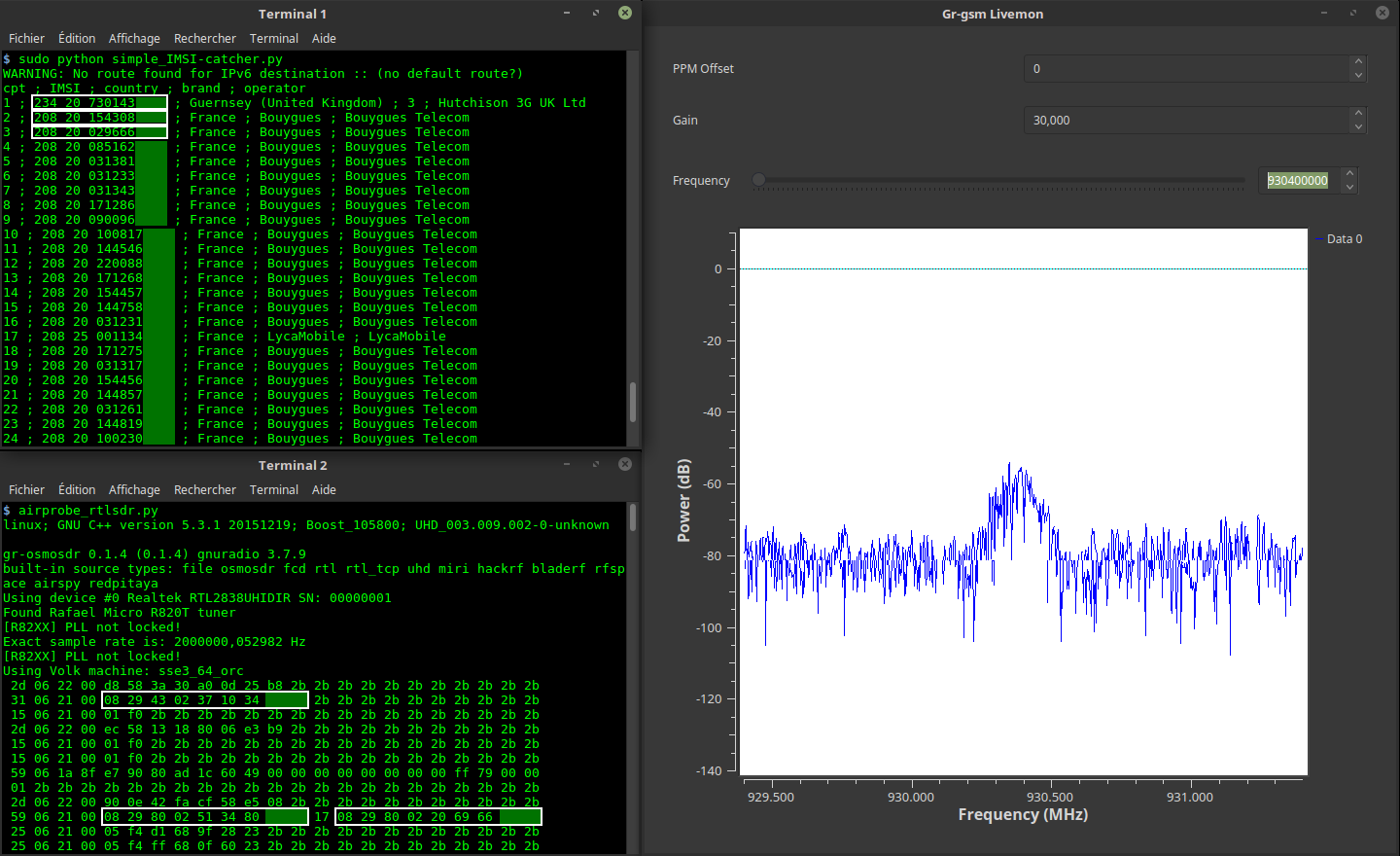
本程序可显示您周围手机的 IMSI 号码、国家、品牌和运营商。
/!\ 本程序用于理解 GSM 网络的工作原理,而非用于恶意黑客攻击!
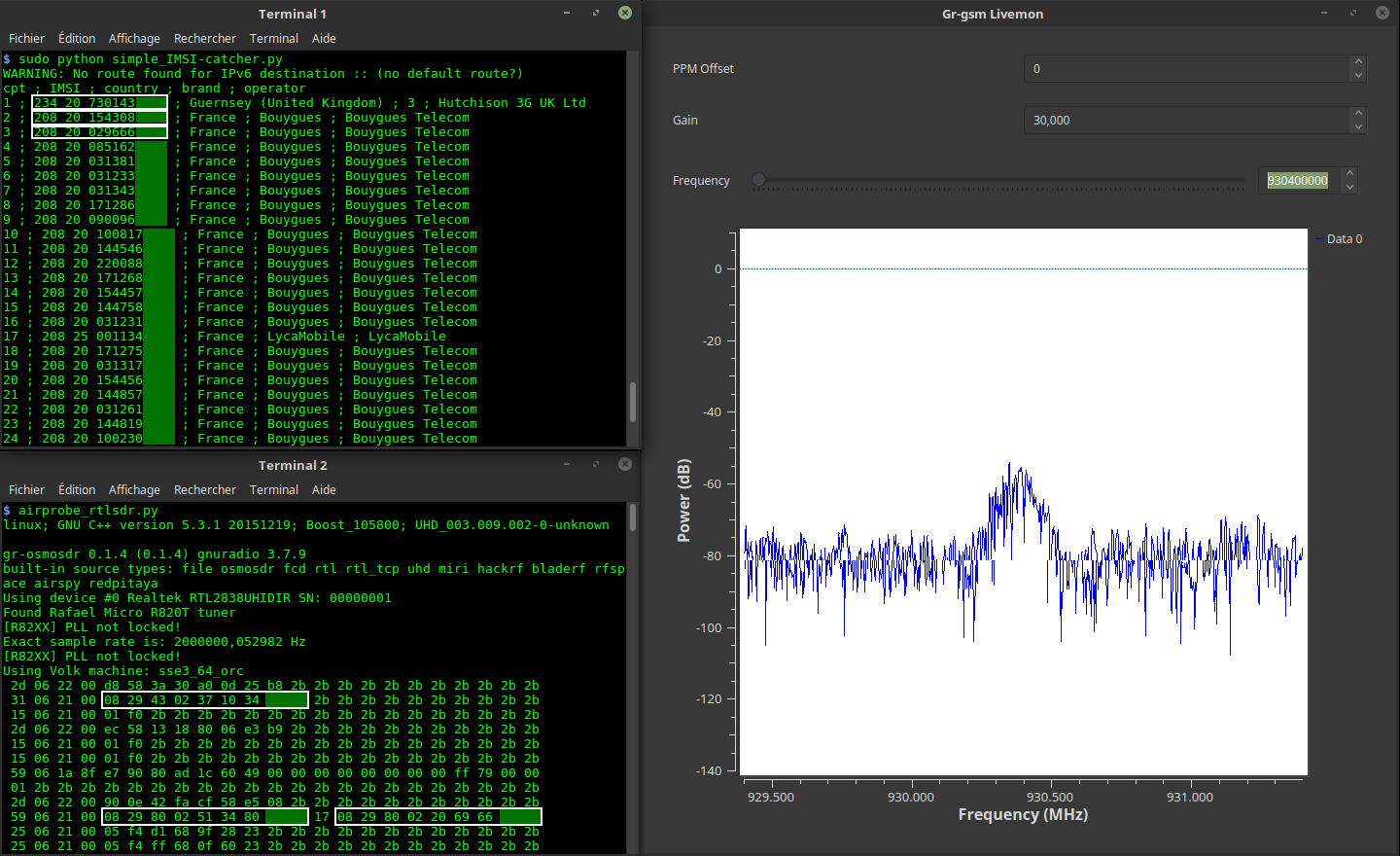
1 台装有 Gnu/Linux 的电脑。已在以下系统上测试:
1 台 SDR 接收器。已测试以下设备:
git clone https://github.com/Oros42/IMSI-catcher.git
cd IMSI-catcher
或
wget https://github.com/Oros42/IMSI-catcher/archive/master.zip && unzip -q master.zip
cd IMSI-catcher-master
sudo apt install python3-numpy python3-scipy python3-scapy gr-gsm
警告:不要使用 Python 3.9(存在 ctypes 错误)!
从 Python 3.1 开始,Imp 已被 importlib 取代。Imp 在 Python 3.11 中已弃用,新的要求如下所示。
apt install python3-pip
pip install importlib
sudo xhost +local:docker
docker pull atomicpowerman/imsi-catcher
docker run -ti --net=host -e DISPLAY=$DISPLAY --privileged -v /dev/bus/usb:/dev/bus/usb  atomicpowerman/imsi-catcher bash
在此 Docker 中运行所有 grgsm_* 命令。
我们使用 grgsm_livemon 解码 GSM 信号,并使用 simple_IMSI-catcher.py 查找 IMSI。
python3 simple_IMSI-catcher.py -h
Usage: simple_IMSI-catcher.py: [options]

Options:
  -h, --help            show this help message and exit
  -a, --alltmsi         Show TMSI who haven't got IMSI (default  : false)
  -i IFACE, --iface=IFACE
                        Interface (default : lo)
  -m IMSI, --imsi=IMSI  IMSI to track (default : None, Example:
                        123456789101112 or "123 45 6789101112")
  -p PORT, --port=PORT  Port (default : 4729)
  -s, --sniff           sniff on interface instead of listening on port
                        (require root/suid access)
  -w SQLITE, --sqlite=SQLITE
                        Save observed IMSI values to specified SQLite file
  -t TXT, --txt=TXT     Save observed IMSI values to specified TXT file
  -z, --mysql           Save observed IMSI values to specified MYSQL DB (copy
                        .env.dist to .env and edit it)
打开 2 个终端。
在终端 1 中
sudo python3 simple_IMSI-catcher.py -s
在终端 2 中
grgsm_livemon
现在,调整频率,直到终端显示类似如下内容:
15 06 21 00 01 f0 2b 2b 2b 2b 2b 2b 2b 2b 2b 2b 2b 2b 2b 2b 2b 2b 2b
25 06 21 00 05 f4 f8 68 03 26 23 2b 2b 2b 2b 2b 2b 2b 2b 2b 2b 2b 2b
49 06 1b 95 cc 02 f8 02 01 9c c8 03 1e 57 a5 01 79 00 00 1c 13 2b 2b
您可以使用 Wireshark 查看 GSM 数据包。
sudo apt install wireshark
sudo wireshark -k -Y '!icmp && gsmtap' -i lo
grgsm_scanner
ARFCN:  974, Freq:  925.0M, CID:     2, LAC:   1337, MCC: 208, MNC:  20, Pwr: -41
ARFCN:  976, Freq:  925.4M, CID:  4242, LAC:   1007, MCC: 208, MNC:  20, Pwr: -45
现在,您可以为 grgsm_livemon 设置频率:
grgsm_livemon -f 925.4M
或者,对于 HackRF,可按如下方式获取 kalibrate-hackrf 工具:
sudo apt-get install automake autoconf libhackrf-dev
git clone https://github.com/scateu/kalibrate-hackrf
cd kalibrate-hackrf/
./bootstrap
./configure
make
sudo make install
运行
kal -s GSM900
kal: Scanning for GSM-900 base stations.
GSM-900:
	chan:   14 (937.8MHz + 10.449kHz)	power: 3327428.82
	chan:   15 (938.0MHz + 4.662kHz)	power: 3190712.41
...
使用 db-example.sql 创建您的数据库。
cp .env.dist .env
nano .env
# set your config
sudo apt install python-decouple python3-mysqldb
sudo python3 simple_IMSI-catcher.py -s --mysql
扫描频率并监听第一个找到的频率:
在终端 1 中
python3 scan-and-livemon
在终端 2 中
python3 simple_IMSI-catcher.py
Gr-Gsm 安装:https://osmocom.org/projects/gr-gsm/wiki/Installation 和 https://github.com/velichkov/gr-gsm
频率:http://www.worldtimezone.com/gsm.html 和 https://fr.wikipedia.org/wiki/Global_System_for_Mobile_Communications
移动网络代码:https://en.wikipedia.org/wiki/Mobile_Network_Code
Scapy:http://secdev.org/projects/scapy/doc/usage.html
IMSI:https://fr.wikipedia.org/wiki/IMSI
Realtek RTL2832U:https://osmocom.org/projects/sdr/wiki/rtl-sdr 和 http://doc.ubuntu-fr.org/rtl2832u 和 http://doc.ubuntu-fr.org/rtl-sdr
如果您想支持我的工作,给点打赏会很好 ;-)
https://liberapay.com/Oros/