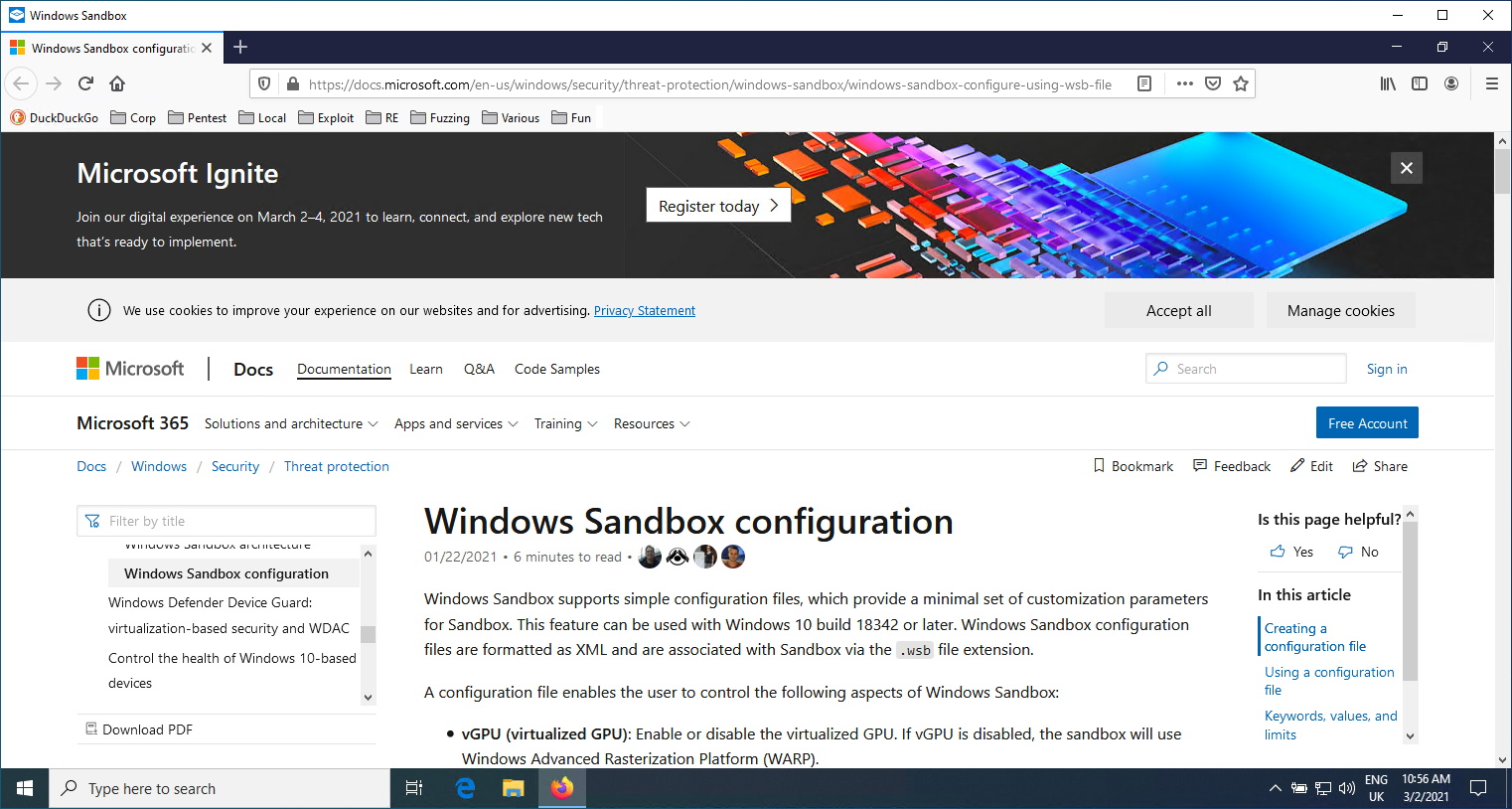
Wubes 类似于 Qubes,但面向 Windows。其理念是利用 Windows 沙盒 技术在隔离环境中启动应用程序。
目前我们支持为以下应用程序启动 Windows 沙盒:
其他应用程序可以很容易地添加。
该仓库包含以下文件和文件夹层级结构:
.
├── sandboxes                       // Contains folders shared between the sandboxes and the host
│   ├── Firefox                         // Folder shared between the host and the Firefox sandbox
│   │   ├── abcdefgh.default-release        // Firefox profile copied from the host
│   │   ├── backups                         // Contains a backup of all previous Firefox profiles
│   │   ├── install.bat                     // Install script automatically executed when the Windows Sandbox starts (see below)
│   │   └── save.bat                        // Script to manually execute to save modified Firefox profile onto the host for next Windows Sandbox run
│   └── Firefox.wsb                     // Windows Sandbox profile for Firefox. Double-click to open the sandbox
└── shared
    └── Tools
        └── procexp64.exe
你需要拥有 Windows 10 专业版或企业版,并按照此处的快速入门操作。
每个应用程序都有一个 Windows 沙盒配置文件(例如 Firefox.wsb),该文件定义了 wubes 文件所在的主机文件夹(你需要修改它以匹配你的环境),以及沙盒内部固定不变的路径(无需修改)。
<Configuration>
<vGPU>Enable</vGPU>
<Networking>Default</Networking>
<MappedFolders>
   <MappedFolder>
     <HostFolder>C:\path\to\wubes\sandboxes\Firefox</HostFolder>
     <ReadOnly>false</ReadOnly>
   </MappedFolder>
</MappedFolders>
<LogonCommand>
   <Command>C:\users\WDAGUtilityAccount\Desktop\Firefox\install.bat</Command>
</LogonCommand>
</Configuration>
当我们打开 Windows 沙盒配置文件(例如 Firefox.wsb)时,它会自动调用 install.bat 脚本来下载 Firefox,先运行一次 Firefox 以创建空配置文件,然后用共享文件夹中的配置文件替换它,并重新运行 Firefox。为此,你需要先将主机上使用的 Firefox 配置文件(例如 %APPDATA%\Mozilla\Firefox\Profiles\d63zctv5.default-release)复制到 wubes\sandboxes\Firefox\abcdefgh.default-release。我们使用硬编码的 abcdefgh,这样你就不需要修改内部辅助脚本。
你可以看到书签工具栏包含了我所有的书签,并且它重新打开了一个旧标签页。
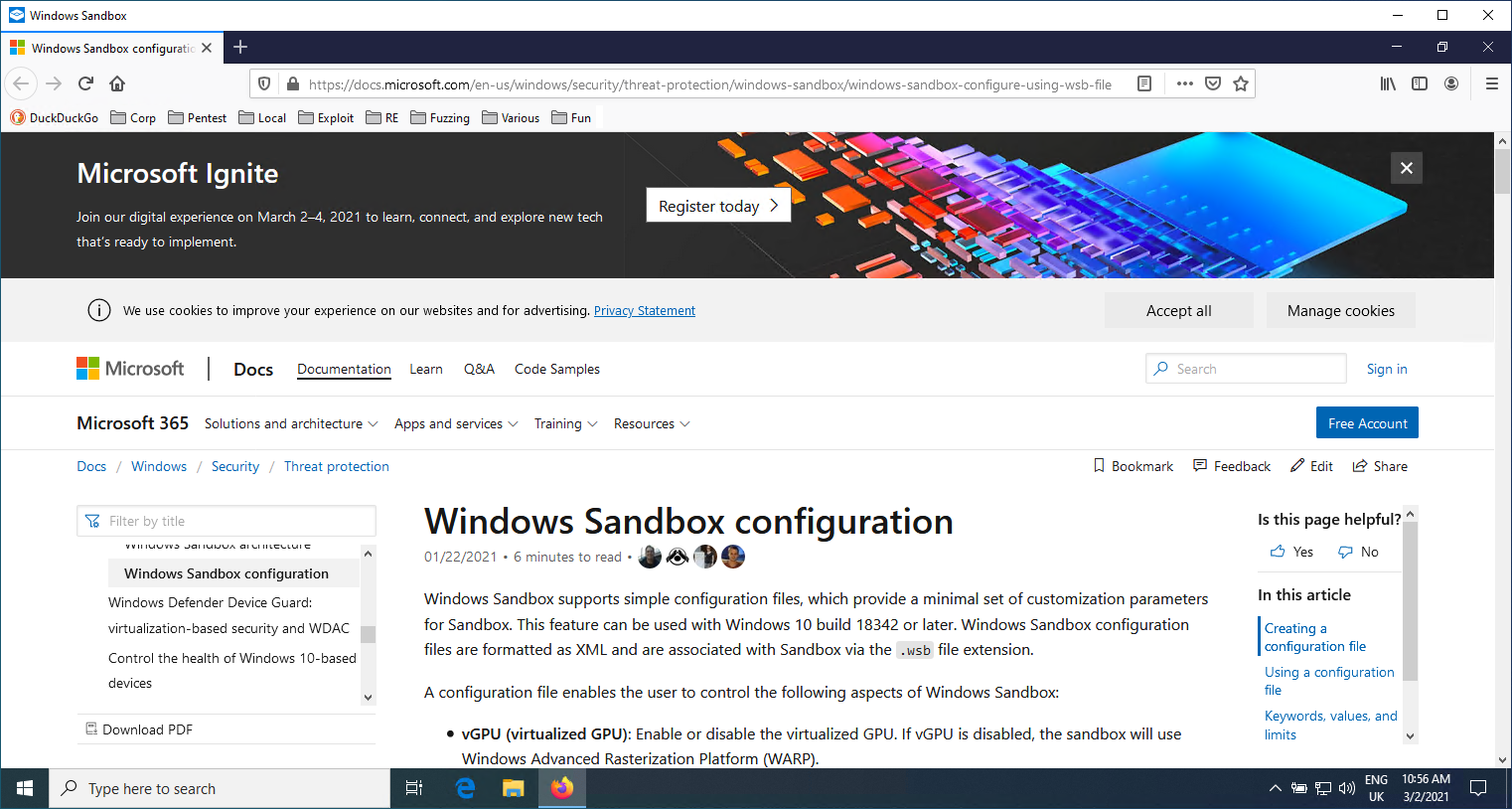
当我们完成上网浏览后,可以在沙盒内执行 C:\Users\WDAGUtilityAccount\Desktop\Firefox\save.bat 文件。这将把我们的 Firefox 配置文件备份到主机上。然后我们就可以关闭 Windows 沙盒窗口。
你可以将你的 Downloads 文件夹定义为 C:\users\WDAGUtilityAccount\Desktop\Firefox\Downloads,这样你就可以直接将文件下载到主机上。