



chmod +x install.sh
./install.sh [以 root 身份]
[参数]

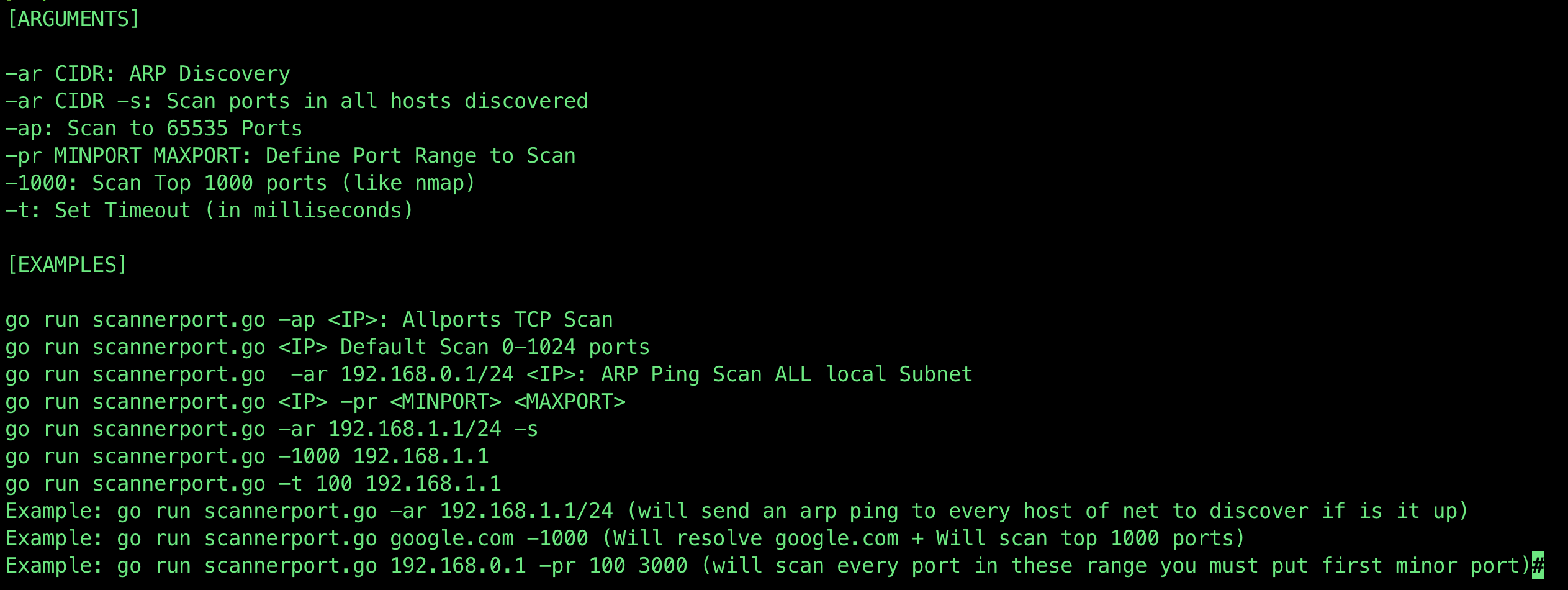
-ar CIDR: ARP 发现
-ar CIDR -s: 扫描发现的所有主机上的端口
-ap: 扫描全部 65535 个端口
-pr MINPORT MAXPORT: 定义要扫描的端口范围
-1000: 扫描前 1000 个端口(类似 nmap)
-t: 设置超时时间(毫秒)

[示例]

go run scannerport.go -ap <IP>: 全端口 TCP 扫描
go run scannerport.go <IP> 默认扫描 0-1024 端口
go run scannerport.go -ar 192.168.0.1/24 <IP>: ARP Ping 扫描整个本地子网
go run scannerport.go <IP> -pr <MINPORT> <MAXPORT>
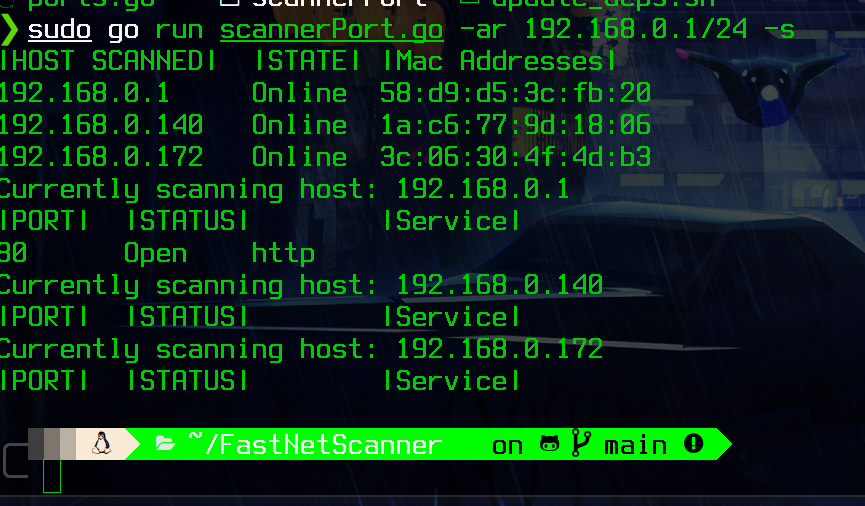
go run scannerport.go -ar 192.168.1.1/24 -s
go run scannerport.go -1000 192.168.1.1
go run scannerport.go -t 100 192.168.1.1
示例:go run scannerport.go -ar 192.168.1.1/24(将向网络中的每个主机发送 ARP ping 以发现其是否在线)
示例:go run scannerport.go google.com -1000(将解析 google.com + 扫描前 1000 个端口)
示例:go run scannerport.go 192.168.0.1 -pr 100 3000(将扫描此范围内的每个端口,必须先输入较小的端口)
打开文件 ports.go
func Ports() map[int]string {
	//基于知名端口
	ports := map[int]string{
		1:     "echo",
		9:     "WOL",
		20:    "ftp data",
		21:    "ftp control",
		22:    "ssh",
		23:    "telnet",
		25:    "smtp",
		43:    "whois",
		49:    "TACACS",
		53:    "DNS",
		67:    "BOOTP",
		69:    "TFTP",
		70:    "Gopher",
		71:    "NETRJS",
		80:    "http",
		81:    "TorPark",
		82:    "TorPark",
		88:    "Kerberos",
		110:   "POP3",
		115:   "sFTP",
		143:   "imap",
		220:   "imap3",
		123:   "NTP",
		135:   "RPC",
		443:   "https",
		445:   "Microsoft-ds, Samba",
		465:   "SMTP over TLS",
		514:   "Syslog",
		520:   "RIP",
		521:   "RIPng",
		540:   "UUCP",
		543:   "klogin",
		544:   "kshell",
		587:   "submission",
		993:   "IMAP over TLS",
		995:   "POP3 over TLS",
		1433:  "Microsoft SQL Server",
		3306:  "MySQL",
		3389:  "rdp",
		5432:  "postgres",
		6667:  "irc",
		25565: "minecraft server",
	}
	return ports
只需添加端口号和服务名称 示例: 添加 git
9418: "git",
由 @luijait 制作
感谢 @ajaniramon 对这个项目的帮助!