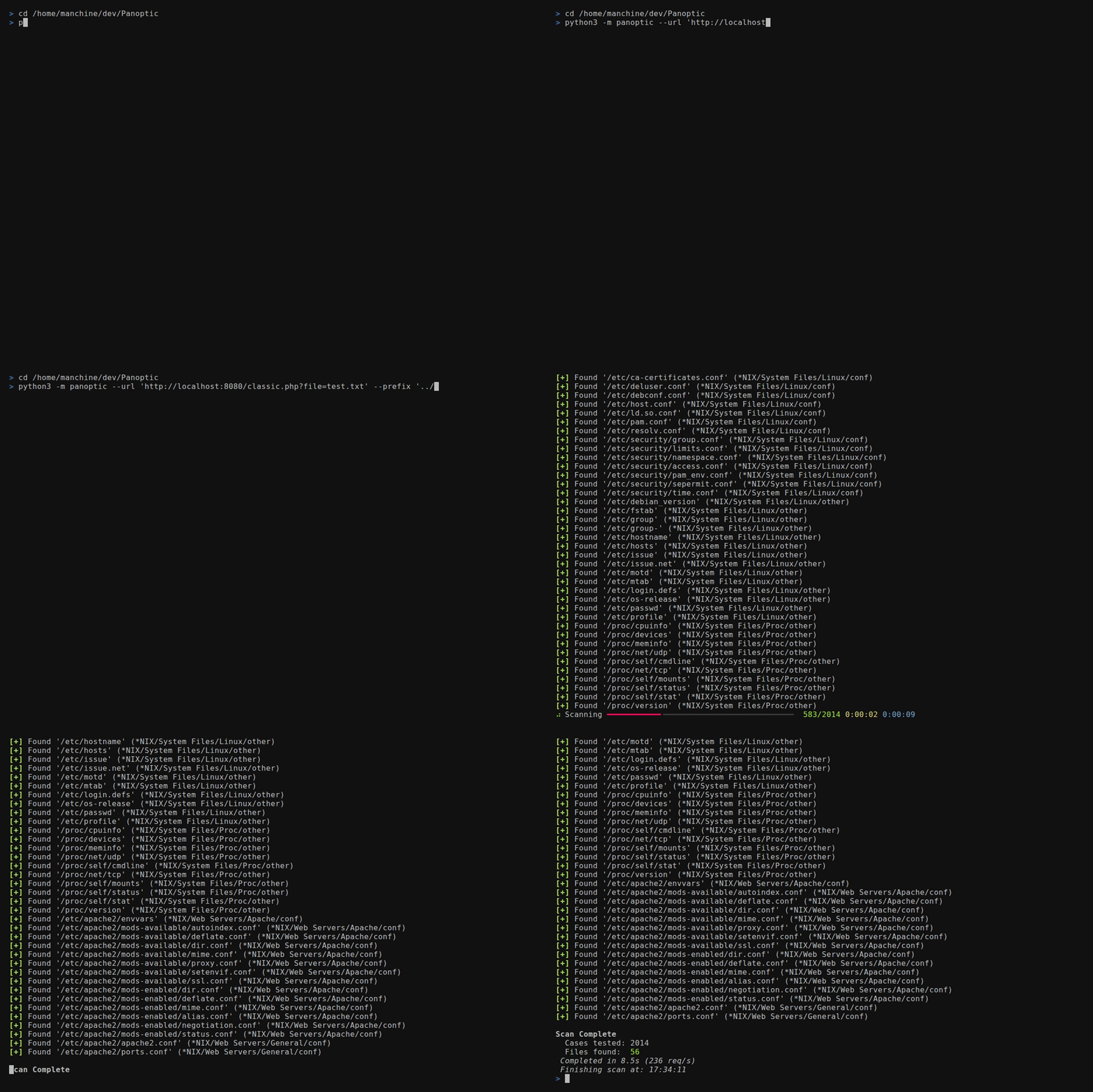




Panoptic 是一款开源渗透测试工具,可通过路径遍历漏洞自动搜索并获取常见的日志和配置文件。
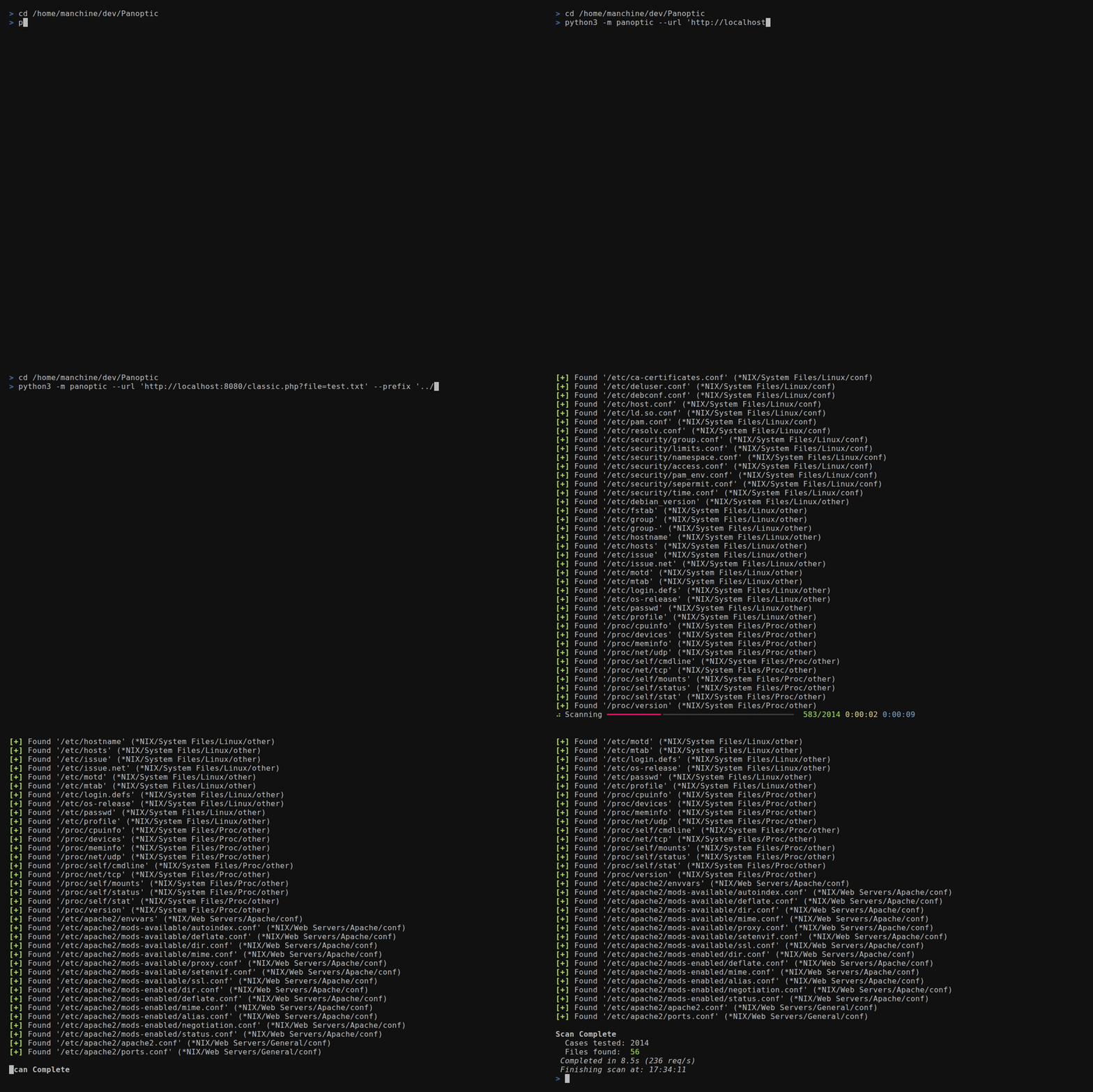
--concurrency)FUZZ 放在任意
--header 或 --data 值中--base64)/etc/passwd 获取家目录
文件,解析 mysql-bin.index 获取 binlog 文件--output-format)--resume-file)--config)0600 权限加固,
并在操作系统支持的情况下提供最终路径组件的符号链接保护--update)httpx[socks]、rich、rich-argparse 和 tomligit clone https://github.com/lightos/Panoptic.git
cd Panoptic
python3 -m venv .venv
source .venv/bin/activate
python -m pip install -e .
panoptic --version
在 Windows 命令提示符中,使用 .venv\Scripts\activate.bat 激活;在 PowerShell 中,使用 .venv\Scripts\Activate.ps1。可编辑安装会保持 Panoptic 与该检出目录的关联以支持 --update,因此请保留该目录。不要运行 pip install panoptic:该 PyPI 名称属于另一个无关项目。
用于开发:
python -m pip install -e ".[dev]"
panoptic --url "http://target/include.php?file=test.txt"
panoptic --url "http://target/include.php?file=test.txt"
panoptic --url "http://target/include.php?file=test.txt&id=1" \
  --param file
panoptic --url "http://target/include.php" \
  --data "file=test.txt&id=1" --param file
panoptic --url "http://target/view.php/test.txt" --path-based
panoptic --url "http://target/load.php?file=dGVzdC50eHQ=" \
  --base64 --auto
panoptic --url "http://target/page.php" \
  --header "Cookie: lang=FUZZ" --auto
panoptic --url "http://target/api/load" \
  --data '{"file":"FUZZ"}' --auto
panoptic --url "http://target/page.php" \
  --header "X-Template: FUZZ" --auto
panoptic --url "http://target/view.php?file=test&type=txt" \
  --param file --ext-param type
panoptic --url "http://target/filtered.php?file=test.txt" \
  --prefix "....//....//....//....//"
panoptic --url "http://target/include.php?file=test.txt" \
  --os "*NIX" --type conf
panoptic --url "http://target/include.php?file=test.txt" \
  --software PostgreSQL
panoptic --url "http://target/include.php?file=test.txt" \
  --output-format json --output-file results.json \
  --resume-file scan.checkpoint
panoptic --url "https://target/include.php?file=test.txt" \
  --proxy "socks5://127.0.0.1:9050" --invalid-ssl
panoptic --list software
panoptic --list category
panoptic --list os
panoptic --url "http://target/include.php?file=test.txt" \
  --auto --all-versions --concurrency 8
将 FUZZ 放置在任意 --header 或 --data 值中,以标记注入点。扫描期间,Panoptic 会用每个文件路径替换 FUZZ。这样就能测试 --param 无法覆盖的注入点:
| 注入类型 | 示例 |
|---|---|
| Cookie 值 | --header "Cookie: theme=FUZZ" |
| 自定义请求头 | --header "X-Include: FUZZ" |
| JSON 请求体 | --data '{"template":"FUZZ"}' |
| 嵌套值 | --header "Cookie: sid=abc; lang=FUZZ" |
当存在 FUZZ 时,--param 不是必需的。
Panoptic 支持使用 TOML 配置文件持久化设置:
panoptic --url "http://target/include.php?file=test.txt" \
  --config ~/.config/panoptic/config.toml
默认配置位置:~/.config/panoptic/config.toml(存在时自动加载,即使未指定 --config)。
[defaults]
# Any long option name (with dashes as underscores) is accepted here,
# including the target and output destinations.
url = "http://target/include.php?file=test.txt"
concurrency = 8
verbose = true
automatic = true
all_versions = true
output_format = "json"
output_file = "results.json"
log_file = "scan.log"
resume_file = "scan.checkpoint"

[proxy]
url = "socks5://127.0.0.1:9050"

[headers]
user_agent = "Mozilla/5.0"
cookie = "sid=foobar; auth=1"
values = ["X-Forwarded-For: 127.0.0.1"]
优先级:命令行参数 > 配置文件 > 内置默认值。
[defaults] 表接受任意扫描选项,而不仅仅是性能调优。具体来说,你可以持久化以下设置:
url — 默认目标(可使用 --url 在单次运行时覆盖)output_format、output_file — 机器可读结果的输出位置log_file — 将控制台输出镜像到文件resume_file — 可续扫扫描的检查点位置Panoptic 写入的敏感产物——日志文件、结果/列表输出文件,以及使用 --write-files 保存的任何文件——在 POSIX 上会被强制设置为仅所有者可读写的 0600 权限。暴露 O_NOFOLLOW 的平台还会在最终路径组件上原子地拒绝已存在的符号链接。在不提供 O_NOFOLLOW 的平台上,Panoptic 会在打开前尽力进行符号链接/联接(junction)检查,但该检查无法消除竞态条件。Windows 模式位不会配置 NTFS ACL,因此当产物可能包含敏感数据时,请使用权限受限得当的目录。
每个布尔标志都有对应的 --no- 形式,因此配置文件中设置为 true 的值,可以在单次运行时关闭,而无需编辑文件:
# config.toml sets verbose = true and automatic = true
panoptic --url "http://target/x.php?file=test.txt" --no-verbose --no-auto
由于被省略的布尔标志会保持未设置状态(而非默认设为 false),因此除非你显式传入该标志或其 --no- 形式,否则将使用配置中的值。
通过 HTTP(S) 或 SOCKS 代理路由流量:
panoptic --url "https://target/x.php?file=test.txt" \
  --proxy "socks5://127.0.0.1:9050"
http://、https://、socks5://、socks5h://(socks5h 通过代理解析 DNS——对 Tor 和避免本地 DNS 泄漏很有用)。底层 HTTP 客户端不支持 SOCKS4。扫描开始前会校验协议和主机。httpx[socks] 额外依赖,默认随安装提供。HTTP_PROXY / HTTPS_PROXY / NO_PROXY 环境变量。传入 --ignore-proxy 可绕过它们并直接连接(这也会禁用任何由环境变量配置的代理)。--invalid-ssl。这会禁用证书验证,在不受信任的网络上使用不安全。--all-versions)某些内置路径是版本模板(例如写作 [JBOSS] 的 JBoss 发布目录)。默认情况下,这些模板行会被跳过,因为字面意义上的 [JBOSS] 路径永远无法匹配到真实文件。传入 --all-versions 会根据内置版本列表展开每个模板,为每个已知版本添加一条具体路径——扫描规模会大得多,但也彻底得多:
panoptic --url "http://target/x.php?file=test.txt" --auto --all-versions
Panoptic 不会仅依据目标可控的 Content-Length 请求头来判定路径。它会将完整归一化后的响应体与无效路径基线进行比较。只有在代价低廉的相似度上界已能证明响应体不同时,才会跳过完整比较;不明确的响应则使用精确比率,以避免响应体顺序变化导致的漏报。
--resume-file PATH 会记录已完成的用例,以便被中断的扫描可以从上次停止处继续:
panoptic --url "http://target/x.php?file=test.txt" \
  --resume-file scan.checkpoint
# ... interrupt with Ctrl-C, then re-run the same command to resume
检查点仅存储已完成的用例 ID,以及扫描定义的 SHA-256 指纹(URL、注入参数、检测选项、请求头、Cookie、User-Agent 和确切的用例集)。它绝不会以明文形式存储凭据、请求头或 URL。
续扫时,会重新计算并比较指纹。如果任何会改变扫描含义的内容有所差异——不同的目标、参数、请求头、Cookie、过滤器集,或 --all-versions 开关——检查点将被拒绝并发出警告,扫描会重新开始,因此过期的检查点绝不会静默跳过不同扫描中的用例。旧的纯列表检查点会被接受,但会发出警告,并且仅限用于当前扫描中存在的用例 ID;由于该旧格式没有指纹,用户应将其替换为新写入的格式。失败(网络错误)的请求被有意不写入检查点,以便在续扫时重试。
panoptic --version   # print the installed version and exit
panoptic --update    # fast-forward update from the official GitHub repo