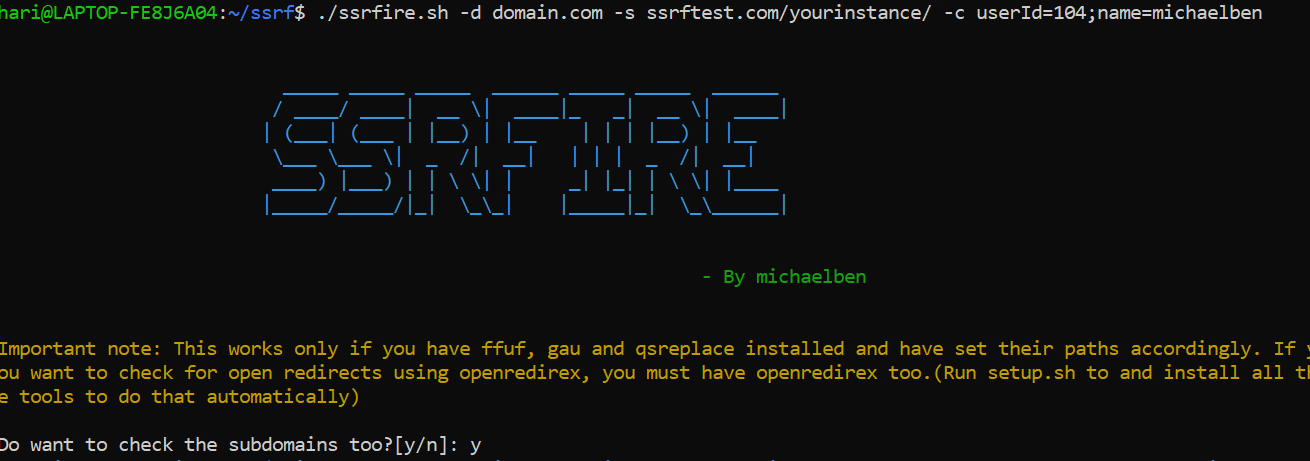
一个自动化的SSRF查找器。只需提供域名和你的服务器,然后放松!;) 它还提供查找XSS和开放重定向的选项。
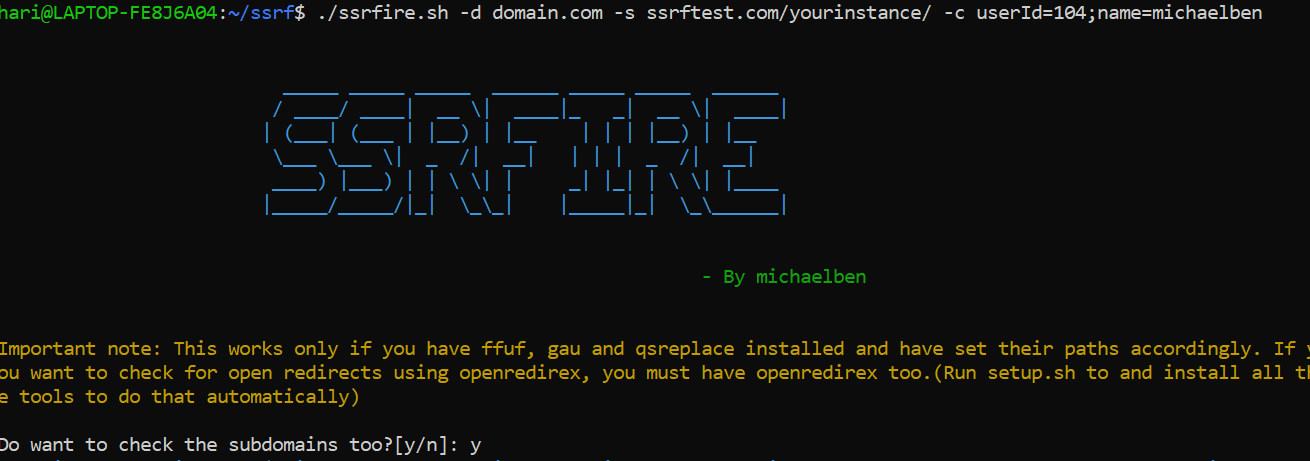
./ssrfire.sh -d domain.com -s yourserver.com -f custom_file.txt -c cookies
domain.com ---> 你想要测试的域名
yourserver.com ---> 你的服务器,用于检测SSRF。例如Burp collaborator
custom_file.txt ---> 可选参数。你可以提供自己的自定义URL,而不是使用gau
cookies ---> 可选参数。用于以认证用户身份发送请求
如果你没有Burp Suite专业版,你可以使用由出色的projectdiscovery团队提供的interact sh作为你的服务器。
由于本工具使用了GAU、FFUF、qsreplace和OpenRedirex,你需要Go和Python 3.7+。你不需要预先安装这些工具,因为setup.sh脚本会安装所有内容。 你只需要安装Python和Go。 即使你已经安装了这些工具,我也强烈建议你重新安装它们,以免在设置路径时出现冲突。
如果你不想重新安装工具,请将以下代码粘贴到家目录下的.profile文件中,然后source .profile。
另外,你需要在ssrfire.sh的第10行做一个小改动,将 source /home/hari/.profile 替换为你的 .profile 路径。(仅当你没有通过setup.sh安装工具时)
#Replace /path/to/ with the specific directory where the tool is installed
#If you already have configured paths for any of the tools, replace that code with the below one.
ffuf(){
        echo "Usage: ffuf https://www.domain.com/FUZZ payloads.txt"
        /path/to/ffuf/./main -u $1 -w $2 -b $3 -c -t 100
}

gau(){
        echo "Usage: gau domain.com"
        /path/to/gau/./main $1
}

gau_s(){
	/path/to/gau/./main --subs $1
}

openredirex(){
        echo "Usage: openredirex urls.txt payloads.txt"
        python3 /path/to/OpenRedireX/openredirex.py -l $1 -p $2 --keyword FUZZ
}
qsreplace(){
		/path/to/qsreplace/./main $1
}
chmod +x setup.sh
./setup.sh (最好全部选是——> **强烈推荐**)
./ssrfire.sh -d domain.com -s yourserver.com
现在,gau开始获取该域名的所有URL。这可能需要很长时间。 你可以查看截至目前生成的输出,位于output/domain.com/raw_urls.txt
让它运行至少10-15分钟,之后如果你希望继续,可以继续运行。 但如果你想测试到目前为止获取到的URL,可以退出进程。 将output/domain.com中的raw_urls.txt复制并放到domain.com文件夹外。 现在运行
./ssrfire.sh -d domain.com -s yourserver.com -f /path/to/copied_raw_urls.txt
当询问是否删除现有文件夹时,选择是。
这将跳过GAU获取URL的步骤。
现在,所有带参数的URL将被过滤,并且yourserver.com将被放入它们的参数值中(final_urls.txt)。
下一步是向所有最终的URL发送请求。
警告:这会产生大量流量。不要对未授权测试的网站使用此功能
它会测试所有获取到的URL,并根据输入在响应中的反射方式,将特定URL添加到output/domain.com/xss-suspects.txt (这可能包含误报)
对于进一步测试,你可以将此列表输入到如XSStrike等XSS检测工具中,以发现XSS漏洞。
只需输入payload文件的路径,或使用默认payload。 我个人更喜欢openredirex,因为它专门设计用于从列表中加载URL来检查开放重定向,而且看起来更简洁,不会刷屏终端。
GAU - https://github.com/lc/gau
ffuf - https://github.com/ffuf/ffuf
qspreplace - https://github.com/tomnomnom/qsreplace
OpenRedireX - https://github.com/devanshbatham/OpenRedireX
感谢所有工具的作者。