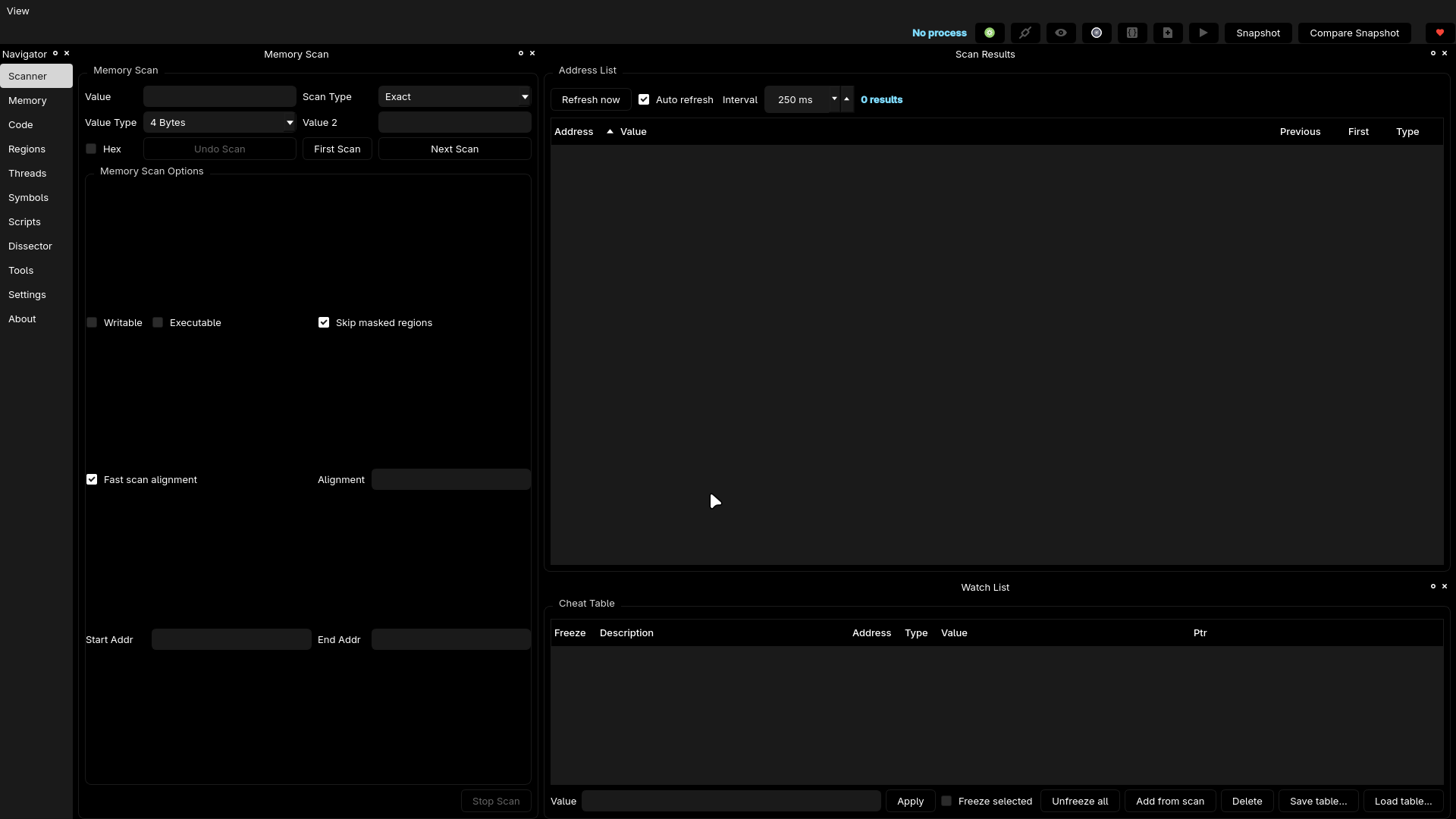
基于 Qt 的内存扫描器 / 监视列表游乐场,灵感来自 Cheat Engine,但原生为 Linux 构建,并为我的工作流而调优:干净的停靠面板、指针图、快速补丁,以及在扫描器、脚本和笔记之间来回切换时毫无丢失上下文的顾虑。
ComfyEngine 为你提供一个干净、现代、以 Linux 为先的 CE 替代方案,免去 ceserver 的烦恼。所有停靠面板都可移动,所有颜色都遵循你的 Qt 主题,所有工具都集中在一个工作区中。
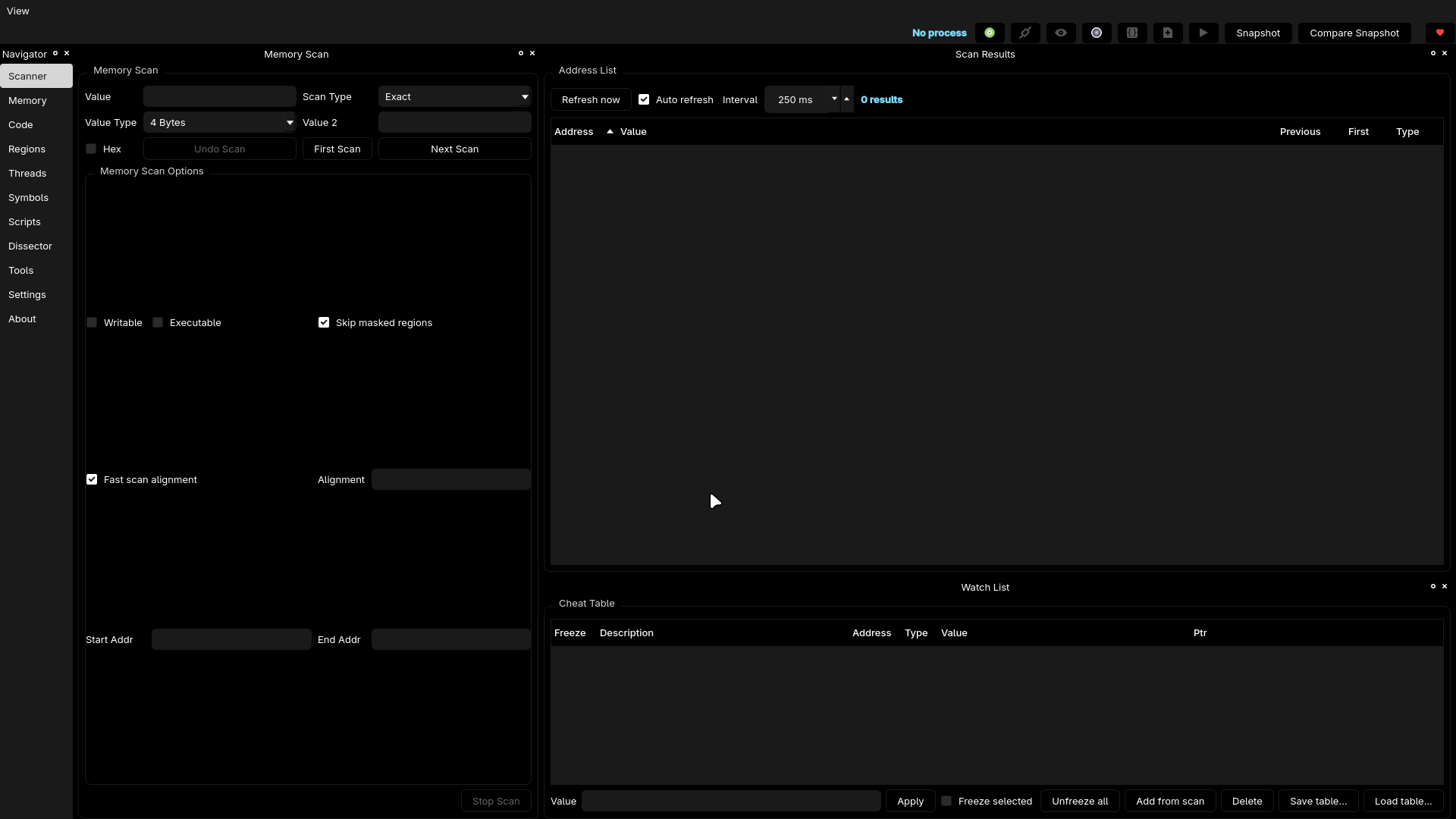
颜色取决于你的主题。所有内容都可停靠且完全可自定义。
系统要求:
cmake -S . -B build -DCMAKE_BUILD_TYPE=Debug
cmake --build build
# optional:
cmake --install build --prefix /usr/local
可执行文件位于:
build/src/comfyengine
辅助工具(test_watch、ce_watch)位于仓库根目录。
ComfyEngine 有一个官方 AUR 软件包:
yay -S comfyengine-git
这将直接从 GitHub 构建最新提交。
如果你想在 AUR 之外手动构建:
git clone https://github.com/kashithecomfy/ComfyEngine
cd ComfyEngine
cmake -S . -B build -DCMAKE_BUILD_TYPE=Release
cmake --build build
sudo cmake --install build
ComfyEngine 使用 QSettings 在会话之间保留你的布局和偏好设置。
运行完整测试套件:
ctest --test-dir build --output-on-failure
或运行内部测试工具:
./build/test_watch
通过在相关 CMakeLists 中调用 add_test() 注册新的测试套件。
欢迎提交 Issue 与 PR: https://github.com/kashithecomfy/ComfyEngine
想助力开发? https://buymeacoffee.com/comfykashi
这是我的第一个公开项目,更多内容即将推出。 请负责任地破解应用,保持舒适!