专为快速、结构化且可操作的取证调查而构建。

Forensicator 是一个跨平台的事件响应与实时取证工具包。
它旨在帮助取证调查人员和事件响应人员在实时调查期间快速收集、分析和解读系统痕迹。
Forensicator 可以:
👉 https://github.com/Johnng007/Live-Forensicator/tree/main/Windows
👉 https://github.com/Johnng007/Live-Forensicator/tree/main/MacOS
⚠️ 注意:macOS 将真实的进程创建遥测限制在其 Endpoint Security Framework 中,普通脚本无法访问 — 因此这里的 Sigma 覆盖率比 Windows/Linux 更窄。有关详细信息,请参阅 macOS README。
👉 https://github.com/Johnng007/Live-Forensicator/tree/main/Linux
⚠️ 注意:Linux 脚本设计为避免使用非原生工具(例如
net-tools),以实现最大兼容性。Sigma 覆盖率取决于目标机器上是否已配置auditd— 请参阅 Linux README。
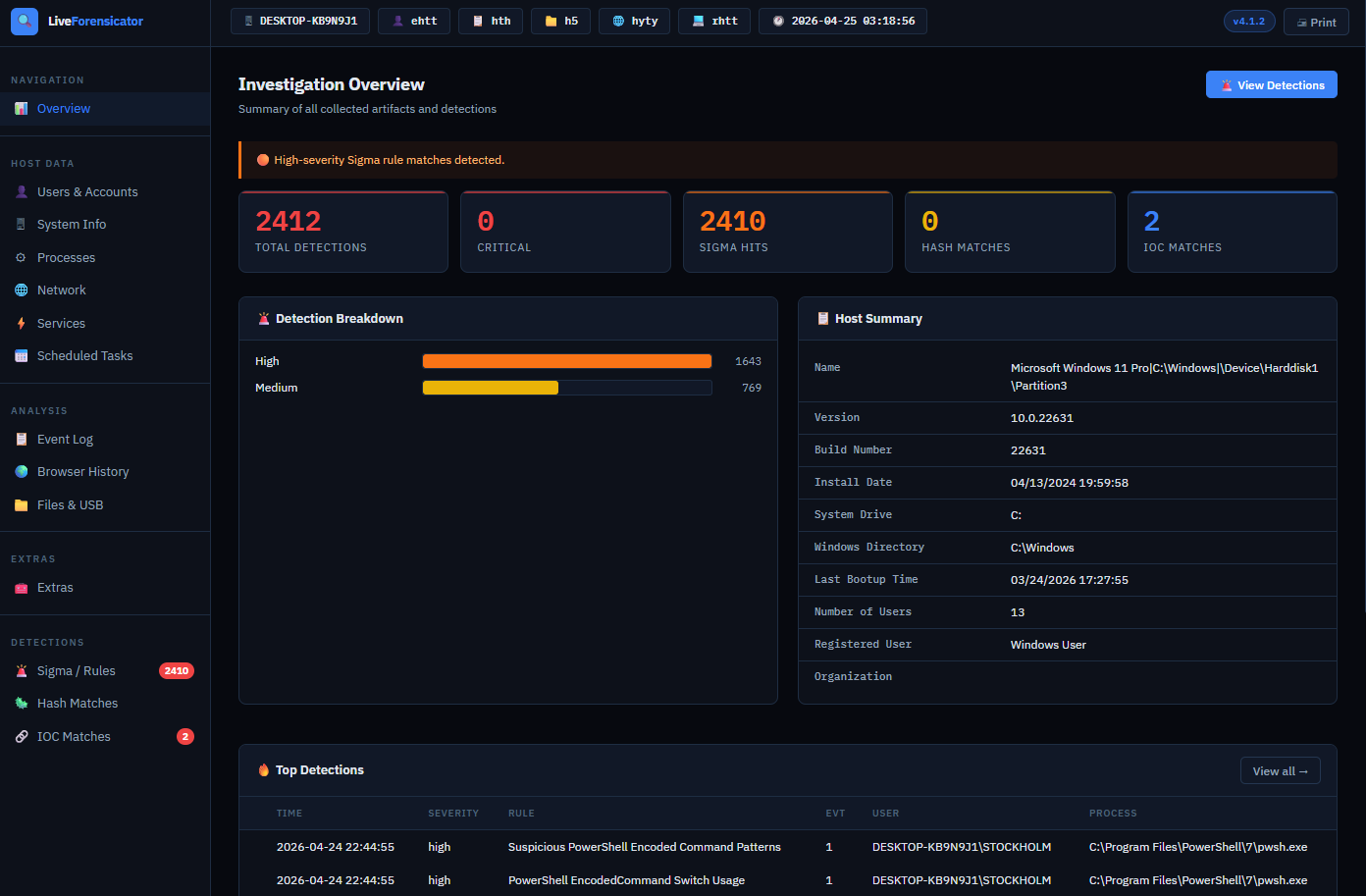
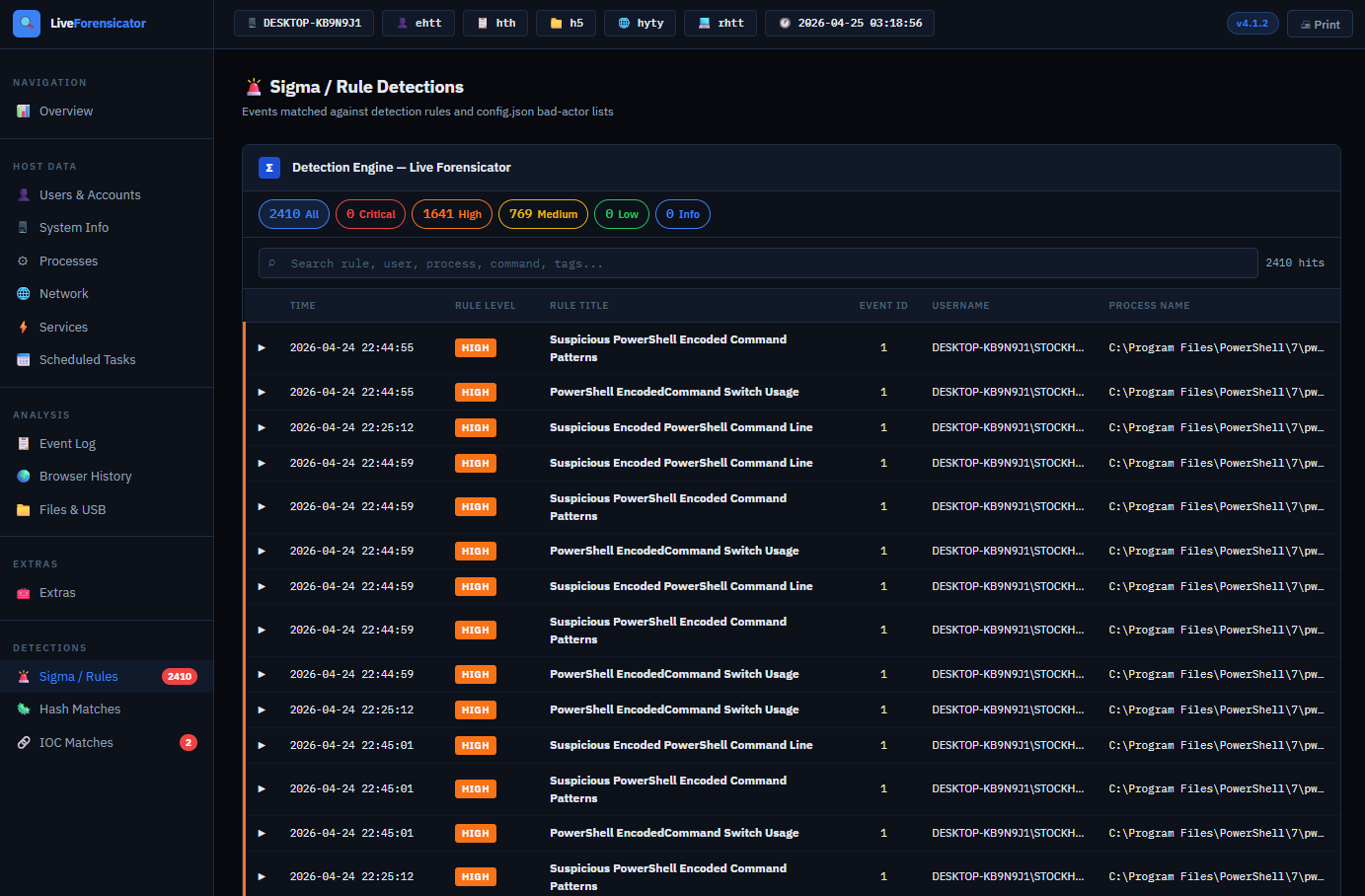
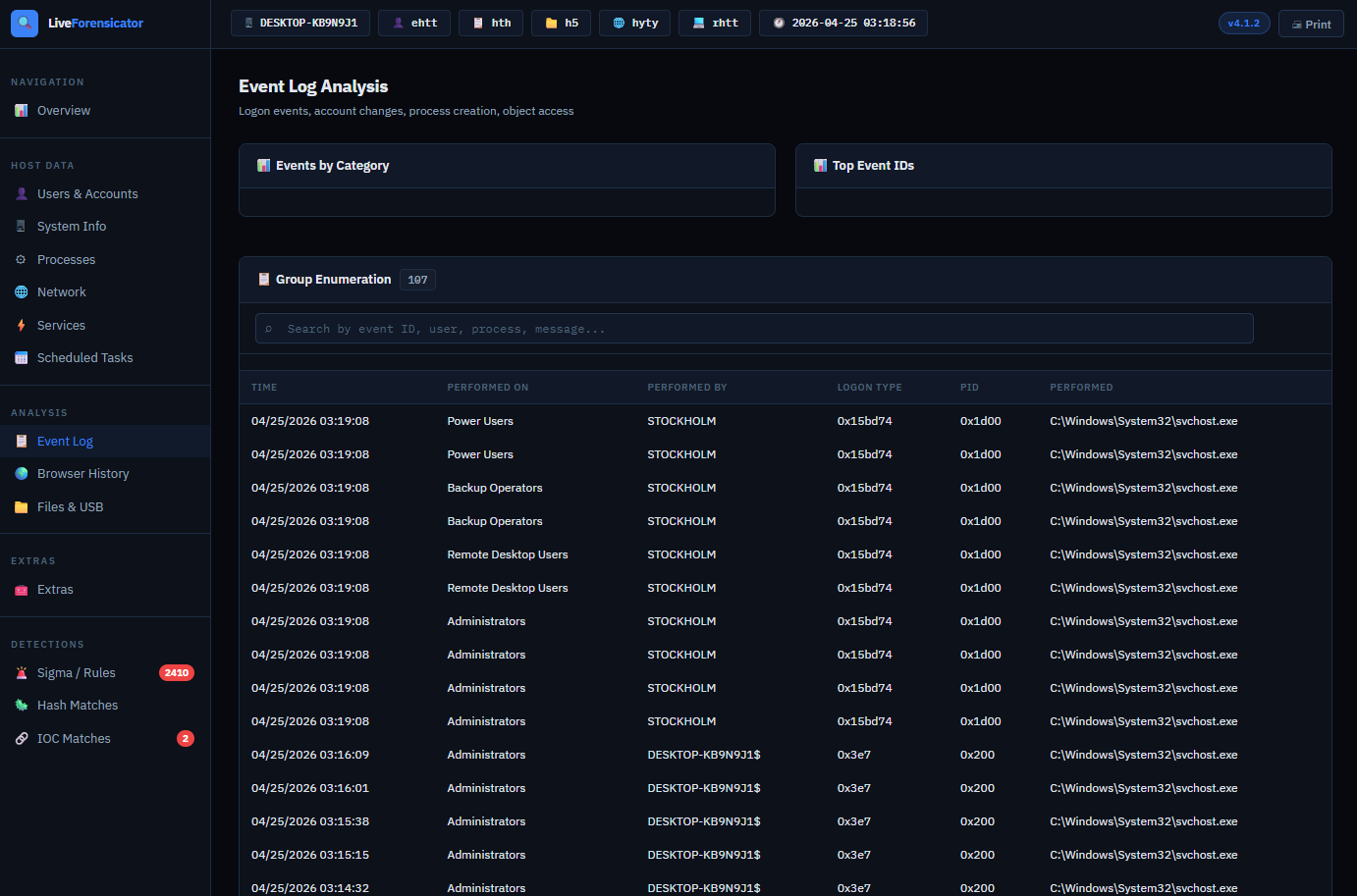
Forensicator 会生成:
这实现了从数据收集 → 调查 → 决策的快速过渡。
config.json 自定义配置Forensicator 支持使用 AES 对收集的痕迹进行可选加密。
这在以下情况下很有用:
⚠️ 适用于 Windows、Linux 和 macOS ⚠️ 不兼容 v4.1.1 之前的版本
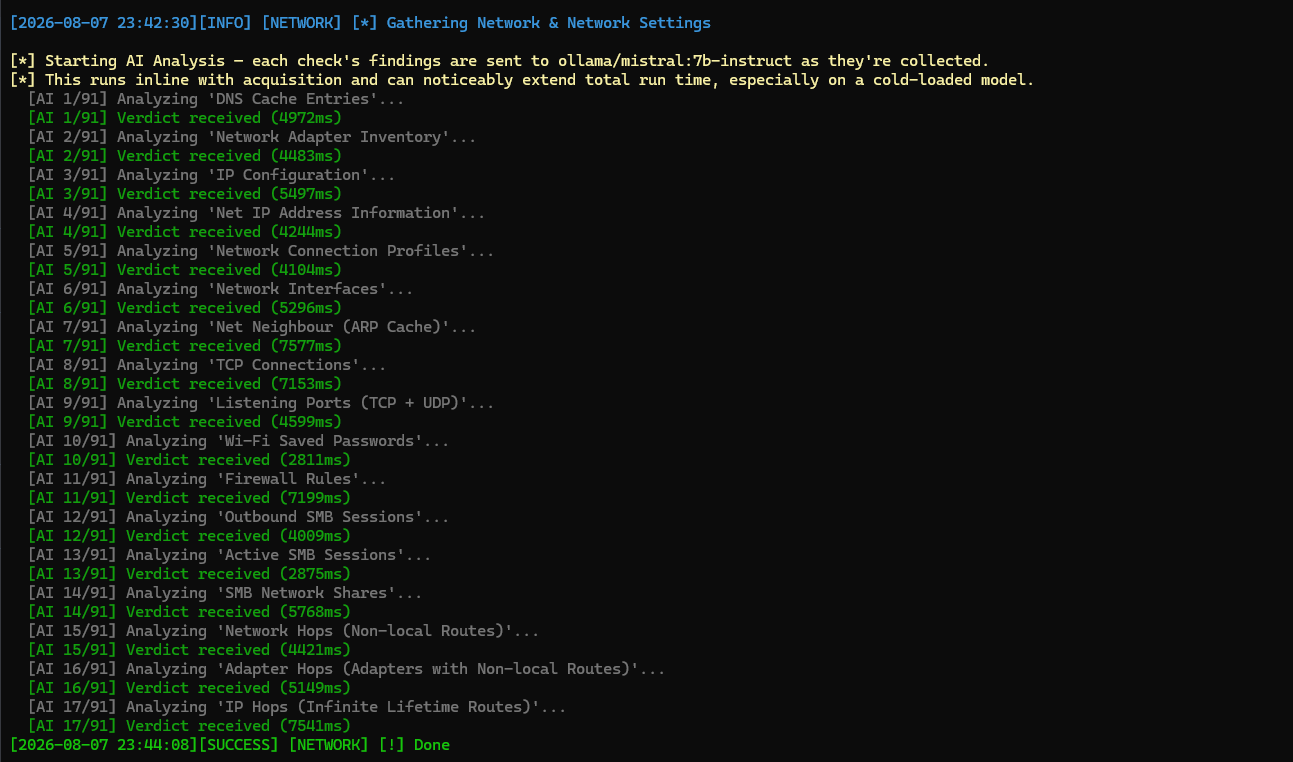
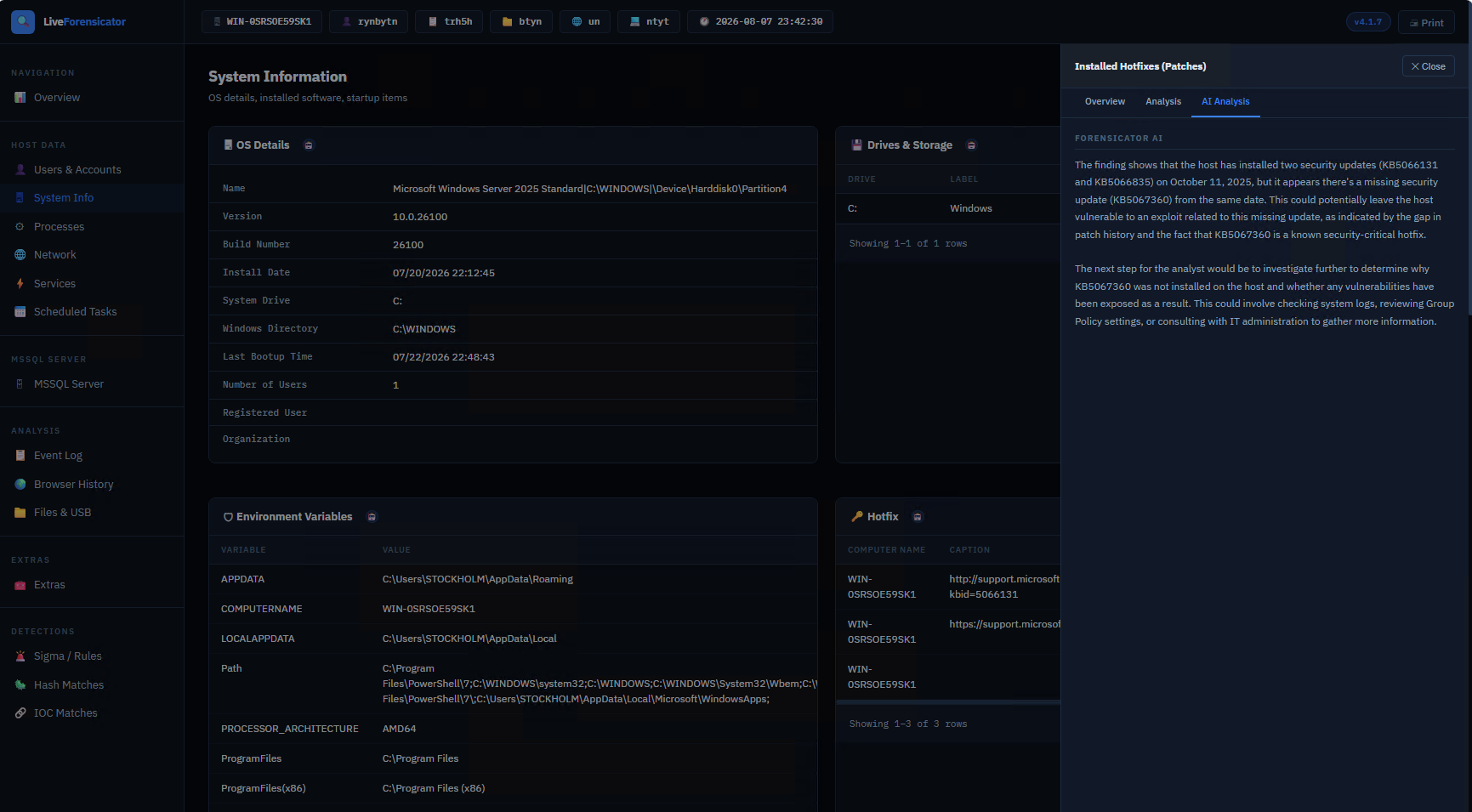
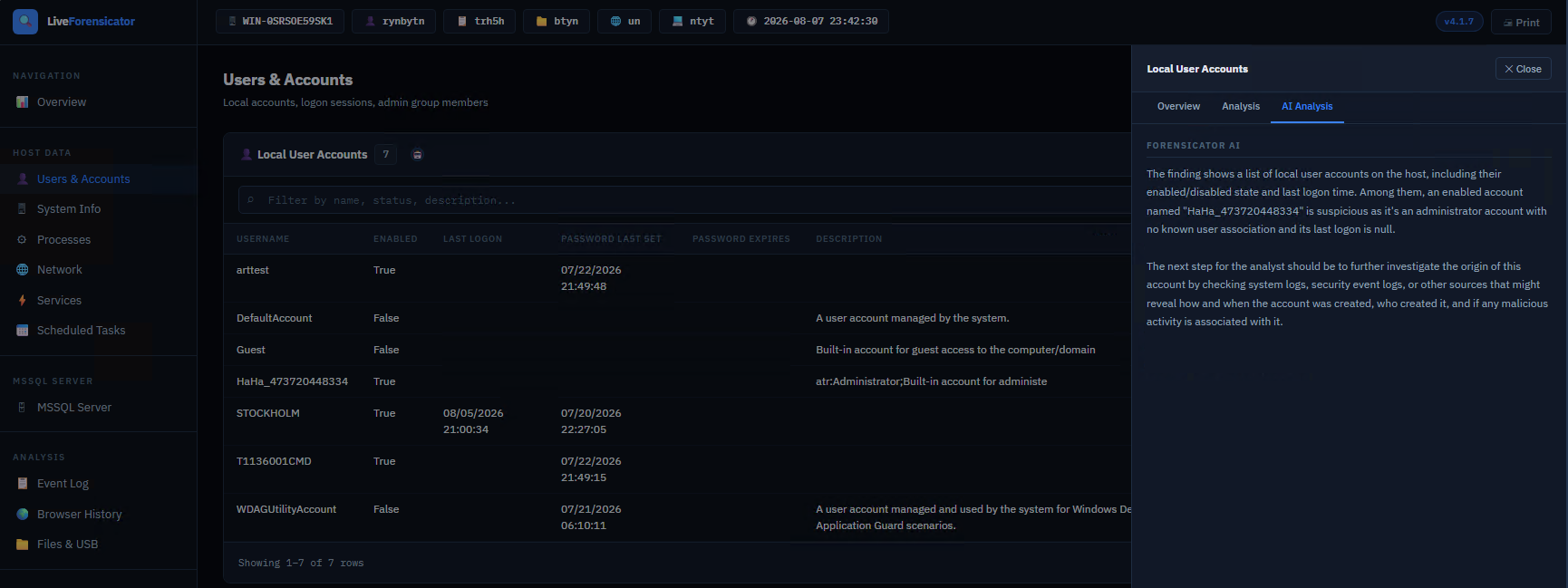
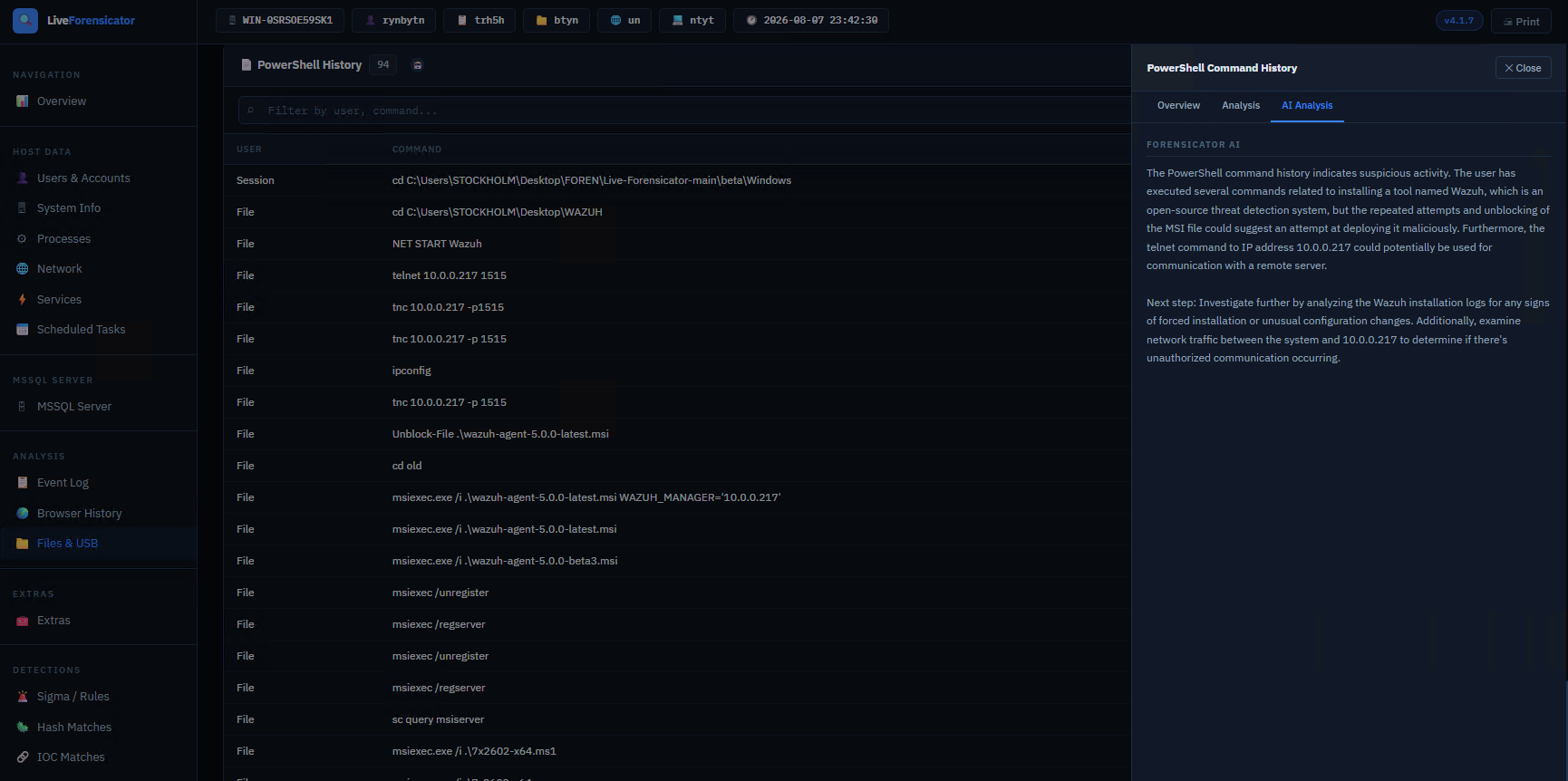
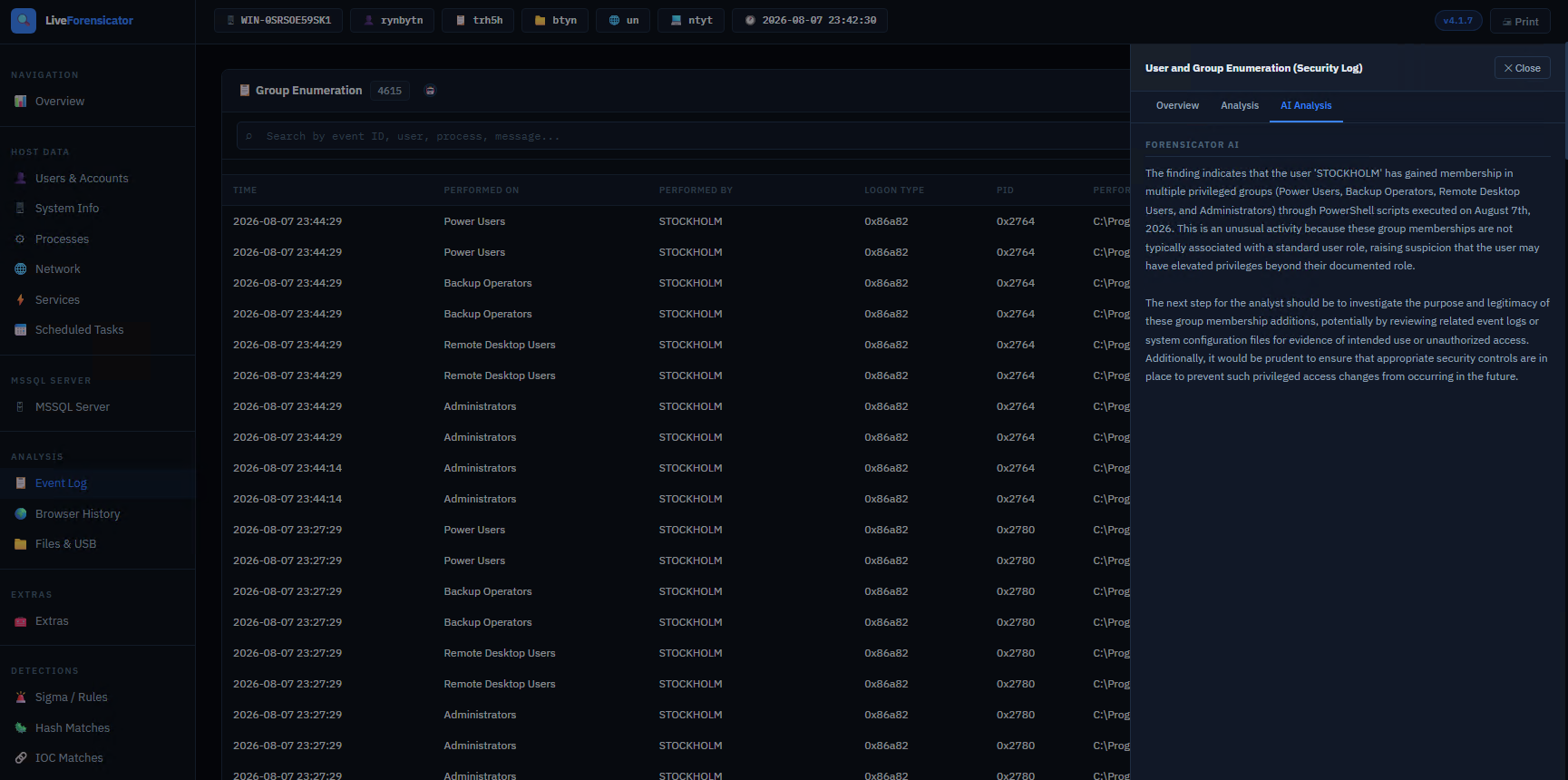
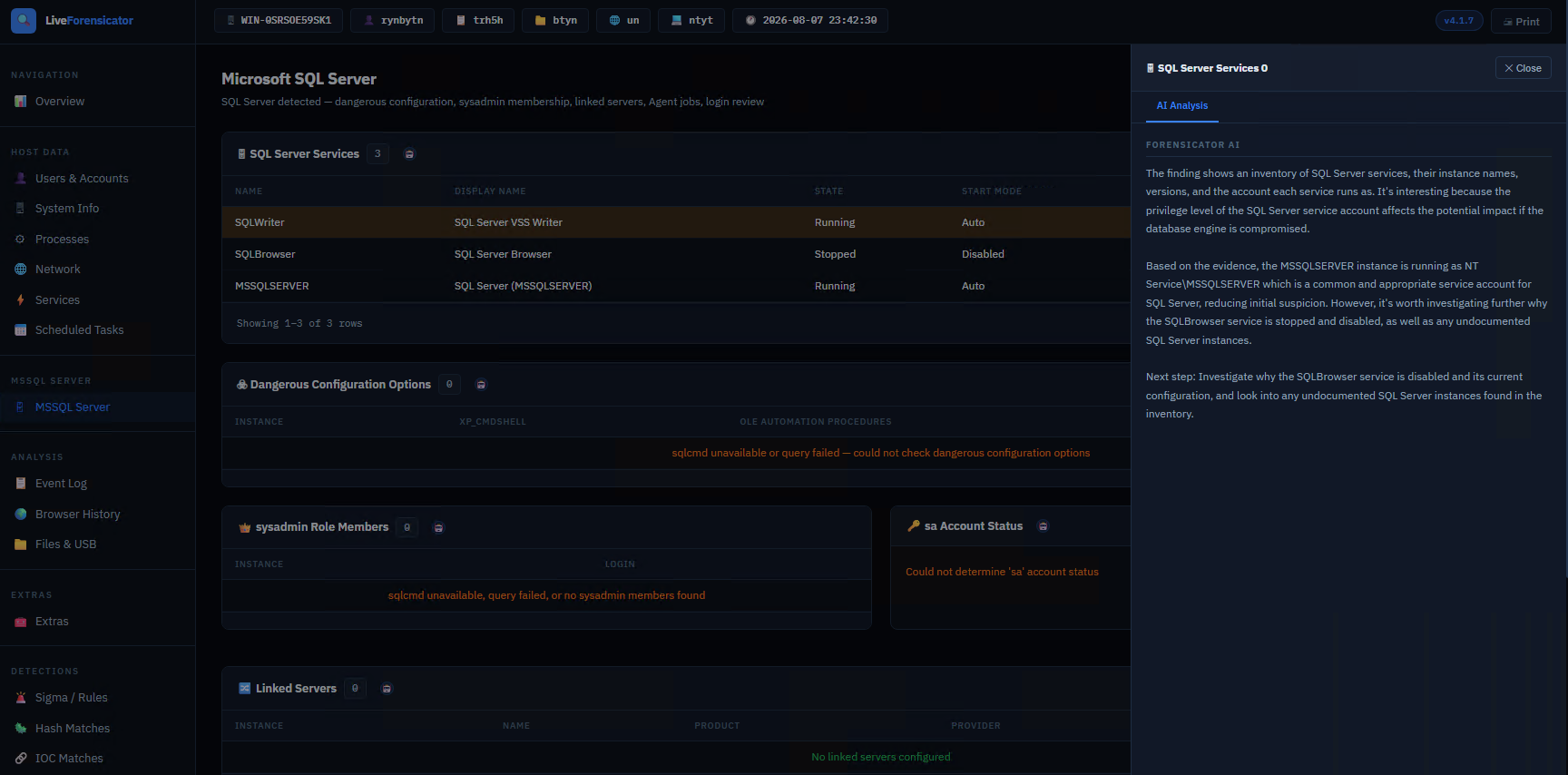
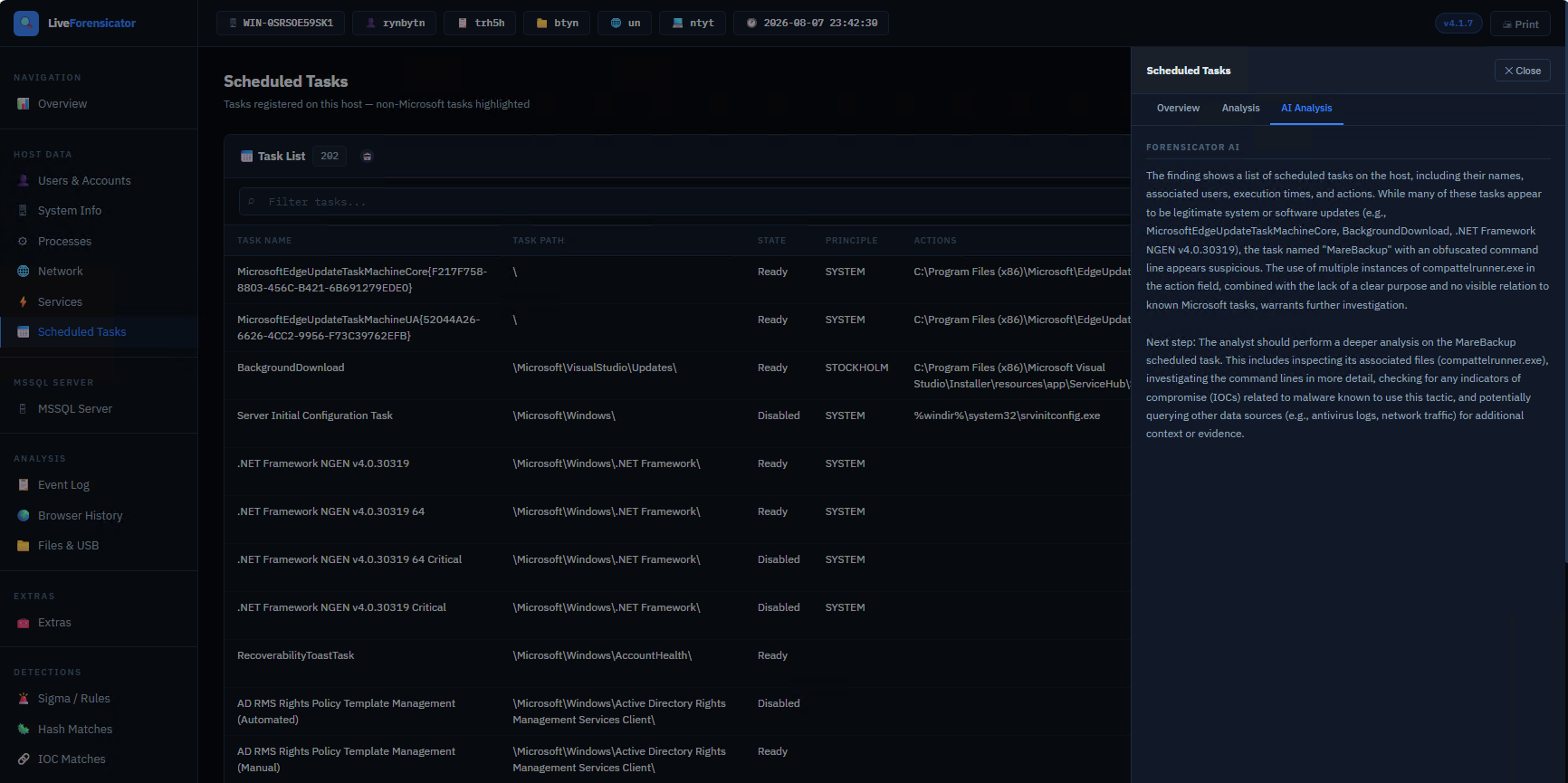
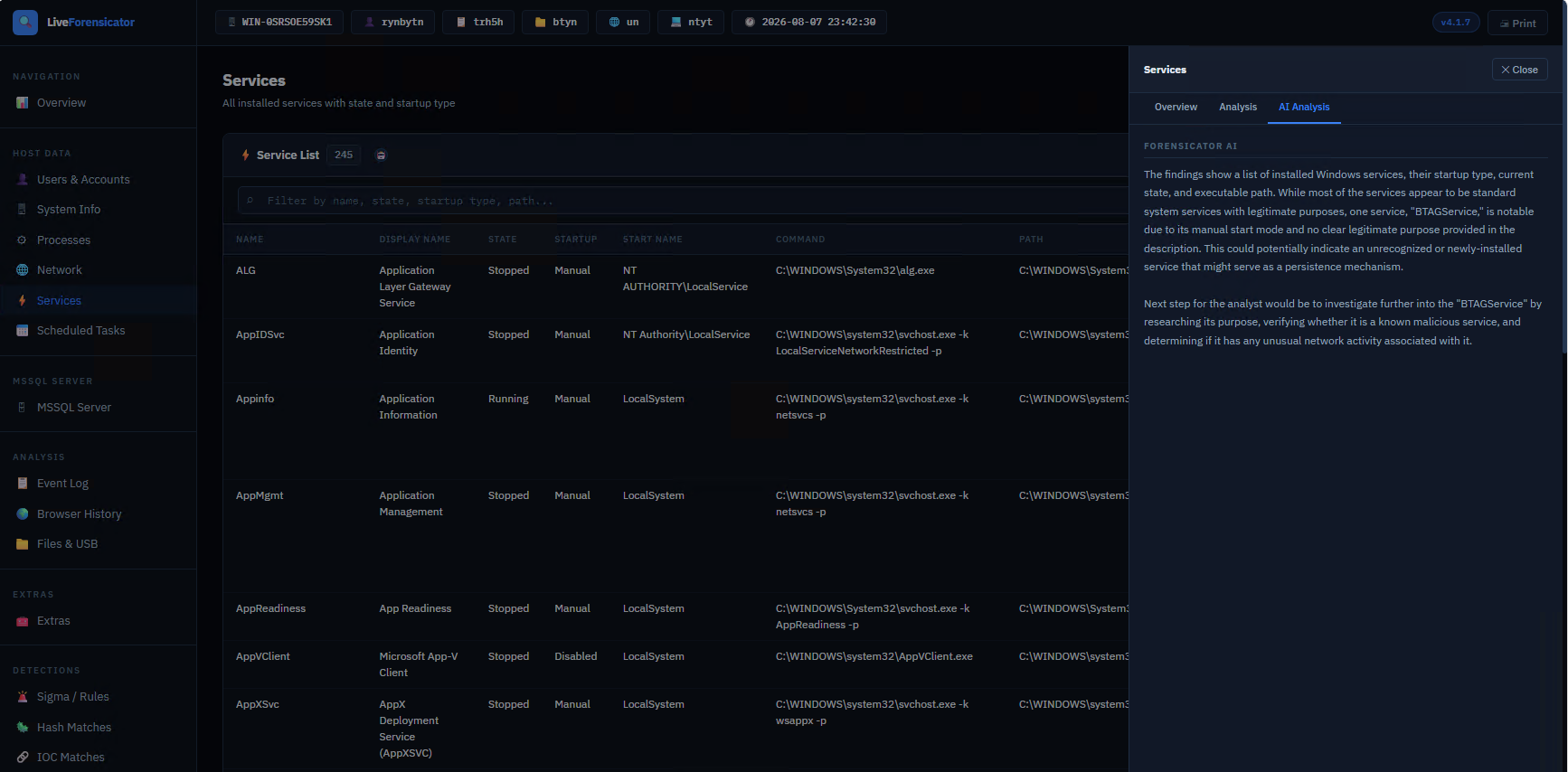
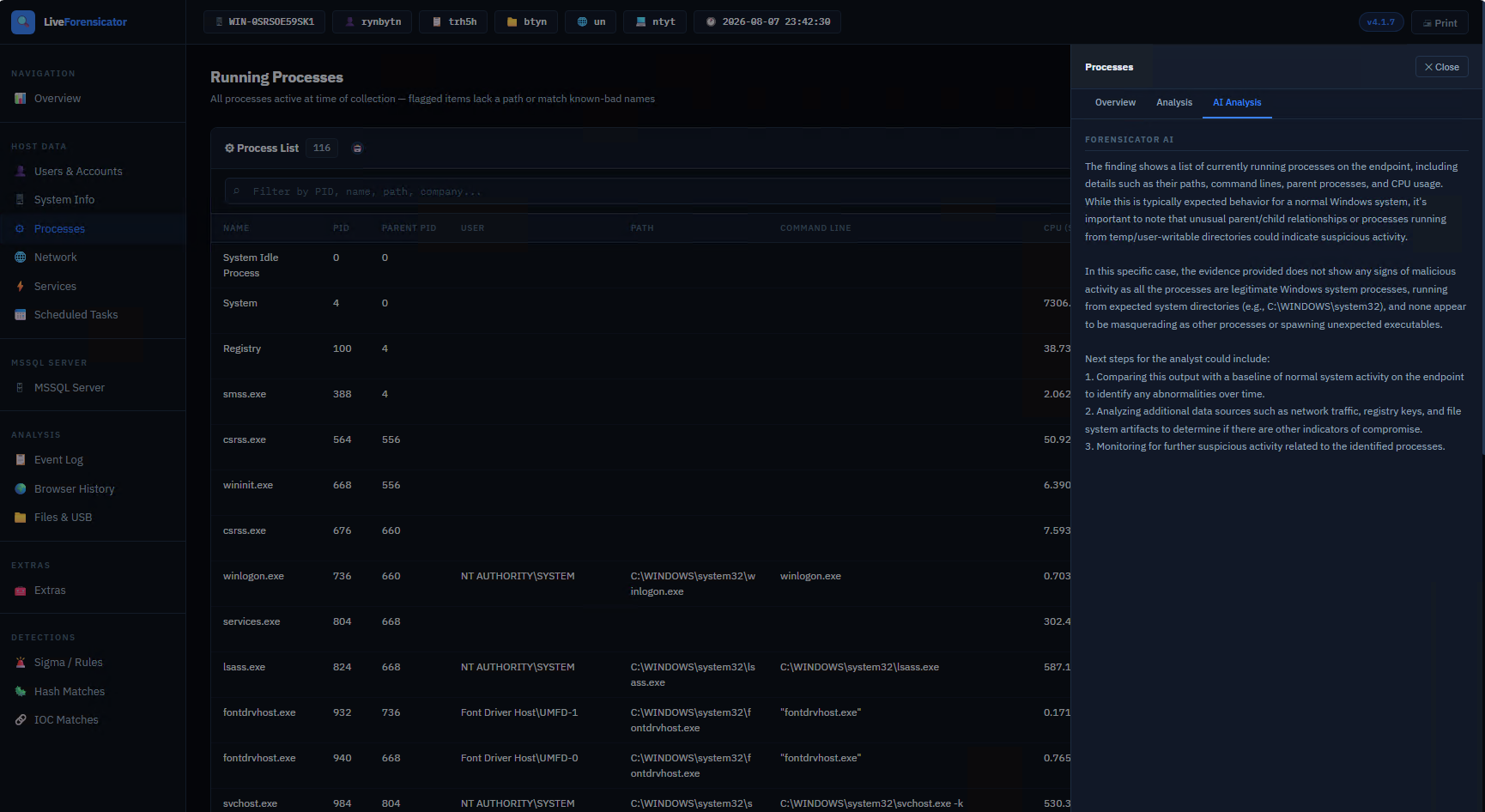
默认关闭。启用后,每个调查结果在收集时会发送到本地或商业 LLM,并获得真实、通俗易懂的判定,直接显示在报告的工具提示中。
快速设置(通过 Ollama 使用本地 LLM),目前适用于 Windows:
# 1. Install Ollama (https://ollama.com) and pull a model
ollama pull mistral:7b-instruct
// 2. Enable it in config.json
"ai": {
  "enabled": true,
  "provider": "ollama",
  "base_url": "http://localhost:11434",
  "model": "mistral:7b-instruct"
}
更喜欢商业 API(OpenAI、Anthropic、Azure OpenAI 或任何兼容 OpenAI 的端点)?请相应地设置 provider 并添加你的 api_key。
📘 完整设置指南(所有提供商、调优、故障排除):opendocs.forensicator.io
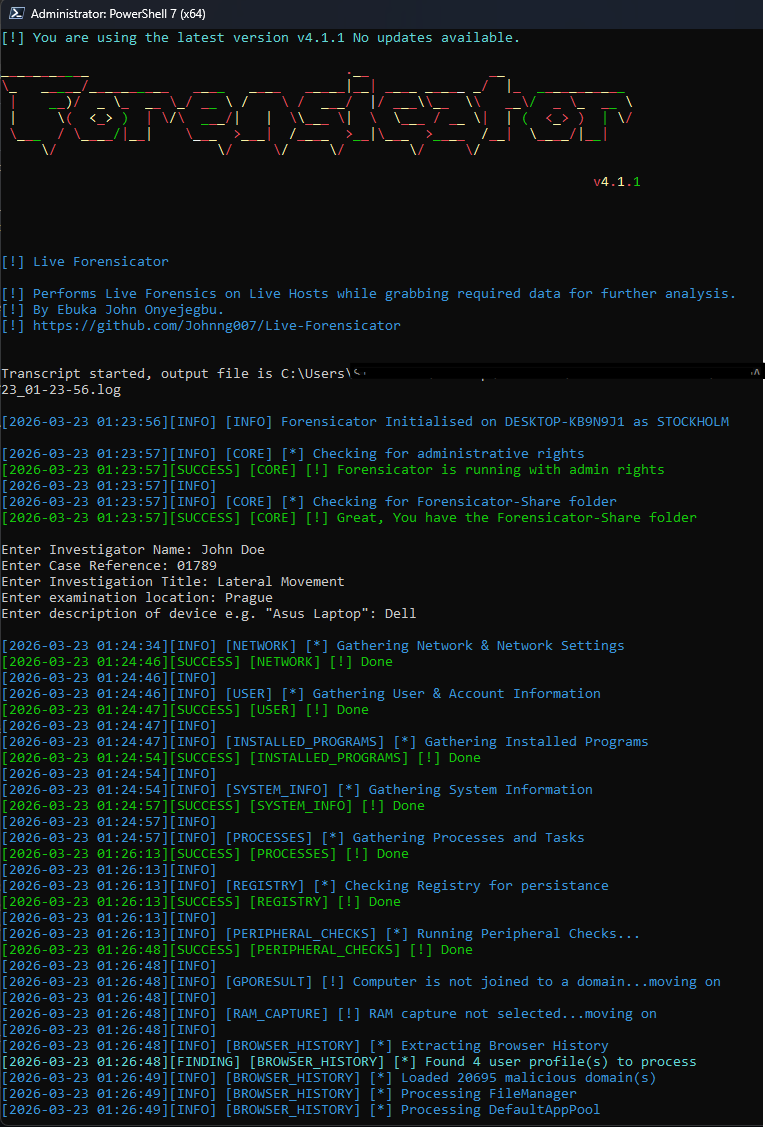
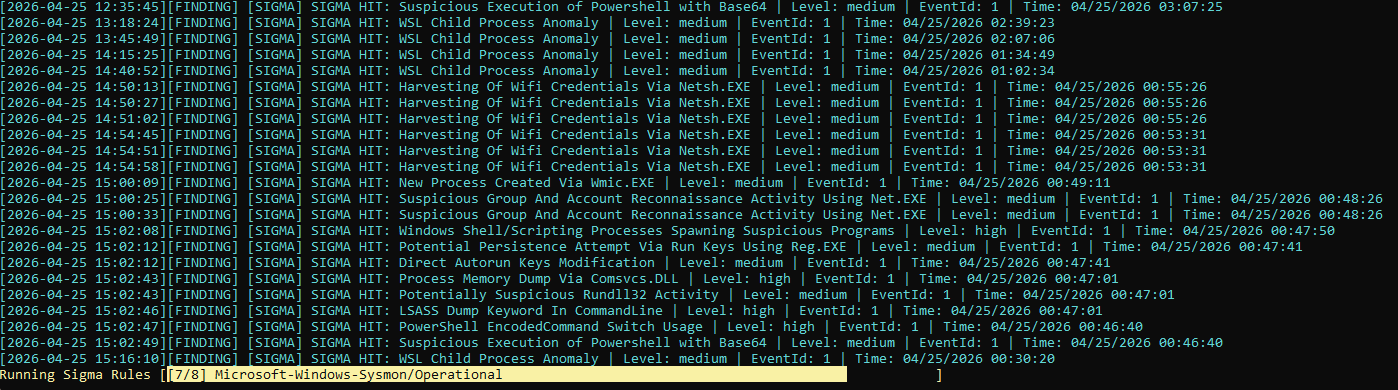
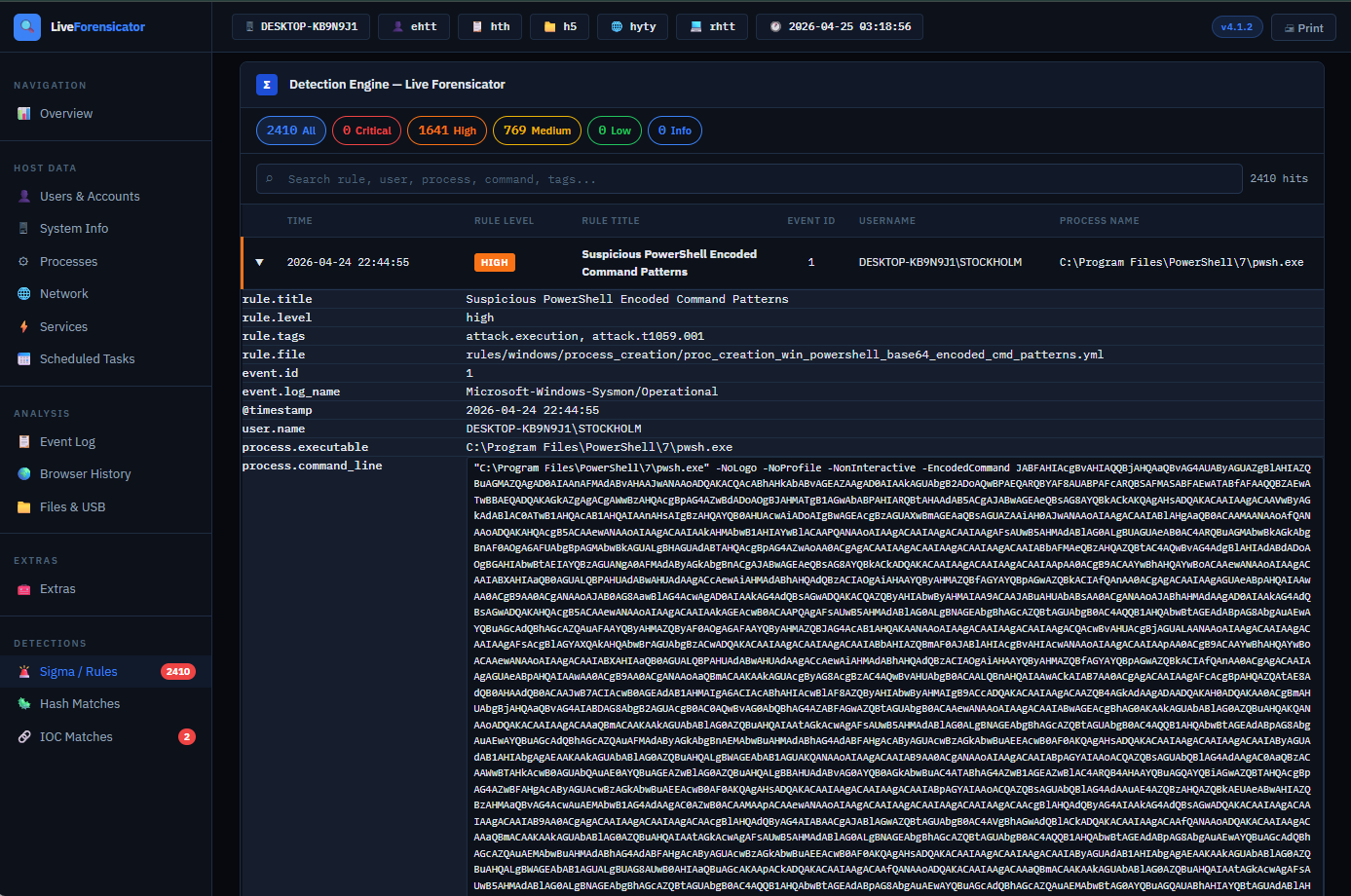
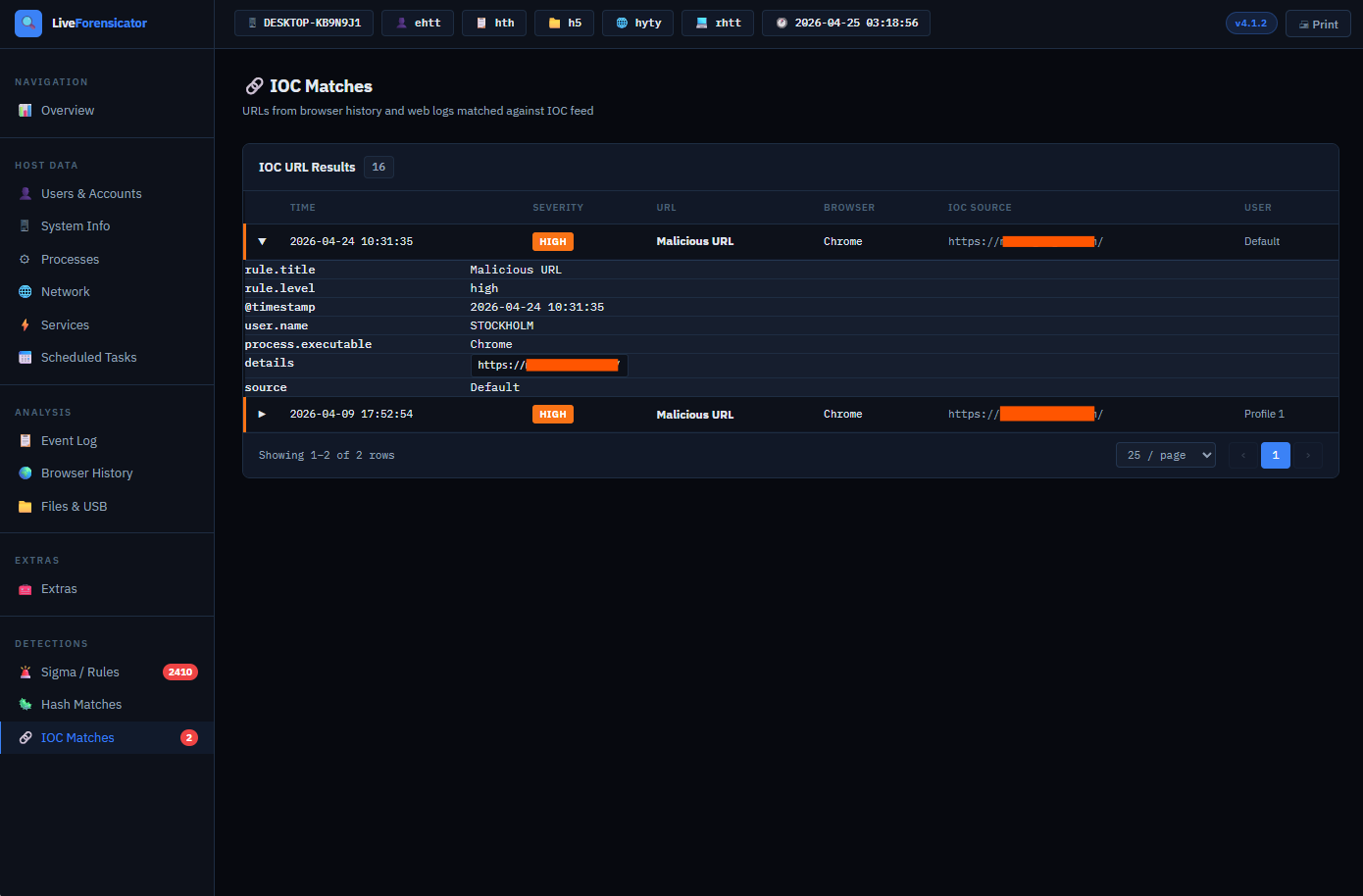
Forensicator 通过以下方式识别可疑活动:
完整更新日志: 👉 https://opendocs.forensicator.io/changelog/
Windows: v4.2.0 (August 2026)
- NEW: Forensicator AI — optional, per-finding AI verdicts from a local (Ollama) or commercial LLM (OpenAI, Anthropic, Azure OpenAI, or any OpenAI-compatible endpoint), shown right in the report's tooltip. Off by default.
- NEW: Investigation Summary — a cross-finding case rollup with an overall risk score, reconstructed timeline, attack chain, evidence correlation, and recommended next steps, computed from every finding in the run.
- FIX: Investigation Summary's overall risk score no longer inflated by routine, always-present findings (services, scheduled tasks, browser history, running processes, RDP logins, and similar) that carry no evidence of actual compromise — a clean host with zero detections now correctly scores Low instead of High/Critical.
- FIX: Improvements and bug fixes.



