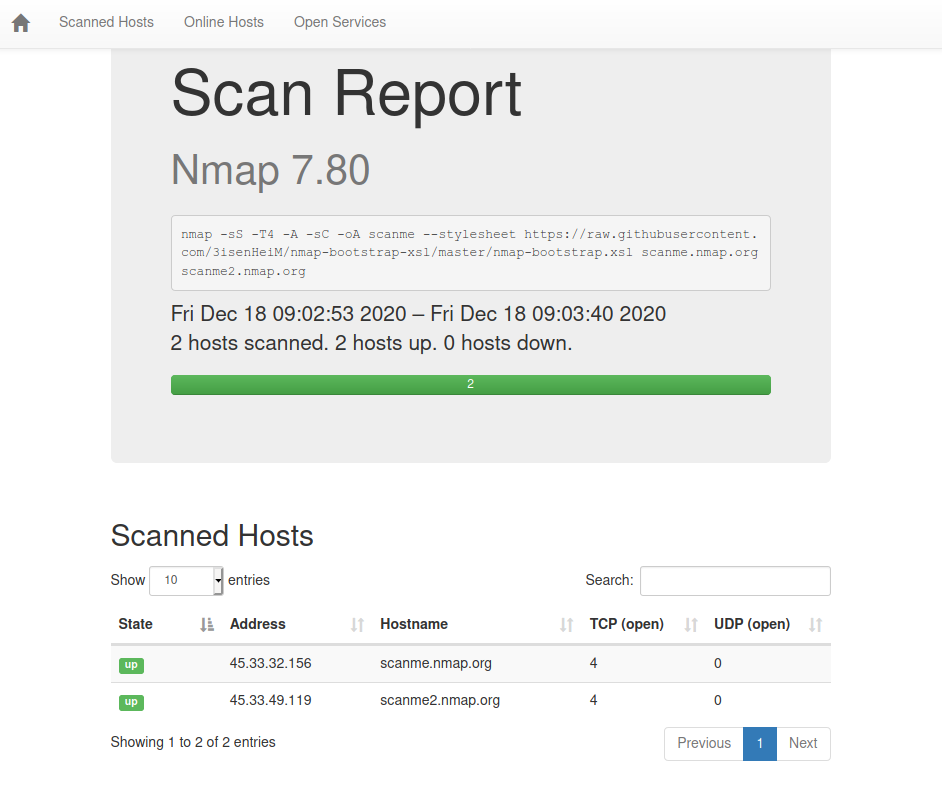
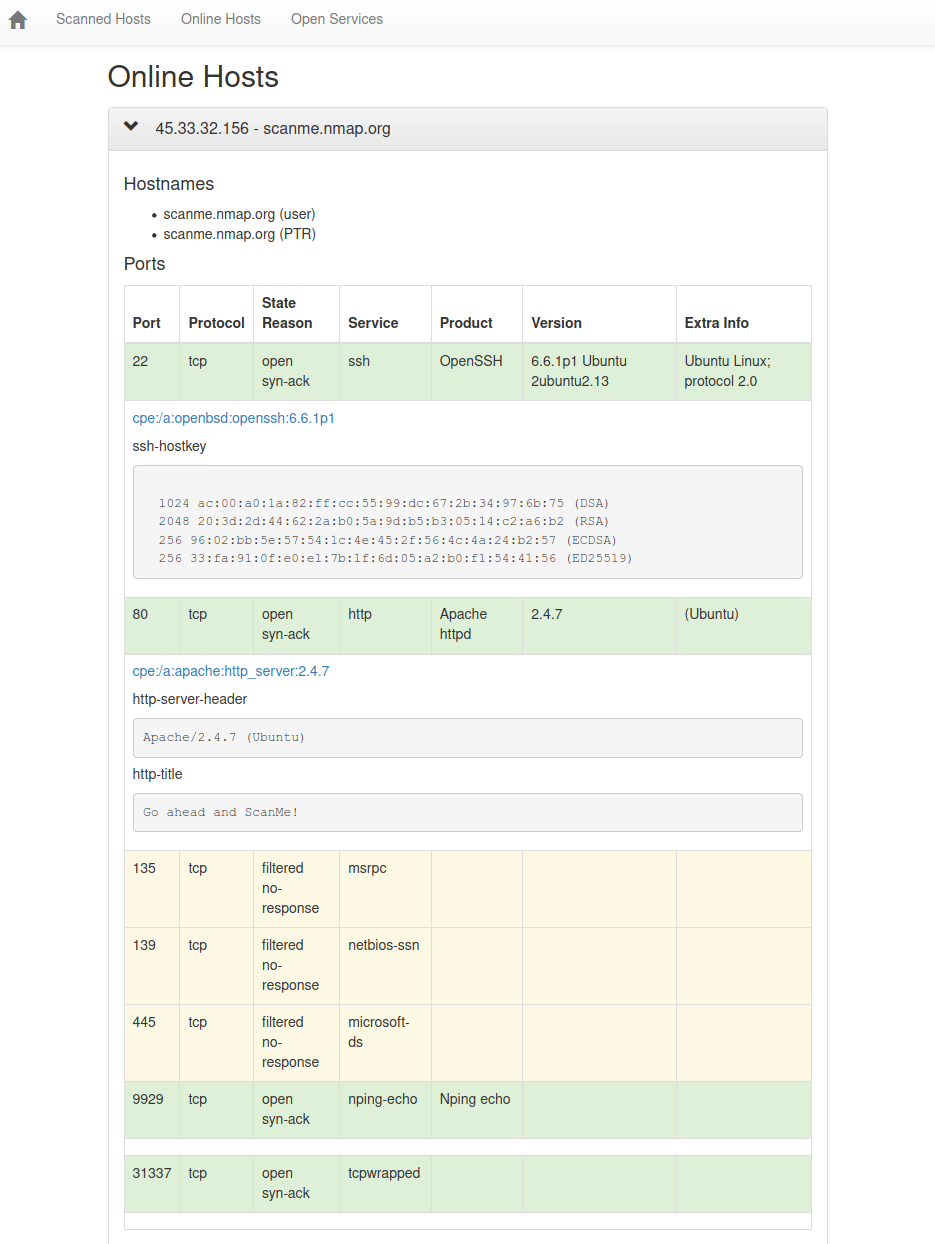
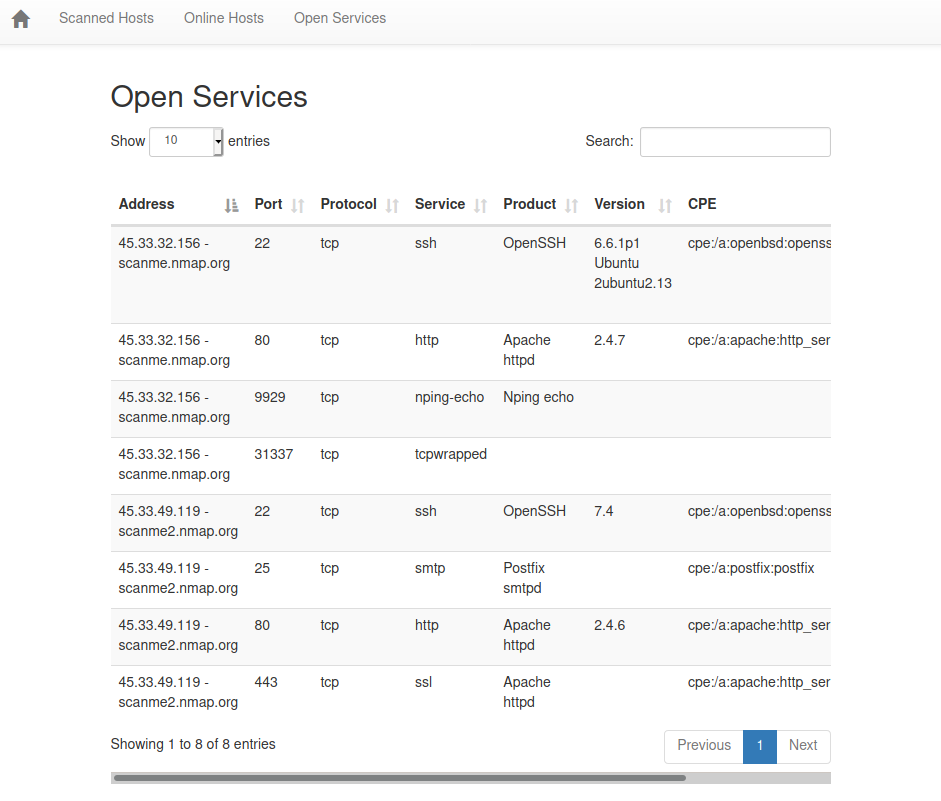
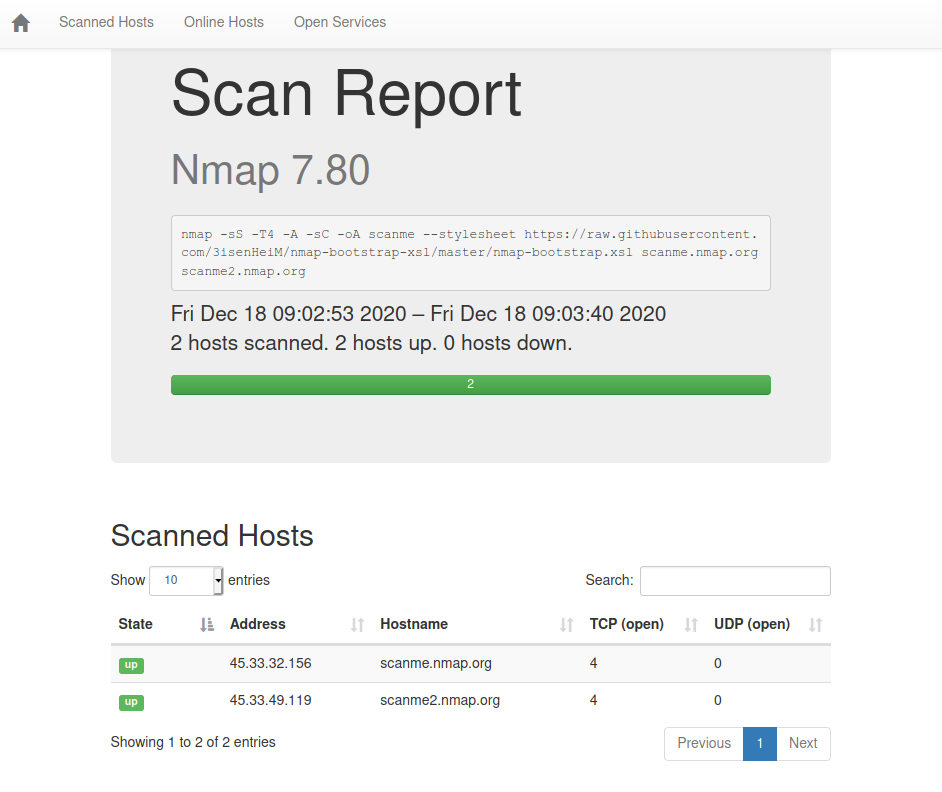
提供一个漂亮的界面来查看你的Nmap扫描结果。本软件不得被军事或情报机关使用。
将 nmap-bootstrap.xsl 作为样式表添加到你的Nmap扫描中,使用 --stylesheet 参数:
nmap -sS -T4 -A -sC -oA scanme --stylesheet https://raw.githubusercontent.com/honze-net/nmap-bootstrap-xsl/master/nmap-bootstrap.xsl scanme.nmap.org scanme2.nmap.org
直接用你的网页浏览器打开 scanme.xml 文件,它会被正确格式化。它应该看起来像 scanme.html 示例报告。
如果你已经运行过nmap扫描,并且输出为XML,你可以将格式化模板应用到它上面。
你有两个选项:
因此,你需要使用以下命令将XML转换为HTML:
xsltproc -o scanme.html nmap-bootstrap.xsl scanme.xml
你需要提前下载 nmap-bootstrap.xsl 样式表。
插入
<?xml-stylesheet href="https://raw.githubusercontent.com/honze-net/nmap-bootstrap-xsl/master/nmap-bootstrap.xsl" type="text/xsl"?>
在XML文件中的 <!DOCTYPE nmaprun> 之后。