



从
URL/User/Org列表中枚举 Git 仓库 URL。对流水线友好
当 GitHub 等仓库包含在漏洞赏金范围内时,此工具可用。有时指定的不是特定仓库,而是组织名称或用户名,您可以使用此工具从组织/用户包含的所有公共仓库中提取 URL。
它可用于多种操作,例如针对多个仓库进行扫描或克隆。
🚧 注意
对于 GitHub API 中未经身份验证的请求,速率限制允许每小时最多 60 次请求。未经身份验证的请求与发起请求的源 IP 地址关联,而非用户本身。 https://docs.github.com/en/rest/overview/resources-in-the-rest-api
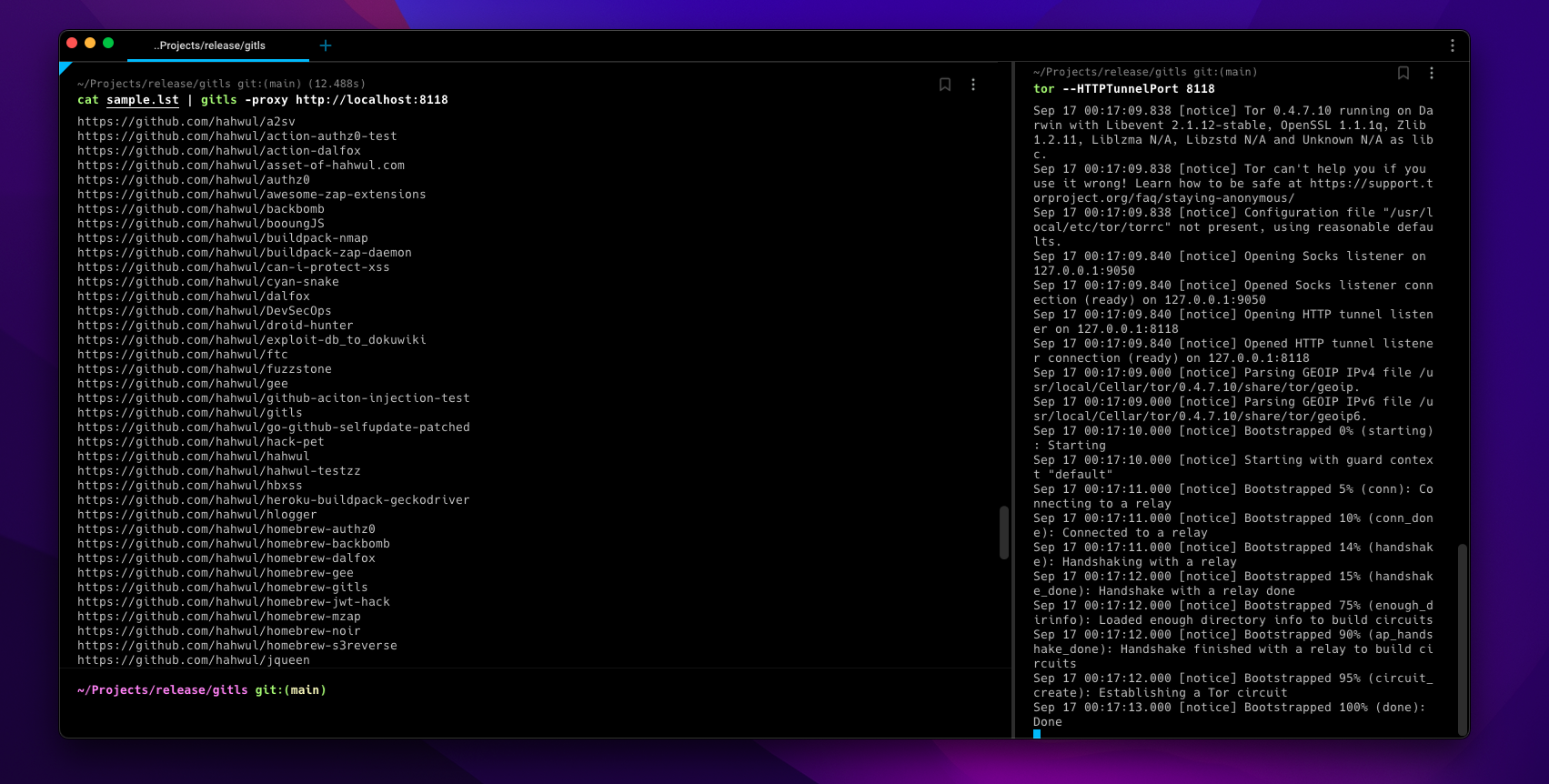
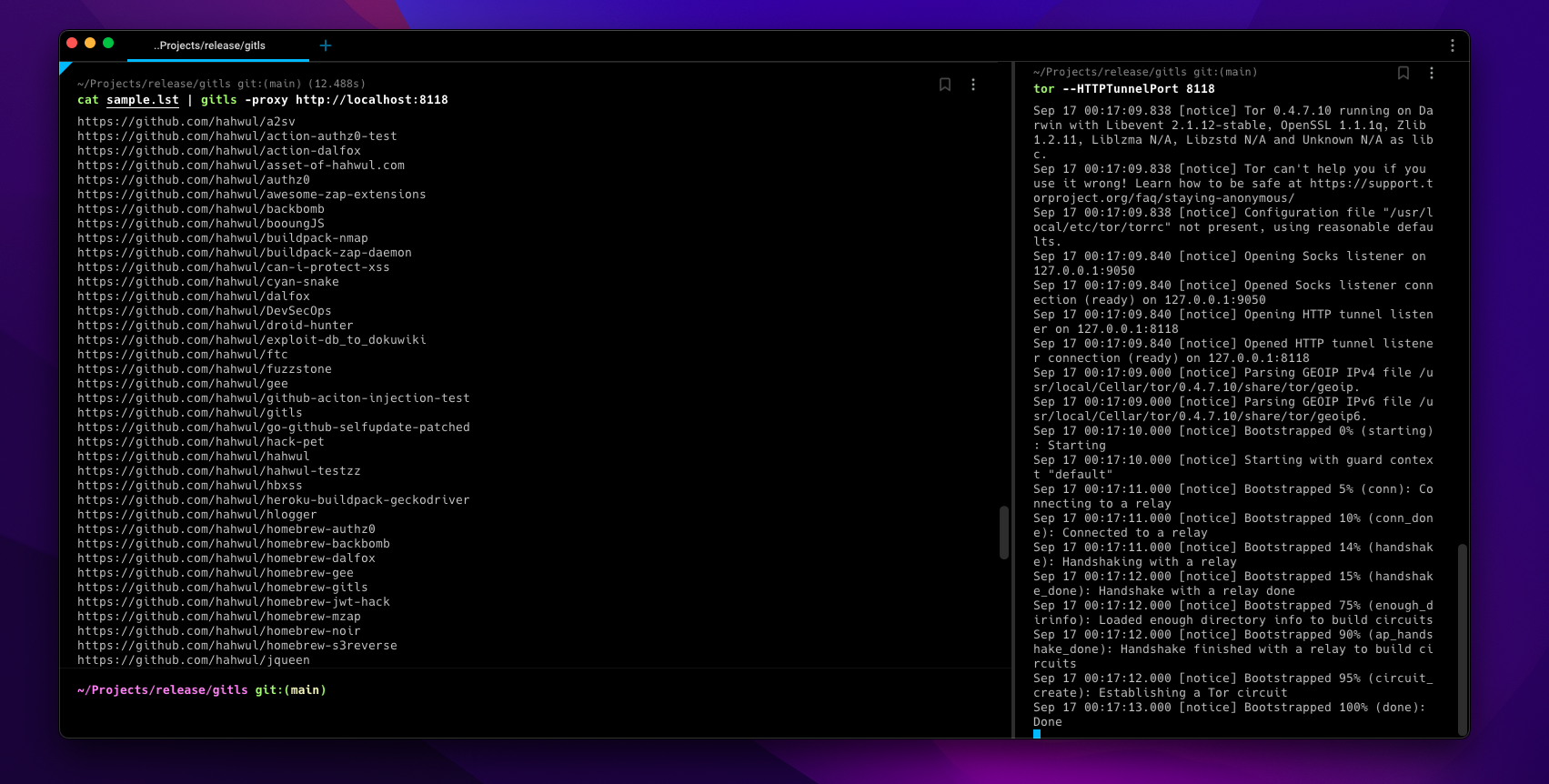
因此,过多的任务可能会在一段时间内被 GitHub API 阻止。在这种情况下,您可以使用 torsocks(例如torsocks gitls -l user.list)或-tor或-proxy http://localhost:<TOR-PORT>选项来选择合适的目标或访问并使用任何 IP。
▶ go install -v github.com/hahwul/gitls@latest
▶ brew tap hahwul/gitls
▶ brew install gitls
▶ sudo snap install gitls
gitls 用法:
  -include-users
    	包含组织用户(成员)的仓库
  -l string
    	目标列表(例如 -l sample.lst)
  -o string
    	写入输出文件(可选)
  -proxy string
    	使用自定义代理
  -tor
    	使用 Tor 代理 / localhost:9050
  -version
    	显示 gitls 版本
sample.lst
https://github.com/hahwul
https://github.com/tomnomnom/gron
https://github.com/tomnomnom/httprobe
https://github.com/s0md3v
从示例文件生成仓库 URL 列表
▶ gitls -l sample.lst
https://github.com/hahwul/a2sv
https://github.com/hahwul/action-dalfox
https://github.com/hahwul/asset-of-hahwul.com
https://github.com/hahwul/awesome-zap-extensions
https://github.com/hahwul/backbomb
https://github.com/hahwul/booungJS
https://github.com/hahwul/buildpack-nmap
https://github.com/hahwul/buildpack-zap-daemon
https://github.com/hahwul/can-i-protect-xss
https://github.com/hahwul/cyan-snake
https://github.com/hahwul/dalfox
https://github.com/hahwul/DevSecOps
https://github.com/hahwul/droid-hunter
https://github.com/hahwul/exploit-db_to_dokuwiki
https://github.com/hahwul/ftc
https://github.com/hahwul/gitls
https://github.com/hahwul/go-github-selfupdate-patched
https://github.com/hahwul/hack-pet
...省略...
https://github.com/hahwul/zap-cloud-scan
https://github.com/tomnomnom/gron
https://github.com/tomnomnom/httprobe
https://github.com/s0md3v/Arjun
https://github.com/s0md3v/AwesomeXSS
https://github.com/s0md3v/Blazy
https://github.com/s0md3v/Bolt
...省略...
https://github.com/s0md3v/velocity
https://github.com/s0md3v/XSStrike
https://github.com/s0md3v/Zen
https://github.com/s0md3v/zetanize
▶ echo https://github.com/paypal | ./gitls -include-users
....
https://github.com/paypal/tech-talks
https://github.com/paypal/TLS-update
https://github.com/paypal/yurita
https://github.com/ahunnargikar
https://github.com/ahunnargikar/docker-chronos-image
https://github.com/ahunnargikar/docker-tomcat7
https://github.com/ahunnargikar/DockerConDemo
https://github.com/ahunnargikar/elasticsearch-registry-backend
https://github.com/ahunnargikar/elasticsearchindex
https://github.com/ahunnargikar/jenkins-dind
https://github.com/ahunnargikar/jenkins-standalone
https://github.com/ahunnargikar/vagrant-mesos
https://github.com/ahunnargikar/vagrant_docker_registry
https://github.com/anandpalanisamy
https://github.com/anilgursel
https://github.com/anilgursel/squbs-sample
https://github.com/bluepnume
▶ gitls -l sample.lst | xargs -I % gitleaks --repo-url=% -v
▶ echo "https://github.com/paypal" | gitls | xargs -I % git clone %